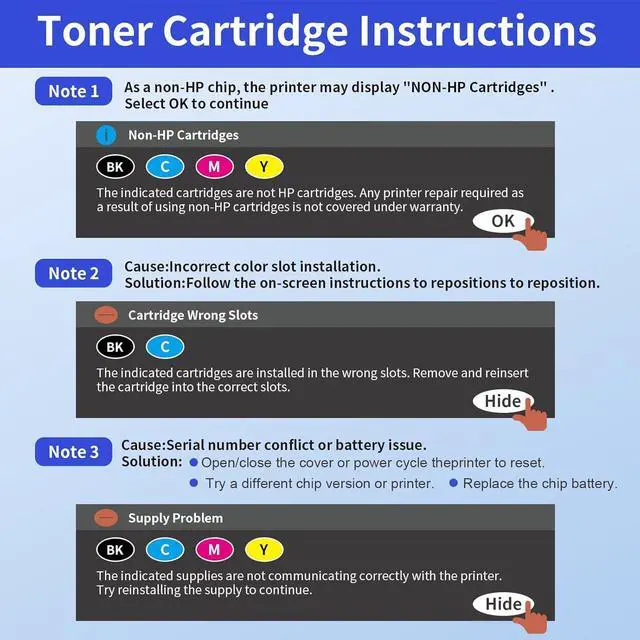
The printer displays "Cartridge in Wrong Slots" error. How should I proceed?
Please follow the on-screen instructions: Reinsert the cartridge into the correct slot until you hear a "click" sound, then close the cover properly.
My printer says "non-genuine cartridge." What should I do?
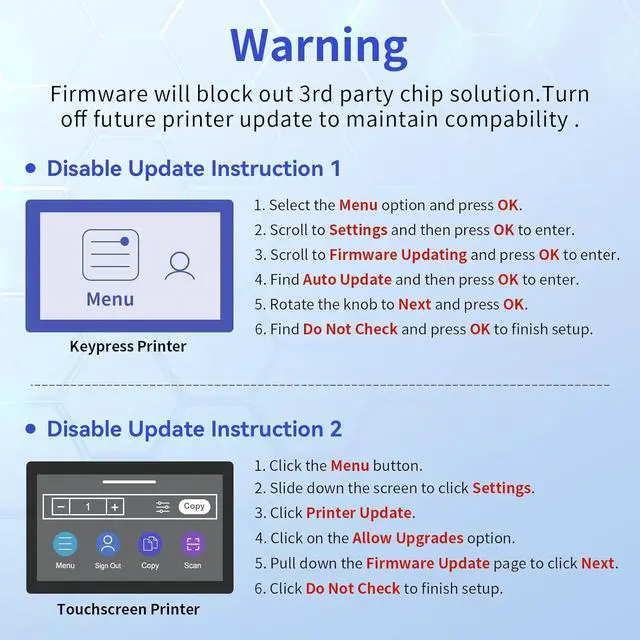
This is a standard manufacturer reminderjust click "Continue" (functionality remains unaffected). Our chips are pre-updated to bypass firmware locks. Includes a step-by-step setup guide, and our 24/7 support team can assist via video call if needed.
The printer displays "Supply Problem". How to fix it?
To resolve the issue, open and close the printer cover or power cycle the device to reset it; if the problem persists, try a different chip version or test with another printer, or as a last resort, replace the chip battery.
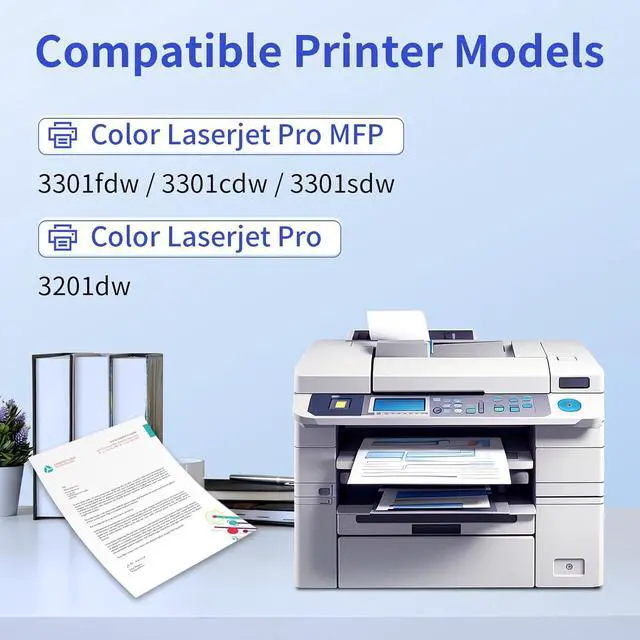
Are the HP 218X toner cartridges compatible with the HP Color LaserJet Pro MFP 3301fdw, and how is the print quality?
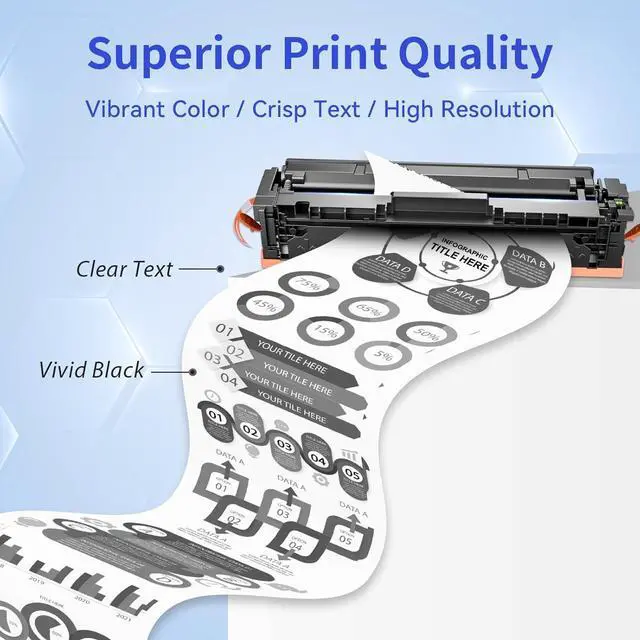
Yes, the HP 218X toner cartridges are fully compatible with the HP Color LaserJet Pro MFP 3301fdw. They deliver excellent print quality, producing vibrant colors and sharp text consistently.
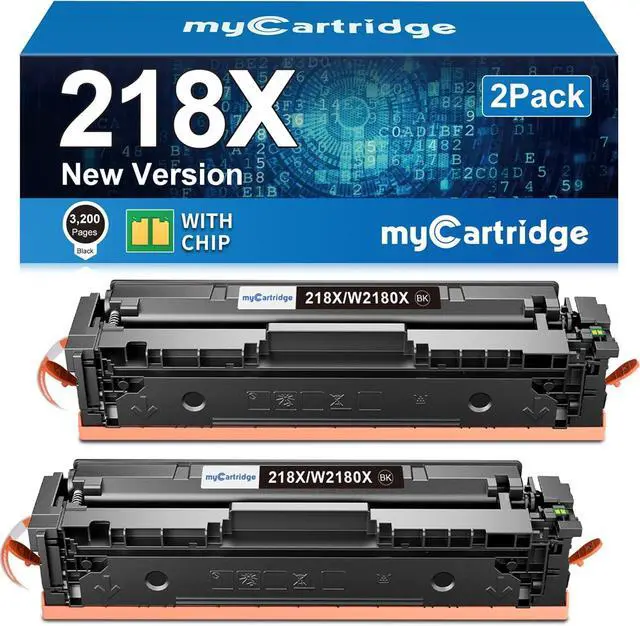
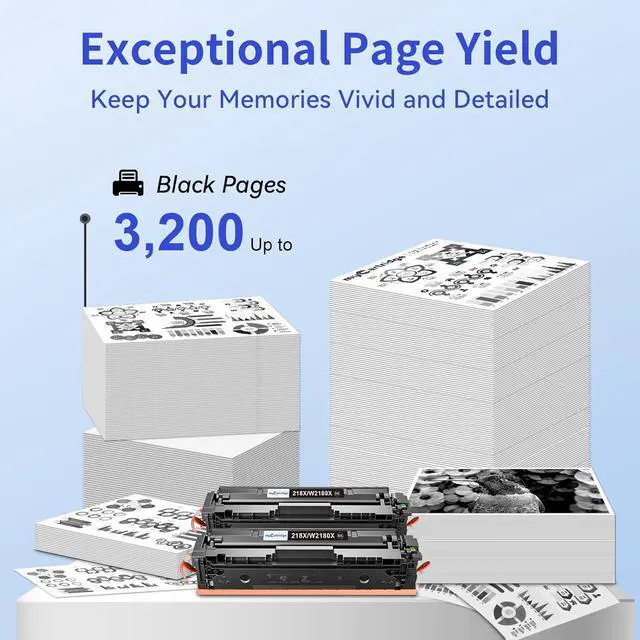
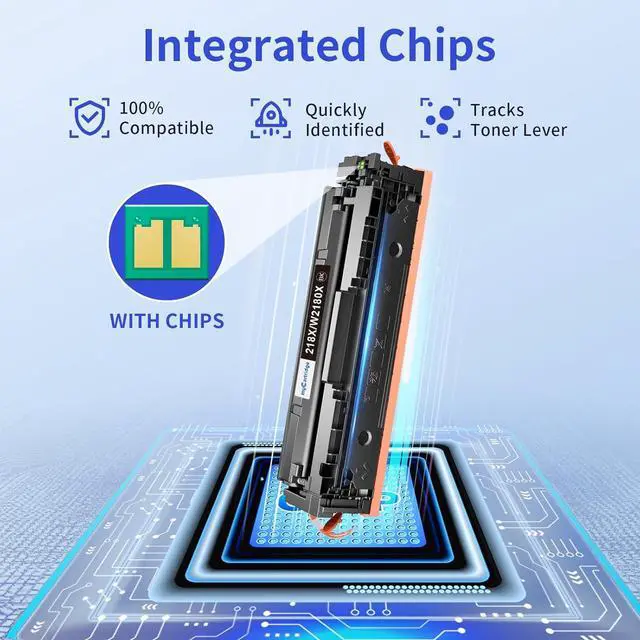
Excellence in Every Print: HP 218X Toner Cartridge Does this toner cartridge come with a smart chip? Will it display accurate ink levels?
The printer displays "Cartridge in Wrong Slots" error. How should I proceed?
My printer says "non-genuine cartridge." What should I do?
The printer displays "Supply Problem". How to fix it?
Are the HP 218X toner cartridges compatible with the HP Color LaserJet Pro MFP 3301fdw, and how is the print quality?