

Your Browsing History
- Free 30-day Returns
$68.99

Meet Your Seller


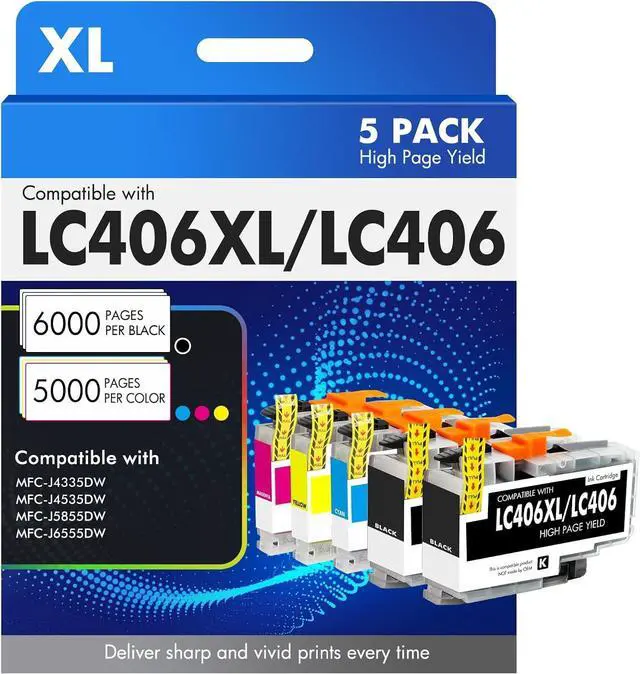


Cool Toner LC406XL LC406 Ink Cartridges for Brother Printer MFC-J4335DW MFC-J5855DW LC 406 XL for MFC-J6555DW MFC-J4535DW MFC-J6955DW MFC-J4345DW MFC-J5955DW HL-JF1 5 Pack-2Black Cyan Magenta Yellow
- Product Model: LC 406 LC406XL Ink Cartridges for Brother Printer 5 Pack Black Cyan Magenta Yellow
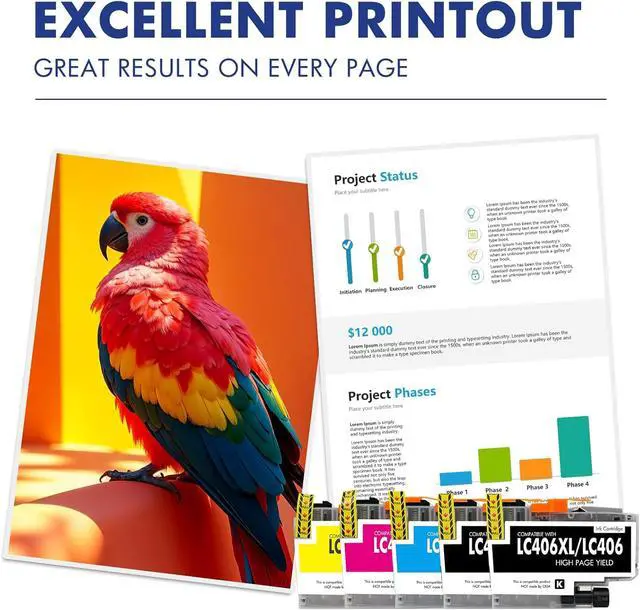
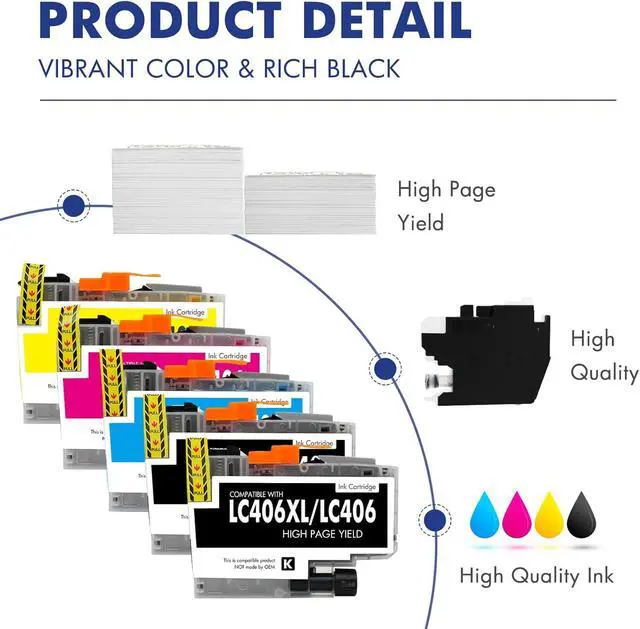
- Package Content: 5 Pack LC406XL ink cartridges,2 x Black LC406XL BK,1 x Cyan LC406XL C,1 x Magenta LC406XL M,1 x Yellow LC406XL Y,1 x User Guide
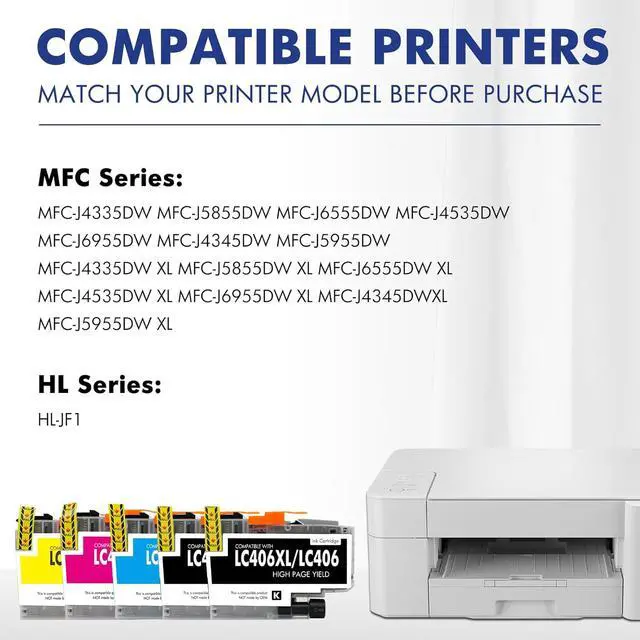
- Compatible Printers: MFC-J4335DW MFC-J5855DW MFC-J6555DW MFC-J4535DW MFC-J6955DW MFC-J4345DW MFC-J5955DW HL-JF1 Printer
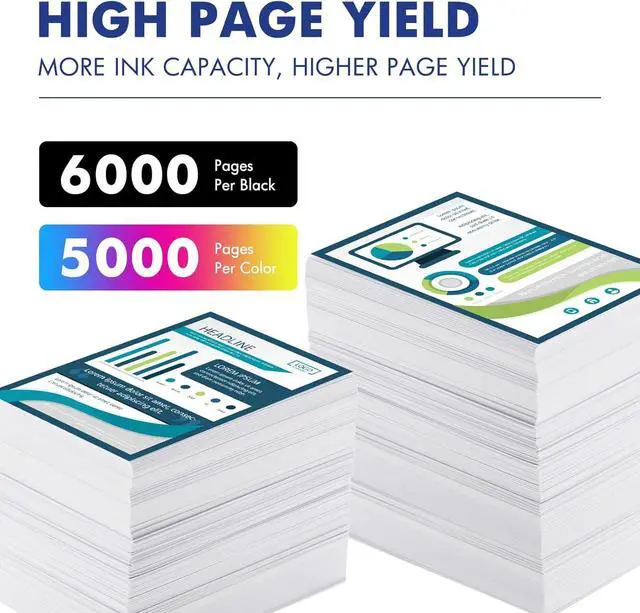
- High Page Yield: High yields up to 6000 pages per LC406XL Black Ink Cartridge and 5000 pages per LC406XL Color Ink Cartridge (5% coveragae A4 paper size)
- Please Note: This is an NON-OEM Product for Brother LC406XL LC406 Ink Cartridges
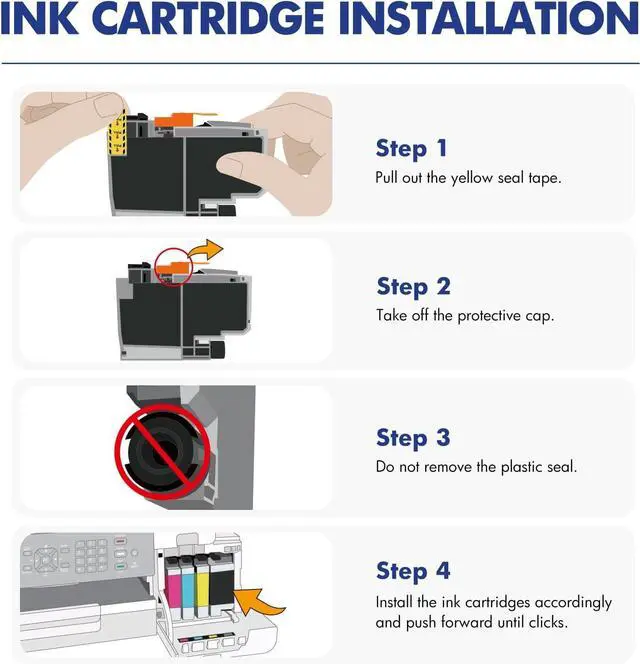
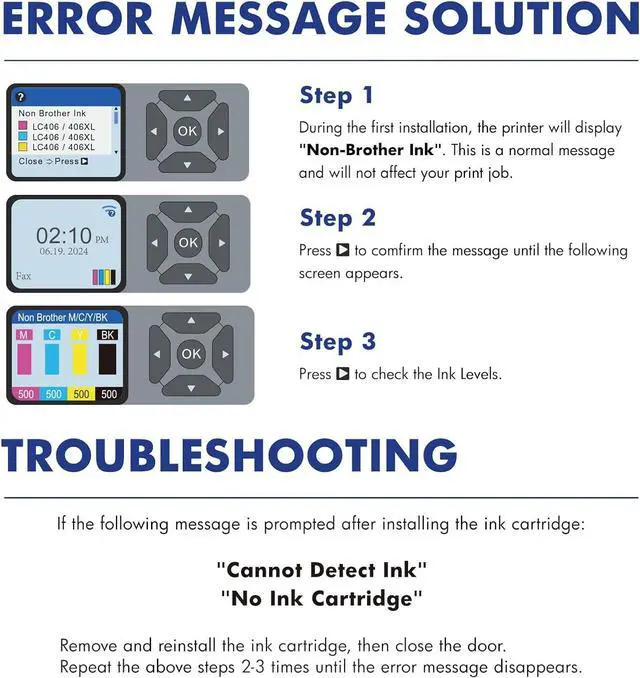
- Installation Tips: [1].Don't remove or touch the CHIP.[2]. When the printer prompts "non-original", please click OK or Next to continue. [3].When the printer appears "low ink", "empty", "replace ink cartridge" and other prompts, please remove the ink cartridge and reinstall it several times
+
+
Overview
Specs
Reviews

Any questions? Our AI mode will help you find out quickly.
Try me now
Product Model: LC 406 LC406XL Ink Cartridges for Brother Printer 5 Pack Black Cyan Magenta Yellow
Package Content: 5 Pack LC406XL ink cartridges,2 x Black LC406XL BK,1 x Cyan LC406XL C,1 x Magenta LC406XL M,1 x Yellow LC406XL Y,1 x User Guide
Compatible Printers: MFC-J4335DW MFC-J5855DW MFC-J6555DW MFC-J4535DW MFC-J6955DW MFC-J4345DW MFC-J5955DW HL-JF1 Printer
High Page Yield: High yields up to 6000 pages per LC406XL Black Ink Cartridge and 5000 pages per LC406XL Color Ink Cartridge (5% coveragae A4 paper size)
Please Note: This is an NON-OEM Product for Brother LC406XL LC406 Ink Cartridges
Installation Tips: [1].Don't remove or touch the CHIP.[2]. When the printer prompts "non-original", please click OK or Next to continue. [3].When the printer appears "low ink", "empty", "replace ink cartridge" and other prompts, please remove the ink cartridge and reinstall it several times
Package Content: 5 Pack LC406XL ink cartridges,2 x Black LC406XL BK,1 x Cyan LC406XL C,1 x Magenta LC406XL M,1 x Yellow LC406XL Y,1 x User Guide
Compatible Printers: MFC-J4335DW MFC-J5855DW MFC-J6555DW MFC-J4535DW MFC-J6955DW MFC-J4345DW MFC-J5955DW HL-JF1 Printer
High Page Yield: High yields up to 6000 pages per LC406XL Black Ink Cartridge and 5000 pages per LC406XL Color Ink Cartridge (5% coveragae A4 paper size)
Please Note: This is an NON-OEM Product for Brother LC406XL LC406 Ink Cartridges
Installation Tips: [1].Don't remove or touch the CHIP.[2]. When the printer prompts "non-original", please click OK or Next to continue. [3].When the printer appears "low ink", "empty", "replace ink cartridge" and other prompts, please remove the ink cartridge and reinstall it several times
Warranty & Returns
Warranty, Returns, And Additional Information
Warranty
- Please contact the Seller directly for warranty information. Warranty information may also be found on the Manufacturer's website.
- CONTACT
Return Policies
- Return for refund within: 30 days
- Return for replacement within: 30 days
- This item is covered by Chinathru Trading Co., Limited Return Policy
Manufacturer Contact Info
- For a directory of all our manufacturers, please click below.
- Manufacturers Directory
LOADING...