• $50.46
  • Free 30-day Returns
  • Price alert
    Sold by connect7

    Shipped by connect7

    Shop it at NeweggBusiness.

    Meet Your Seller

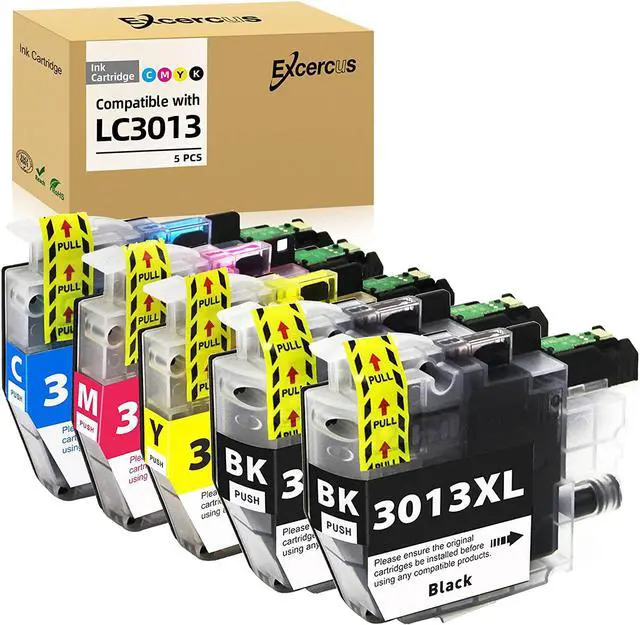
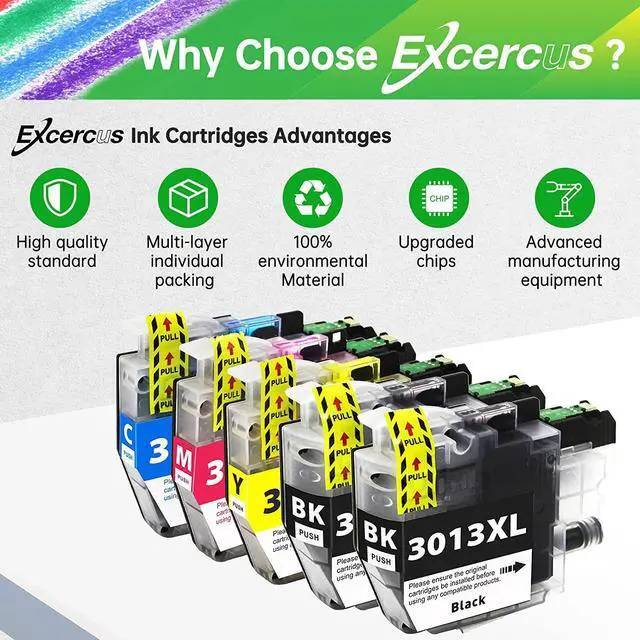
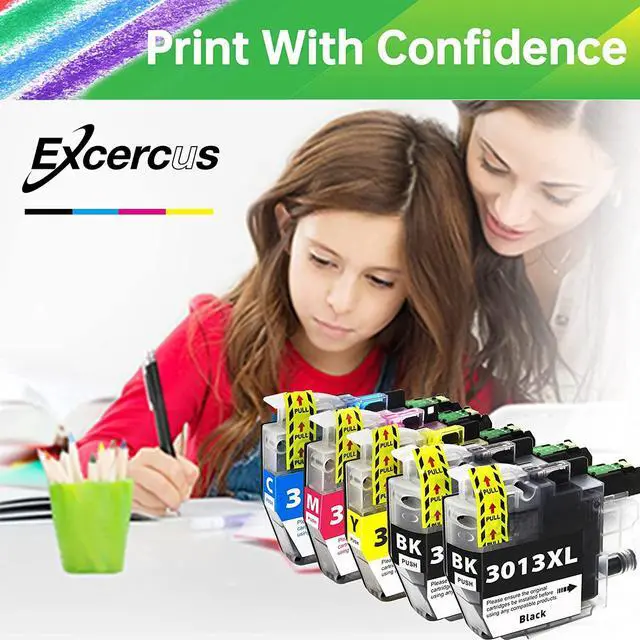
    EXCERCUS LC3013 Ink Cartridges Replacement for Brother LC 3013 LC3013 LC-3013 Ink Cartridge Compatible with Brother MFC-J491DW MFC-J497DW MFC-J690DW MFC-J895DW Printer (2BK 1C 1M 1 Y, 5-Pack)

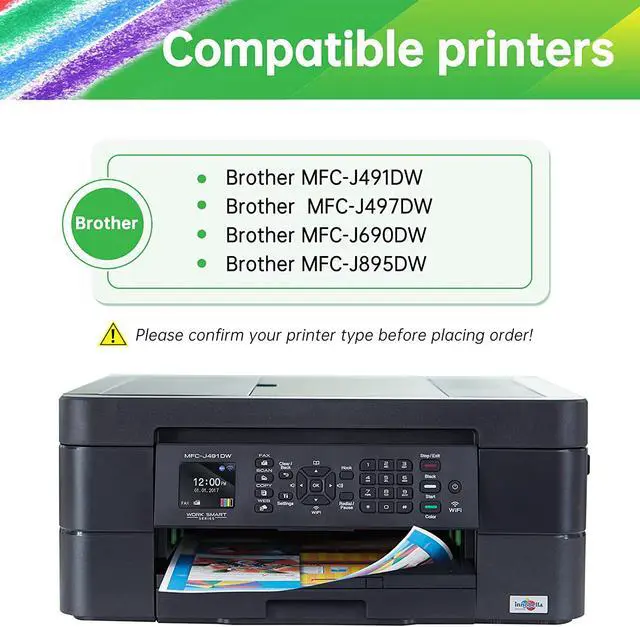
    • Compatible PrinterLC3013 LC3011 ink cartridges bk/c/m/y 100% compatible with Brother MFC-J491DW/MFC-J497DW/MFC-J690DW/MFC-J895DW Inkjet Printers
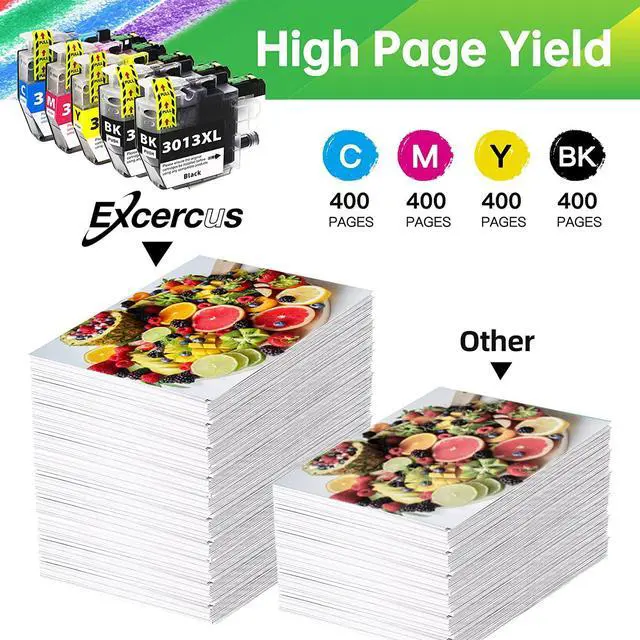
    • High Page YieldUp to 400 pages per brother LC3013BK black ink cartridges and 400 pages per brother LC3013 color ink cartridges (at 5% coverage)
    • Package Contents5-Pack compatible of Brother LC3011 LC3013 with Latest Upgraded Chips, Include 2 x LC3013BK , 1 Cyan LC3013 , 1Magenta LC 3013,1 Yellow LC 3013 ink cartridges.
    • Quality FeatureConstantly printing and high efficiency, Easy to install and durable.EXCERCUS lc3013 Excellent ink cartridges quality will not clog the print head, print clear and bright picture smoothly. Producing daily documents, reports, letters, graphics and photos etc.
    • Quality CertifiedEXCERCUS LC3013 compatible ink cartridges are all under ISO9001, ISO14001 and RoHS Certified. Strict testing before delivery from factory, Reliable Quality.which can be easily recognized by your printer and provide premium perfor
    +
    +
    Overview
    Reviews
    avatar

    Any questions? Our AI beta will help you find out quickly.

    Product Name: EXCERCUS Compatible Ink Cartridge Replacement for Brother LC3013 LC-3013.
    Package Include:
    LC3013 Black Ink Cartridge x 2
    LC3013 Cyan Ink Cartridge x 1
    LC3013 Magenta Ink Cartridge x 1
    LC3013 Yellow Ink Cartridge x 1
    (Total 5 pack of lc3013 ink cartridges bk/c/m/y )

    100% Compatible with Brother Printer:
    MFC-J491DW Printer
    MFC-J497DW Printer
    MFC-J690DW Printer
    MFC-J895DW Printer
    MFC-J487DW Printer

    High Page Yield
    Up to 400 pages per brother LC3013BK black ink cartridges and 400 pages per brother LC3013 color ink cartridges (at 5% coverage)

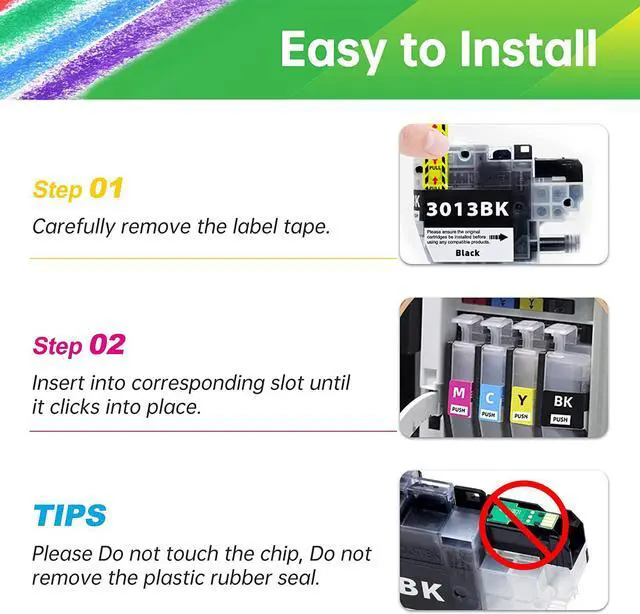
    Use Guidance of lc3013 ink cartridges
    Step-1 Remove the ink cartridge from the individual package. Do not touch the chip.
    Step-2 Peel off the yellow seal tape carefully.
    Step-3 Please do not remove the plastic rubber seal, it will be punctured by the printer automatically once installed.
    Step-4 Insert into the corresponding slot until it clicks into place, making Sure it is completed clicked in. You may need to PUSH a little bit hard.
    Step-5 Click Start or OK.

    Warm Tips:
    1 )-- Please Dont touch the chip and dont tear off the clear plastic seal.
    2 )--Please click "Yes" or "Continue" if you receive a "You have not installed genuine cartridges" message
    3 )--If appear "Replace cartridge", please wipe the chip with the eraser or re-install it several times.
    4 )--To improve the printing quality, it is better to run the print-head cleaning in printer properties before printing with a new cartridge.
    5 )--If you dont use the printer frequently, you can turn it off. But keep in mind to switch on the power every once a week to protect the print head.

    Warranty & Returns

    Warranty, Returns, And Additional Information

    Warranty

    • Please contact the Seller directly for warranty information. Warranty information may also be found on the Manufacturer's website.
    • CONTACT

    Return Policies

    • Return for refund within: 30 days
    • Return for replacement within: 30 days
    • This item is covered by connect7 Return Policy

    Manufacturer Contact Info

    LOADING...