Get a $25 Newegg Promo Gift Card when you spend $250+ between 1/17/26 and 1/19/26. Learn More>
  • $53.69
  • Free 30-day Returns
  • Ships from Hong Kong.
    Price alert
    Shop it at NeweggBusiness.

    Meet Your Seller

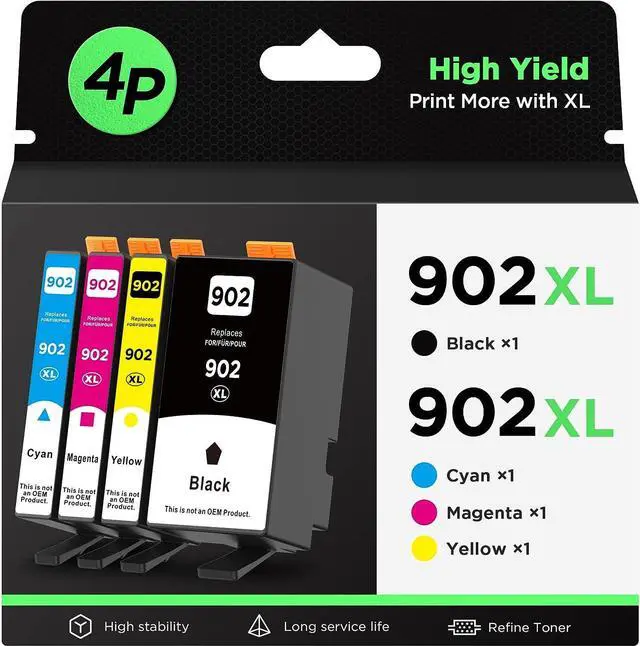
    Compatible 902XL (4-Pack) Ink Cartridge Replacement 902XL 902 High Yield, Work for Officejet Pro 6978 6960 6962 6968 6954 6958 6950 6951 6970 Printers (Black, Cyan, Magenta, Yellow)

    • Product Brand: YOCARE; YOCARE 902XL Ink cartridges are engineered to work with your printer to provide consistent quality, reliability and value.
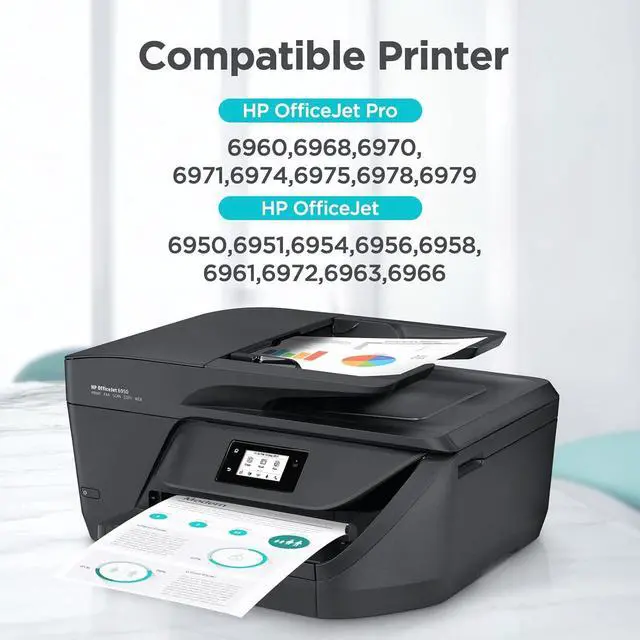
    • Compatible Printers: Compatible with OfficeJet 6978 6968 6954 6962 6960 6970 6971 6974 6975 6976 6979 6950 6951 6956 6958 6961 6963 6964 6966 Printer.
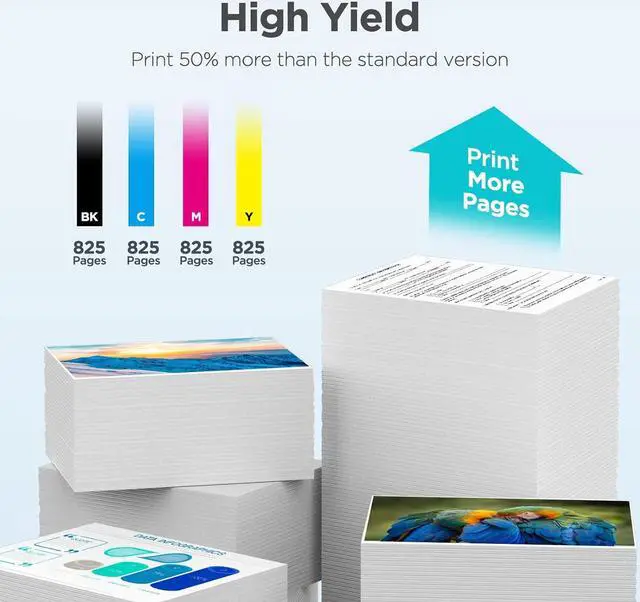
    • Cartridge Yield (approx.): Up to 825 pages per 902 XL black, 825 pages per 902 XL color cartridges at 5% coverage.
    • Package Included: 902XL Ink Cartridges Combo Pack (1 x Black 902XL, 1 x Cyan 902XL, 1 x Magenta 902XL, 1 x Yellow 902XL, Total 4 Pack)
    • Warm Tips: Please don't update your printer firmware and few incompatibility issues might be caused by improper installation, before placing an order, please make sure our ink 902 fits your printer model, and confirm your installation steps are correct as the "How to Install?" picture shows on the left.
    +
    +
    Overview
    Specs
    Reviews
    avatar

    Any questions? Our AI beta will help you find out quickly.


    1 x User Guide
    1 x Black Ink Cartridges HP902XL
    1 x Cyan Ink Cartridges HP902XL
    1 x Yellow Ink Cartridges HP902XL
    1 x Magenta Ink Cartridges HP902XL

    825 pages per HP902XL black cartridge
    825 pages per HP902XL color cartridge
    HP OfficeJet Pro 6978, HP OfficeJet Pro 6968
    HP OfficeJet Pro 6970, HP OfficeJet Pro 6975
    HP OfficeJet Pro 6960, HP OfficeJet Pro 6974
    HP OfficeJet Pro 6971, HP OfficeJet Pro 6976
    HP OfficeJet Pro 6979
    HP OfficeJet 6962, HP OfficeJet 6958
    HP OfficeJet 6954, HP OfficeJet6950
    HP OfficeJet 6951, HP OfficeJet 6956
    HP OfficeJet 6963/6961/6964/6966
    Hold the cartridge upside down for 1-2 minutes
    Remove orange protective cap carefully
    Install the cartridge into the corresponding slot
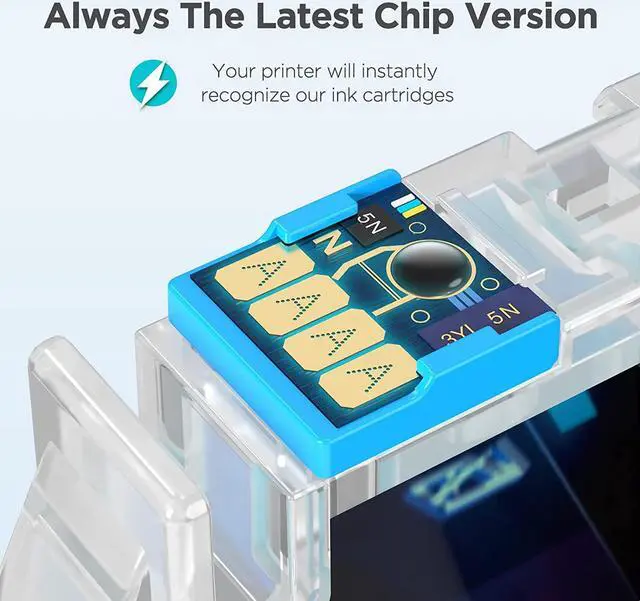
    Do not touch the chip or the ink port
    Compatible Printer Step1: Step2: Step3: ATTENTION:

    Warranty & Returns

    Warranty, Returns, And Additional Information

    Warranty

    • Please contact the Seller directly for warranty information. Warranty information may also be found on the Manufacturer's website.
    • CONTACT

    Return Policies

    Manufacturer Contact Info

    LOADING...