Previous page
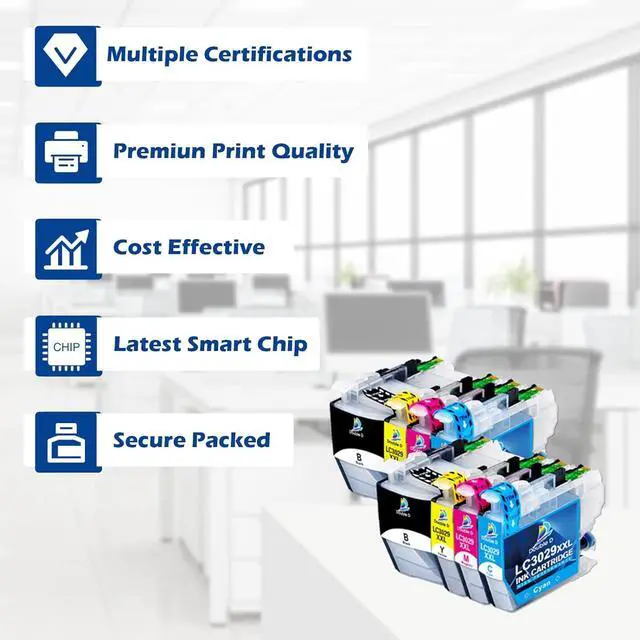
Each ink cartridge was packed in individual plastic bag. Multi-layer protective packaging to prevent the cartridge from being damaged during transporttion, convenient and easy to install on demand.
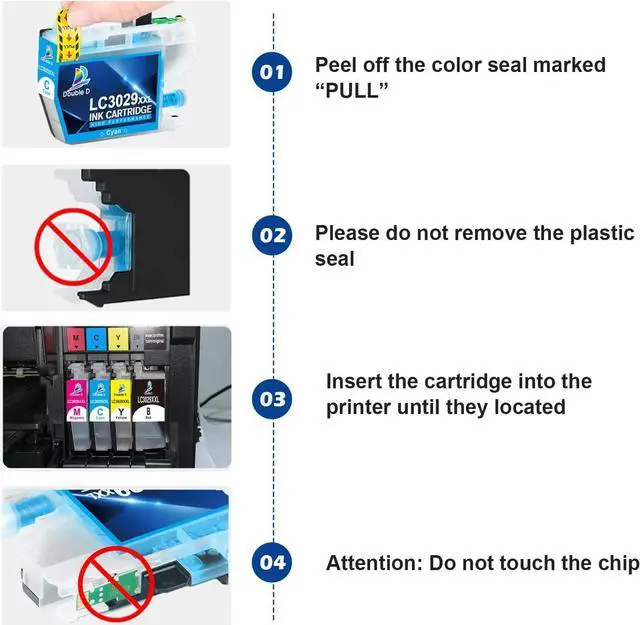
Next pageNext page1High Page Yiled2Newest Chip3Excellent Performance Peal off the seal marked "PULL"
Insert the cartridge into the printer until they located
Do not remove the plastic rubber seal
Do not touch the chip
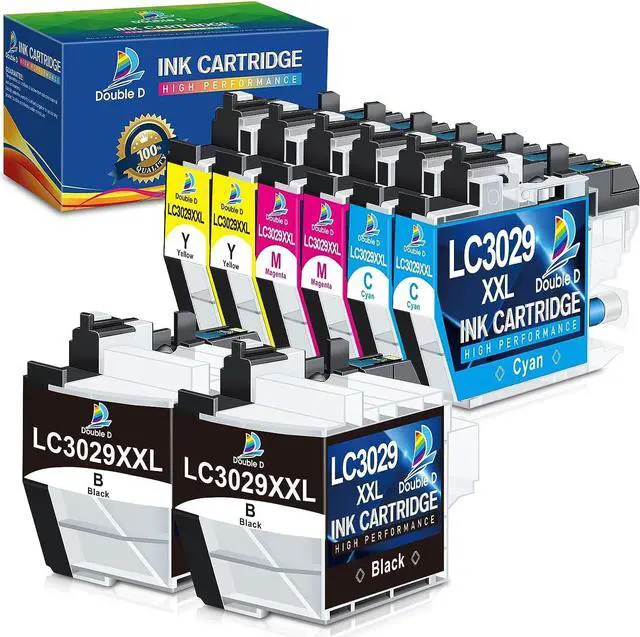
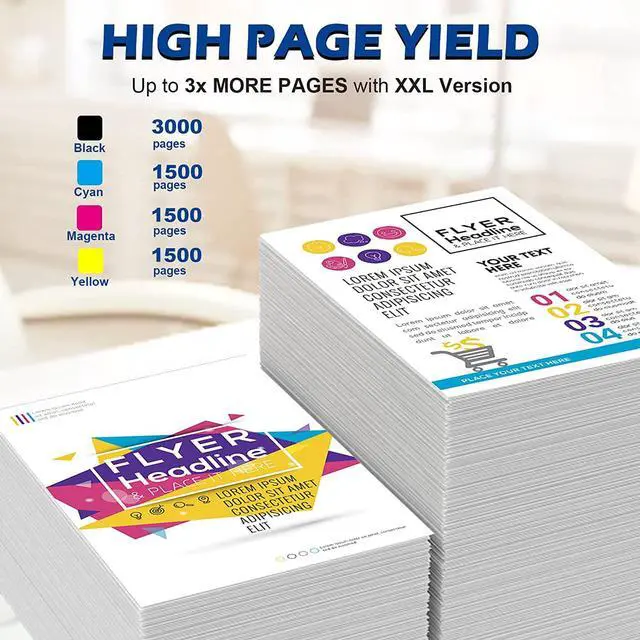
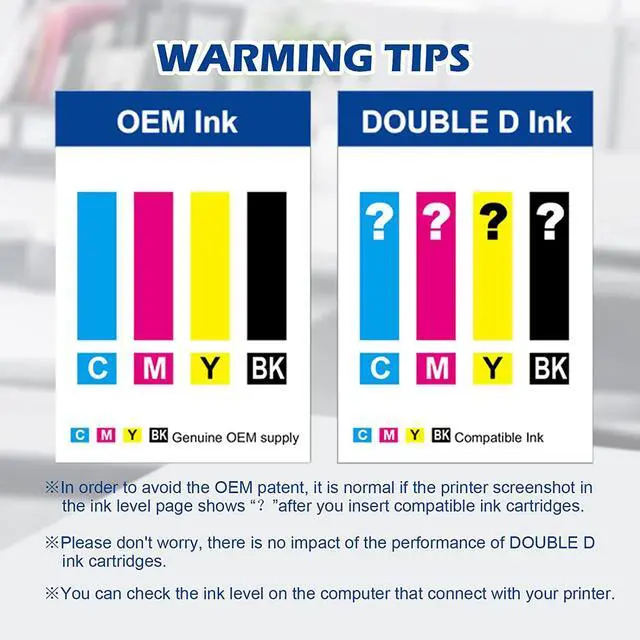
2BK, 2C, 2M, 2Y LC3029XXL 2BK, 1C, 1M, 1Y LC3029XXL 4BK LC30133BK, 2C, 2M, 2Y LC3013 Page Yield (at 5% coverage) Black: 3,000 Color: 1,500 Black: 3,000 Color: 1,500 Black: 440Black: 440 Color: 440 Based Ink Dye Dye Dye DyeUpgraded Chip Premiun Print Quality There are 4 marks showed on the ink volume page. What should I do?
It is normal if the printer screenshot in the ink level page shows . Please disregard and keep printing, it will not effect the function of printer, you can check the ink level on the computer that connect with your printer.
What should I do if the printer displays a "non-brother ink"?
Because all compatible LC3029 XXL ink cartridges are not Brother OEM ink cartridges, please ignore it.
The sudden drop in print quality or ink clogging.
Please clean the nozzle of the printer 1~2 times, the printing will be restored to normal.
The printer displays "Cannot Detect".
Reinstall the cartridge after cleaning the contact points of the cartridge with a non-abrasive paper towel dipped in alcohol or a clean eraser. This operation can be repeated 2~3 times.
Next page of related Sponsored Products Designed for Vibrant Color Replacement for Brother Replacement for HP Replacement for Canon STEP 1: STEP 2: TIPS: TIPS: DOUBLE D LC3029 XXL / LC3013 ink cartridges Feedback Website (Online) Store (Offline)





 here!
here!