• $64.64
  • Free 30-day Returns
  • Ships from Hong Kong.
    Price alert
    Sold by pigpig tech
    Hot Seller
    4.2 (18 seller ratings)

    Shipped by pigpig tech

    Shop it at NeweggBusiness.

    Meet Your Seller

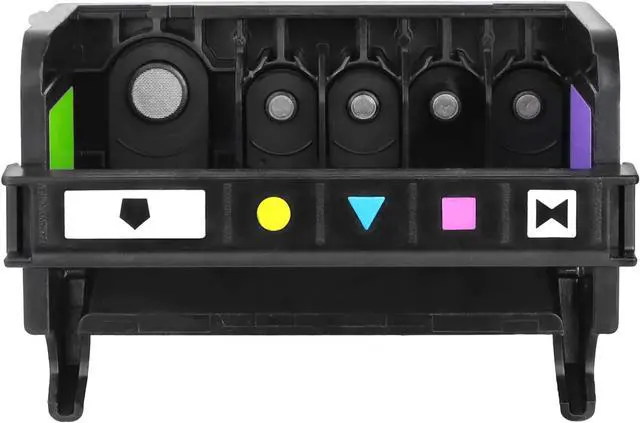
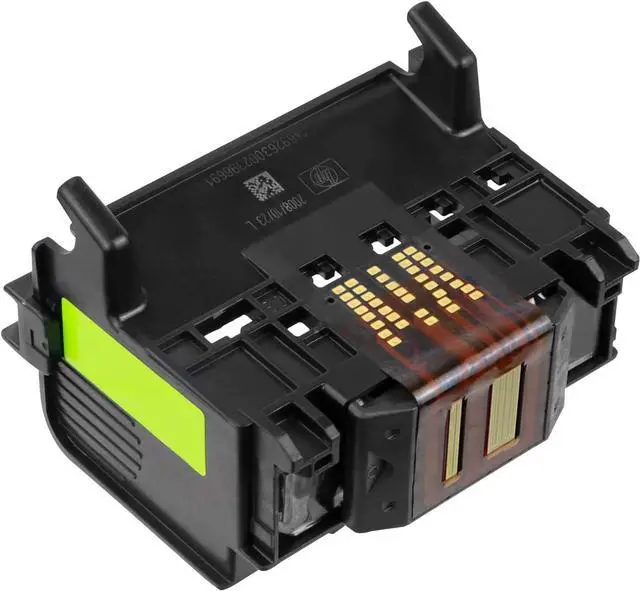
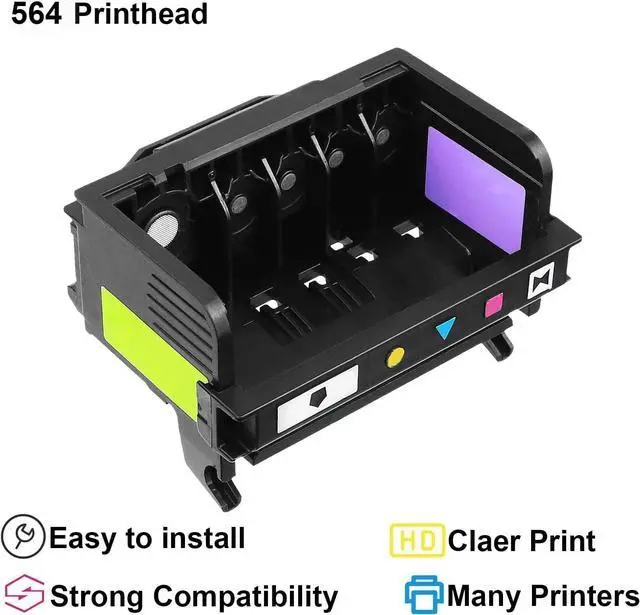
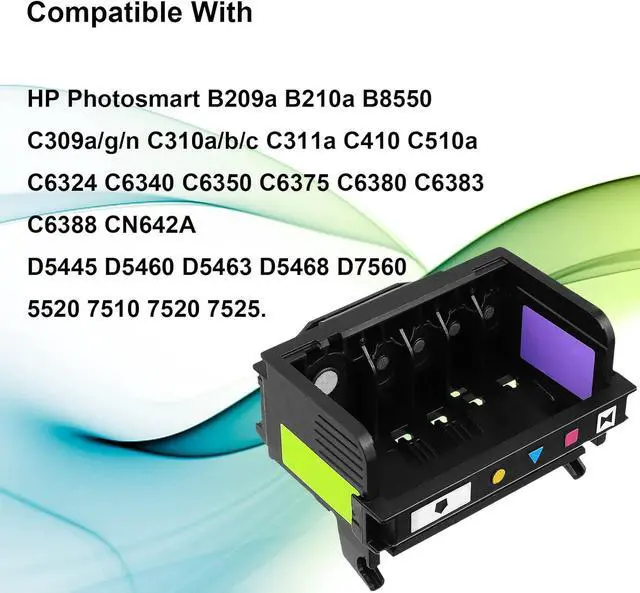
    564 Printhead 5-Slot Replacement 564 564XL 5-Slot CN642A CB326-30002 Photosmart 7520 7510 7525 7515 C6340 D7560 C6350 Printer Printhead(1 Pack)

    • 564 Printhead Compatible WithHP Photosmart Printers 7510 7520 7525 7515/eStation C510a 7515 C6340 D5445 Plus-7520 C6350 D5460 7525- C6380 -C311a D7560 printers.Premium Fax C309a/Touchsmart Web C309g C310a C410b/Premium Fax C410a.TIPS: Please confirm your Printer Model before placing order.
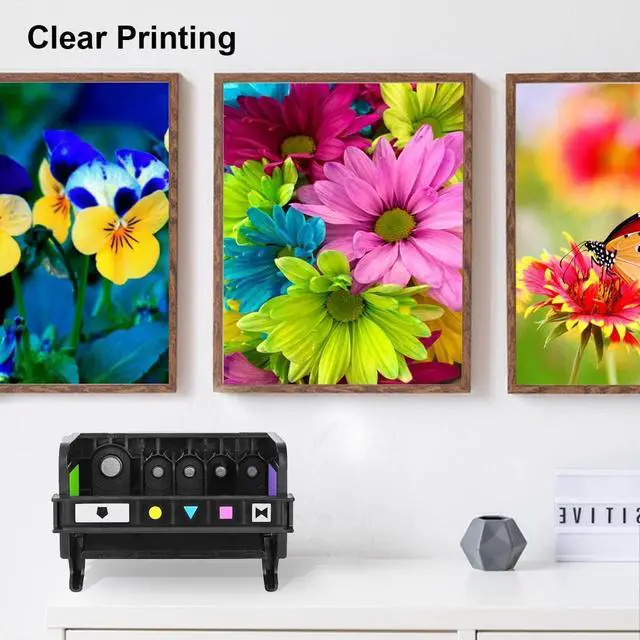
    • Package1 Pack 564 Printhead in the PVC plastic box(5-Slot: Black, Photo Black, Cyan, Magenta, Yellow) CB326-30002 CN642A Work with HP 564XL 564 Ink Cartridges.NOT INCLUDE 564 ink cartridges
    • Easy to Use: Easy installation and replacement,no damage to the original machine.Please make sure that the ink pump of the printer is working normally before installation,and there is no problem with the ink cartridge or continuous supply and ink, otherwise the printhead may be easily damaged or the effect may not reach the expectation.
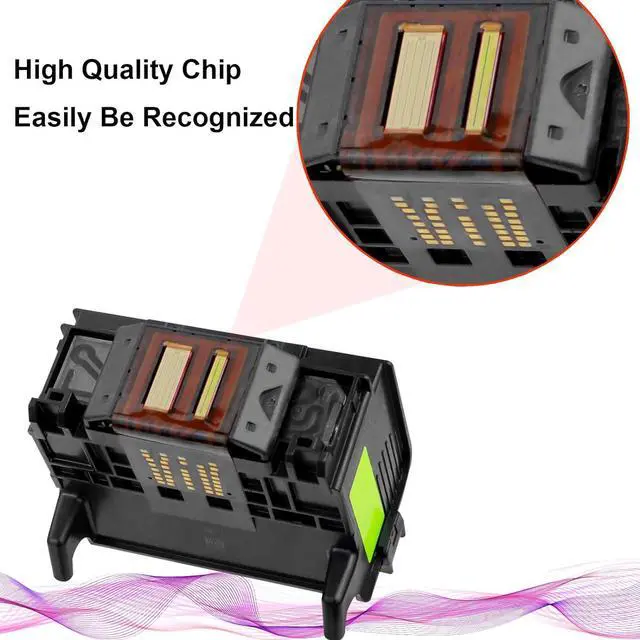
    • Recognized Easily:This print head can be recognized by your printers.Don't use a syringe to push the air,and don't use various cleaning fluids to infuse the nozzle.Th
    +
    +
    Overview
    Specs
    Reviews
    avatar

    Any questions? Our AI beta will help you find out quickly.

    We always choose quality materials and craftsmanship and committed to providing consumers with higher quality printer accessories.
    Previous page
    Hassle-free shopping experience.
    Next page Please make sure your printer works properly before installing a new printhead.
    When you replace the new printhead,please do Printer Head Cleaning 2-3 times every time.
    The printheads must use with suitable ink cartridges, dye ink and pigment ink can not be used mixedly.
    If your printer did not recognize the new printhead,please take off printhead, clean the chips with a eraser softly and the metal touch pot witha tissue paper softly (CAN NOT finger touch), then reinstall the printhead.
    When your printer reports "The following print head has a problem" or any error message, you can just skip the message, and press "OK" or "Continue" and go on printing.

    Next page of related Sponsored Products About Ademon Extreme Creativity We can provide you with: More High Quality Fuser How did we get our start? What makes our products unique? What problem are we solving? Reminder: Warranty & Support Feedback Website (Online) Store (Offline)

    Warranty & Returns

    Warranty, Returns, And Additional Information

    Warranty

    • Please contact the Seller directly for warranty information. Warranty information may also be found on the Manufacturer's website.
    • CONTACT

    Return Policies

    • Return for refund within: 30 days
    • Return for replacement within: non-replaceable
    • This item is covered by pigpig tech Return Policy

    Manufacturer Contact Info

    LOADING...