Previous page
Next page How to turn offautomatic firmware updates for your HP printers?
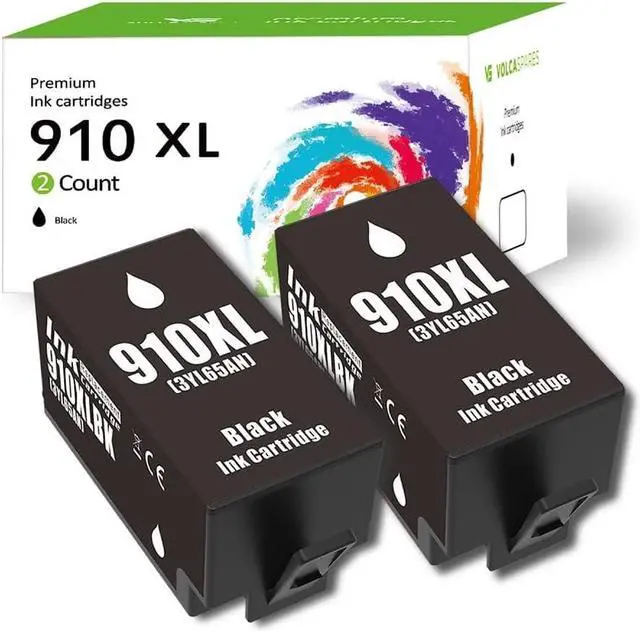
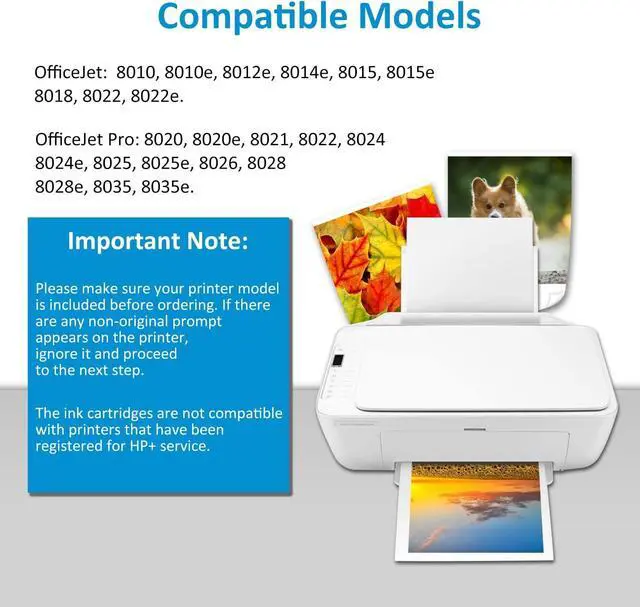
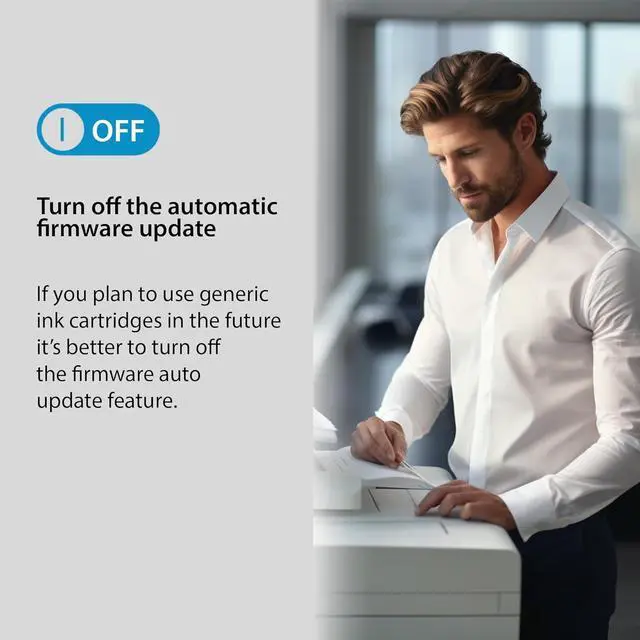
In order for your printer to work properly with compatible or remanufactured ink cartridges, you should turn off automatic firmware updates for your printer.
Step 1: Click "Setup" on the printer control panel.
Step 2: Click "Tools" at the bottom.
Step 3: Scroll down and Click "Update Printer".
Step 4: Click "Printer Update Options"
Step 5: Click "Do not check"
Step 6: When you see the question "Do you want to turn on printer updates?", click "No".
Shop Compatible Ink Cartridges About Us Best Price Quality Standards