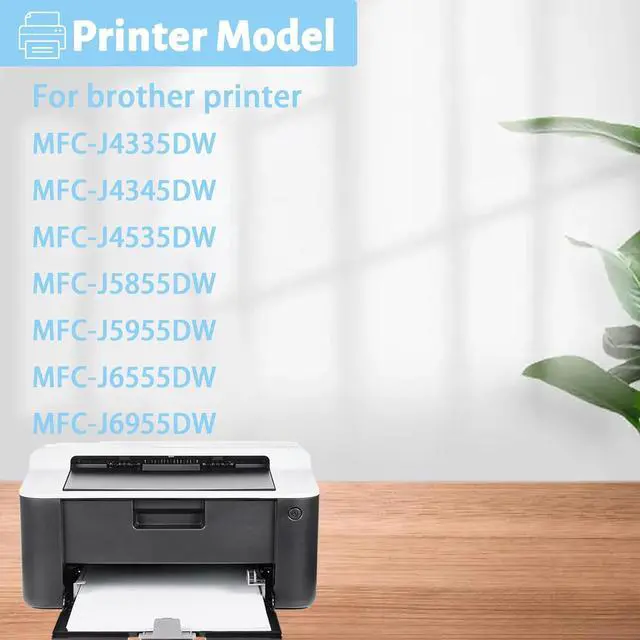
Compatible Models:
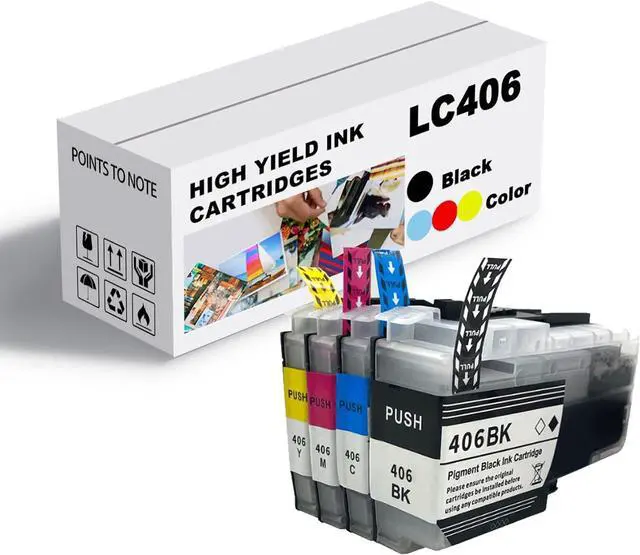
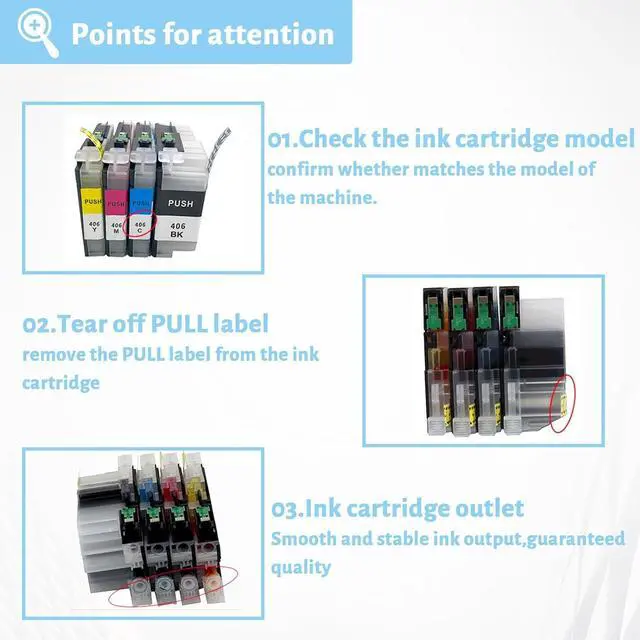
For Brother LC406BK LC406C LC406M LC406Y J4335DW Ink Cartridge Combo Compatible for brother J4335DW J4345DW J4535DW J5855DW J5955DW J6555DW J6955DW Printer
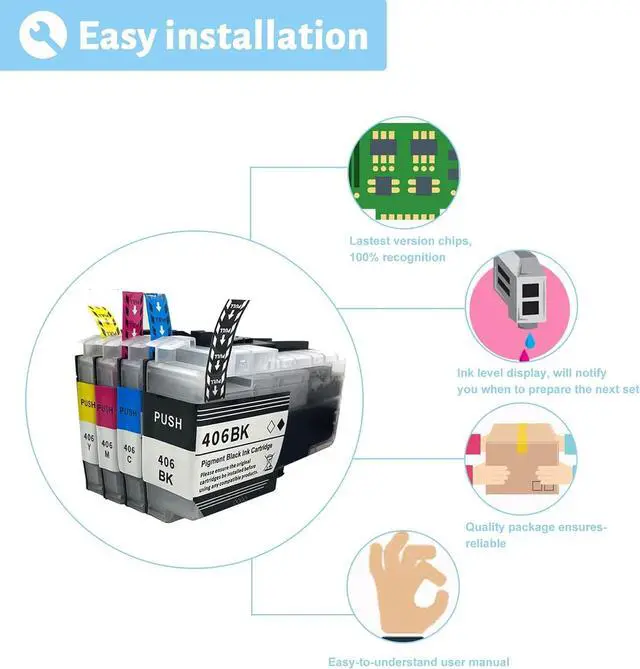
Installation Guide:
1.Open the front cover of the printer
2. press the ink cartridge button
3. Open the upper cover of the ink cartridge
4. Remove the original ink cartridge
5.remove the PULL label from the ink cartridge
6. Insert a new ink cartridge
7. Close the ink cartridge cover
Questions Answers
Q: Difference ink cartridges?
A: The ink cartridges are the same size and same shape.
Q: Are these ink cartridges garanteed to work?
A: Each ink cartridge undergoes a strict quality monitoring procedure to ensure compatibility with your printer and quality printout.
Kind Reminder:
Before purchasing, you should check if your printer matches this product.
You can try to communicate with us to understand if your printer meets the requirements of this product