

Your Browsing History
- Free 30-day Returns
$136.49
Ships from Hong Kong.

Meet Your Seller

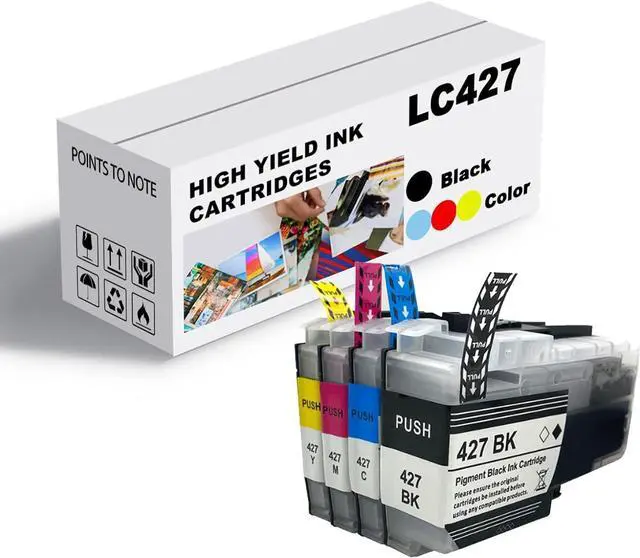




Ink Cartridge for Brother LC427BK LC427C LC427M LC427Y High Yield,3000 Pages Black,1500 Pages Color Compatible J6010DW J5955DW J6955DW J6957DW J6959DW Printer Combo Pack
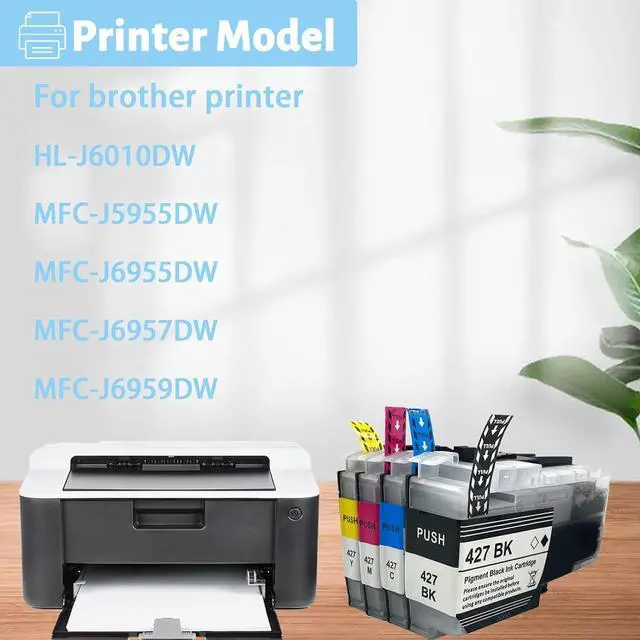
- Printer Compatibility: Compatible for BROTHER J6010DW J5955DW J6955DW J6957DW J6959DW printers
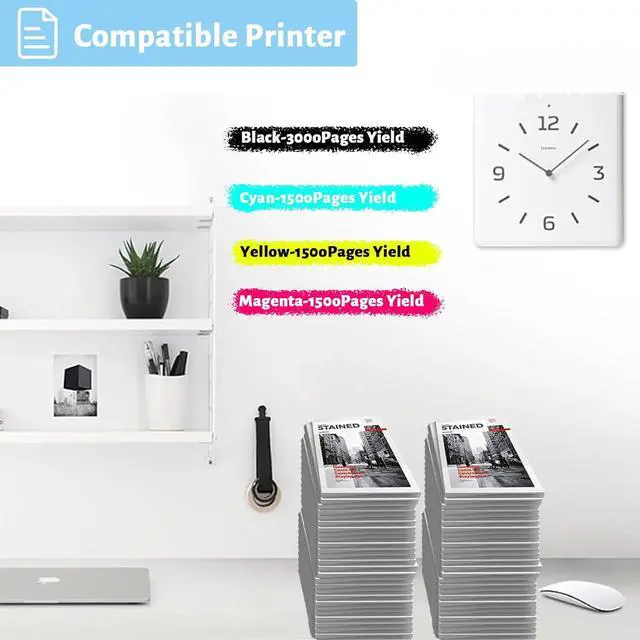
- Page Yield: 3000 Pages per LC427 Black, 1500 Pages per LC427 color ink cartridges, 5% coverage at A4 paper
- What is included: Compatible for Brother LC427 combo ( 1 Black,1 Cyan,1 Magenta,1 Yellow)
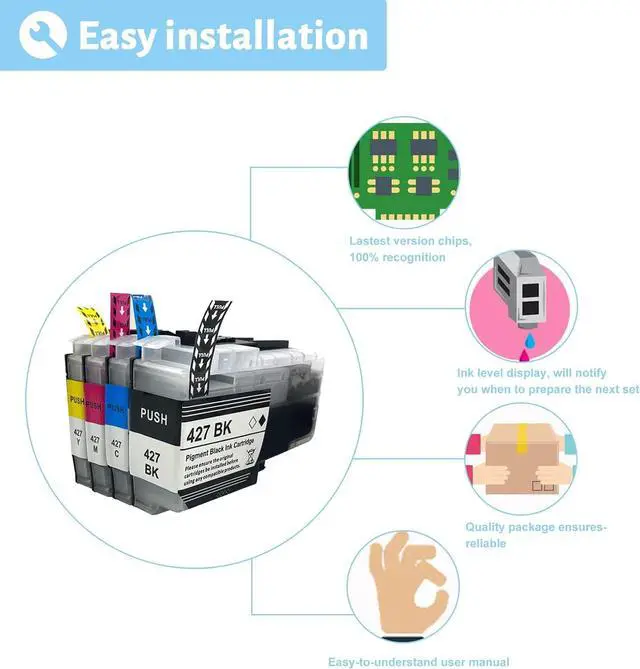
- High Compatibility: ink cartridges can be instantly identified by your printers and work perfectly, making daily documents, reports, letters, graphics and photos very clear and bright
- After Sales Processing: quality assurance, we promise to ensure that every buyer can enjoy the rights they deserve. If you have any questions, please feel free to contact us at any time
+
+
Overview
Specs
Reviews

Any questions? Our AI mode will help you find out quickly.
Try me now
Compatible models:
for BROTHER LC427BK LC427C LC427M LC427Y Ink Cartridge Combo Compatible J6010DW J5955DW J6955DW J6957DW J6959DW Printer
Installation Guide:
1.open the front cover of the printer
2. press the ink cartridge button
3. Open the upper cover of the ink cartridge
4. Remove the original ink cartridge
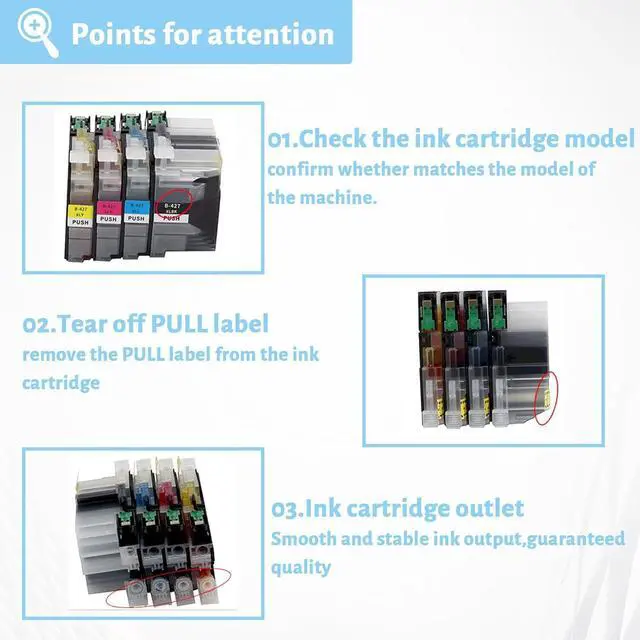
5.remove the PULL label from the ink cartridge
6. Insert a new ink cartridge
7. Close the ink cartridge cover
Questions Answers
Q: Difference ink cartridges?
A: The ink cartridges are the same size and same shape.
Q: Are these ink cartridges garanteed to work?
A: Each ink cartridge undergoes a strict quality monitoring procedure to ensure compatibility with your printer and quality printout.
Kind reminder:
Before purchasing, you should check if your printer matches this product.
You can try to communicate with us to understand if your printer meets the requirements of this product
for BROTHER LC427BK LC427C LC427M LC427Y Ink Cartridge Combo Compatible J6010DW J5955DW J6955DW J6957DW J6959DW Printer
Installation Guide:
1.open the front cover of the printer
2. press the ink cartridge button
3. Open the upper cover of the ink cartridge
4. Remove the original ink cartridge
5.remove the PULL label from the ink cartridge
6. Insert a new ink cartridge
7. Close the ink cartridge cover
Questions Answers
Q: Difference ink cartridges?
A: The ink cartridges are the same size and same shape.
Q: Are these ink cartridges garanteed to work?
A: Each ink cartridge undergoes a strict quality monitoring procedure to ensure compatibility with your printer and quality printout.
Kind reminder:
Before purchasing, you should check if your printer matches this product.
You can try to communicate with us to understand if your printer meets the requirements of this product
Warranty & Returns
Warranty, Returns, And Additional Information
Warranty
- Please contact the Seller directly for warranty information. Warranty information may also be found on the Manufacturer's website.
- CONTACT
Return Policies
- Return for refund within: 30 days
- Return for replacement within: 30 days
- This item is covered by haoyuzeshang Return Policy
Manufacturer Contact Info
- For a directory of all our manufacturers, please click below.
- Manufacturers Directory
LOADING...