• $88.88
  • Free 30-day Returns
  • Ships from China.
    Price alert
    Sold by VoltSync
    Top Rated
    3.3 (3 seller ratings)

    Shipped by VoltSync

    Shop it at NeweggBusiness.

    Meet Your Seller

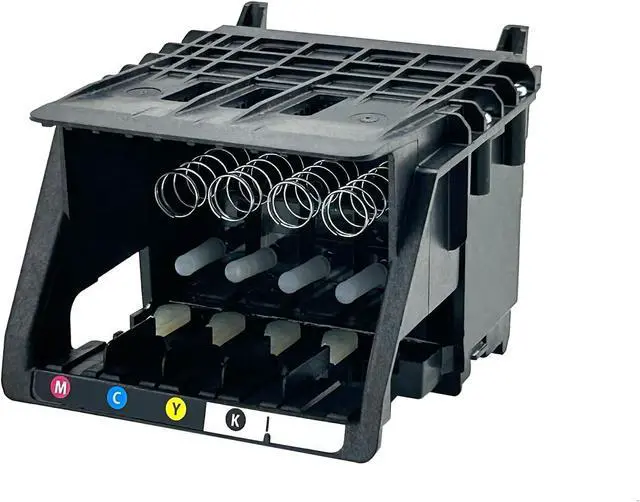
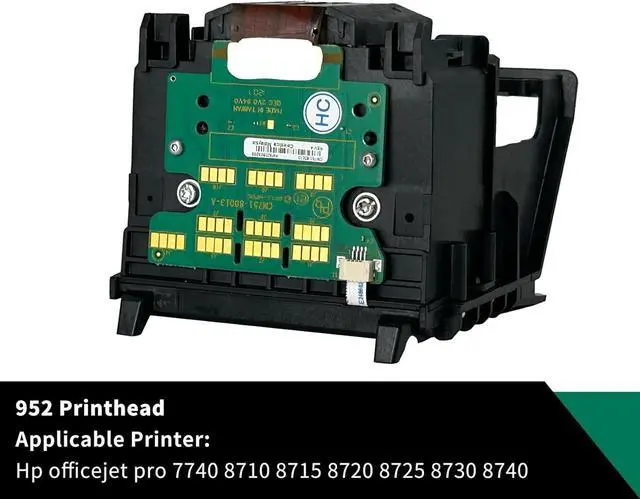
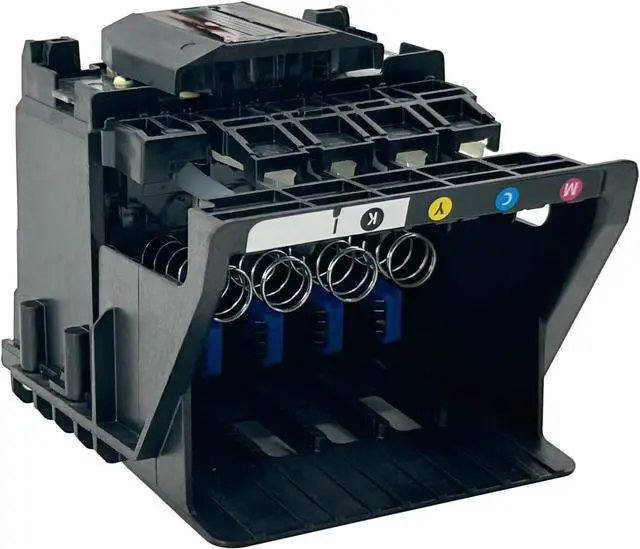
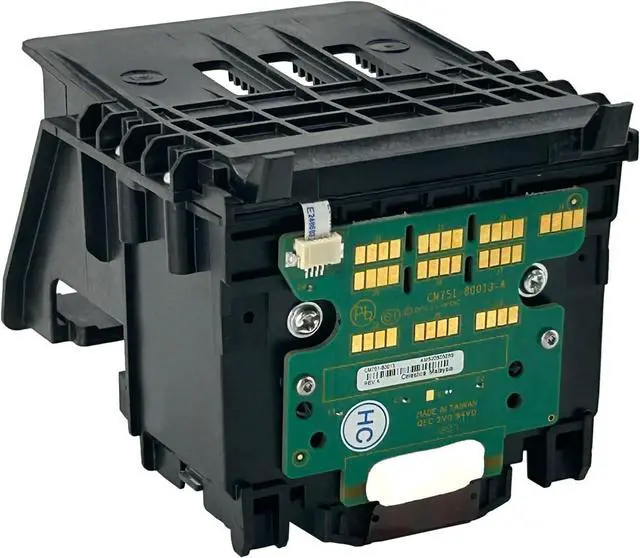
    952 Printhead Replaceable Compatible with HP Officejet Pro 7740 8710 8210 8715 8720 8725 8730 8740 Printer, Compatible 952/953/954/955 Ink Cartridges

    • 1, REPLACEMENT MODELS: hp officejet pro 7740 printhead, HP officejet pro 8710 printhead, Compatible with HP officejet pro 7740 8710 8210 8710 8715 8720 8730 8725 8700 8716 8718 8728 8745 8200 8216 8218 printer, please make sure the printhead suitable for your printer(Reminder: Not include Starter cartridge).
    • 2, ATTENTION: turn off the printer and unplug it at first, please clean any leftover ink on the frame to avoid errors (this is important)
    • 3, EASY INSTALLATION: the printhead Installing is easy and does not require additional tools. Simply push the printhead into the printer (please cut off the power before installation).
    • 4, NOTE: the printhead contains a small amount of ink for testing. If any spillage occurs during transportation, simply wipe it off with a wet wipe; it's not a defect).
    • 5, SAVE MONEY: replacing the printhead is a cost-effective solution that extends the life of your printer and helps you avoid unnecessary expenses, unlike replacing the entire printer
    +
    +
    Overview
    Reviews
    avatar

    Any questions? Our AI beta will help you find out quickly.

    Product name: 952/952XL Hp printhead replacement
    Color: Black, Cyan, Magenta, Yellow
    printhead replacement model:
    HP officejet pro 8710 printhead
    HP officejet pro 7740 printhead
    HP officejet pro 8702 printhead
    HP officejet pro 8720 printhead
    HP officejet pro 8725 printhead
    HP officejet pro 8730 printhead
    HP officejet pro 8740 printhead
    Install:
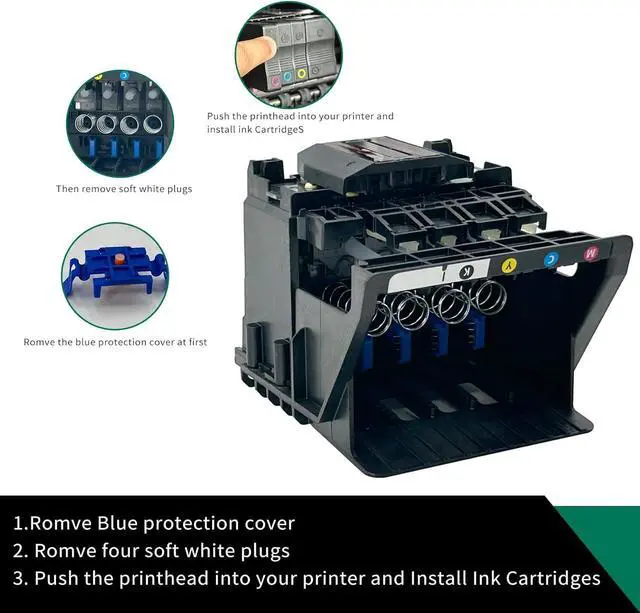
    1, Remove the blue color protection cover and White rubber plug.
    2, Open the printer Inspection cover, And wait for the carriage of the printhead to move to the left to stop, removing the printhead.
    3, Clean the residual ink on the frame to Avoid printer error(This is important).
    4, Please don't touch the contact of the printhead chip with your fingers to avoid reporting errors.
    5, Push the printhead into your printer, after installing the printhead, pulled down and clamped tightly to avoid looseness.

    Warranty & Returns

    Warranty, Returns, And Additional Information

    Warranty

    • Please contact the Seller directly for warranty information. Warranty information may also be found on the Manufacturer's website.
    • CONTACT

    Return Policies

    • Return for refund within: 30 days
    • Return for replacement within: 30 days
    • This item is covered by VoltSync Return Policy

    Manufacturer Contact Info

    LOADING...