• $139.99
  • Free 30-day Returns
  • Price alert
    Shop it at NeweggBusiness.

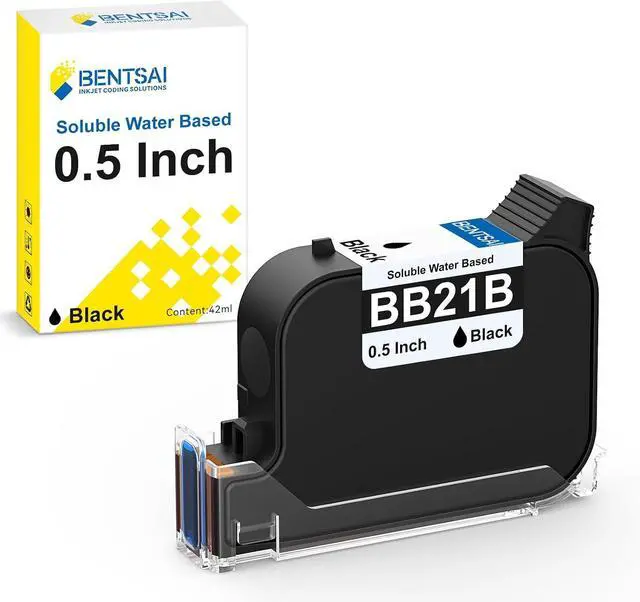
    BENTSAI BB21B Original Aqueous Water Soluble Water Based Black Ink Cartridge Replacement for Handheld Inkjet Printer BT-HH6205B 6205BL

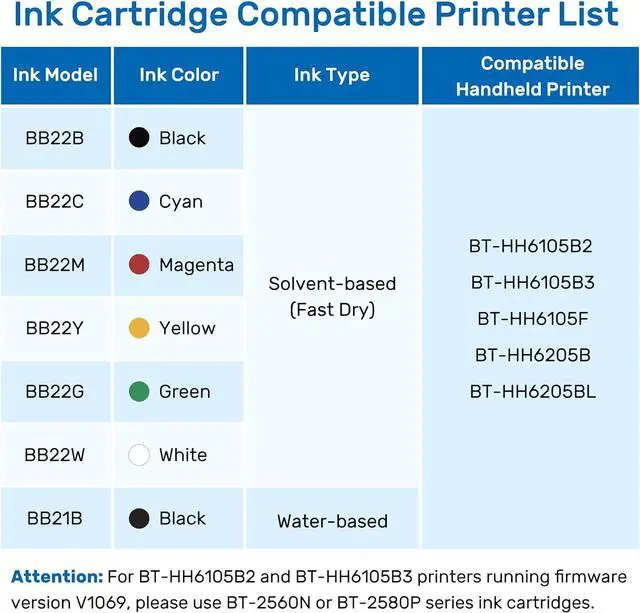
    • The BENTSAI BB21B ink cartridge is compatible with BT-HH6105B2 and BT-HH6105B3 handheld printers (except for machines running V1069), BT-HH6105F, BT-HH6205B, and 6205BL.
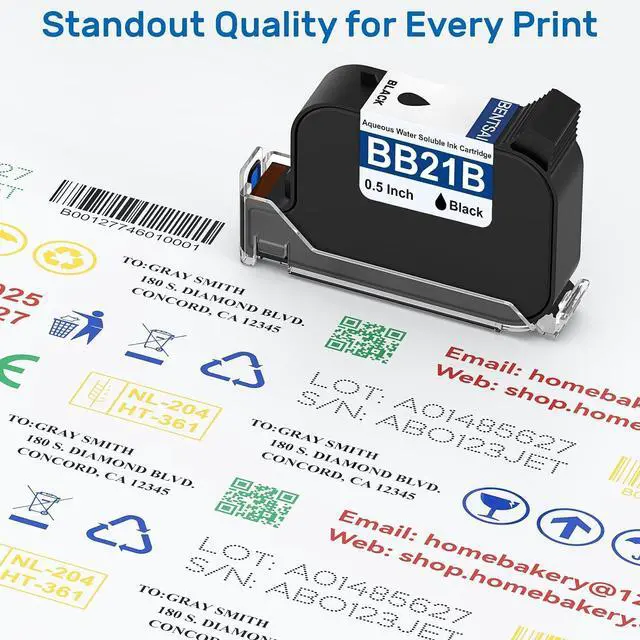
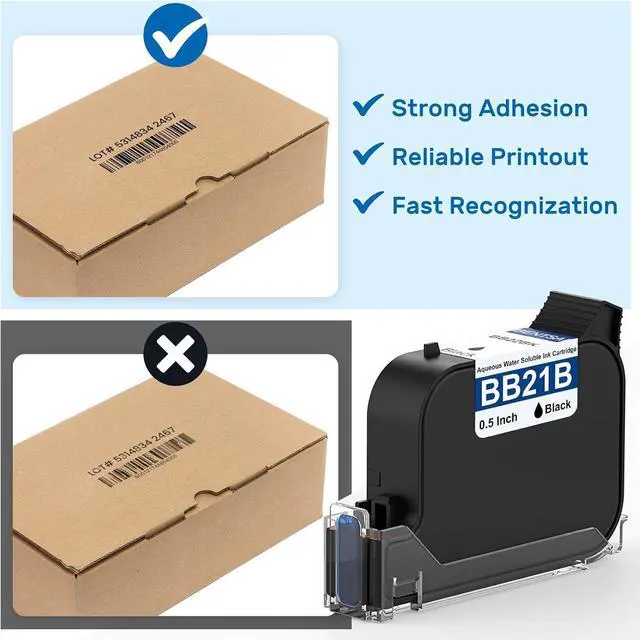
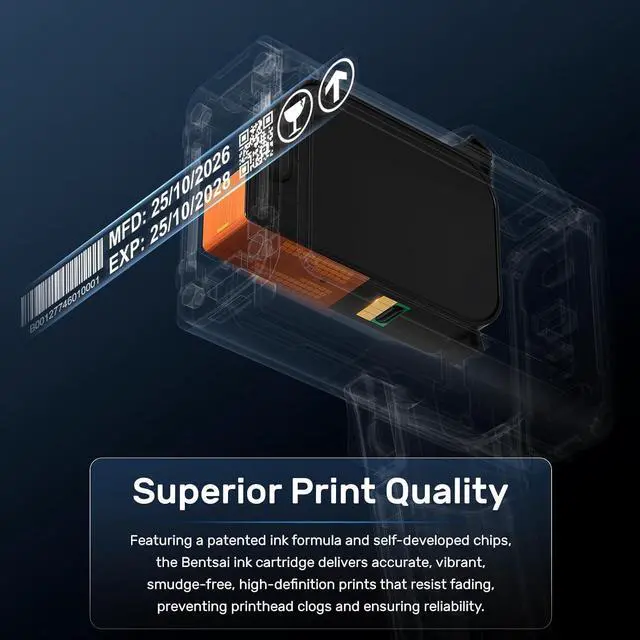
    • Superior Print Quality: Featuring a patented ink formula and self-developed chips, the Bentsai ink cartridge delivers accurate, vibrant, smudge-free, high-definition prints that resist fading, preventing printhead clogs and ensuring reliability.
    • Water-Based Ink for Porous Surfaces: The BB21B ink is water-based and ideal for porous and semi-porous materials, including cardboard, wood, fabric, paper, and more.
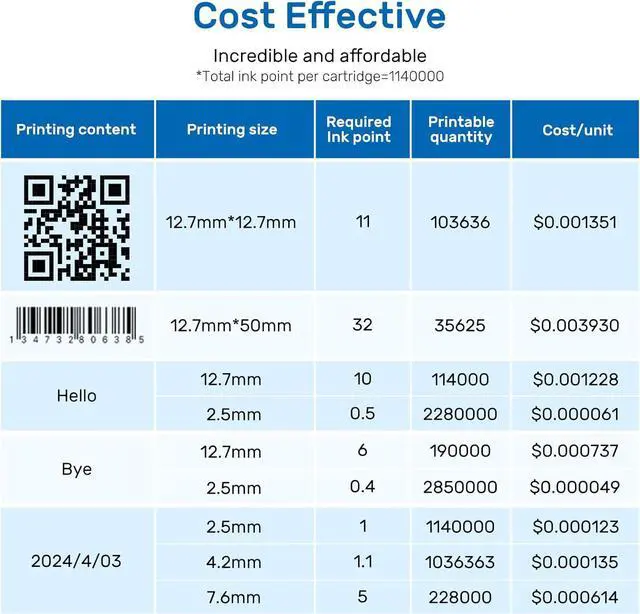
    • Cost-Effective Printing: Each BB21B ink cartridge holds 42ml and can print up to 2,000,000 characters at a 2.5mm print height with the grey level set to the second setting, offering exceptional value and reducing the need for constant replacements.
    • Maintenance Tips: To maintain optimal performance, remove the cartridge from the printer when not in use and cover the ink nozzle with the protective cap. If cloggi
    +
    +
    Overview
    Specs
    Reviews
    avatar

    Any questions? Our AI mode will help you find out quickly.

    1QR Code Printing Volume2Date Printing Volume3Barcode Printing Volume1 Premium Ink Technology2Unmatched Print Quality
    Step 1: Open the printer's cartridge slot and make sure the ink model is correct.
    Step 2: Remove the ink cartridge's protective cap and then insert the ink cartridge at 45° degree.
    Step 3: Press the cartridge and done if the ink nozzle fits snugly with the printer surface.
    The video showcases the product in use.The video guides you through product setup.The video compares multiple products.The video shows the product being unpacked.
    · Before use,please shake the cartridge up and down, and wipe the surface of the ink nozzle to make it clean.
    · After each use, remember to remove off the ink cartridge from printer.
    · Please wipe the nozzle surface again, clean the residual ink on the ink nozzle and protection cap, and cover the protection cap.
    · Store the cartridge in a cool, dry and shaded area.
    The video showcases the product in use.The video guides you through product setup.The video compares multiple products.The video shows the product being unpacked. Easy Installation aplus content video How to Extend the Service Life of Ink Cartridges? aplus content video

    Warranty & Returns

    Warranty, Returns, And Additional Information

    Warranty

    • Please contact the Seller directly for warranty information. Warranty information may also be found on the Manufacturer's website.
    • CONTACT

    Return Policies

    Manufacturer Contact Info

    LOADING...