

Your Browsing History
- Free 30-day Returns
$612.99

Meet Your Seller

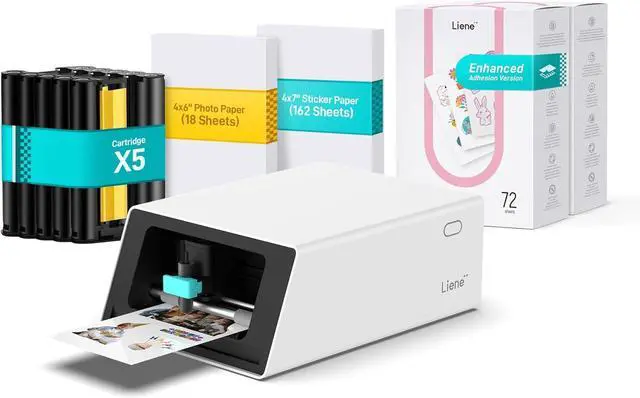
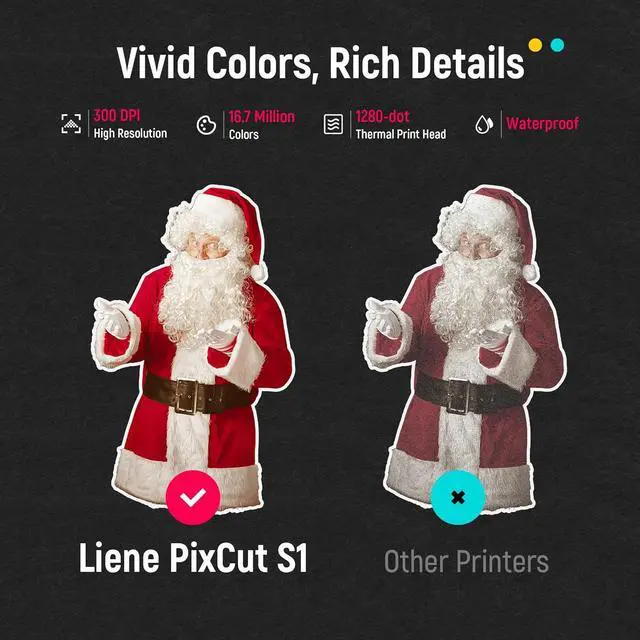
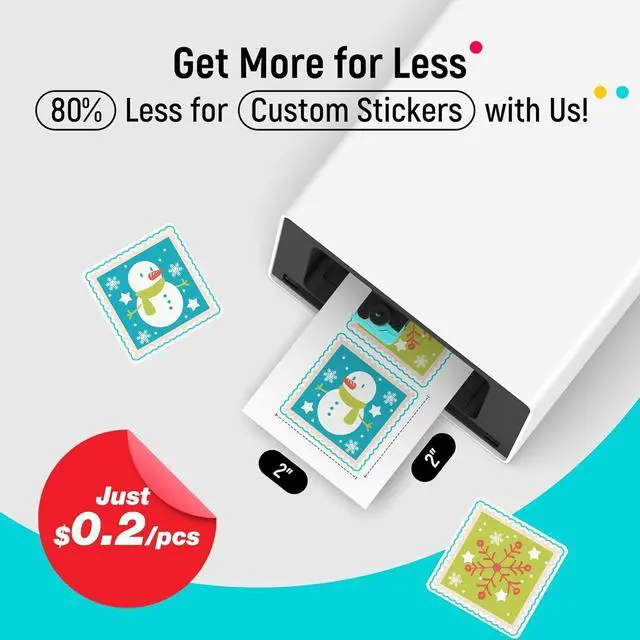
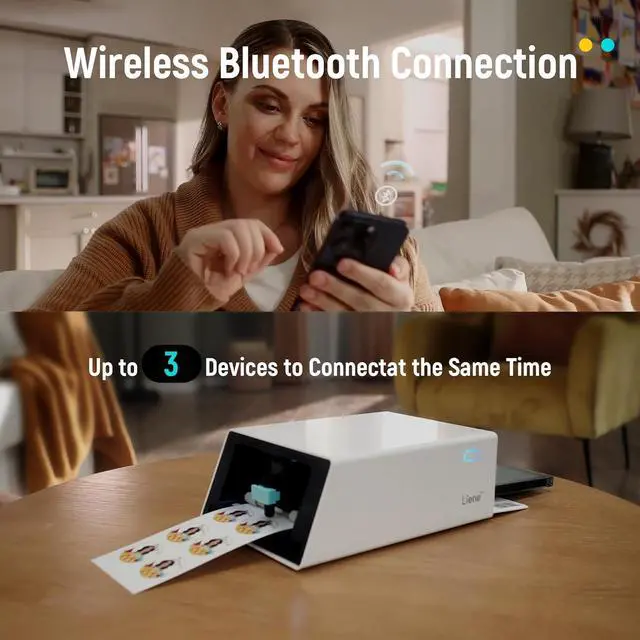


Liene PixCut S1 Creator Mega Pack - All-in-One Sticker Maker Machine for DIY Crafts, Custom Labels & Gifts, Thermal Dye-Sublimation, 300 DPI Prints, Precise AI Auto-Cutting
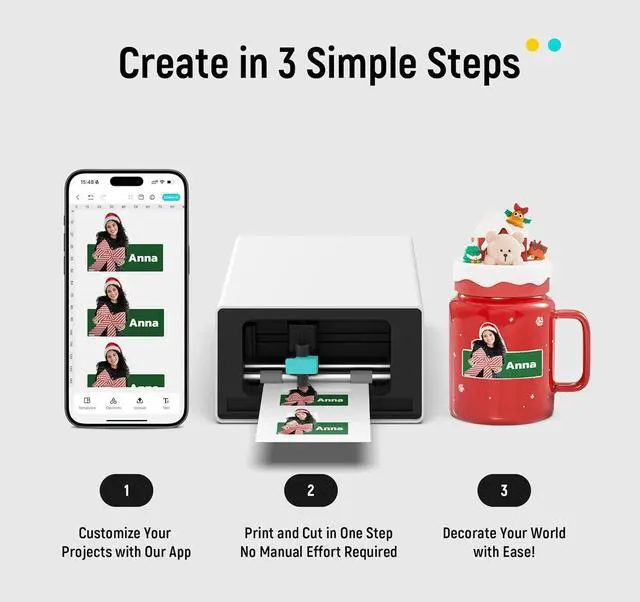
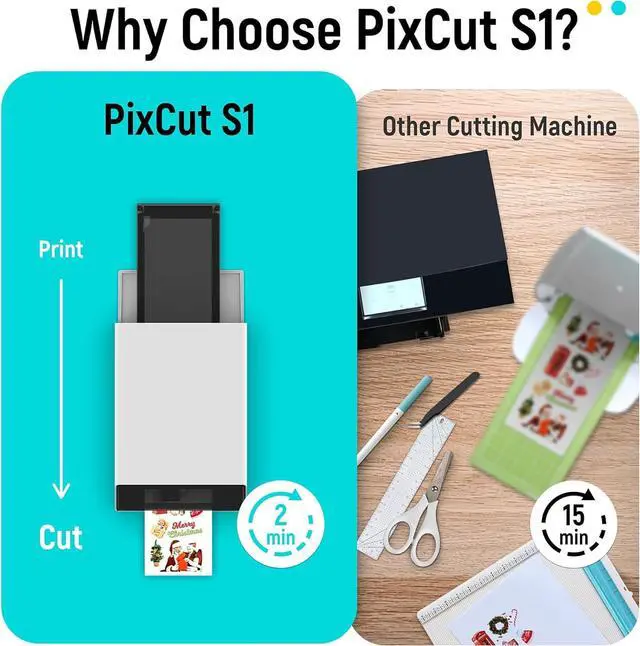
- All-in-One Convenience - Print and Cut in One Step. Say goodbye to the hassle of using separate machines. The PixCut S1 seamlessly integrates high-resolution photo printing and precise die cutting into one streamlined device. With just a few clicks on the user-friendly app, you can edit, print, and cut directly from your smartphone via Bluetooth. Create stickers in just 2 minutes! This all-in-one solution saves you time and effort, making your creative projects more enjoyable and efficient.
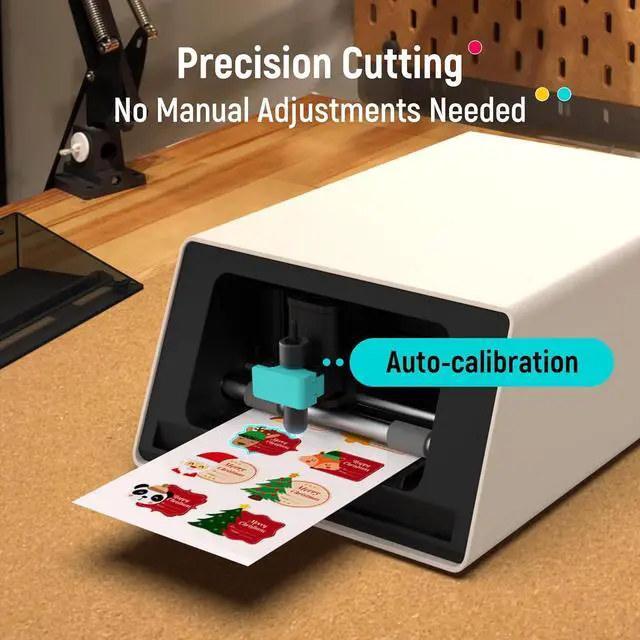
- AI Image Extraction & Precision Cutting - Unleash your creativity with the AI image extraction feature that automatically recognizes and extracts subjects from your photos. Then watch as the high-precision cutting system, guided by the same AI technology, perfectly follows every edge with pinpoint accuracy. This seamless AI-to-cut workflow ensures flawless results every time. Turn any moment into custom stickers with professional edges in minutes - just masterpieces made simple.
- High-Resolution P
+
+
Overview
Specs
Reviews

Any questions? Our AI mode will help you find out quickly.
Try me now
1Rich Template Library2Various Creative Tools3AI Lab4Adhesive ID Photos5Multi-Device Support1High-Quality Prints2Durable Outputs3No Residue Stickers4ldeal Surfaces5ldeal Surfaces1Craft Your World2Custom Stickers3Personalize Your Phone4All in One Device5Endless Creativity Why dont the stickers stick well to rough or uneven surfaces?
Our stickers are residue-free and best on smooth surfaces like glass, even surviving dishwashers. They may not stick well to rough surfaces. We are developing a strong-adhesion version that may leave residue.
How is the PixCut S1 different from traditional machines?
The PixCut S1 seamlessly integrates printing and cutting. It completes both tasks in about 2 minutes, significantly reducing time and effort compared to traditional machines that often take over 30 minutes.
Why does my PixCut S1 sometimes cut incorrectly when printing multiple sheets in a row?
If cutting errors occur when printing multiple sheets, it may be because the previous sheet was not removed before starting a new one. This can damage the stickers. To prevent this, always remove each completed sheet before cutting the next one.
Does it make laminated stickers?
Using four-layer thermal dye-sublimation, the PixCut S1 automatically laminates and precisely cuts photo and sticker paper. The stickers are durable, waterproof, fade-resistant, and scratch-resistant, ensuring long-lasting vibrancy.
What types of paper does the PixCut S1 support?
The PixCut S1 uses 4x6 and 4x7-inch PET photo and sticker paper, optimized for thermal dye-sublimation printing and precise cutting. Only Liene brand paper is compatible. Transparent and metallic sticker paper will be available in 6 months.
Liene PixCut S1 Why dont the stickers stick well to rough or uneven surfaces?
How is the PixCut S1 different from traditional machines?
Why does my PixCut S1 sometimes cut incorrectly when printing multiple sheets in a row?
Does it make laminated stickers?
What types of paper does the PixCut S1 support?
Our stickers are residue-free and best on smooth surfaces like glass, even surviving dishwashers. They may not stick well to rough surfaces. We are developing a strong-adhesion version that may leave residue.
How is the PixCut S1 different from traditional machines?
The PixCut S1 seamlessly integrates printing and cutting. It completes both tasks in about 2 minutes, significantly reducing time and effort compared to traditional machines that often take over 30 minutes.
Why does my PixCut S1 sometimes cut incorrectly when printing multiple sheets in a row?
If cutting errors occur when printing multiple sheets, it may be because the previous sheet was not removed before starting a new one. This can damage the stickers. To prevent this, always remove each completed sheet before cutting the next one.
Does it make laminated stickers?
Using four-layer thermal dye-sublimation, the PixCut S1 automatically laminates and precisely cuts photo and sticker paper. The stickers are durable, waterproof, fade-resistant, and scratch-resistant, ensuring long-lasting vibrancy.
What types of paper does the PixCut S1 support?
The PixCut S1 uses 4x6 and 4x7-inch PET photo and sticker paper, optimized for thermal dye-sublimation printing and precise cutting. Only Liene brand paper is compatible. Transparent and metallic sticker paper will be available in 6 months.
Liene PixCut S1 Why dont the stickers stick well to rough or uneven surfaces?
How is the PixCut S1 different from traditional machines?
Why does my PixCut S1 sometimes cut incorrectly when printing multiple sheets in a row?
Does it make laminated stickers?
What types of paper does the PixCut S1 support?
Warranty & Returns
Warranty, Returns, And Additional Information
Warranty
- Please contact the Seller directly for warranty information. Warranty information may also be found on the Manufacturer's website.
- CONTACT
Return Policies
- Return for refund within: 30 days
- Return for replacement within: 45 days
- This item is covered by Ali Wangwang E-commerce Limited Return Policy
Manufacturer Contact Info
- For a directory of all our manufacturers, please click below.
- Manufacturers Directory
LOADING...