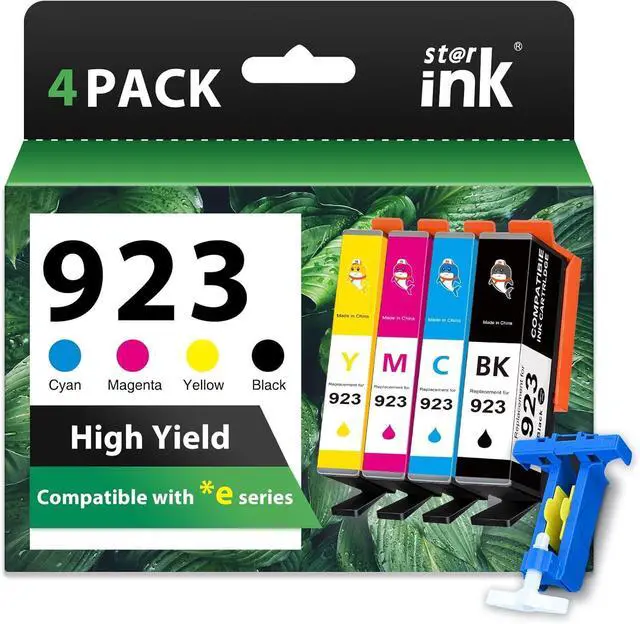
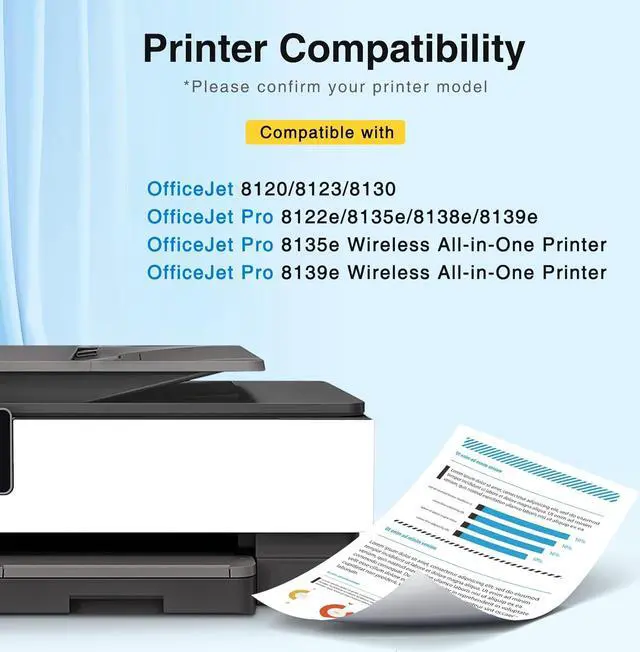
Compatible Printer: Starink 923 ink cartridges replacement for hp 923 ink cartridges works with hp OfficeJet Pro 8135e OfficeJet Pro 8130 8138e 8139e ; 923 ink works with HP OfficeJet 8130 8120 8123 Printers.
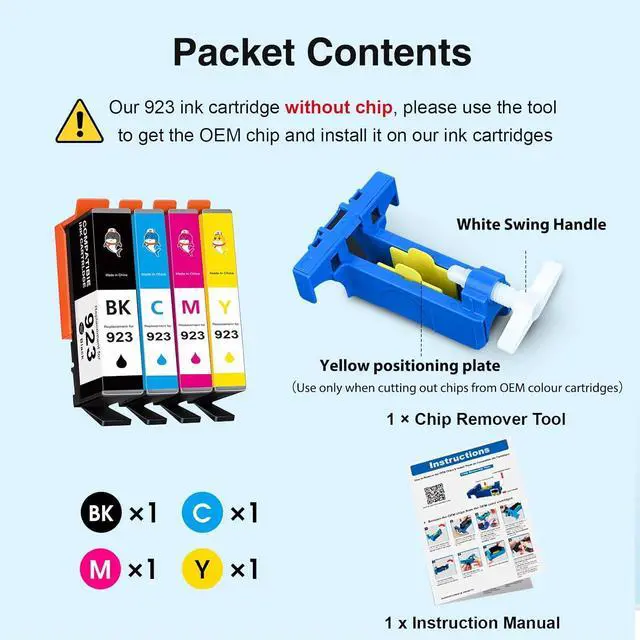
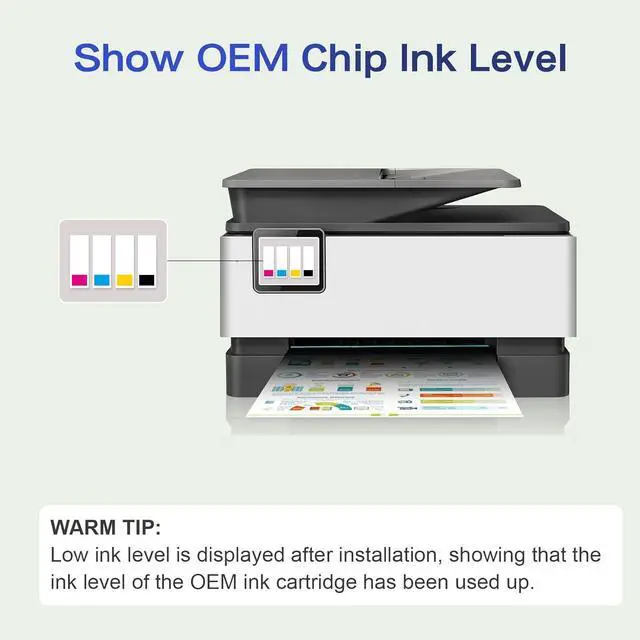
No ChipsOur 923 ink cartridges combo pack is without chip, and you need to keep the old OEM chips and install them to drive the whole set of 923 ink cartridges. The ink cartridges equipped with a chip remover tool and instruction, easy to operate and use
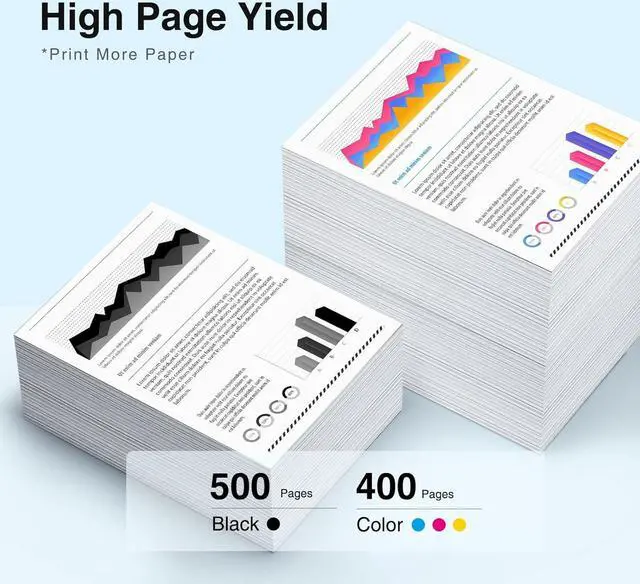
High Yield: 500 Pages per compatible for hp 923 black ink cartridges, 400 Pages per 923 color ink cartridge (based on 5percent coverage)
How to Remove the OEM Chips & Install Them on starink Compatible 923 Ink Cartridges 1. Remove the OEM chips from the OEM ink cartridges. 2. Install the OEM chips into the compatible 923 cartridges. 3. Install the compatible cartridges (with the newly fitted OEM chips) into the printer. TipPlease follow the steps in the attached picture A+ or video for chip removal and installation, please contact us if you have any issue during the removal and installation process.
Excellent Quality: Compatible 923 ink cartridge replacement for hp 923 ink cartridges prints clearly, delivers the desired color, and saves you time. Whether it is home or office, we give you a good printing experience
Package content: totally 4 Pack Compatible for hp 923 ink cartridges combo pack: 1 x 923 Black Ink Cartridges, 1 x 923 Cyan Ink Cartridges, 1 x 923 Magenta Ink Cartridges, 1 x 923 Yellow Ink Cartridges,1 x Chip Tool and 1 x User Guide.NO CHIP !
Starink 923 ink work for hp officejet pro 8130e ink cartridges work for officejet pro 8135e ink cartridges work for officejet pro 8138e ink cartridges work for officejet pro 8139e ink cartridges work for officejet pro 8120e ink cartridges





 here!
here!