Your Browsing History
- Free 30-day Returns
$144.99
Meet Your Seller
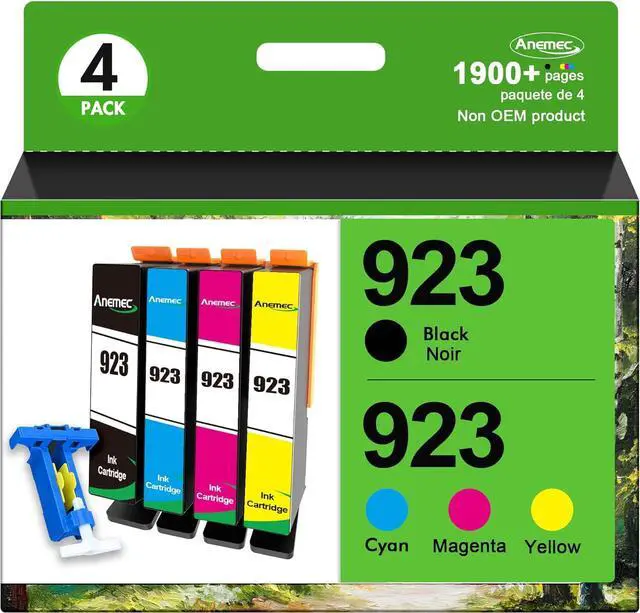
923 Ink Cartridges Combo Pack 923XL High Yield Compatible for HP 923 Ink Cartridges Work for OfficeJet Pro 8130e 8135e 8139e 8138e 8120e 8122e 8124e (4 Pack, Black Cyan Magenta Yellow) Without Chip
- Sold as 4/Pack
- What's in the box: 923 high yield ink replacement for hp 923xl ink cartridges combo pack (Includes 1 * black, 1 * cyan, 1 * magenta, 1 * yellow, 1 * user guide)
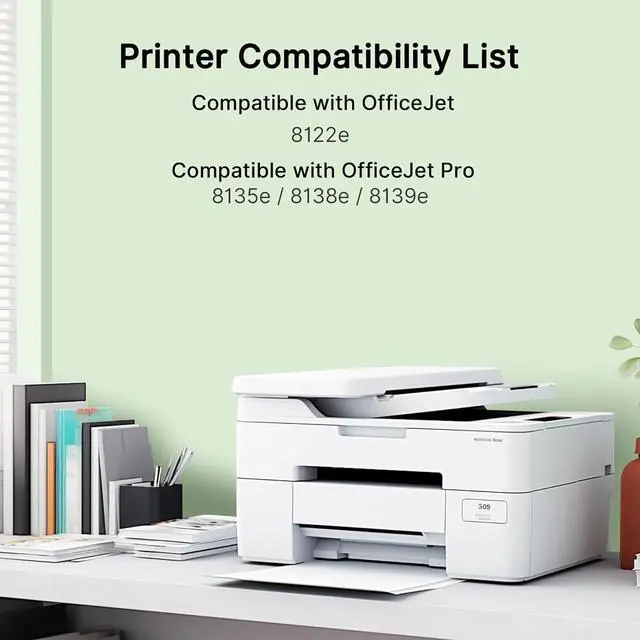
- Compatible Printers: 923 ink cartridges for hp printers OfficeJet 8120e 8122e 8124e 8125e OfficeJet Pro 8130e 8132e 8134e 8135e 8138e 8139e
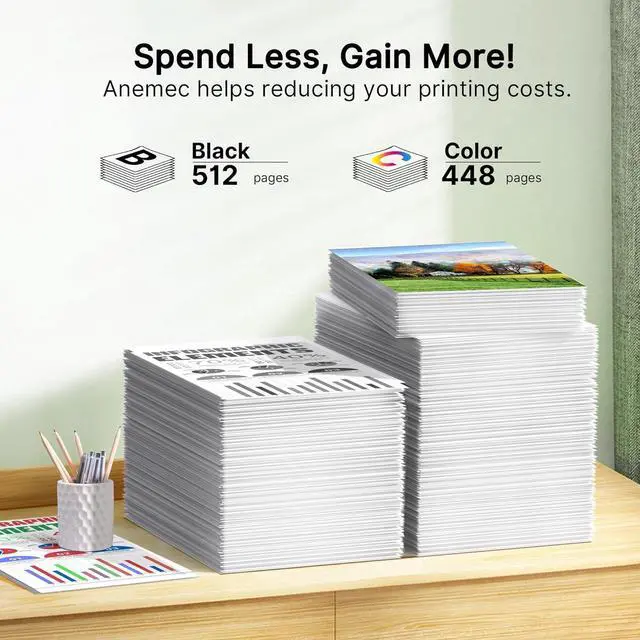
- Cartridge yield (approx.): Up to 3X more prints with us vs.others: 512 pages black, 448 pages cyan, 448 pages magenta, 448 pages yellow (Letter A4, 5% coverage)
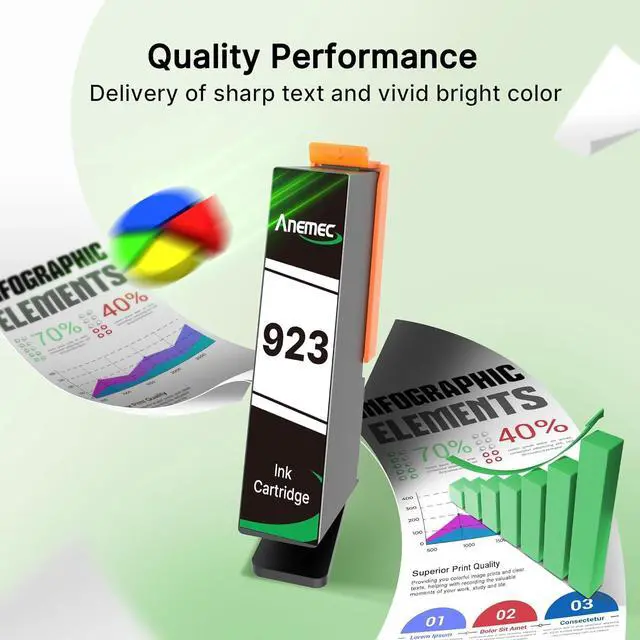
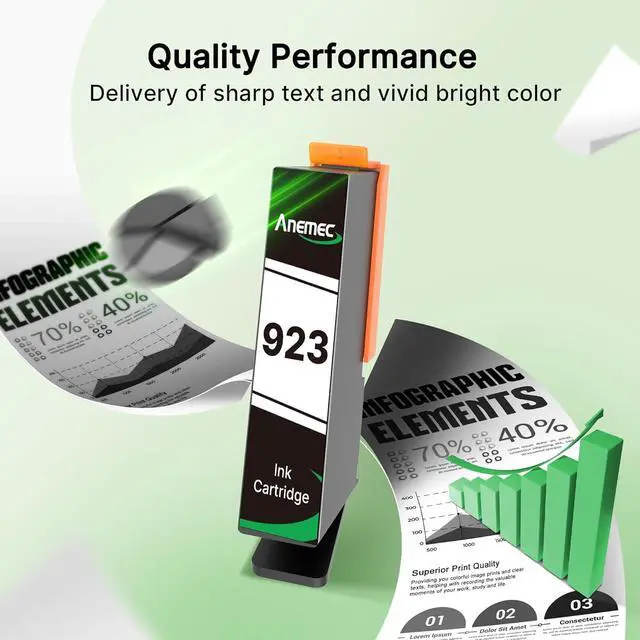
- The 923 ink cartridges for hp printers offers superb print quality. With sharp details, vibrant colors, and clear texts, it ensures every printout is a masterpiece, meeting all your high-quality printing demands
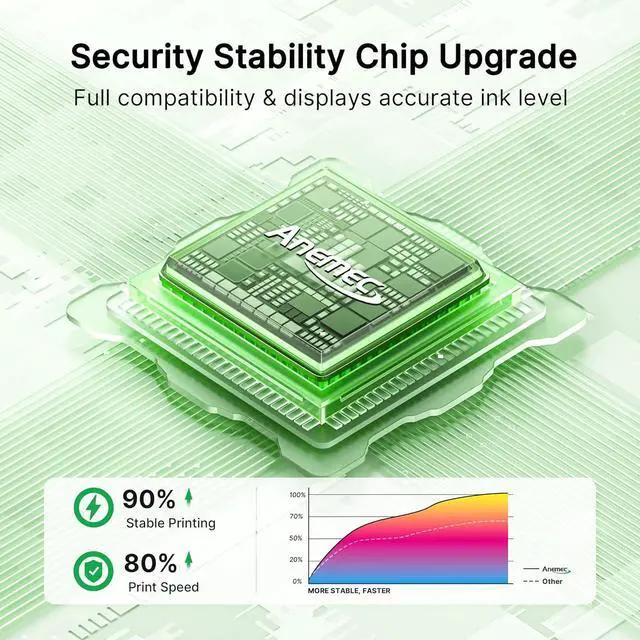
- NOTE: NO CHIPS! REQUIRES CHIPS. Our ink cartridges are not equipped with chips, and you need to prepare and install chips to drive them
- Chip Replacement Guide: You need to remove the original chips on ink cartridges through our tool. Peel off the tape of the new compatible cartridge and Stick the chip
+
+
Overview
Specs
Reviews
Any questions? Our AI beta will help you find out quickly.
Try me now
Sold as 4/Pack
What's in the box: 923 high yield ink replacement for hp 923xl ink cartridges combo pack (Includes 1 * black, 1 * cyan, 1 * magenta, 1 * yellow, 1 * user guide)
Compatible Printers: 923 ink cartridges for hp printers OfficeJet 8120e 8122e 8124e 8125e OfficeJet Pro 8130e 8132e 8134e 8135e 8138e 8139e
Cartridge yield (approx.): Up to 3X more prints with us vs.others: 512 pages black, 448 pages cyan, 448 pages magenta, 448 pages yellow (Letter A4, 5% coverage)
The 923 ink cartridges for hp printers offers superb print quality. With sharp details, vibrant colors, and clear texts, it ensures every printout is a masterpiece, meeting all your high-quality printing demands
NOTE: NO CHIPS! REQUIRES CHIPS. Our ink cartridges are not equipped with chips, and you need to prepare and install chips to drive them
Chip Replacement Guide: You need to remove the original chips on ink cartridges through our tool. Peel off the tape of the new compatible cartridge and Stick the chip onto the tape
Focus on Premium Printing: These hp923 ink cartridges qualified with ISO9001 and ISO14001 Factory Standards provide you with fluent printing results. This is NOT an OEM product
If your printer does not recognize the ink cartridges, please try the following troubleshooting steps: do not remove the protective seal covering the ink port remember to replace the chip take off the yellow tape. Reinstall the ink cartridge in the correct position of printer

What's in the box: 923 high yield ink replacement for hp 923xl ink cartridges combo pack (Includes 1 * black, 1 * cyan, 1 * magenta, 1 * yellow, 1 * user guide)
Compatible Printers: 923 ink cartridges for hp printers OfficeJet 8120e 8122e 8124e 8125e OfficeJet Pro 8130e 8132e 8134e 8135e 8138e 8139e
Cartridge yield (approx.): Up to 3X more prints with us vs.others: 512 pages black, 448 pages cyan, 448 pages magenta, 448 pages yellow (Letter A4, 5% coverage)
The 923 ink cartridges for hp printers offers superb print quality. With sharp details, vibrant colors, and clear texts, it ensures every printout is a masterpiece, meeting all your high-quality printing demands
NOTE: NO CHIPS! REQUIRES CHIPS. Our ink cartridges are not equipped with chips, and you need to prepare and install chips to drive them
Chip Replacement Guide: You need to remove the original chips on ink cartridges through our tool. Peel off the tape of the new compatible cartridge and Stick the chip onto the tape
Focus on Premium Printing: These hp923 ink cartridges qualified with ISO9001 and ISO14001 Factory Standards provide you with fluent printing results. This is NOT an OEM product
If your printer does not recognize the ink cartridges, please try the following troubleshooting steps: do not remove the protective seal covering the ink port remember to replace the chip take off the yellow tape. Reinstall the ink cartridge in the correct position of printer
Warranty & Returns
Warranty, Returns, And Additional Information
Warranty
- Please contact the Seller directly for warranty information. Warranty information may also be found on the Manufacturer's website.
- CONTACT
Return Policies
- Return for refund within: 30 days
- Return for replacement within: 45 days
- This item is covered by Ali Wangwang E-commerce Limited Return Policy
Manufacturer Contact Info
- For a directory of all our manufacturers, please click below.
- Manufacturers Directory
LOADING...