Get a $25 Newegg Promo Gift Card when you spend $250+ between 1/17/26 and 1/19/26. Learn More>
  • $90.99
  • Free 30-day Returns
  • Price alert
    Shop it at NeweggBusiness.

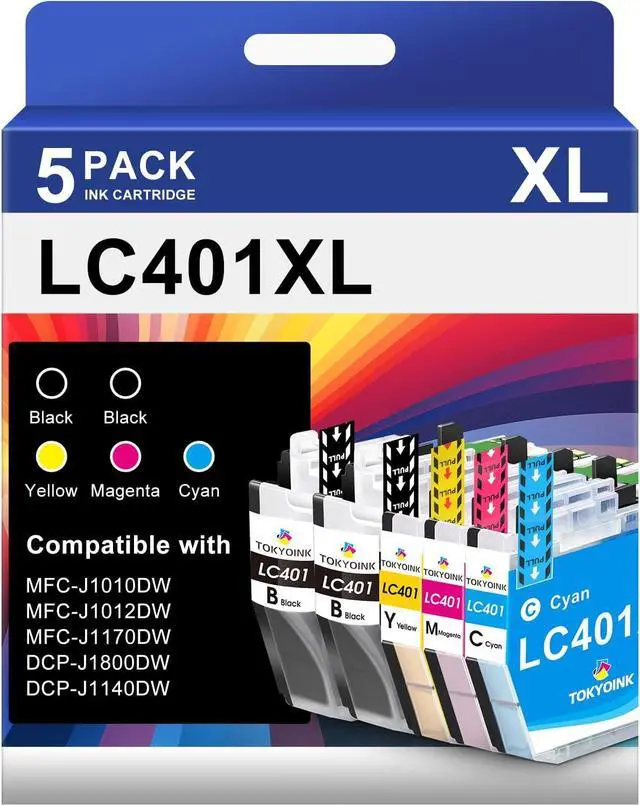
    TOKYOINK LC401XL Ink Cartridges Compatible for Brother LC401 401XL Ink Cartridge Works with MFC-J1010DW MFC-J1012DW MFC-J1170DW (401 XL, 5 Pack)

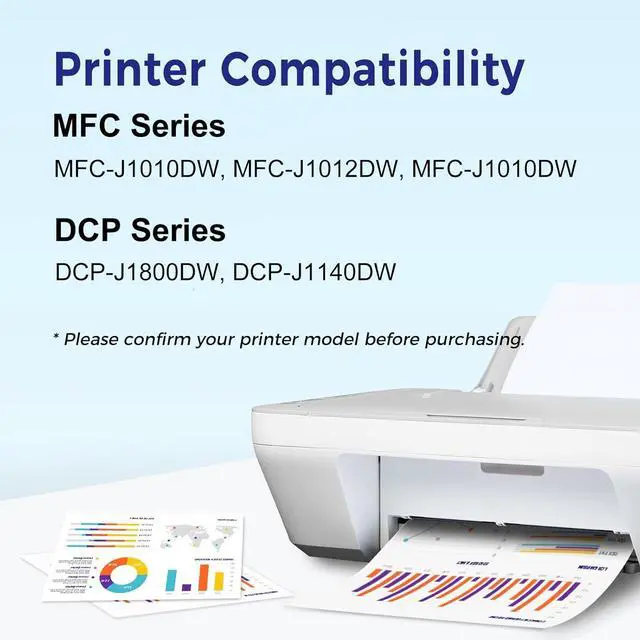
    • Compatible with: LC401XL Ink Cartridges Wrok with Brother MFC-J1010DW, MFC-J1012DW, MFC-J1170DW Printer
    • Package Included: 2 Black LC401XL ink cartridge, 1 Cyan LC401XL ink cartridge, 1 Magenta LC401XL ink cartridge, 1 Yellow LC401XL ink cartridge ( lc401xl ink cartridges 5 combo pack )
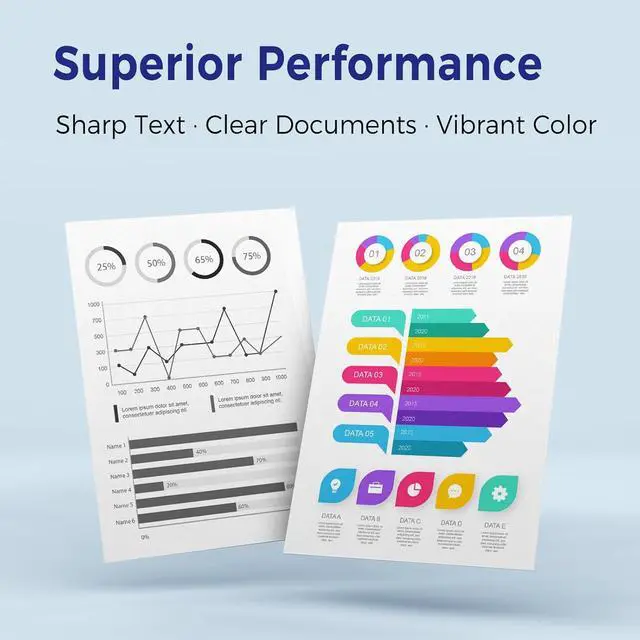
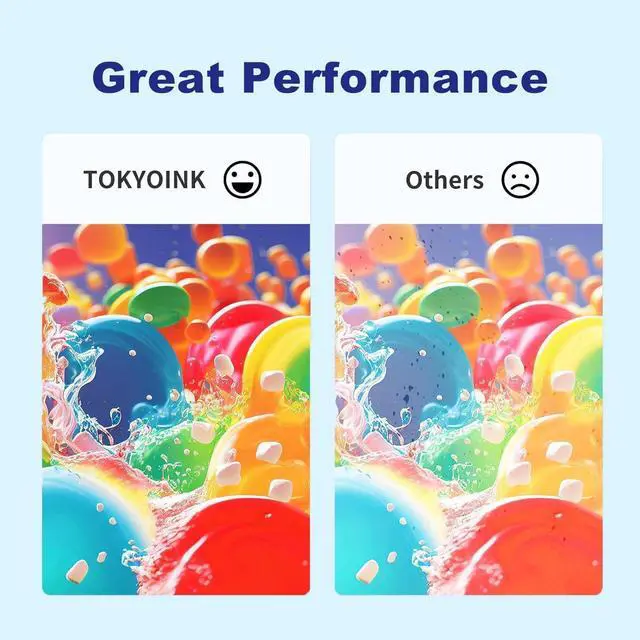
    • Newly Upgraded Chips: lc401xl ink cartridges are equipped with the latest upgraded chip, the printing effect of clear and sharp text, images are delicate and colorful, and high stability of printing
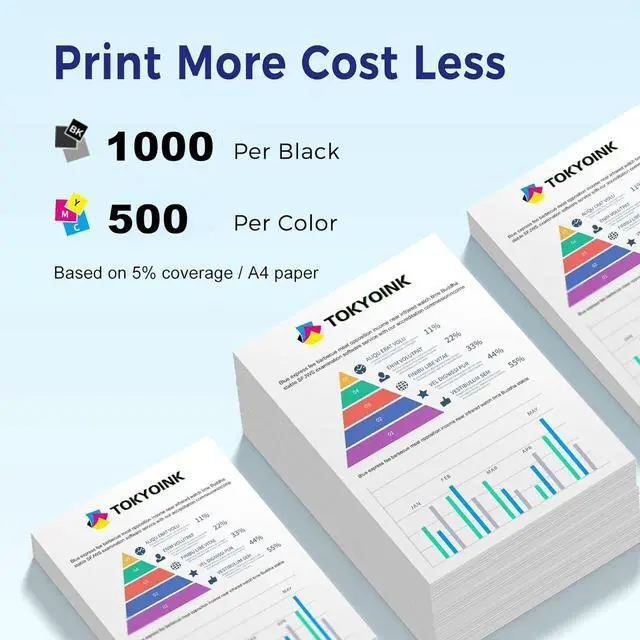
    • High Page Yield: Up to 500 pages per lc401xl black ink cartridges, 500 pages per color lc401xl ink cartridges (at A4 paper, 5% coverage)
    • Installation Tips: [1].Don't remove or touch the CHIP.[2]. When the printer prompts "non-original", please click OK or Next to continue. [3].When the printer appears "low ink", "empty", "replace ink cartridge" and other prompts, please remove the ink cartridge and reinstall it several times

    +
    +
    Overview
    Specs
    Reviews
    avatar

    Any questions? Our AI beta will help you find out quickly.

    Compatible with: LC401XL Ink Cartridges Wrok with Brother MFC-J1010DW, MFC-J1012DW, MFC-J1170DW Printer
    Package Included: 2 Black LC401XL ink cartridge, 1 Cyan LC401XL ink cartridge, 1 Magenta LC401XL ink cartridge, 1 Yellow LC401XL ink cartridge ( lc401xl ink cartridges 5 combo pack )
    Newly Upgraded Chips: lc401xl ink cartridges are equipped with the latest upgraded chip, the printing effect of clear and sharp text, images are delicate and colorful, and high stability of printing
    High Page Yield: Up to 500 pages per lc401xl black ink cartridges, 500 pages per color lc401xl ink cartridges (at A4 paper, 5% coverage)
    Installation Tips: [1].Don't remove or touch the CHIP.[2]. When the printer prompts "non-original", please click OK or Next to continue. [3].When the printer appears "low ink", "empty", "replace ink cartridge" and other prompts, please remove the ink cartridge and reinstall it several times

    Warranty & Returns

    Warranty, Returns, And Additional Information

    Warranty

    • Please contact the Seller directly for warranty information. Warranty information may also be found on the Manufacturer's website.
    • CONTACT

    Return Policies

    Manufacturer Contact Info

    LOADING...