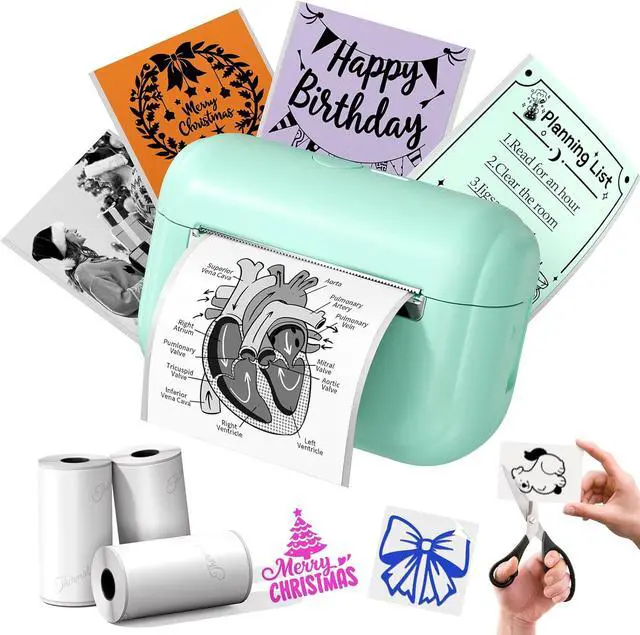
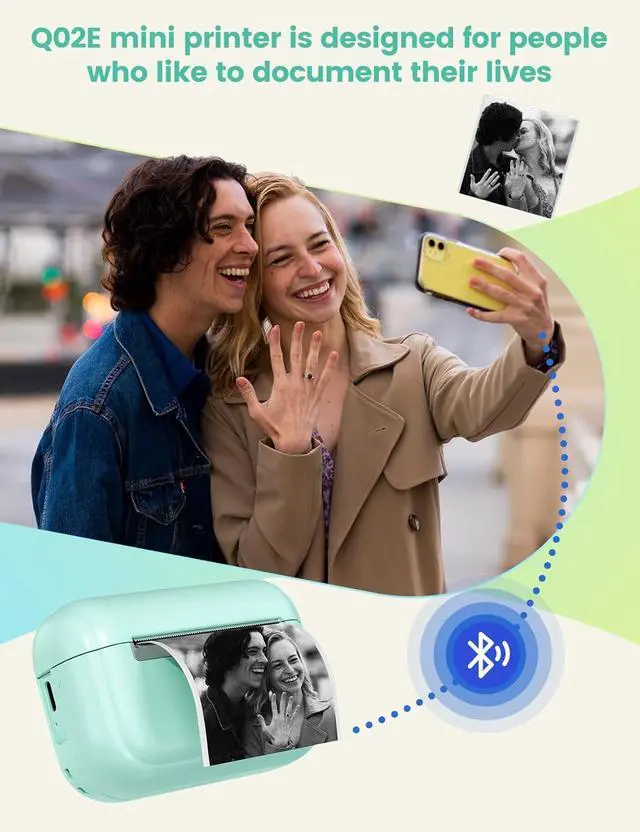
Customized Sticker Printer: Memoking Q02E mini sticker printer is bundled with 3 rolls of 50mmx3.5m white thermal sticker paper, a USB charging cable, and a user manual. You can use scissors to cut the printed stickers into labels of any shape and size, Meet all your labeling requirements. Our Q02E small printer makes an excellent gift for all festivals such as Brithday, Thanksgiving, Christmas...
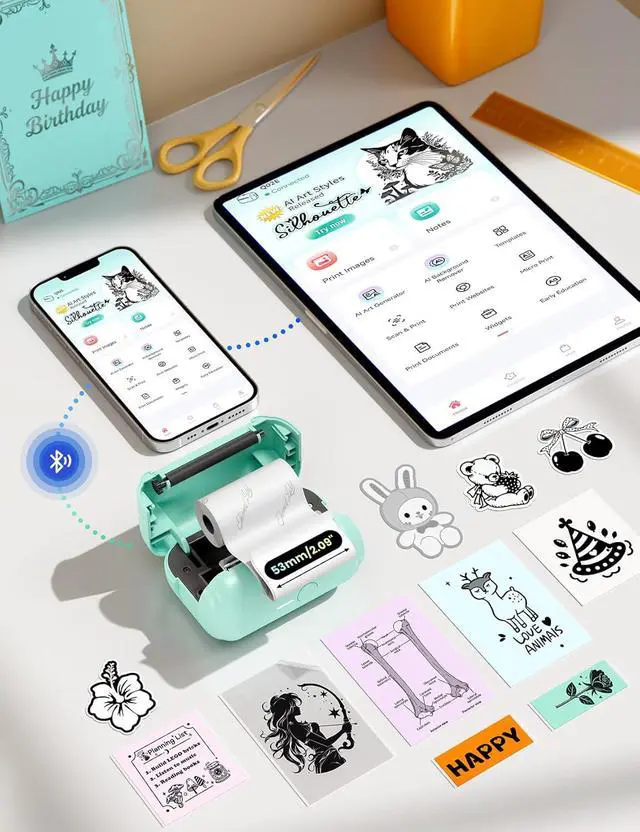
Bluetooth Connection for Easy Operation: The Q02E mini sticker printer can be connected to IOS and Android phones via Bluetooth. Steps for Connection: 1.Download the "Phomemo" APP from the Google Play Store or the App Store. 2. Press and hold the printer's power switch. The white light will start flashing.3. Enable the Bluetooth function on your phone. Launch the "Phomemo" App, then click on "Unconnected". Refresh the list, select "Q02E", and then click to establish the connection. To begin the printing process, please refer to the instruction manual and follow the given guidelines. Note that computer printing is not supported
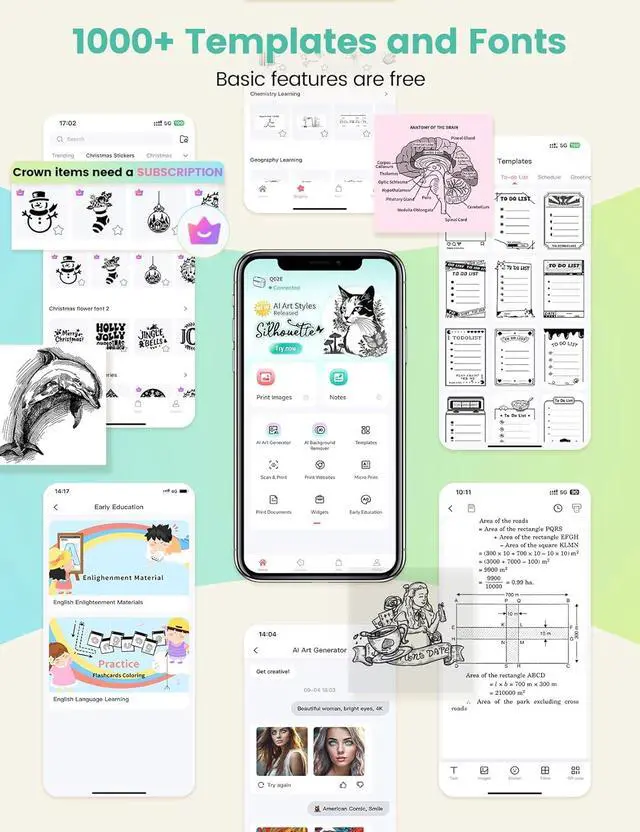
Powerful APP: Enjoy seamless, instant photo and text printing with our thermal sticker printer, compatible with Phomemo APP. Enhance black-and-white images with HD clarity using diverse fonts, filter effects, and customizable themes. Equipped with AI Printing, OCR, and Scan features, this compact device efficiently manages learning, work, and daily tasks. Access a vast library of templates and enjoy regular graphic updates for fresh, creative DIY projects. Perfect for students, professionals, and hobbyists seeking portable, high-quality printing solutions
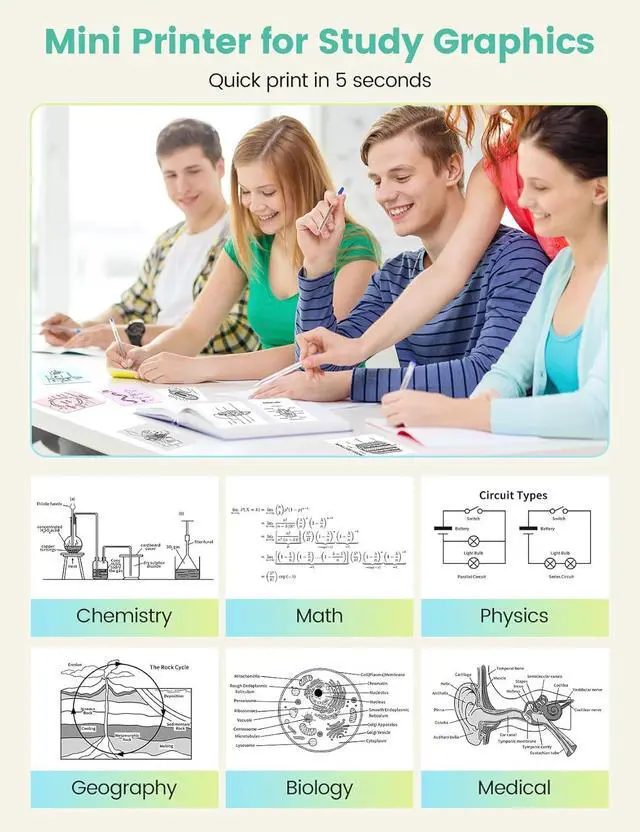
Multifunctional Mini Printer: a compact, versatile sticker maker for personal and professional use. Print custom designs, study notes, to-do lists, work plans, and office memos effortlessly. Create personalized bookmarks, journals, greeting cards, and promotional materials for businesses. Perfect for holidays like Halloween, Thanksgiving, and Christmasideal as a thoughtful gift or daily productivity tool. Lightweight and portable, this mini label printer combines creativity with practicality for home, school, or office needs
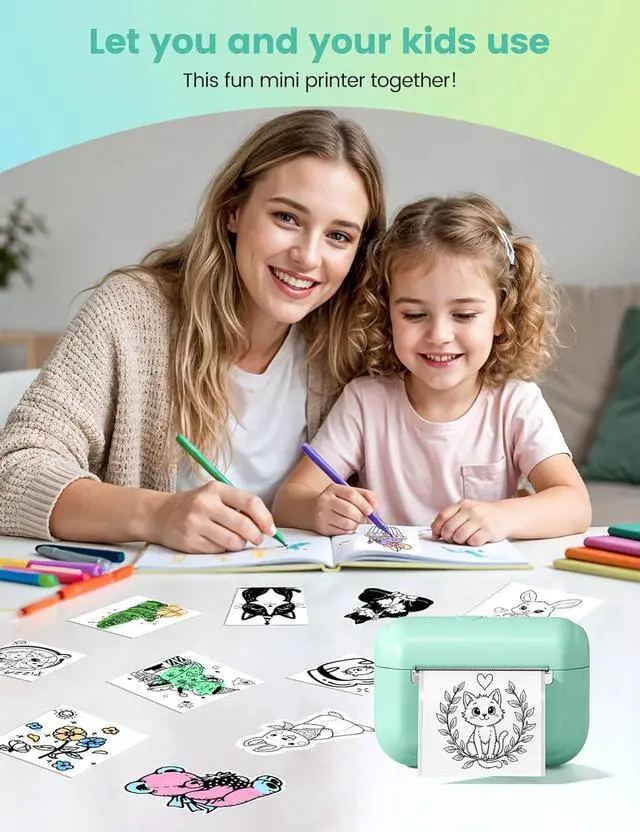
High-quality Printing: Our mini printer sticker maker has an adorable and compact design, perfect for kids. Unlike other mini printers, it offers clear prints and high definition images-with a printing speed of 15mm/s and a resolution of 203dpi, safeguarding children's eyes during learning and play. With one - click printing, it's a time and energy saver. When printing photos, select "Picture"(Note: Charging adapter not included, not for fast - charging adapters)
Print Pod Decorative Set : Personalize your items with sticker paper from the mini printer. Ideal for crafting, gift-wrapping, and decorating your office or craft room, it's compatible with over 50 paper colors and styles. Select thermal papers in various color fonts to achieve a range of printing effects. While the mini printer outputs in monochrome, using differently colored papers can create the colorful prints
Note: If the red indicator light on the label maker stays on even after you've inserted the paper, ensure that you pull the paper 1 - 2 cm out of the outlet. If during use, the indicator light flashes or the app shows 'out of paper,' please check if the cover is securely closed and if the paper is correctly placed with the right side up





 here!
here!