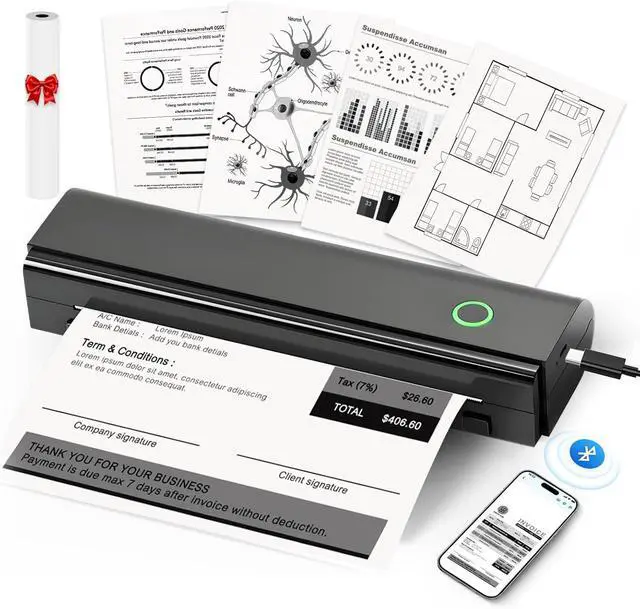
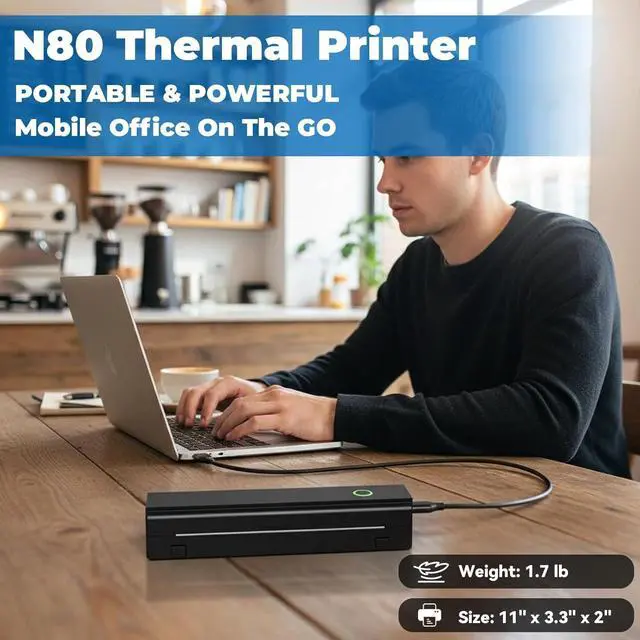
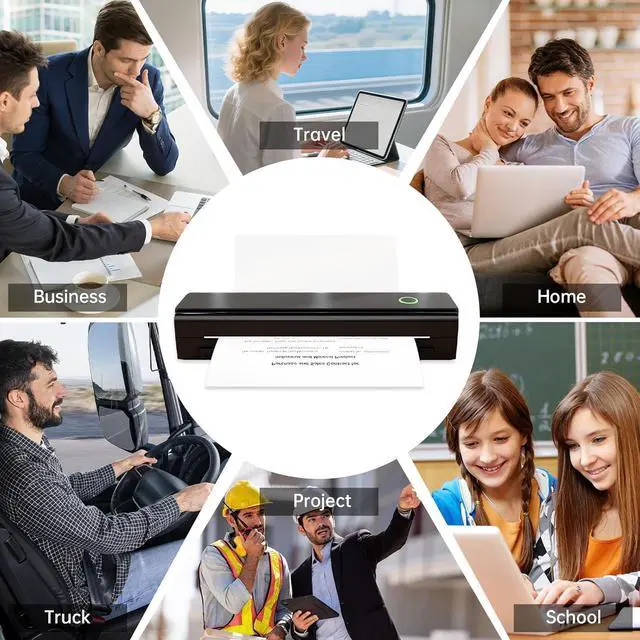
PORTABLE PRINTERAnycash N80 thermal printer is incredibly lightweight and compact, only 1.5 lb fits easily into backpack or briefcase. This mini printer is perfect for business travel, cars, small offices, construction sites, schools and homes. You can print documents, contracts, invoices and boarding passes anytime and anywhere.
BLUETOOTH PRINTERWireless printer effortlessly connects to iOS & Android devices via the app. This mobile printer is perfect for printing PDFs, Word documents, images and web pages from your iPhone or other smartphone. It's ideal for printing notes, contracts, exam papers and DIY projects. This portable thermal printer delivers instant black-and-white prints on standard 8.5"×11" and A4 paper.
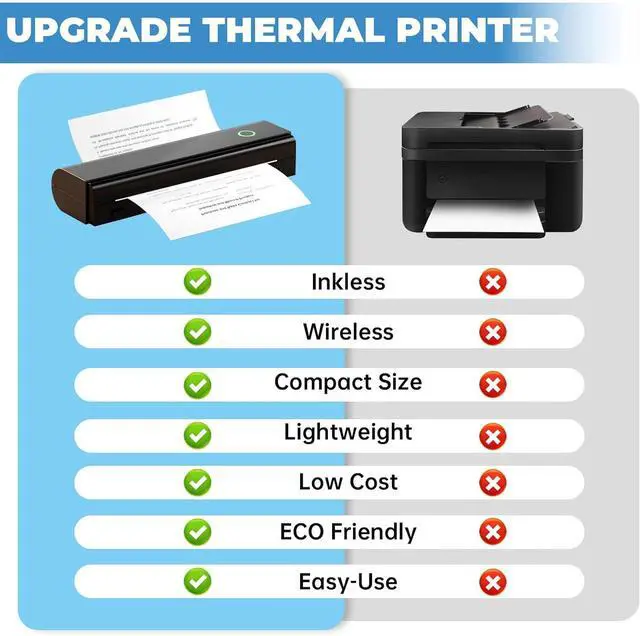
INKLESS PRINTERSmall printer use thermal technology - No ink request, No cost or messy from toner or ribbons. Impresora portátil easily achieves high-quality black-and-white printing results with superior print clarity, providing fast processing, hassle-free printing with high quality crisp, and smooth effects. (Note: N80 Thermal printer only supports thermal printing paper, not support regular copy paper)
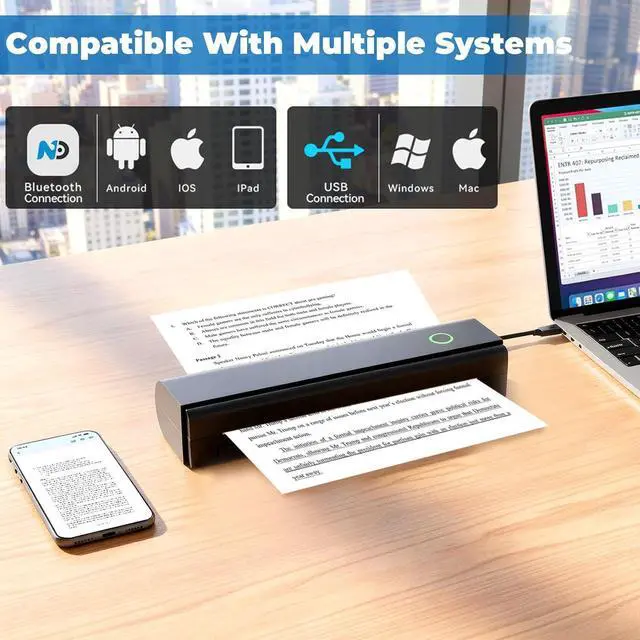
COMPACT PRINTERThe N80 not only a phone printer, but also a portable printers for laptops via a USB cable. This wireless printers for home use is compatible with Windows and macOS, offering true cross-platform functionality. Turn on the printer first and then install the driver to set up printing from a computer.
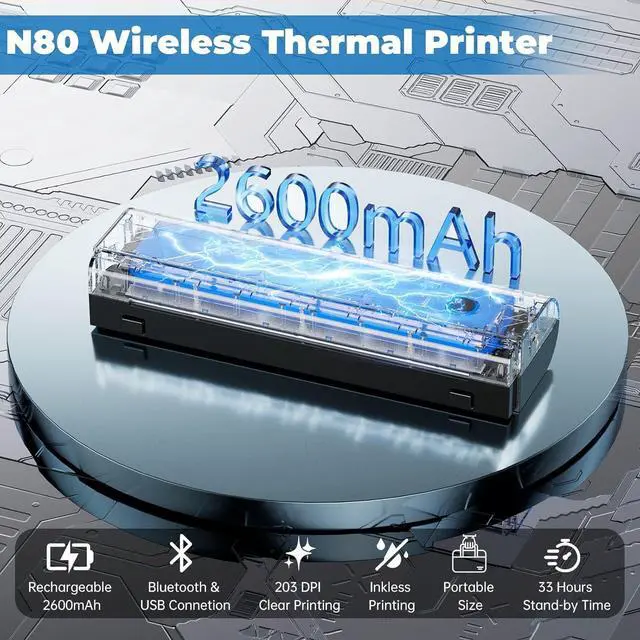
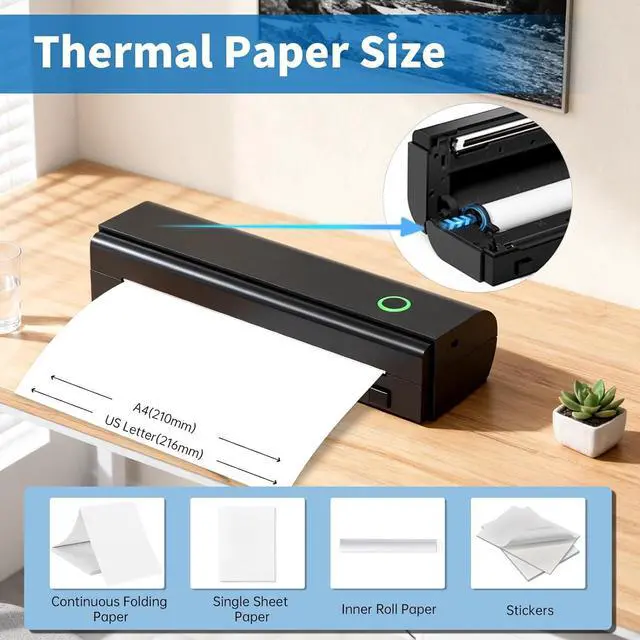
LONG STANDBY PRINTERSThis portable printers has a resolution of 203 DPI and is powered by a 2600 mAh battery. It can print up to 160 sheets of US Letter-size paper (8.5 x 11 inches) on a full charge. It supports continuous, single-sheet and folded thermal paper. It makes an ideal gift for all kinds of people.
EASY TO USEPHONES & IPADS: 1) Download the NaDa Print app. 2) Turn on the printer and enable Bluetooth on your phone. 3) Click the N80 printer in the app, connect the printer via Bluetooth. Select the correct size of thermal paper and file type to start printing. LAPTOPS & COMPUTERS: 1) Download and install the driver for your computer system according to the user manual. 2) Turn on the printer and connect it to your PC with a USB-C cable. 3) Open the document and select the N80 printer to print.





 here!
here!