

Your Browsing History
- Free 30-day Returns
$479.99

Meet Your Seller

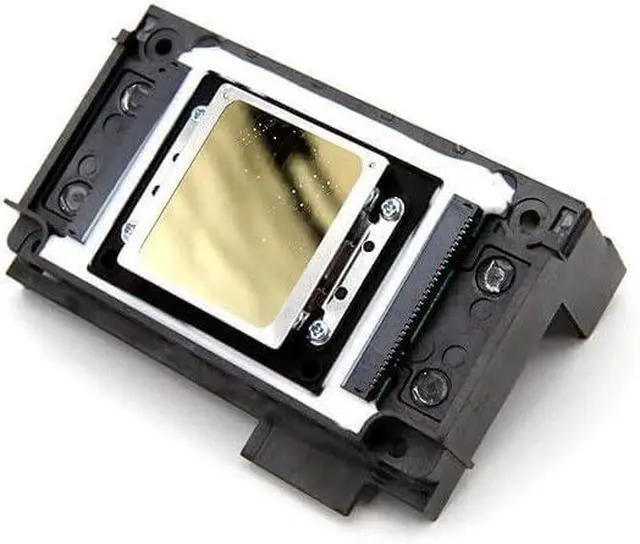
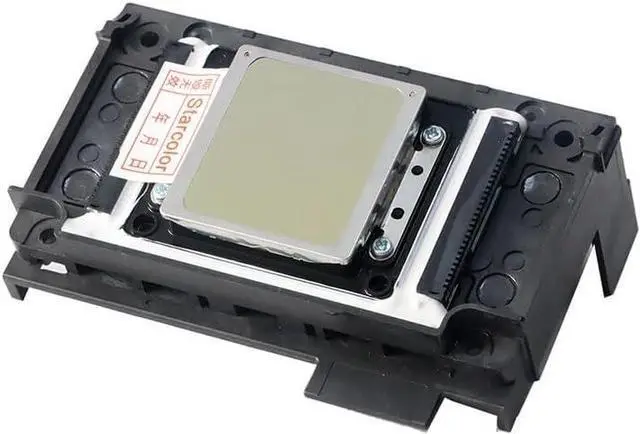
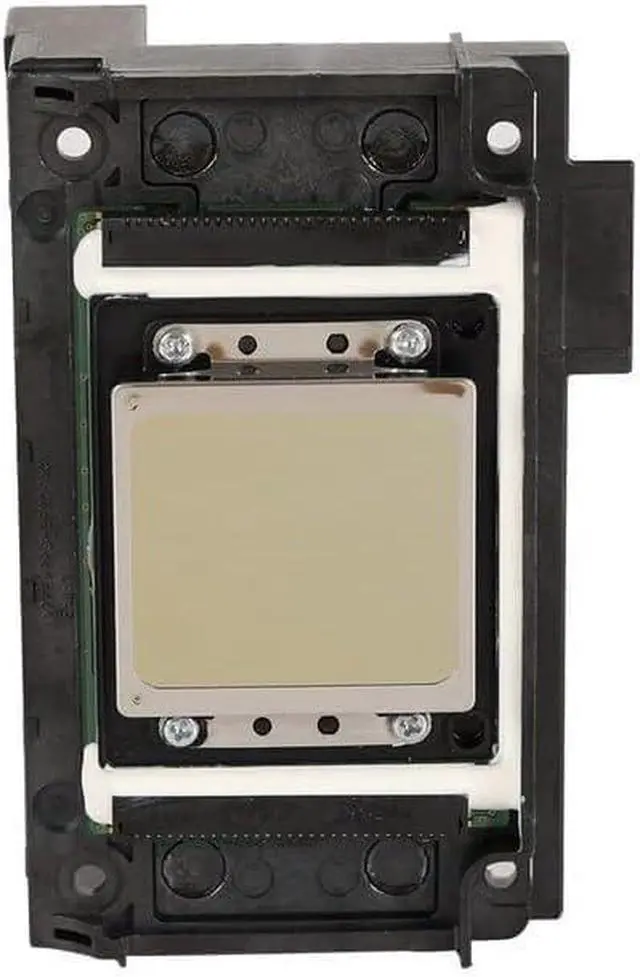
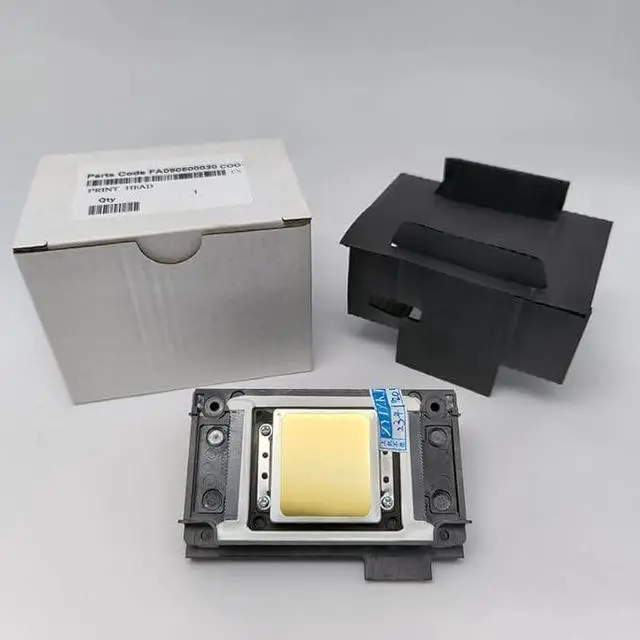
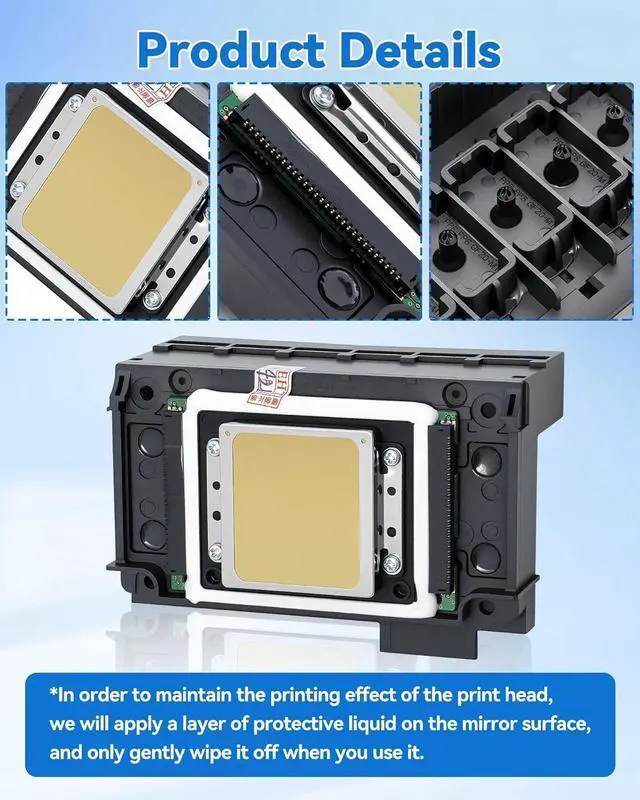


Orginal XP600 Printhead for DTF Printer and UV Sticker Printer, Stable and Colorful prinitng smoothly
- The new XP600 print head can be used for various modified printers, DTF printers, UV printers
- 1: Dear Sir/Madam , after you receive our printhead , please contact us to help you installed the printhead , or You can find the professional technical person to help you installation . if you are professional , you can install it by yourself .notch printing quality
- 2: when you got the printhead , maybe you can see the red liquid on the head face , it is normal, the red liquid is the red moisturizing liquid which is to protect the head ,not too dry or clogged . So, Please do not mistake it for ink .
- 3: After you installed the new printhead well and correctly on your printer , please do not print picture directly , you need to inject ink in the printhead by click the add ink button on your software , the head need to suck ink even , then do cleaning by click your clean button of your software on your computer . after add ink , then do cleaning by software ,normal is to do two times cleanin
+
+
Overview
Specs
Reviews

Any questions? Our AI mode will help you find out quickly.
Try me now
The new XP600 print head can be used for various modified printers, DTF printers, UV printers
1: Dear Sir/Madam , after you receive our printhead , please contact us to help you installed the printhead , or You can find the professional technical person to help you installation . if you are professional , you can install it by yourself .notch printing quality
2: when you got the printhead , maybe you can see the red liquid on the head face , it is normal, the red liquid is the red moisturizing liquid which is to protect the head ,not too dry or clogged . So, Please do not mistake it for ink .
3: After you installed the new printhead well and correctly on your printer , please do not print picture directly , you need to inject ink in the printhead by click the add ink button on your software , the head need to suck ink even , then do cleaning by click your clean button of your software on your computer . after add ink , then do cleaning by software ,normal is to do two times cleaning , then go to print the nozzle test line , only the nozzle test line is good , then you can print picture , please remember this , very important . thanks a lot .
1: Dear Sir/Madam , after you receive our printhead , please contact us to help you installed the printhead , or You can find the professional technical person to help you installation . if you are professional , you can install it by yourself .notch printing quality
2: when you got the printhead , maybe you can see the red liquid on the head face , it is normal, the red liquid is the red moisturizing liquid which is to protect the head ,not too dry or clogged . So, Please do not mistake it for ink .
3: After you installed the new printhead well and correctly on your printer , please do not print picture directly , you need to inject ink in the printhead by click the add ink button on your software , the head need to suck ink even , then do cleaning by click your clean button of your software on your computer . after add ink , then do cleaning by software ,normal is to do two times cleaning , then go to print the nozzle test line , only the nozzle test line is good , then you can print picture , please remember this , very important . thanks a lot .
Warranty & Returns
Warranty, Returns, And Additional Information
Warranty
- Please contact the Seller directly for warranty information. Warranty information may also be found on the Manufacturer's website.
- CONTACT
Return Policies
- Return for refund within: 30 days
- Return for replacement within: 45 days
- This item is covered by Ali Wangwang E-commerce Limited Return Policy
Manufacturer Contact Info
- For a directory of all our manufacturers, please click below.
- Manufacturers Directory
LOADING...