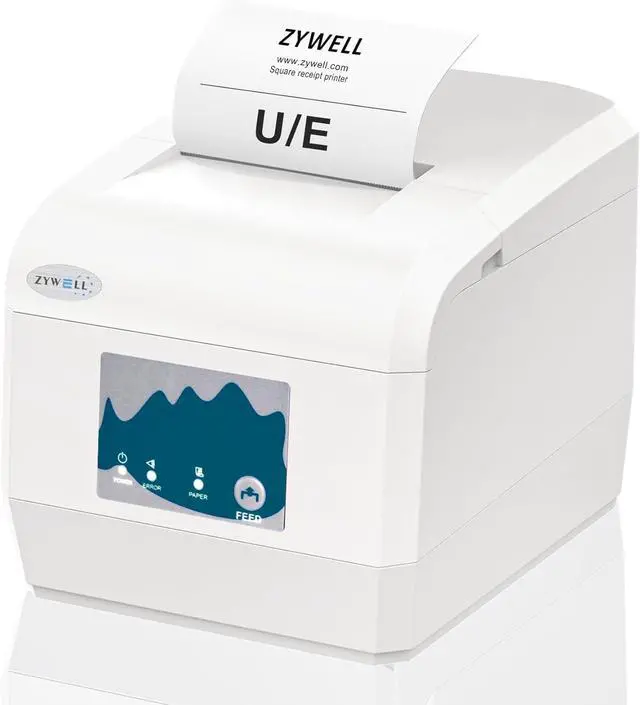
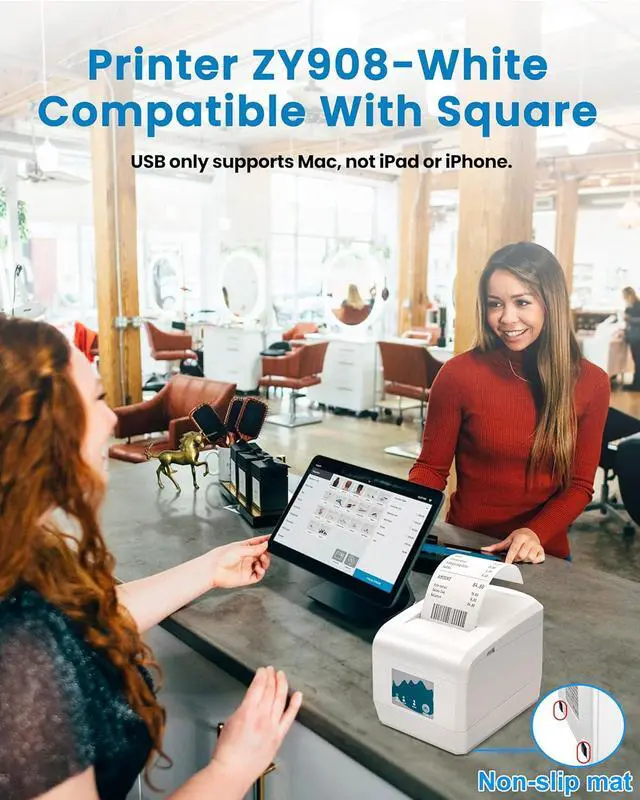
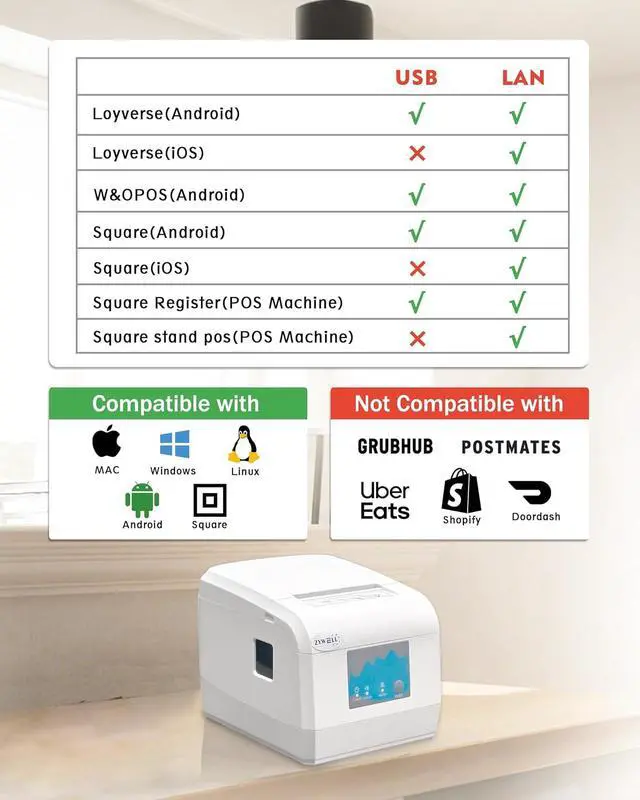
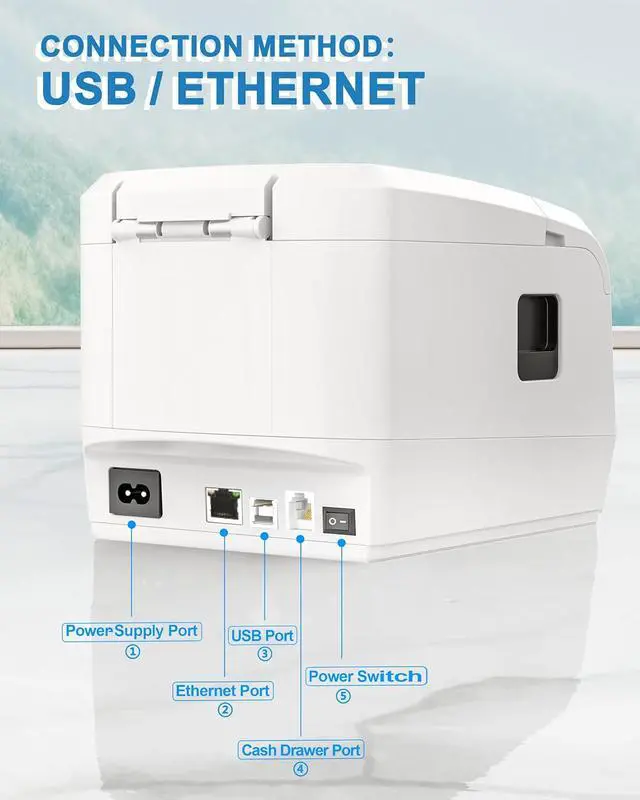
NO Compatible: USB NO support iOS, NO iPad,iPhoneIf you are using an iPad with squareplease connect it with Ethernet cable. Not compatible with Ubereats/Grubhub/ Doordash/Lightspeed/Postmates/Clover/Shopify. NOT Bluetooth and WIFI
How to use cash drawerIf you are using ordinary cash drawer for square, you need to use the computer to connect the printer and download the driver. STEPS: USB connect your computer and printer Download and install the appropriate system driver After installing the driver, use the Printer Test V5.2C tool Click on Advanced, find Cutter with Cash Drawer and select ON.
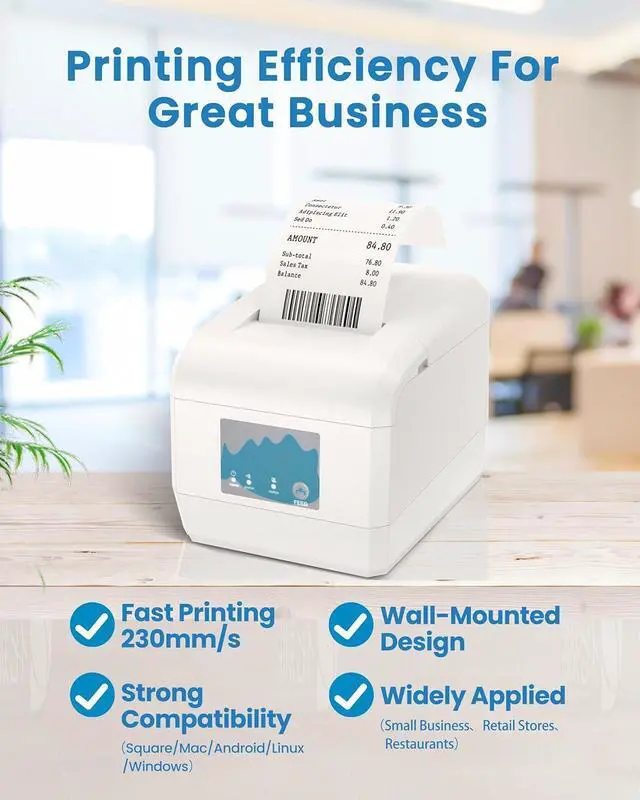
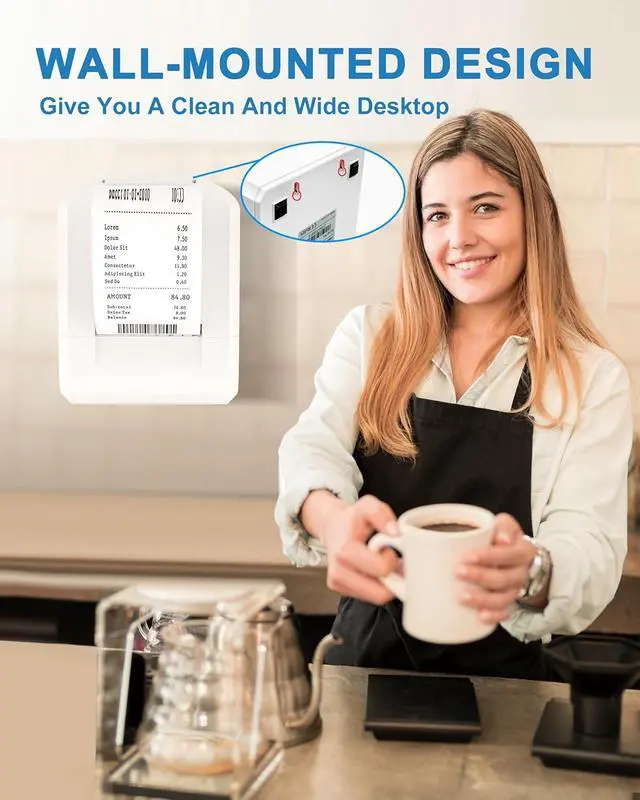
Wall-mounted design: At the bottom of the Android thermal printer, there are two well-designed hanging holes, making it easy to be wall-mounted. It saves space, keeps the working environment tidy and orderly, and facilitates daily cleaning and maintenance
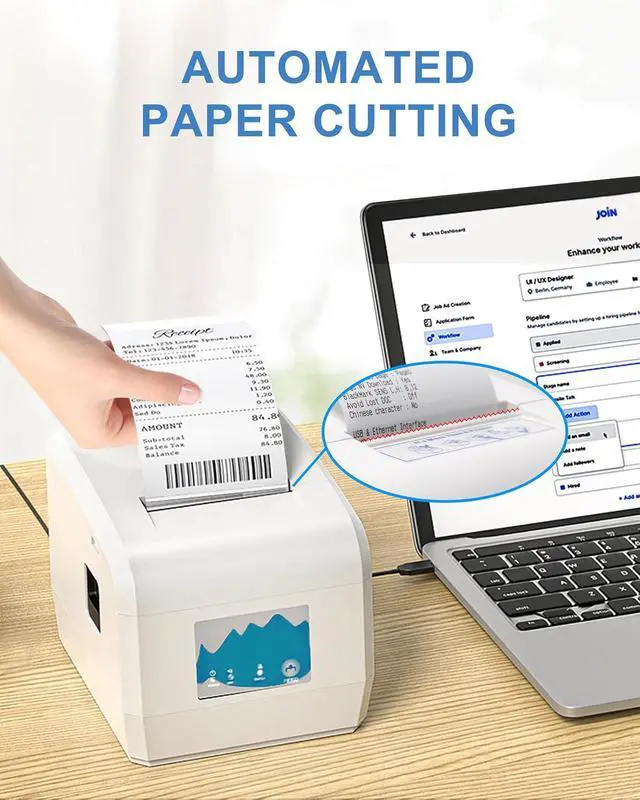
Printing performance: This 80mm receipt printer is equipped with an automatic cutter, printing speed up to 230mm/s, adoption of high-resolution printing technology, clear and delicate handwriting, satisfy your need for high quality printing
Business Assistant: The ZY908 POS printer is works well Windows/ Linux /Chrome book/MAC systems, is ideal for a wide range of industries such as small businesses, retailers, supermarket





 here!
here!