Your Browsing History
Best Sellers
- $133.99
- + FREE SHIPPING
Meet Your Seller
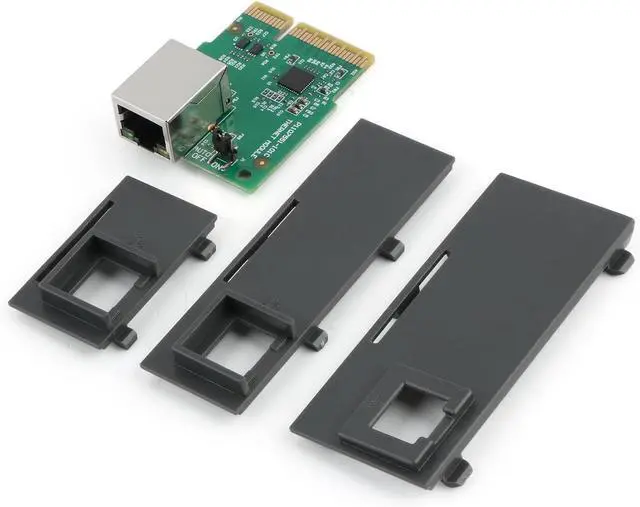
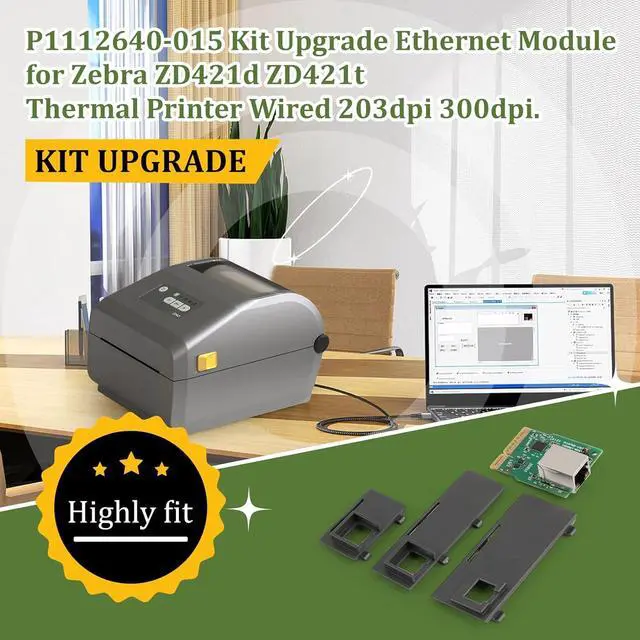
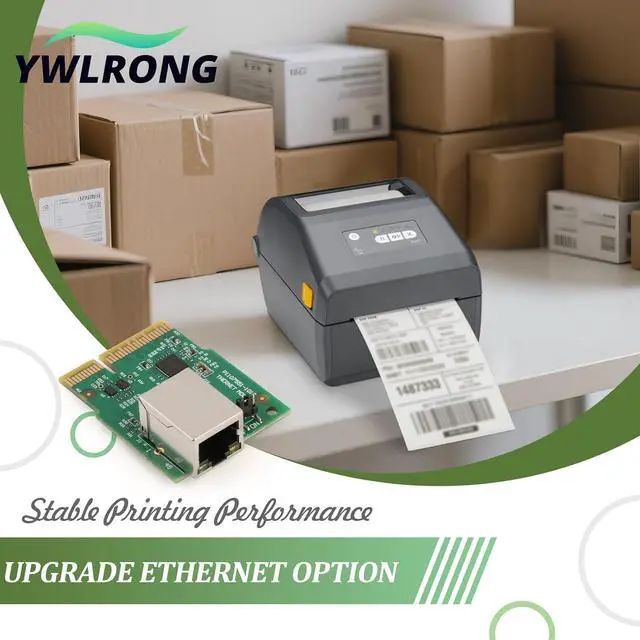
P1112640-015 Upgrade Ethernet Option Module for Zebra ZD421 ZD421d ZD421t ZD411 Thermal Printer Ethernet Wired Connection Module Kit Replacement Accessories Parts
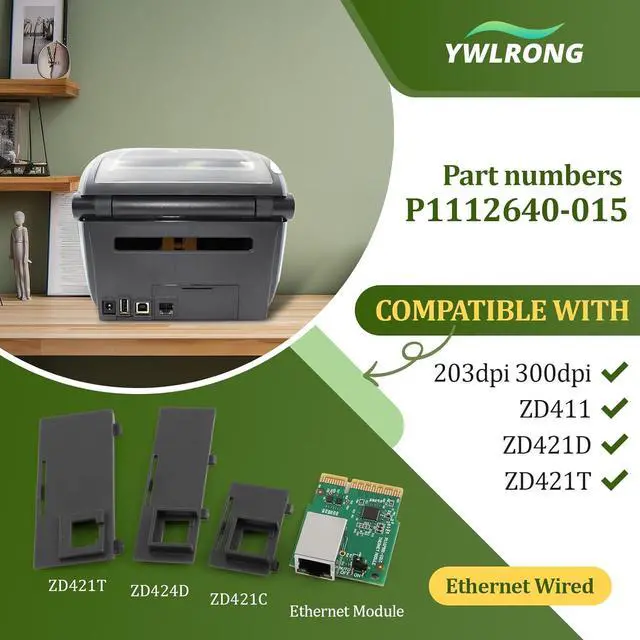
- Compatible Model: Part No: P1112640-015,compatible with Zebra ZD421 ZD421d ZD421t ZD411 ZD4A042-D01E00EZZD4A043-D01E00EZZD4A042-301E00EZZD4A043-301E00EZZD4A022-D01M00EZZD4A023-D01M00EZ. Not suits for other model, please must confirm the correct model before placing the order.
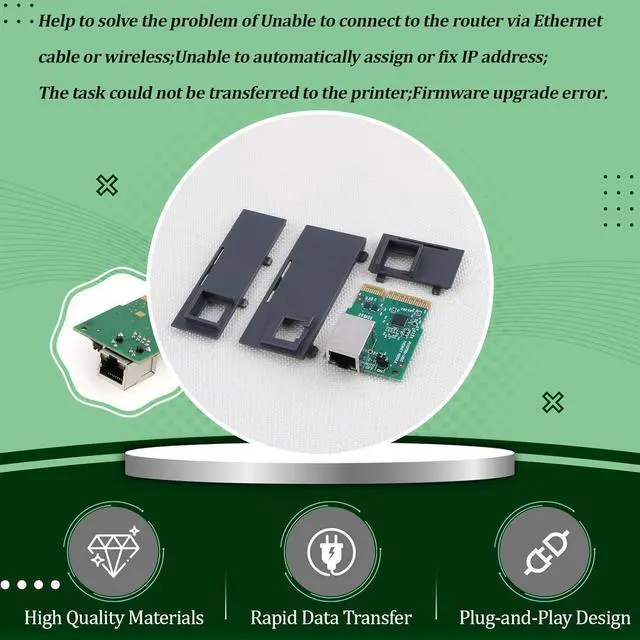
- Application: Help to solve the problem of Unable to connect to the router via Ethernet cable or wireless;Unable to automatically assign or fix IP address;The task could not be transferred to the printer;Firmware upgrade error,etct. The new Ethernet Option Module for Zebra ZD421 will help to solve these problem and make it work normal.
- Quality Guaranteed: For Zebra ZD421d Ethernet Option Module was made by good Material and product by accurate design. All for ZD421t Ethernet Option Module replacement have passed strictly QC double tested and 100% in good condition before shipment.
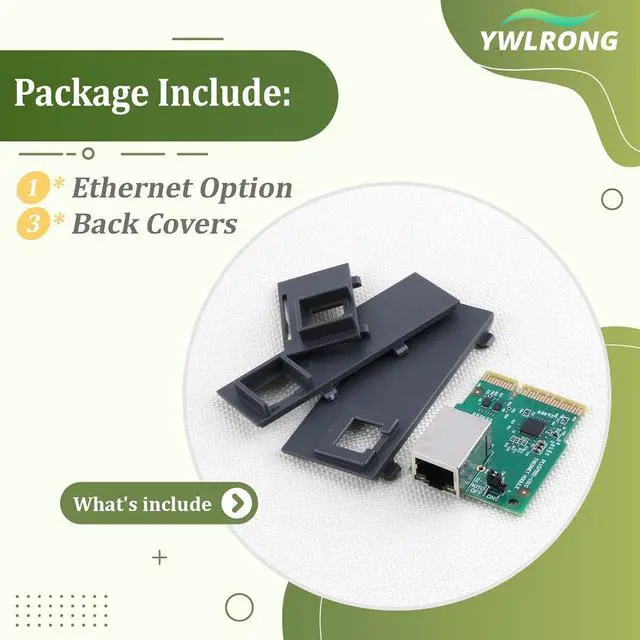
- Easy to Install: Comes with the new back cover, easily to replace the new Ethernet Option Module for Zebra ZD411 :Disconnect T
+
+
Overview
Specs
Reviews
Any questions? Our AI beta will help you find out quickly.
Try me now
Compatible Model: Part No: P1112640-015,compatible with Zebra ZD421 ZD421d ZD421t ZD411 ZD4A042-D01E00EZZD4A043-D01E00EZZD4A042-301E00EZZD4A043-301E00EZZD4A022-D01M00EZZD4A023-D01M00EZ. Not suits for other model, please must confirm the correct model before placing the order.
Application: Help to solve the problem of Unable to connect to the router via Ethernet cable or wireless;Unable to automatically assign or fix IP address;The task could not be transferred to the printer;Firmware upgrade error,etct. The new Ethernet Option Module for Zebra ZD421 will help to solve these problem and make it work normal.
Quality Guaranteed: For Zebra ZD421d Ethernet Option Module was made by good Material and product by accurate design. All for ZD421t Ethernet Option Module replacement have passed strictly QC double tested and 100% in good condition before shipment.
Easy to Install: Comes with the new back cover, easily to replace the new Ethernet Option Module for Zebra ZD411 :Disconnect The DC power Connector;Remove the option bay cover plate; Locate the option guide slots,insert the Ethernet Option into the slot, push it firmly;Install the option cover plate;Reconnect the DC power connector;Connect the Ethernet Cable.
After Installation:After replace the new Ethernet Option for Zebra ZD421d/t please set up the printerAfter plugging in the network card, it will need to set a static IP address for the printer on for Zebra settings software. Configure the static IP address port on Computer. If you have any problem, please leave a message.

Application: Help to solve the problem of Unable to connect to the router via Ethernet cable or wireless;Unable to automatically assign or fix IP address;The task could not be transferred to the printer;Firmware upgrade error,etct. The new Ethernet Option Module for Zebra ZD421 will help to solve these problem and make it work normal.
Quality Guaranteed: For Zebra ZD421d Ethernet Option Module was made by good Material and product by accurate design. All for ZD421t Ethernet Option Module replacement have passed strictly QC double tested and 100% in good condition before shipment.
Easy to Install: Comes with the new back cover, easily to replace the new Ethernet Option Module for Zebra ZD411 :Disconnect The DC power Connector;Remove the option bay cover plate; Locate the option guide slots,insert the Ethernet Option into the slot, push it firmly;Install the option cover plate;Reconnect the DC power connector;Connect the Ethernet Cable.
After Installation:After replace the new Ethernet Option for Zebra ZD421d/t please set up the printerAfter plugging in the network card, it will need to set a static IP address for the printer on for Zebra settings software. Configure the static IP address port on Computer. If you have any problem, please leave a message.
Warranty & Returns
Warranty, Returns, And Additional Information
Warranty
- Please contact the Seller directly for warranty information. Warranty information may also be found on the Manufacturer's website.
- CONTACT
Return Policies
- Return for refund within: 30 days
- Return for replacement within: non-replaceable
- This item is covered by Zienroylein Return Policy
Manufacturer Contact Info
- For a directory of all our manufacturers, please click below.
- Manufacturers Directory
LOADING...
LOADING...