What should I do if there is a paper jam during printing?
Open the cover and remove the paper, then feed another piece of paper, restart the printing task.
What should I do if there is blank paper or the machine does not respond when printing?
1. Upgrade the firmware of the APP. 2. Check if the paper position is correct and insert new paper. 3. Get help from our technical department
Why can't the driver automatically recognize the printer?
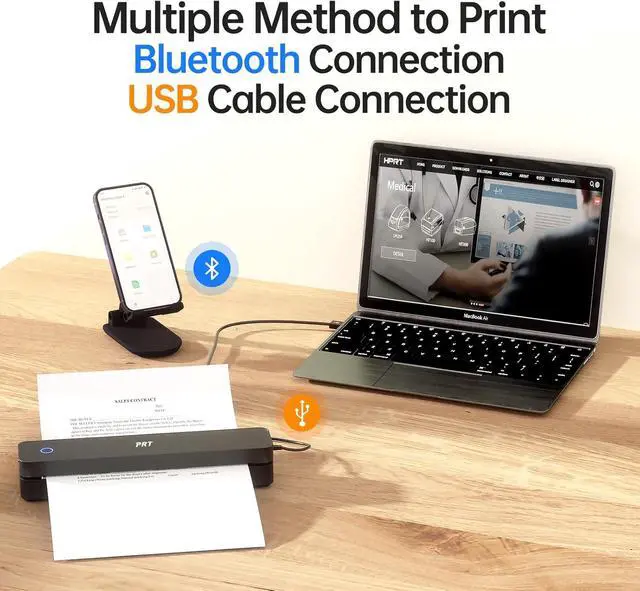
Please insert the USB cable first before downloading the driver. The driver will automatically recognize the printer model.
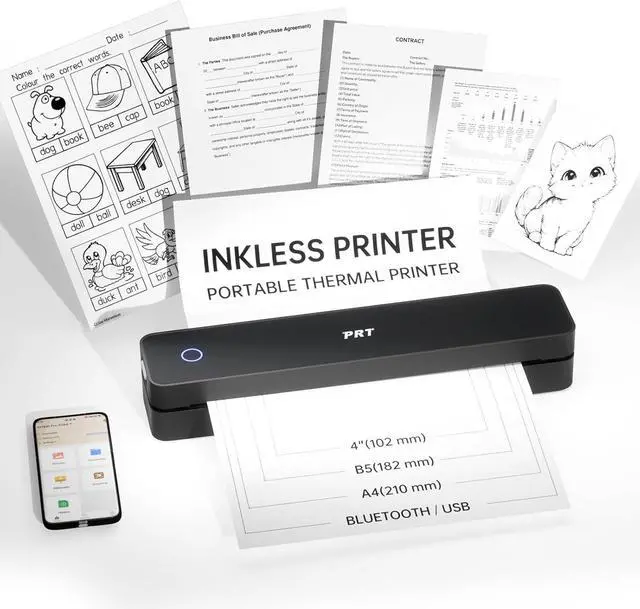
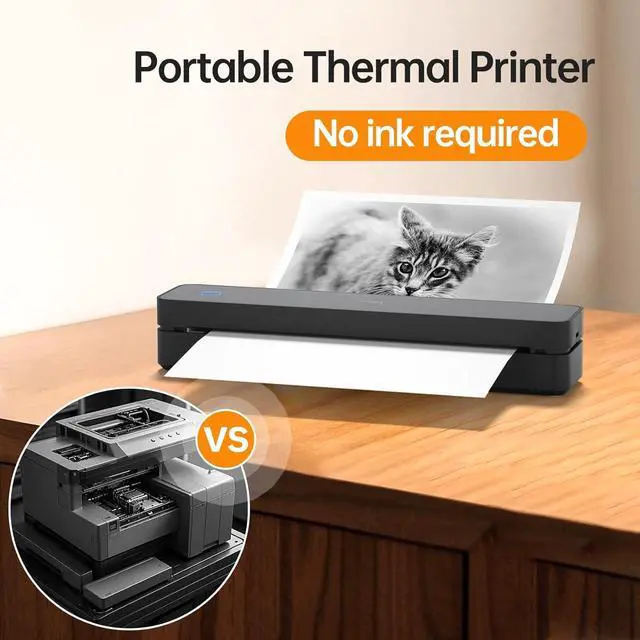
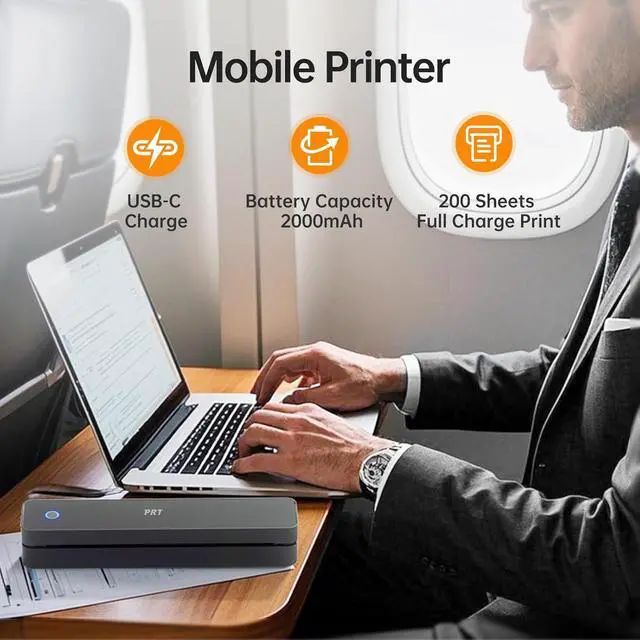
PRT Portable Thermal Printer Ink-Free High-Efficiency Printing What should I do if there is a paper jam during printing?
What should I do if there is blank paper or the machine does not respond when printing?
Why can't the driver automatically recognize the printer?