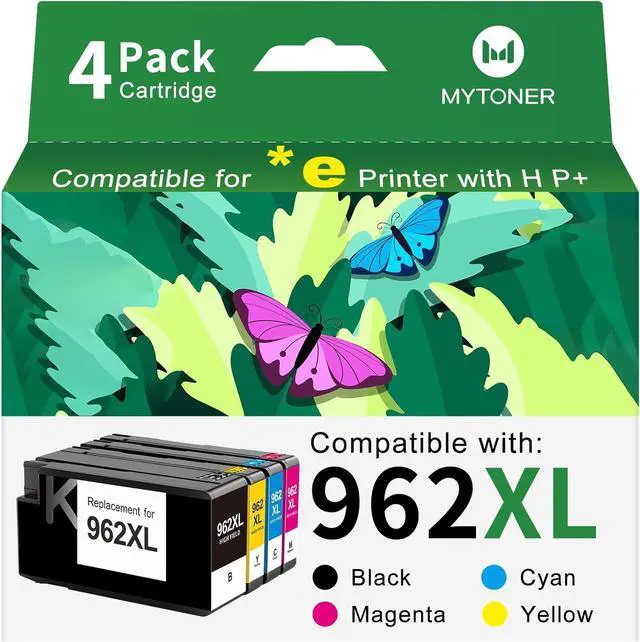
Package Contents: 1 user guide and 4 packs 962 ink cartridges for printers (1 X 962xl black ink, 1 X 962xl cyan ink, 1 X 962xl magenta ink, 1X 962xl yellow ink)
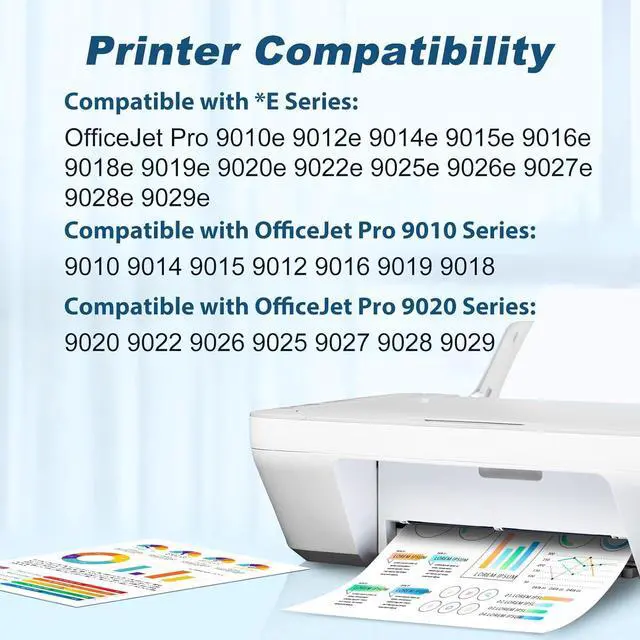
Compatible for HP+ Service: The MYTONER 962XL Ink Cartridges feature advanced chip technology, engineered exclusively for HP+ printers. They are compatible with HP *e series printers, including the OfficeJet Pro 9015e 9018e 9020e 9010e 9012e 9014e 9016e 9019e 9022e 9025e 9028e 9026e 9027e 9029e printers.
962XL Ink Cartridges Combo Pack Compatible Printers: Compatible with HP OfficeJet Pro 9010 Series:9010 9014 9015 9018 9012 9016 9019 Printers.
Ink 962 xl Compatible with HP OfficeJet Pro 9020 Series:9020 9022 9026 9025 9027 9028 9029 Printers.
Package Contents: 1 user guide and 4 packs 962 ink cartridges for printers (1 X 962xl black ink, 1 X 962xl cyan ink, 1 X 962xl magenta ink, 1X 962xl yellow ink)
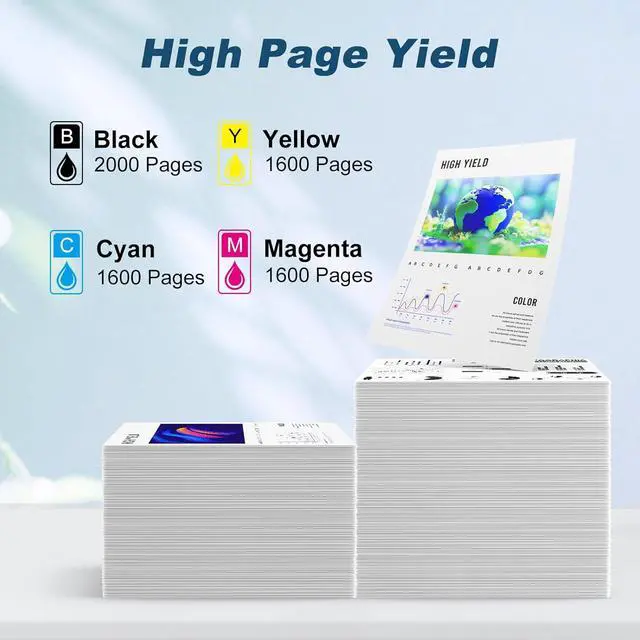
High Page Yield Up to 6,800 Pages: Replacement for hp 962xl black ink cartridge delivers 2,000 pages; each replacement for hp 962xl color ink cartridge hits 1,600 pages for HP ink 962XL color combo pack(5% coverage)
Equipped with integrated intelligent chips, the MYTONER 962XL Remanufactured Ink Cartridge Combo Pack boasts enhanced compatibility, instant device recognition, and real-time ink level monitoring. This ensures a seamless, high-efficiency printing experience that fulfills all your personal and professional needs.
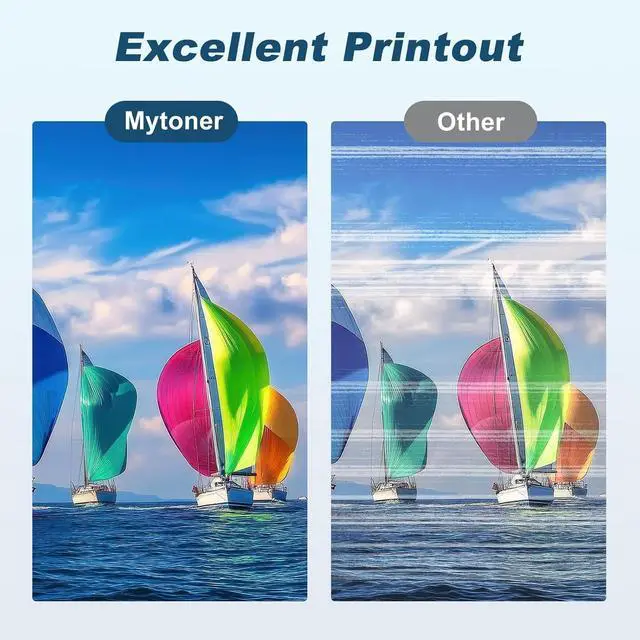
Delivering superior print performance, these remanufactured cartridges produce natural color reproduction and sharp, vibrant outputswhether for everyday documents, professional reports, correspondence, graphics, or photos. Every print maintains superior clarity and brilliance.
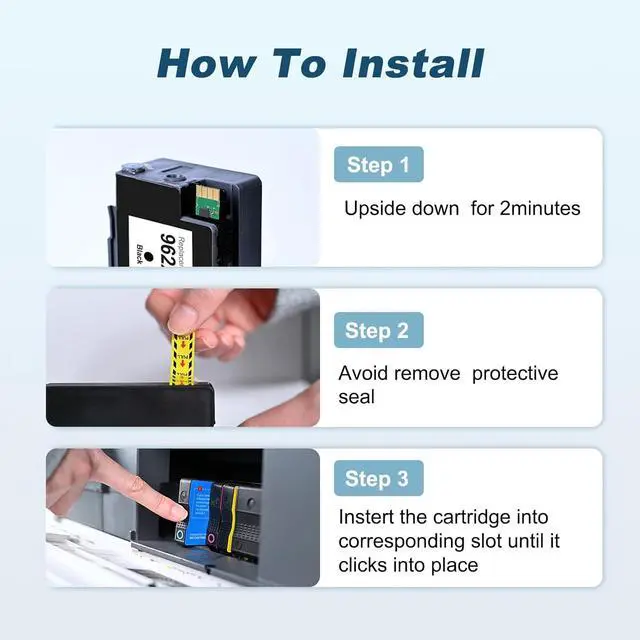
Troubleshooting Steps: 1.Gently clean the contact points between the cartridge and printer slot with a soft cloth or cotton swab to remove dust or dirt. 2.Remove and reinsert the cartridge, ensuring it's properly and fully inserted into the slot. 3.Turn off the printer, unplug it, wait 30 seconds, plug it back in, turn it on, and check if the error is resolved.