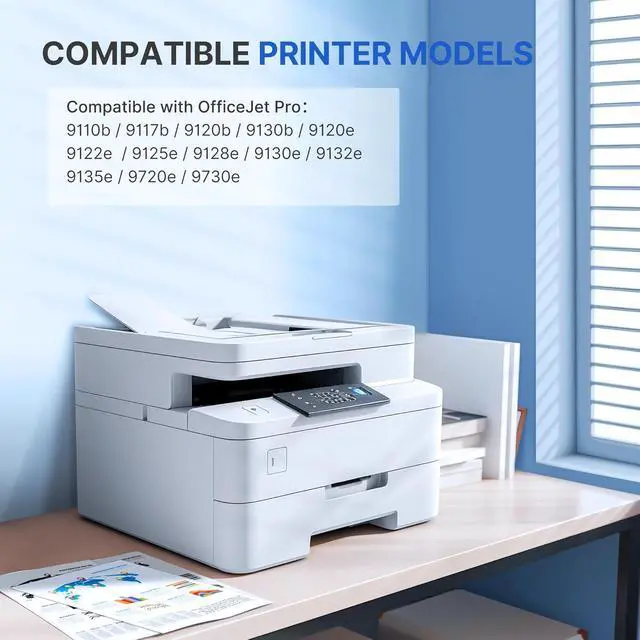
Compatible with hp Printers: CATJOY 936 ink cartridges combo pack compatible with HP OfficeJet Pro 9120e 9125e 9122e 9128e 9110b 9120b 9130b 9130e 9135e 9730e 9110 9120 9122 9125 9128 9130 9135 9730 Series Printer(*e series printers which Never enrolled and paid for HP+.
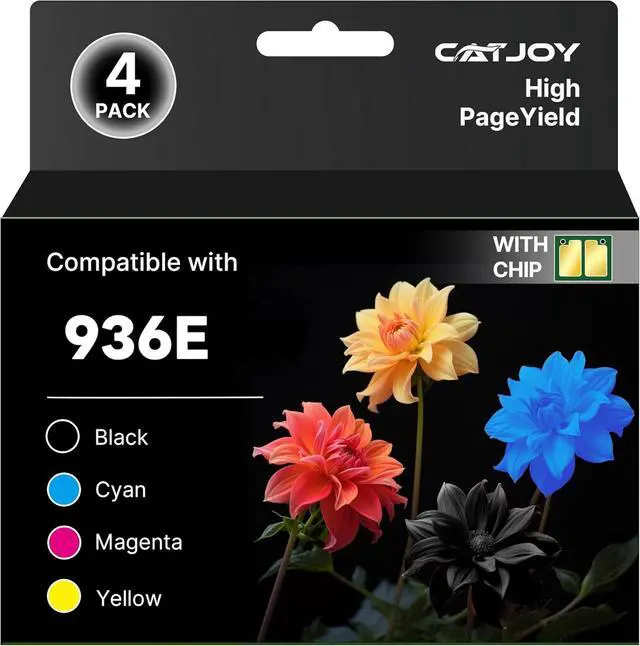
936 Ink Cartridges Combo Pack: CATJOY for hp 936 ink cartridges combo pack contains 1 * for hp 936 936E Black, 1 * for hp 936 936E cyan, 1 * for hp 936 936E magenta , 1 * for hp 936 936E yellowtotal 4 pack for hp ink 936 black and 936 color combo pack).
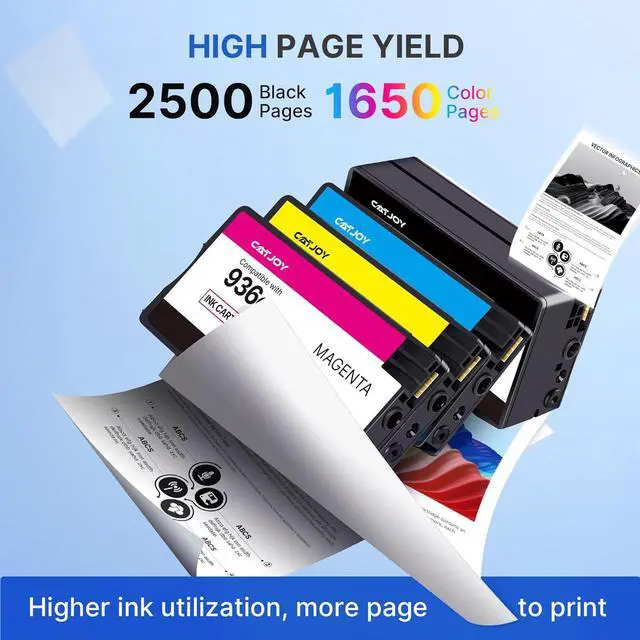
CATJOY 936E 936XL ink cartridges combo pack yields 7,450 Pages 1.9 times more than 936 Ink, Each 936e black ink cartridges can produce up to 2500 pages, while the 936e ink cartridges color pack offer 1650 pages each, based on 5% coverage.
Latest Chip Version: Every CATJOY compatible with hp 936 ink cartridges combo pack use for hp printers equipped with the most up-to-date version of the chip, undergoes strict quality control, makes sure quick and easy installation and 100% printer recognition.
Never Worry About Leaks or Clogs Again Protect Your Printer & Your Prints: CATJOY 936 ink cartridges combo pack for hp printers are engineered with a Precision No-Leak, No-Clog Design that goes beyond a simple promise. We use industrial-grade seals and high-purity ink formulations to guarantee that every drop of ink goes exactly where it should: onto your paper.
2-Year Worry-Free Warranty - Get a FREE Replacement! We guarantee every CATJOY 936 ink cartridges combo pack for 2 full years. If you experience any quality issues, we promise a new free 936 Ink Cartridges replacement immediatelyyour satisfaction and risk-free printing are our top priority.
Lightning-Fast Support: If you need support with our CATJOY 936 black and 936 color combo pack. Get help day or night with our 24/7 live support, guaranteed to answer in 3 minutes or less.
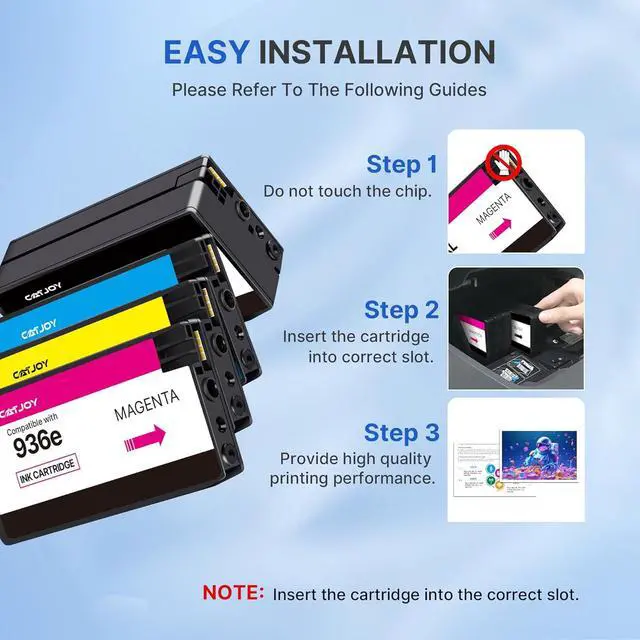
Installation Tips You May Need: [1]. Don't remove or touch 936 ink cartridges for hp printers chip.[2]. When the printer prompts "non-original", please click "ok" or "next to continue". [3]. When the hp printer appears "low ink", "empty", "replace ink cartridge" and other prompts, please remove the 936 ink cartridge and reinstall it several.
Important Note for Initial Installation: Please allow approximately 4 minutes for your printer to recognize the new 936 inkcartridge. If an "Altered or Cloned" message appears, simply select 'OK' to continue the printing process. This applies to hp officejet pro 9010 9015 9018 9025 and all other compatible models listed.