• $90.99
  • Free 30-day Returns
  • Price alert
    Shop it at NeweggBusiness.

    Meet Your Seller

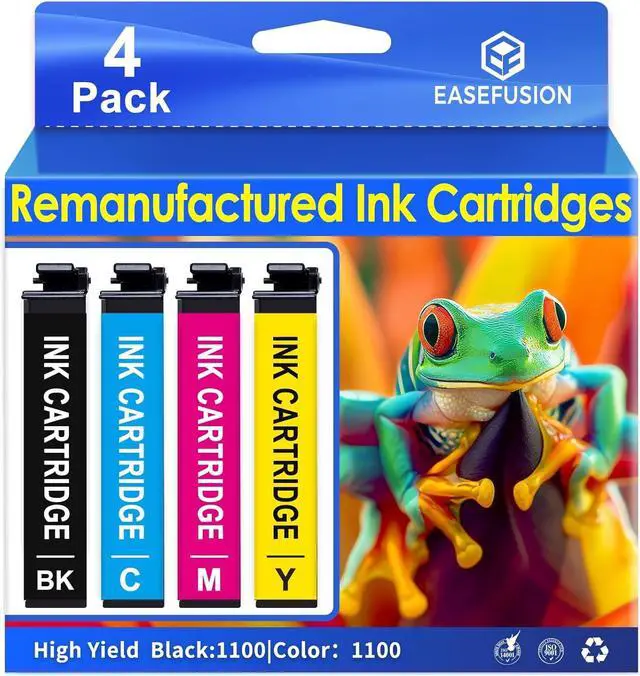
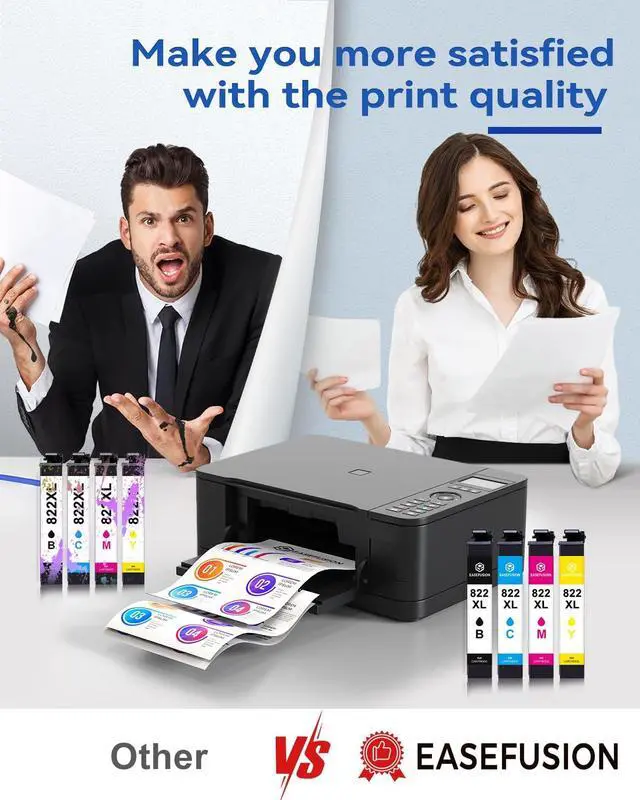
    822XL Ink Cartridges Remanufactured Replacement for 822XL Printer Ink Epson for 822 Ink Cartridges Use with Workforce Pro WF-3820 Workforce Pro WF-4820 WF-3820 WF-4820 822XL

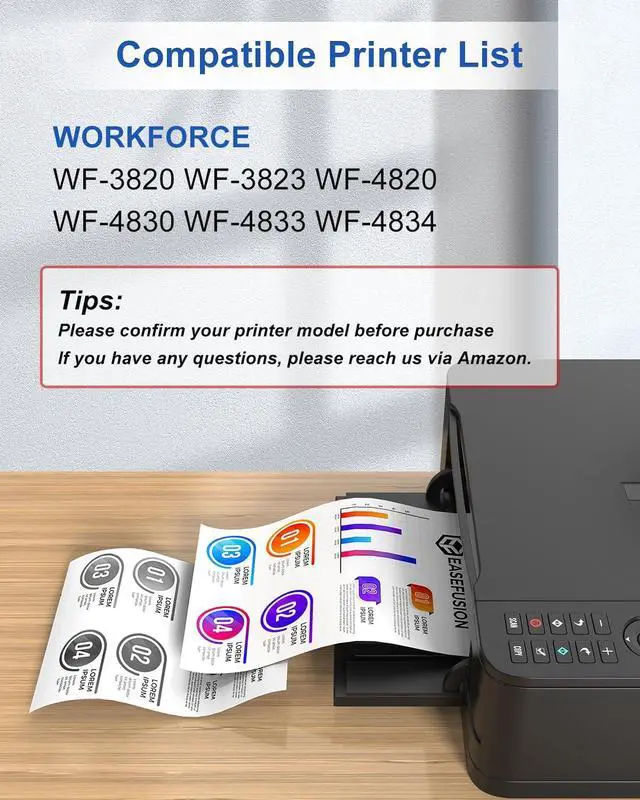
    • Compatible Printers: replacement for epson 822xl ink cartridges Works with WorkForce Pro WF-3820, WF-3823, WF-4820, WF-4830, WF-4833, WF-4834
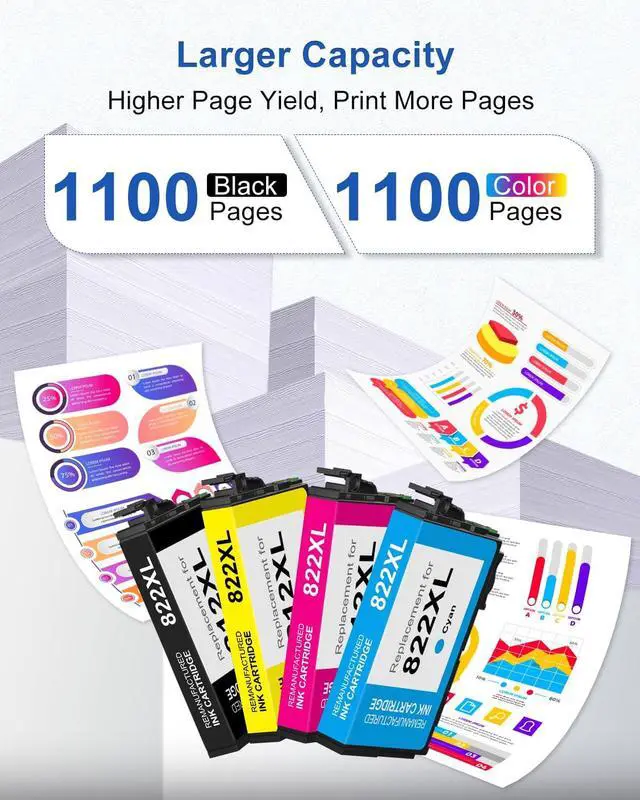
    • Replacement for 822xl printer ink epson Printing Capacity: 1100 pages with each 822XL Black ink; 1100 pages with each 822XL Color ink (depends on printer and usage)
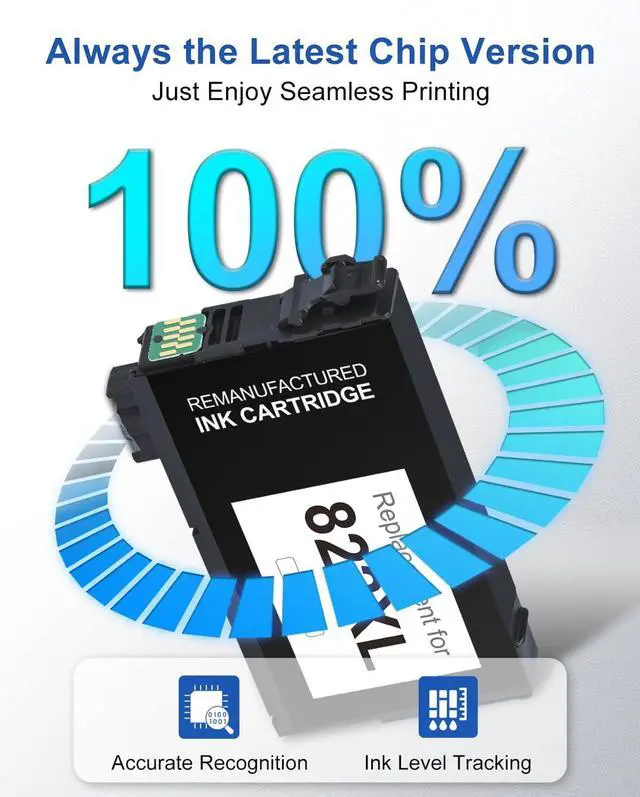
    • Engineered with smart chips for seamless integration with your replacement for 822xl ink cartridges combo pack for epson printer. This enables fast recognition, real-time ink level tracking and reliable, high-quality printing to fulfill all your tasks
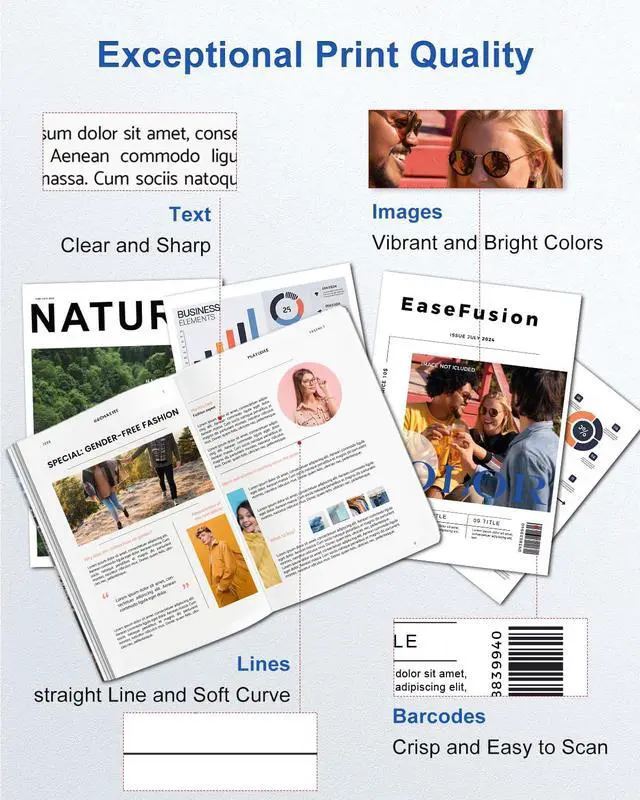
    • Unlock brilliant, high-quality prints with our premium replacement for epson ink 822xl. Engineered for easy installation and strong compatibility, they consistently produce vibrant colors and razor-sharp text, giving your documents and photos a professional finish
    • User Guide : Avoid touching the replacement for epson ink 822xl combo pack chip to prevent connectivity issues. Should your printer display a compatibility warning, please
    +
    +
    Overview
    Specs
    Reviews
    avatar

    Any questions? Our AI beta will help you find out quickly.

    822xl ink Cartridge not recognized after installation?
    Remove the 822XL ink cartridge, gently wipe the gold chip contacts with a dry cloth, and reinstall firmly. If the error remains, unplug the printer for 30 seconds and restart.
    Print quality issues like streaks or wrong colors?
    Remove all yellow tape from the new 822 ink cartridge. Run "Print Head Alignment" and "Print Head Cleaning" from your printer's Maintenance menu, then print a test page. If needed, wait 2 hours and retry.
    Will a firmware update stop these 822xl printer ink from working?
    To avoid compatibility issues, disable automatic firmware updates. Go to your printers Settings Firmware Update Notification and select Off.
    Are these ink 822 compatible with my printer?
    Yes, if your printer uses 822xl cartridges. Check your printers manual or label to confirm the required cartridge model.
    How can I maintain print quality and 822xl ink cartridges combo pack life?
    Print at least once a week to prevent clogging. Store unused 822 xl ink cartridges in a cool, dry place. Most issues can be resolved with the steps above.
    822xl ink Cartridge not recognized after installation?
    Print quality issues like streaks or wrong colors?
    Will a firmware update stop these 822xl printer ink from working?
    Are these ink 822 compatible with my printer?
    How can I maintain print quality and 822xl ink cartridges combo pack life?

    Warranty & Returns

    Warranty, Returns, And Additional Information

    Warranty

    • Please contact the Seller directly for warranty information. Warranty information may also be found on the Manufacturer's website.
    • CONTACT

    Return Policies

    • Return for refund within: 30 days
    • Return for replacement within: non-replaceable
    • This item is covered by honour_2 Return Policy

    Manufacturer Contact Info

    LOADING...