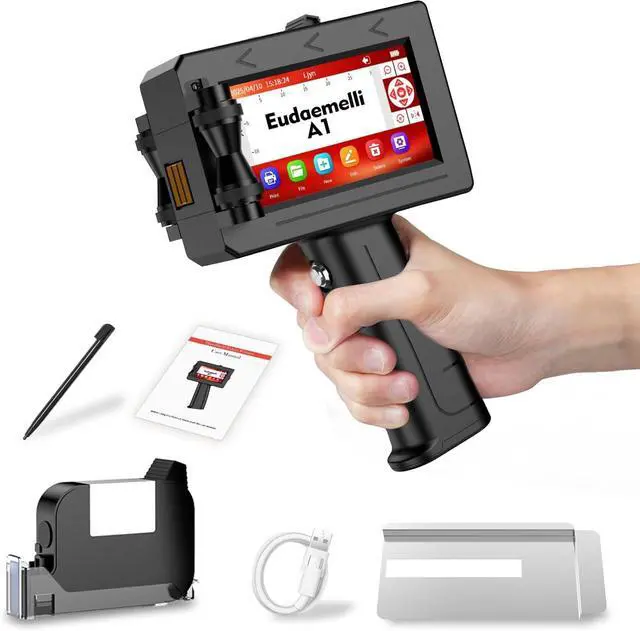
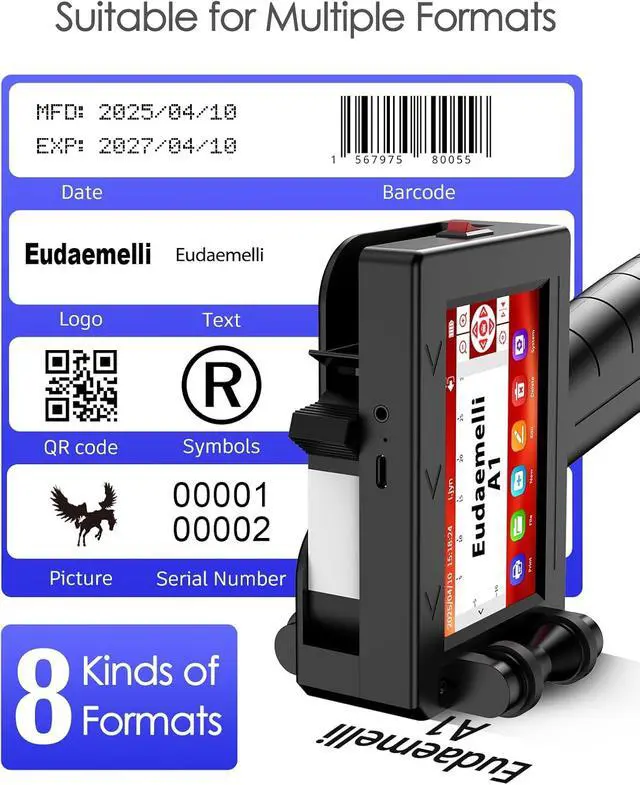
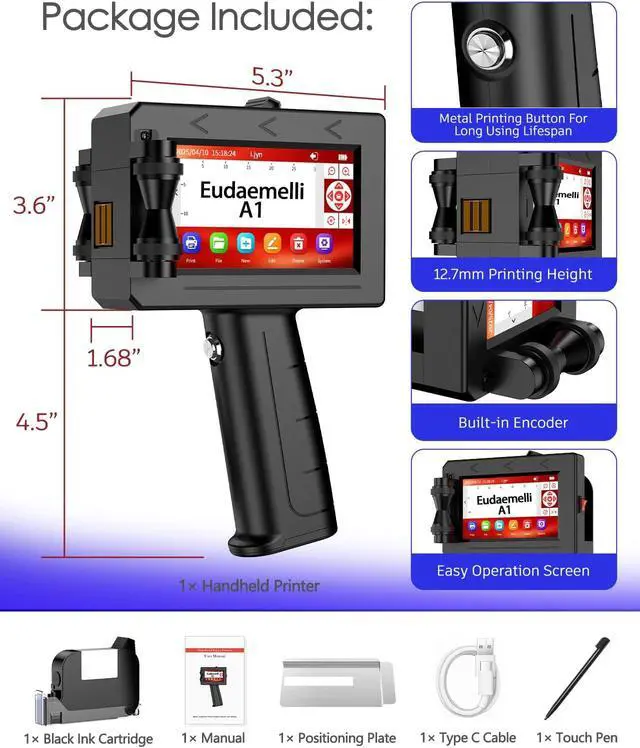
High-quality waterproof ink cartridges ensure clear text printing.
Comes with a black ink cartridge; we also offer red, yellow, blue, and white ink cartridges.
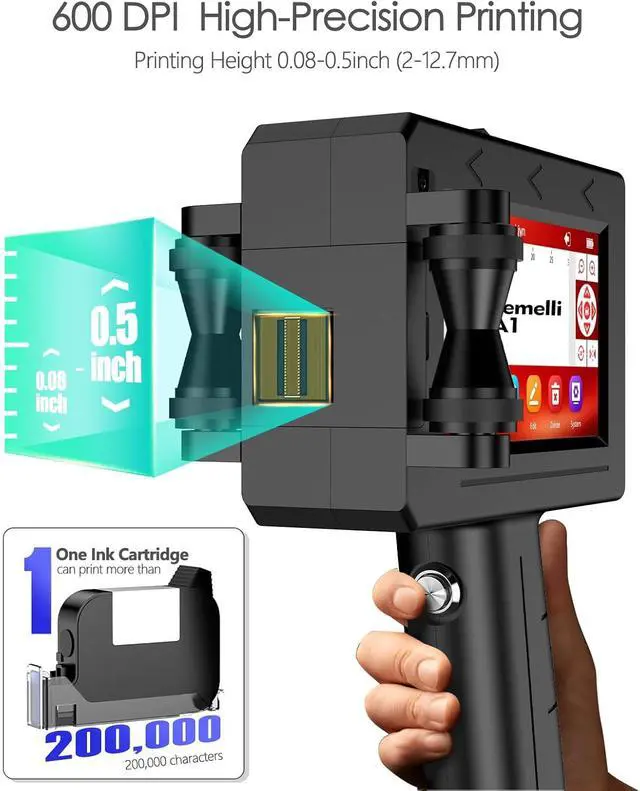
Supports printing heights of 0.08-0.5 Inch (2-12.7mm).
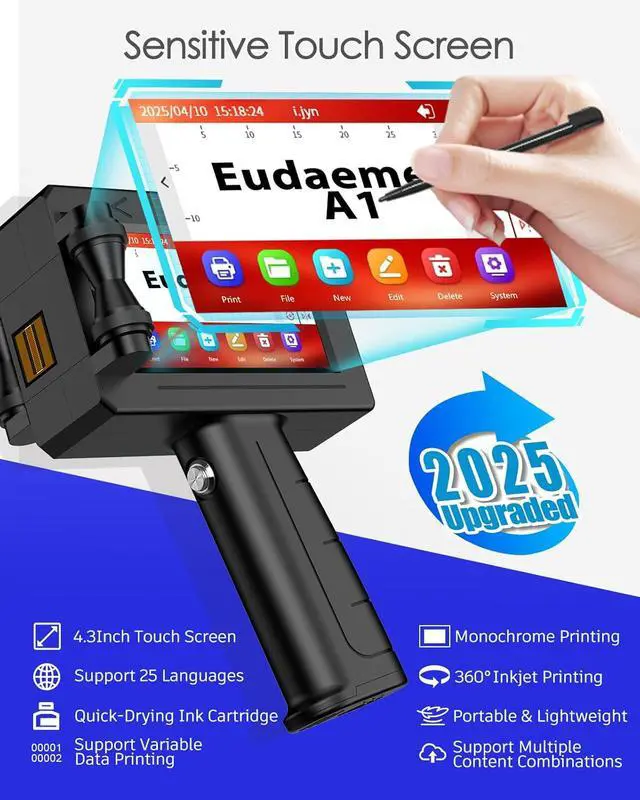
The clear touchscreen makes it easy to edit and print content.
1.If the screen is not sensitive, first turn off the printer. Next, hold down the screen with a stylus and turn on the printer. Hold the pen until the calibration interface appears. You must click on the white icon on the screen in the following order: top left>bottom left>bottom right>top right>middle, before it can be used normally.
2. TheA1 handheld printer uses fast drying ink cartridges.
If you do not use the machine for more than 10 minutes, please take off the ink cartridge from the printer and promptly cover it with a protective cover to prevent the ink cartridge from drying out and clogging the nozzle.
If there are white lines in the printing, the printing is incomplete or cannot be printed, the solution is as follows:
(a) Wipe the ink cartridge nozzle in one direction with a soft tissue.
(b) Cover the ink cartridge nozzle with a tissue and shake the ink cartridge up and down several times.
(c) Then try printing a few times.
Waterproof Ink Cartridge Multiple Colors to Choose from Print Height Touchscreen Kindly Note