Product Model
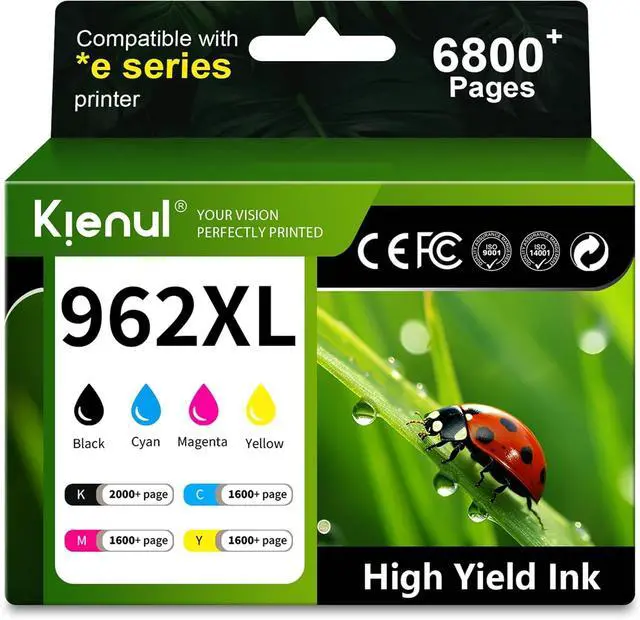
4 Pack 962XL High Yield Ink Cartridges
Compatibility
OfficeJet Pro Series
9010, 9012, 9014, 9015, 9016, 9018, 9019
9020, 9022, 9025, 9026, 9027, 9028, 9029
OfficeJet Pro E* Series
9010e, 9012e, 9014e, 9015e, 9018e
9019e, 9020e, 9022e, 9025e, 9028e
Professional print results
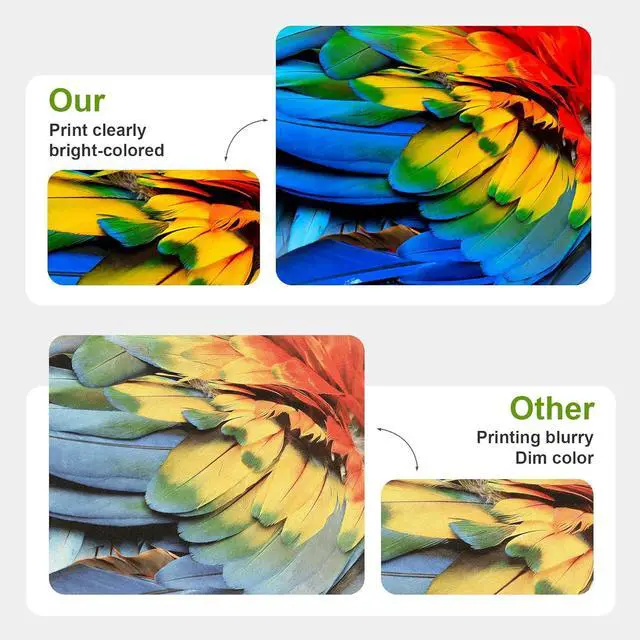
Whether you're printing contracts, reports, or schoolwork, Kienul Ink delivers sharp lines,
solid fills, and clean text, page after page. Expect crisp, professional results with every print.
High quality materials, quality assurance
Made with premium ink and high-quality components, cartridges deliver smooth
operation and consistent output from start to finish.
Installation Instructions
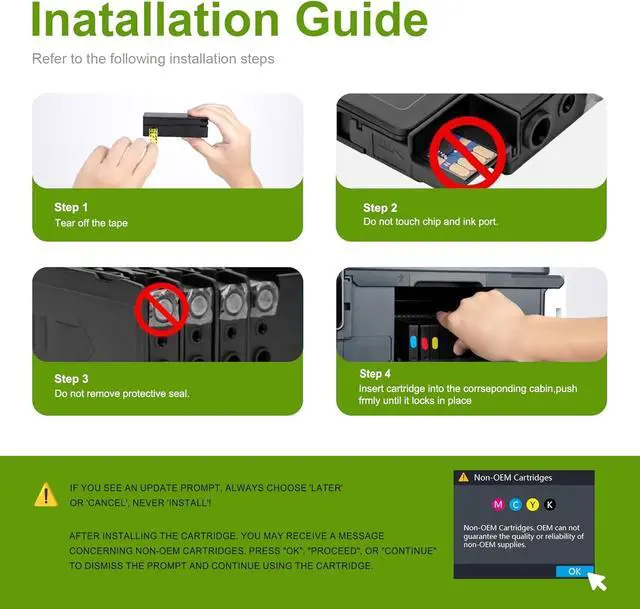
Step 1: Turn on your HP OfficeJet Pro printer and open the ink cartridge access door. Wait for the
cartridge cradle to move to the center and become still.
Step 2: Press down gently on the old cartridge to release it, then pull it straight out. Dispose of it
properly.
Step 3: Remove the new cartridge from its sealed packaging. Important: Pull off the plastic
protective tape completely. Do not touch the copper contacts or ink nozzles.
Step 4: Match the color icon on the cartridge with the color label in the slot. Insert each cartridge
firmly into its correct slot until it clicks into place.
Step 5: Close the access door. Your printer will automatically begin a brief initialization and
alignment process. Once completed, youre ready to print!
Tip: If you see a Cartridge Error message, simply re-open the door, ensure each cartridge is
fully seated and that all protective tape is removed, then close the door again.