Why is the printer printing blank papers or print light?
It may because the paper is installed incorrectly. Please maker sure the paper with black markings faces downwards
If the indicator light flashes red, means the device enter low-power mode and needs to be charged; or print quality may be affected.
Why does the printer print incomplete?
The position of the paper is not correct. The two ends of the paper need to be on the same straight line to ensure that the printing is not offset
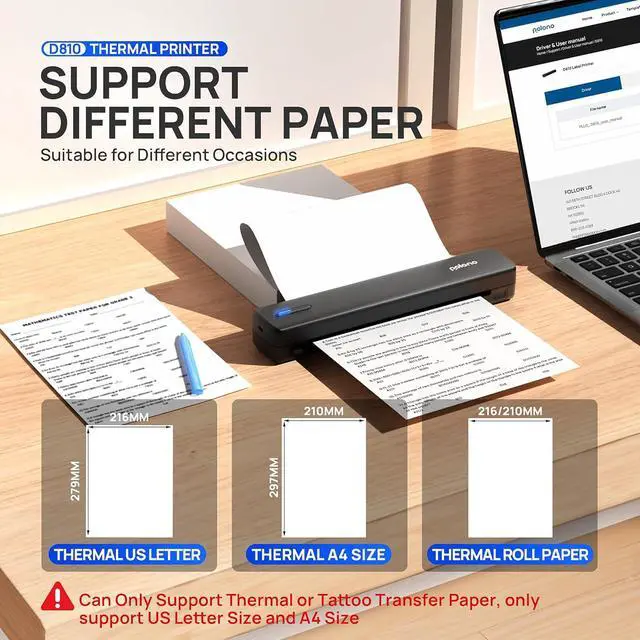
Please check that the paper size you choose on APP or Computer are match the paper you use.
Why can't I install the computer driver?
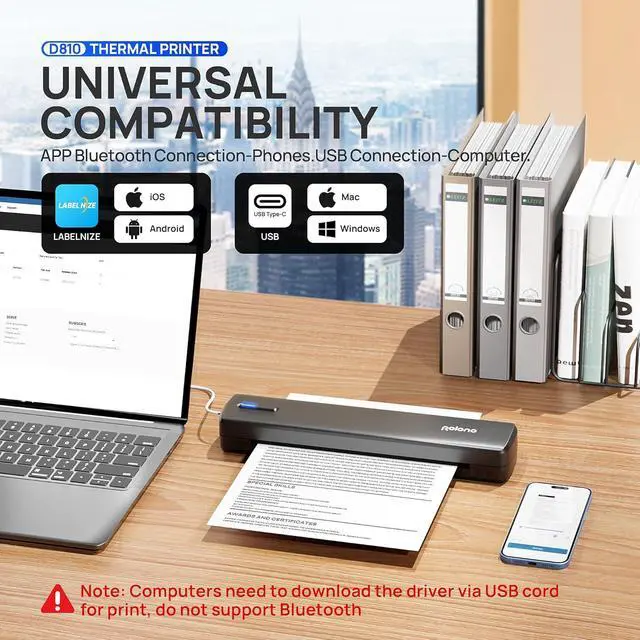
1. Make sure the printer is powered on, connect the PC & printer with USB cable in the package.
2. If the computer prompts that this driver is not an official legal software, please turn off the firewall and other protection software before install.
Why can't I print with my computer after installing the driver?
1. Uninstall driver and Enter"setting"-"Devices"-"Printer & scanners" to remove the Printer D810 then restart your computer
2. Connect Printer & PC via USB and reinstall the driver
How to print different paper size on printer
Why is the printer printing blank papers or print light?
Why does the printer print incomplete?
Why can't I install the computer driver?
Why can't I print with my computer after installing the driver?