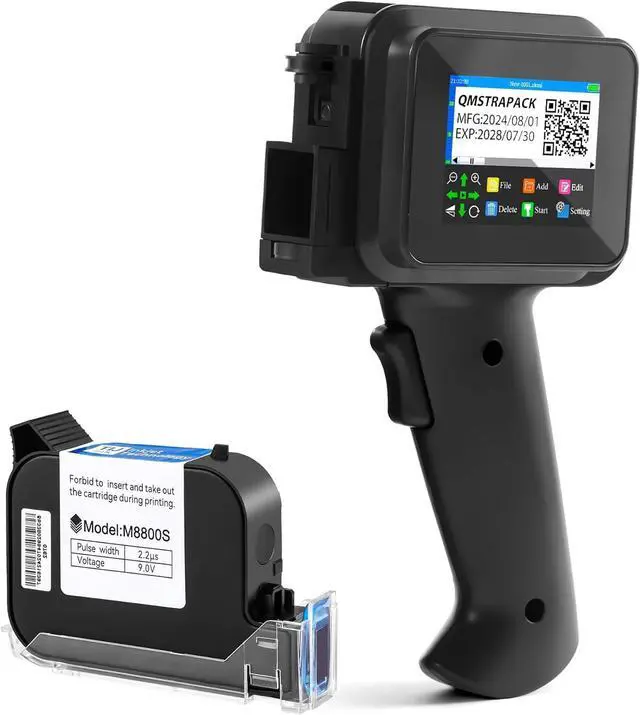
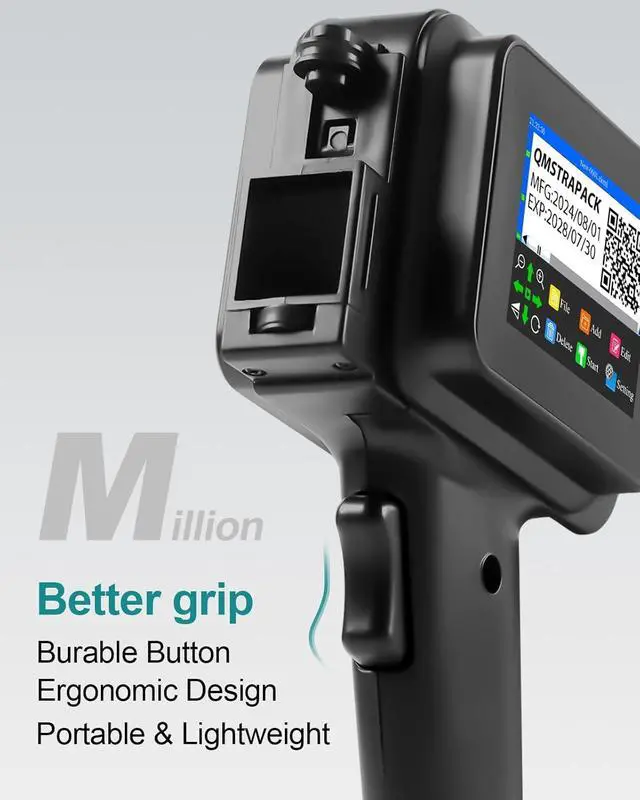
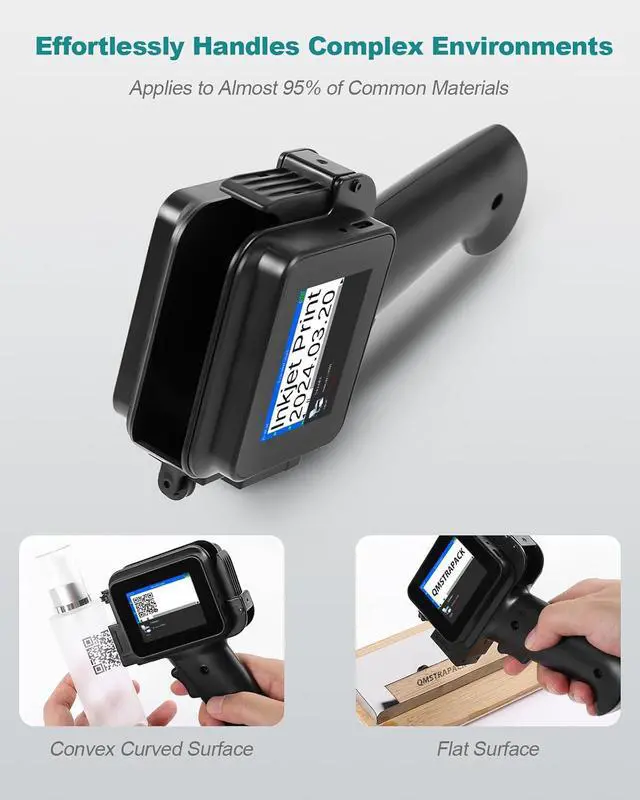
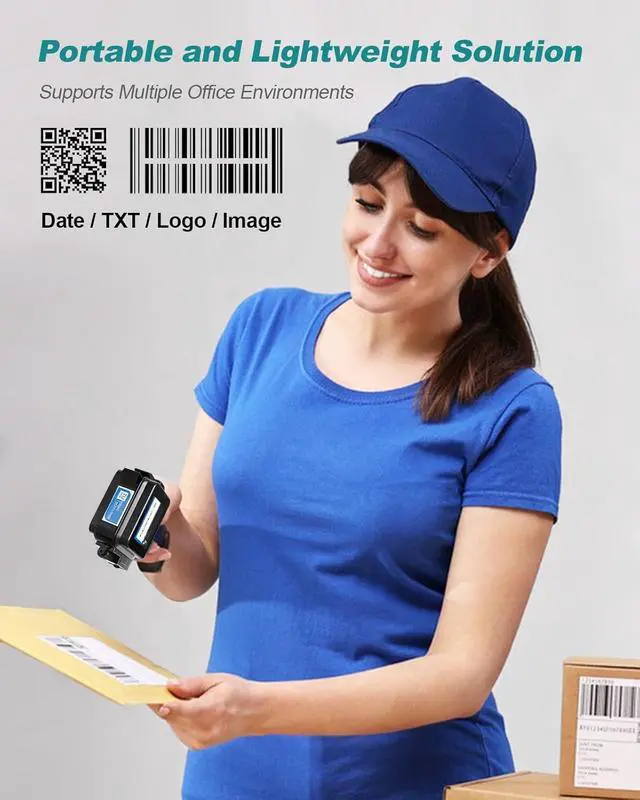
Compact Size, Full Functionality: This upgraded mini handheld inkjet printer (7*4.3*2 inches, 0.7 lbs with cartridge) perfectly merges the portability of a mini inkjet printer with the ergonomic advantages of a handheld model. Designed with ergonomic handle for smoother, more comfortable use, it outperforms standard mini printers by providing better control and ease of operation. Unlike bulky traditional handheld printers, its compact size ensures precise printing in hard-to-reach areas, including tight spaces, curved surfaces, and uneven texturesmaking it ideal for specialized tasks without sacrificing speed or performance.
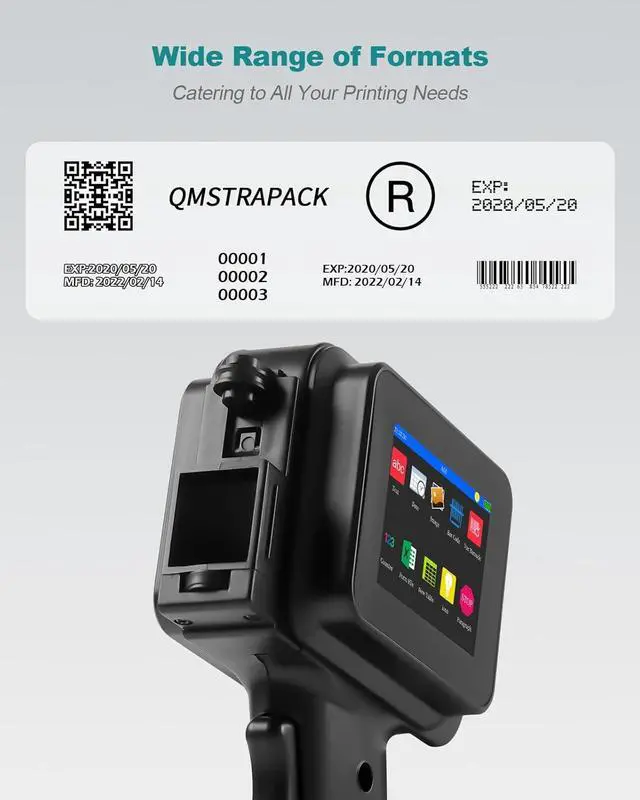
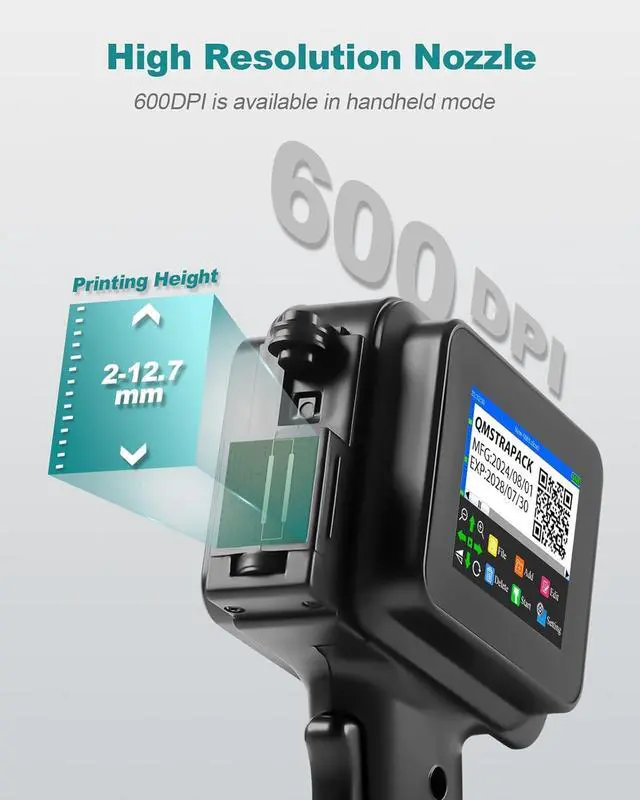
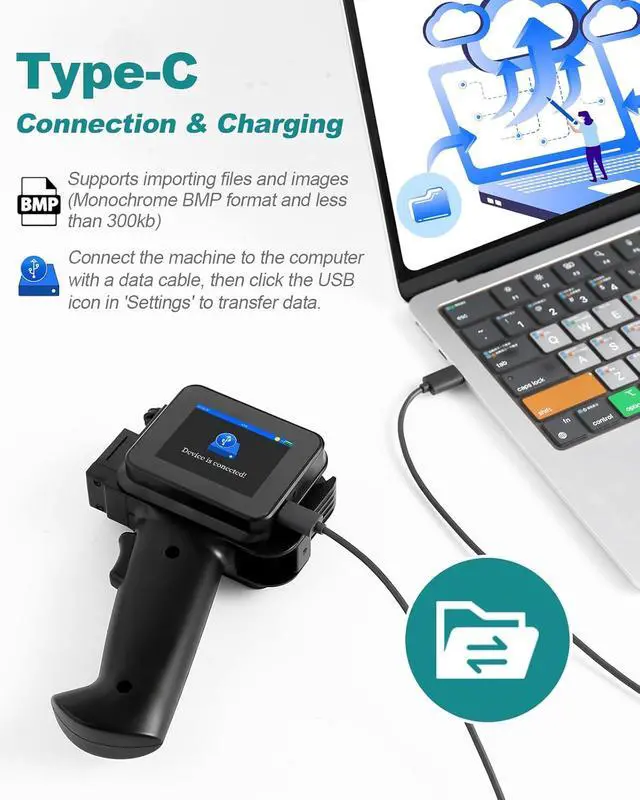
Compact Powerhouse: our mini handheld inkjet printer delivers the full functionality of larger machines. It prints text, labels, digital content, QR codes, barcodes, production dates, and logos on a wide range of surfaces, including wood, fabric, paper, cardboard, glass, steel, plastic, aluminum foil, and cables. Supporting up to 28 languages and allowing for the editing of up to 5 lines of content, this versatile printer is the ultimate solution for any printing task, combining power, precision, and flexibility in one compact device.
Prime Ink Cartridge: Paired with the powerful M8800S ink cartridge, our mini handheld inkjet printer delivers crisp, clear prints with 42ml of fast-drying black solvent ink. This high-performance ink dries instantly and adheres flawlessly to a wide variety of surfaces. Looking for different colors? Browse our store for additional options or contact our dedicated customer service teamwere here to provide you with the best support and solutions for your needs!
Comprehensive After-Sales Support: We understand that first-time users may have many questions about operating our mini handheld inkjet printer, and our dedicated support team is ready to provide prompt, expert assistance. From setup to troubleshooting, were here to guide you every step of the way. Our comprehensive after-sales service ensures a smooth and satisfying experience, so dont hesitate to reach out at any timewere committed to helping you get the most from your printer!
Important Notice: During long transportation, the mini printer may experience some shaking or pressure, potentially affecting the touchscreens responsiveness. This is a normal occurrence and nothing to worry about. To restore functionality, simply turn on the printer while pressing the center of the screen with a stylus until the calibration icon appears. Follow the on-screen prompts to tap each icon for calibration, then restart the printer. If you face any other issues, feel free to contact us for prompt assistance.