

Your Browsing History
- Free 30-day Returns
$72.99

Meet Your Seller

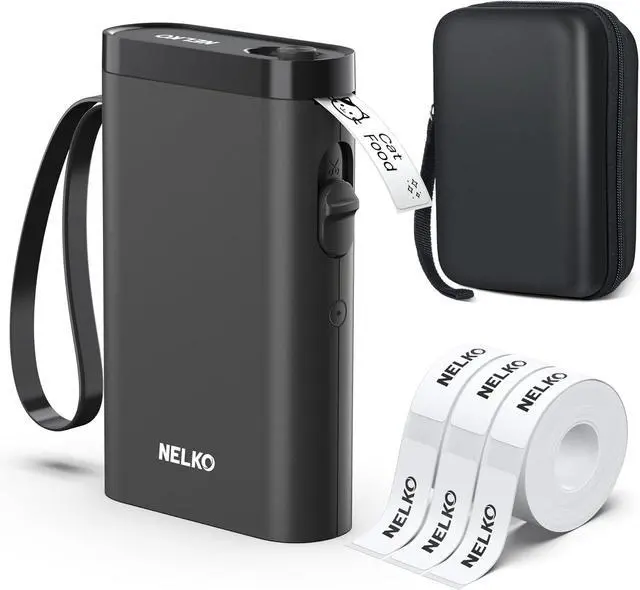
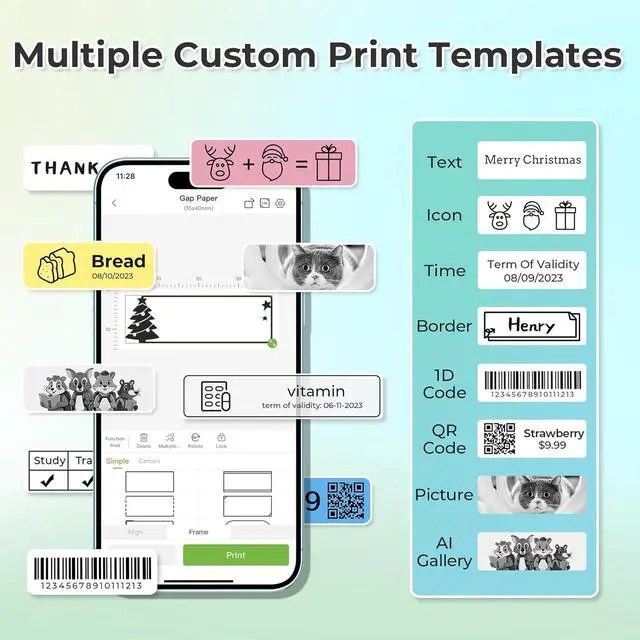


Nelko Label Maker Machine with Tape, P21 Bluetooth Label Printer with 3 Tapes & Case, Wireless Mini Label Makers with Multiple Templates Icon Font Custom for School Office Home, Black
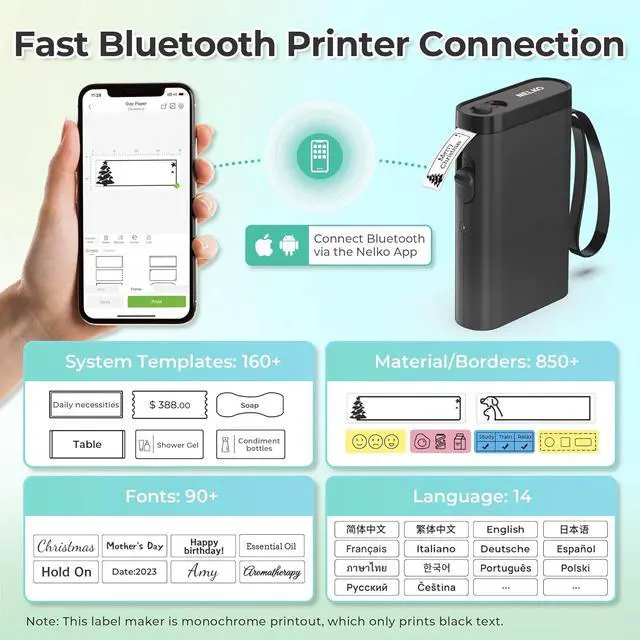
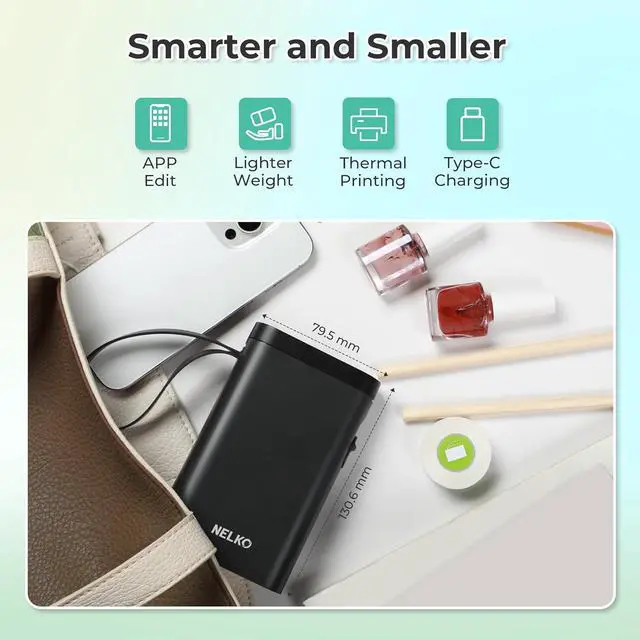
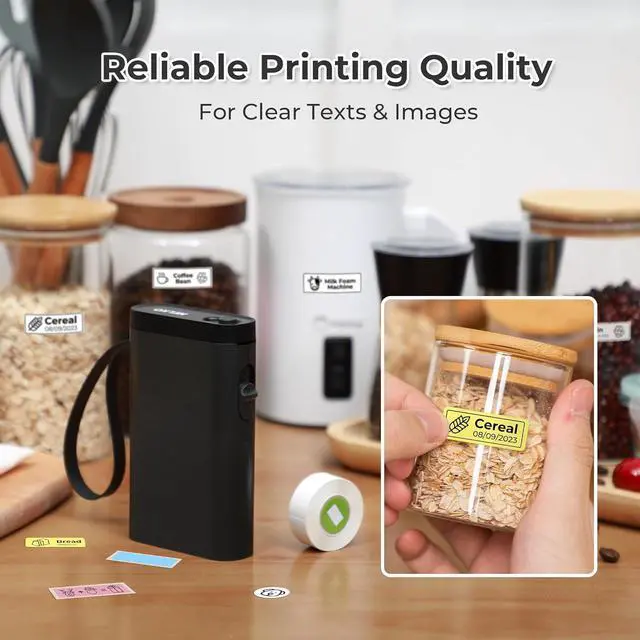
- 2025 New Version: Compared with the traditional label makers, half weight and size of the traditional label maker, smaller, smarter and convenient for users to carry. Wireless Bluetooth label maker can slip into your pocket, allow printing anytime, anywhere. We recommend using our NELKO thermal label paper and case. Note: For P21 Nelko APP iOS Users, Nelko iOS V2.7.0 printing multiple copies abnormal, please update Nelko APP to the latest version V3.3.0. Ideal for home and school organization
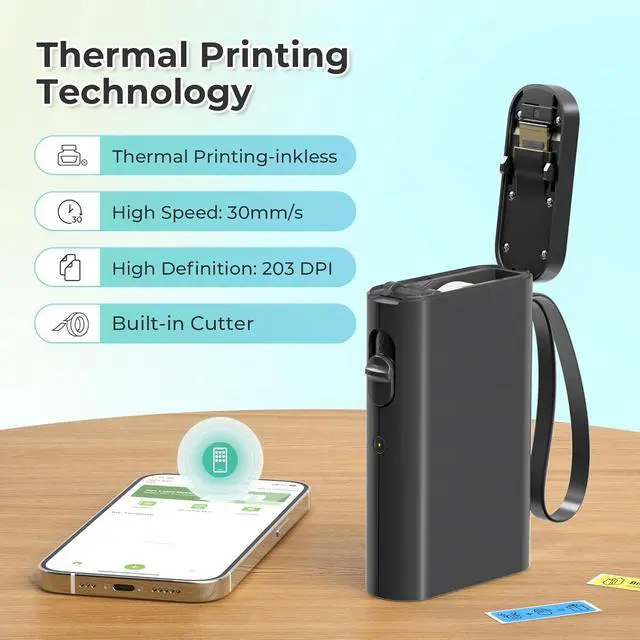
- High-quality Printing: Label Makers with BPA-Free Direct Thermal Technology. Equipped with high-speed chips and 203 DPI, you can enjoy high-definition without relying on ink or toner. Label maker built in durable rechargeable battery, it can work for a long time. This label maker is monochrome printout, which only prints black text. We can create color label and need to use color pattern label tapes for printing.Note: Not including charging adapter, not suitable for fast charging adapter
- Easy
+
+
Overview
Reviews

Any questions? Our AI mode will help you find out quickly.
Try me now
1Bluetooth Connection2Connect Label Printer3Install Label Tape4Indicator Light5About theAdapter What system does this label machine support?
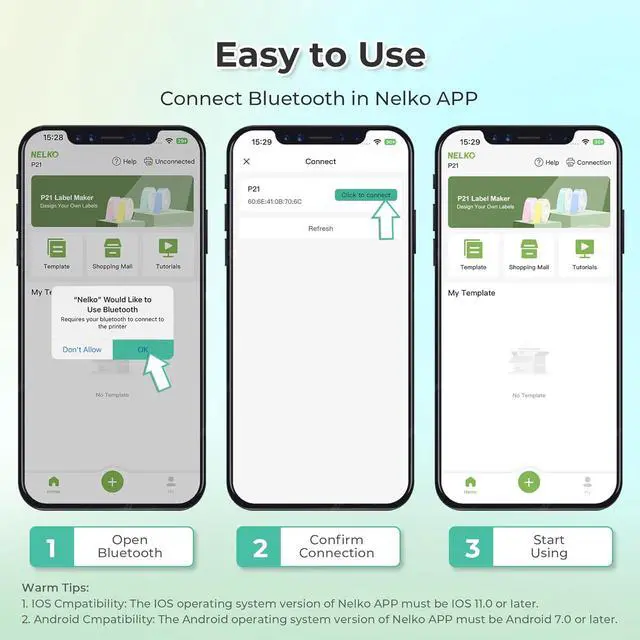
This mini portable Bluetooth printer supports iOS and Android mobile systems. IOS phones require IOS 13 or above to be used.
Why is the printing unclear?
Please use genuine label paper, otherwise it may result in poor printing quality or mismatches.
Note: Please do not tear the green sticker from the original label paper.
And the size of the label tape can be 12x40mm, 14x40mm, 15x40mm or 14X75mm.
How to use the label makers best sellers with tapecorrectly?
1. Long press the power on button, indicator light will display green.
2. Successfully connected to Bluetooth, indicator light displayed in blue.
3. Press the button twice to adjust the paper position.
4. Press the button once to print the test page.
Why can I search for P21 label maker but not connect to Bluetooth?
1. Press the power button to start the label maker.
2. Open the paper bin cover of the label maker.
3. Press the power button 3 times in a row.
4. After about 2s, the label maker beeps 4 times, "Didi Didi", which means the reset is successful.
Nelko P21Label Maker for Students School and Teachers School Supplies P21 label maker label makers label maker machine2024 New Version NELKO P21 Mini Portable Bluetooth Label Makers How to connect Bluetooth?
What system does this label machine support?
Why is the printing unclear?
How to use the label makers best sellers with tapecorrectly?
Why can I search for P21 label maker but not connect to Bluetooth?
This mini portable Bluetooth printer supports iOS and Android mobile systems. IOS phones require IOS 13 or above to be used.
Why is the printing unclear?
Please use genuine label paper, otherwise it may result in poor printing quality or mismatches.
Note: Please do not tear the green sticker from the original label paper.
And the size of the label tape can be 12x40mm, 14x40mm, 15x40mm or 14X75mm.
How to use the label makers best sellers with tapecorrectly?
1. Long press the power on button, indicator light will display green.
2. Successfully connected to Bluetooth, indicator light displayed in blue.
3. Press the button twice to adjust the paper position.
4. Press the button once to print the test page.
Why can I search for P21 label maker but not connect to Bluetooth?
1. Press the power button to start the label maker.
2. Open the paper bin cover of the label maker.
3. Press the power button 3 times in a row.
4. After about 2s, the label maker beeps 4 times, "Didi Didi", which means the reset is successful.
Nelko P21Label Maker for Students School and Teachers School Supplies P21 label maker label makers label maker machine2024 New Version NELKO P21 Mini Portable Bluetooth Label Makers How to connect Bluetooth?
What system does this label machine support?
Why is the printing unclear?
How to use the label makers best sellers with tapecorrectly?
Why can I search for P21 label maker but not connect to Bluetooth?
Warranty & Returns
Warranty, Returns, And Additional Information
Warranty
- Please contact the Seller directly for warranty information. Warranty information may also be found on the Manufacturer's website.
- CONTACT
Return Policies
- Return for refund within: 30 days
- Return for replacement within: 30 days
- This item is covered by Chinathru Trading Co., Limited Return Policy
Manufacturer Contact Info
- For a directory of all our manufacturers, please click below.
- Manufacturers Directory
LOADING...