

Your Browsing History
- Free 30-day Returns
$98.99

Meet Your Seller

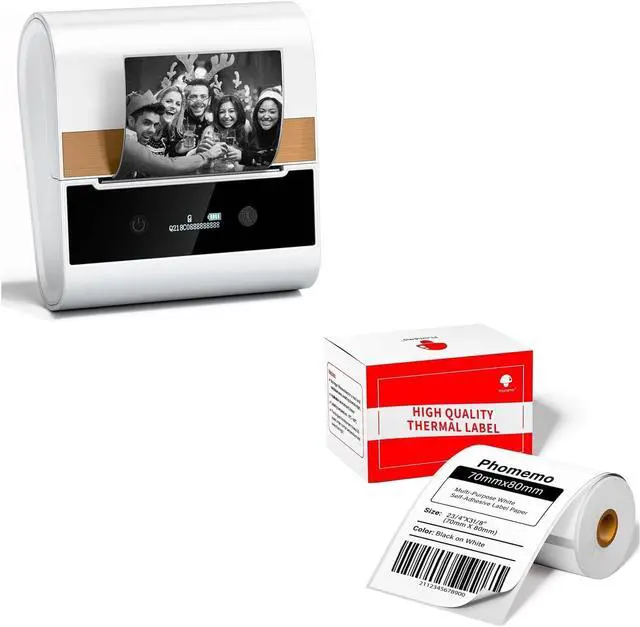
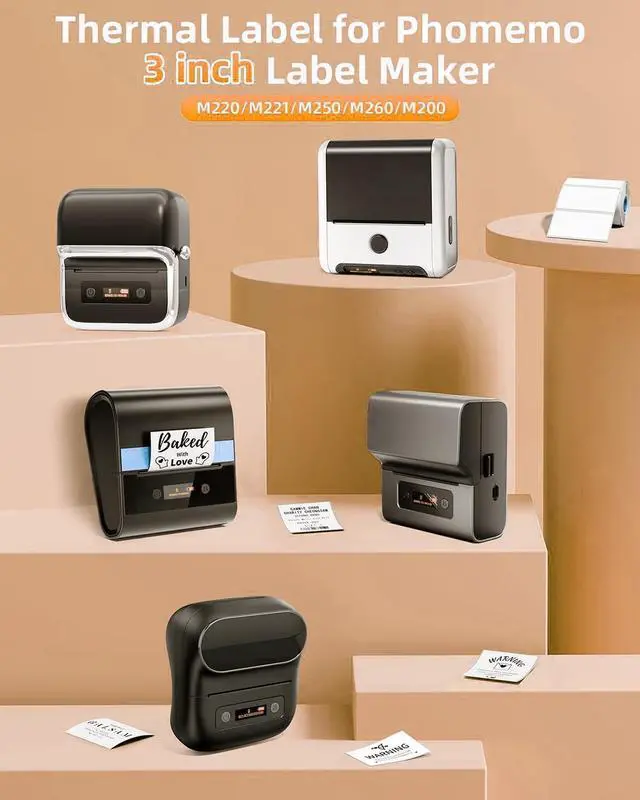


Phomemo-M260 White Label Maker 3 Inch Bluetooth Thermal Label Printer with White Thermal Label Paper 2 3/4" X 3 1/8" (70mm X 80mm), 100 Labels/Roll
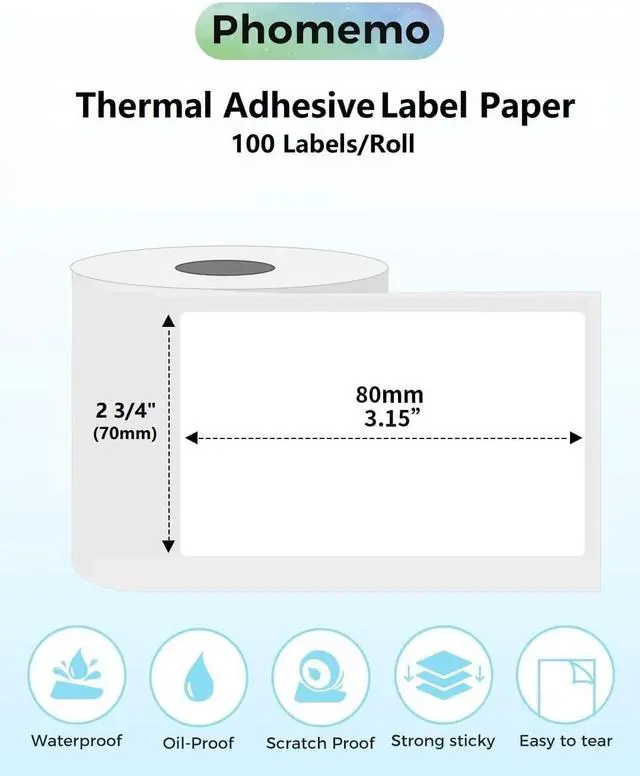
- What you get: 1 White M260 label maker +1 White 2 3/4" X 3 1/8" (70mm X 80mm) label paper, 100 labels each roll. It's water,abrasion resistant and BPA free.
- Thermal printing: Phomemo M260 label maker are bluetooth wireless,connection and using thermal printing technology which are no ink or toner needed. System for Android 4.0 and IOS 8.0 or above.
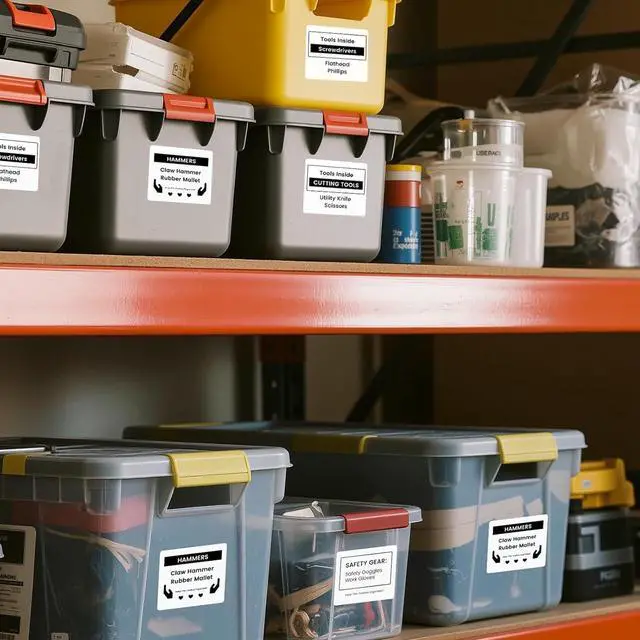
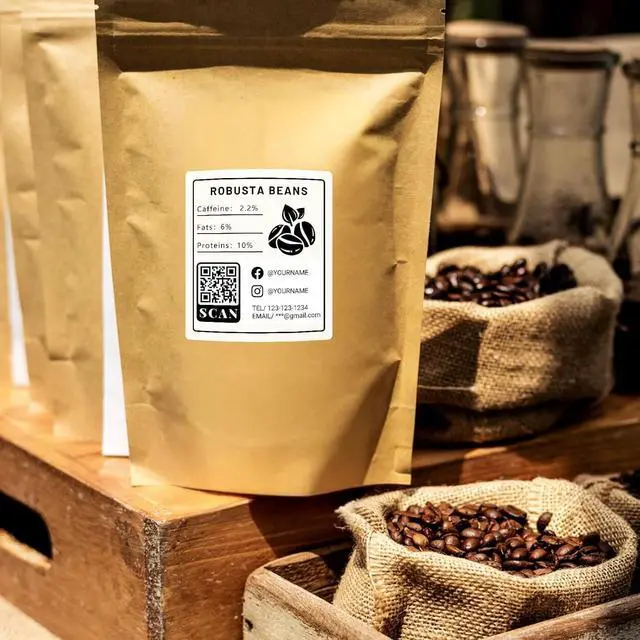
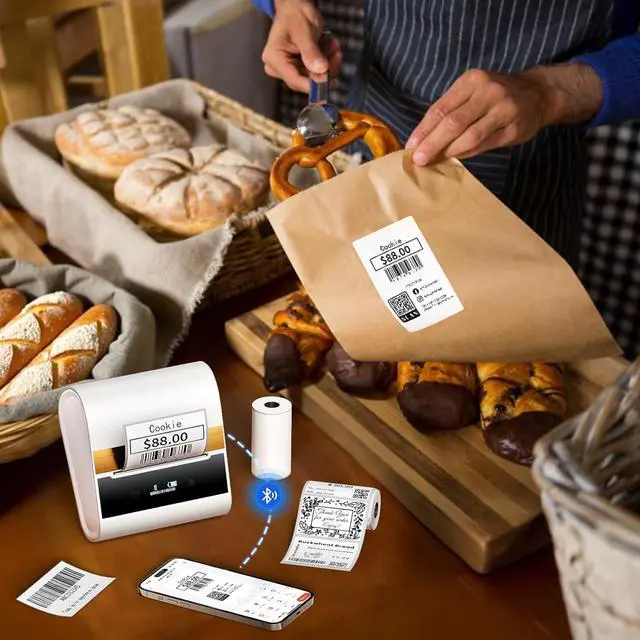
- Multipurpose- A wide variety of label sizes are available for use in different applications. You can use this size label to make mailing address labels, price tag, shipping address labels and more.
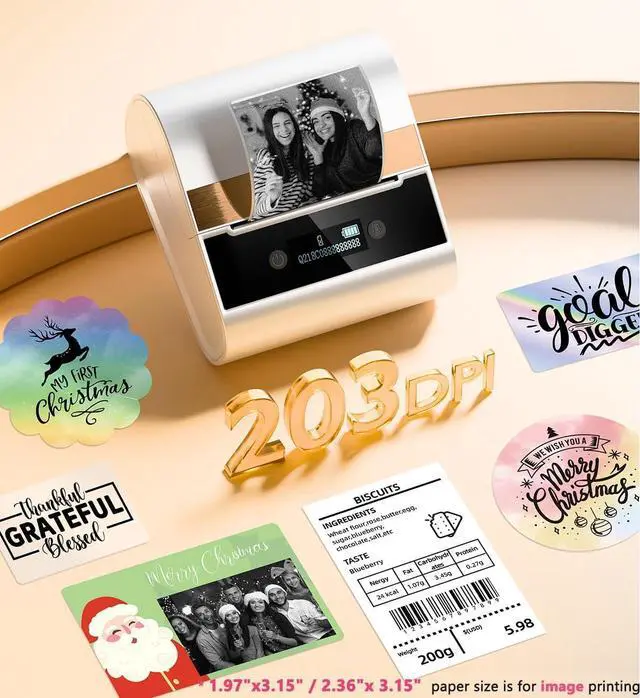
- Thermal Label Features- Direct thermal print technology provides clear lettering without messy, ink or toner. one-click printing, saving time and effort. Smart app offers variety of fonts, filter effects and themes.
- Easy to use -one-click printing, saving time and effort. Smart app offers variety of fonts, filter effects and themes. Using app: Install Print master App from Apple Store & Google Play- Turn on M260 printer and open blu
+
+
Overview
Specs
Reviews

Any questions? Our AI mode will help you find out quickly.
Try me now
What you get: 1 White M260 label maker +1 White 2 3/4" X 3 1/8" (70mm X 80mm) label paper, 100 labels each roll. It's water,abrasion resistant and BPA free.
Thermal printing: Phomemo M260 label maker are bluetooth wireless,connection and using thermal printing technology which are no ink or toner needed. System for Android 4.0 and IOS 8.0 or above.
Multipurpose- A wide variety of label sizes are available for use in different applications. You can use this size label to make mailing address labels, price tag, shipping address labels and more.
Thermal Label Features- Direct thermal print technology provides clear lettering without messy, ink or toner. one-click printing, saving time and effort. Smart app offers variety of fonts, filter effects and themes.
Easy to use -one-click printing, saving time and effort. Smart app offers variety of fonts, filter effects and themes. Using app: Install Print master App from Apple Store & Google Play- Turn on M260 printer and open bluetooth connection.Choosing printer model M260 from app-Enjoy Printing.
Thermal printing: Phomemo M260 label maker are bluetooth wireless,connection and using thermal printing technology which are no ink or toner needed. System for Android 4.0 and IOS 8.0 or above.
Multipurpose- A wide variety of label sizes are available for use in different applications. You can use this size label to make mailing address labels, price tag, shipping address labels and more.
Thermal Label Features- Direct thermal print technology provides clear lettering without messy, ink or toner. one-click printing, saving time and effort. Smart app offers variety of fonts, filter effects and themes.
Easy to use -one-click printing, saving time and effort. Smart app offers variety of fonts, filter effects and themes. Using app: Install Print master App from Apple Store & Google Play- Turn on M260 printer and open bluetooth connection.Choosing printer model M260 from app-Enjoy Printing.
Warranty & Returns
Warranty, Returns, And Additional Information
Warranty
- Please contact the Seller directly for warranty information. Warranty information may also be found on the Manufacturer's website.
- CONTACT
Return Policies
- Return for refund within: 30 days
- Return for replacement within: 30 days
- This item is covered by Chinathru Trading Co., Limited Return Policy
Manufacturer Contact Info
- For a directory of all our manufacturers, please click below.
- Manufacturers Directory
LOADING...