

Your Browsing History
- Free 30-day Returns
$72.99

Meet Your Seller



Portable Thermal Printer Wireless for Travel, Bluetooth Inkless Tattoo Stencil Printer, Supports 8.5x11 US Letter, Compatible with iOS, Android, Mac, Windows,Home,Office
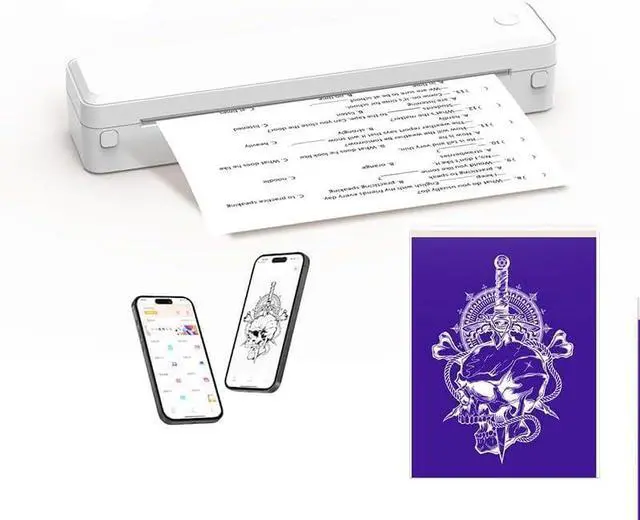
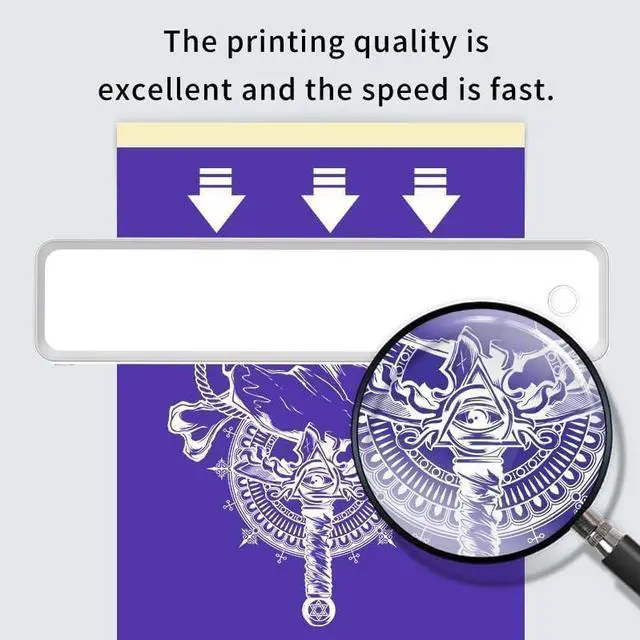
- PORTABLE THERMAL PRINTER - This compact wireless printer slips effortlessly into your daily routine. Take it from coffee shop meetings to road trips, classroom notes to client presentations. Ink-free thermal technology delivers clear and fast prints without messy cartridges. Compact & lightweight design and long battery life makes it a perfect portable printers wireless for travel, home,office,school
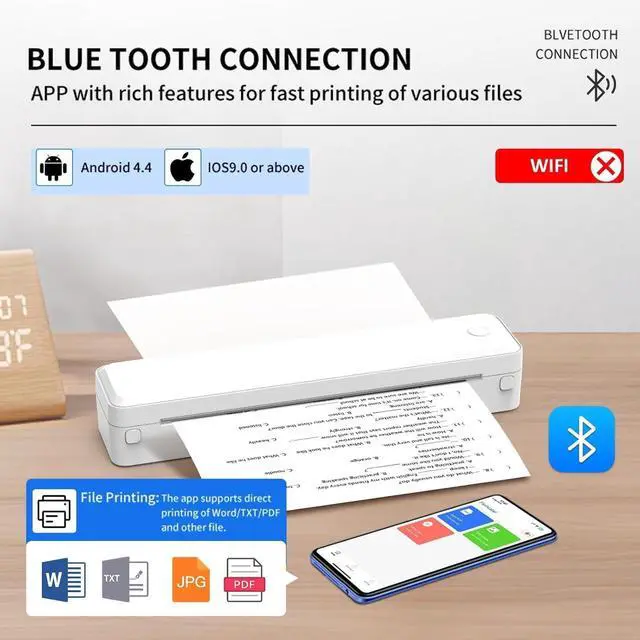
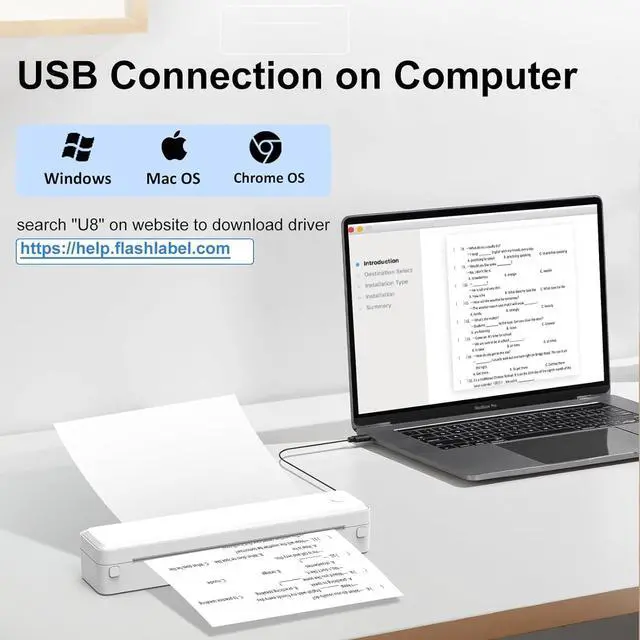
- WIDE COMPATIBILITY - Portable printer can easily connect to iOS & Android devices via Bluetooth or connect to Mac& Windows computer and laptop via USB connection. Supports Android, iOS, Windows 10/11, Chrome OS, and mac OS. The app supports multiple file formats, including PDF, Word, Excel, PPT, TXT, and JPG. Note:WiFi connection is not supported on all devices
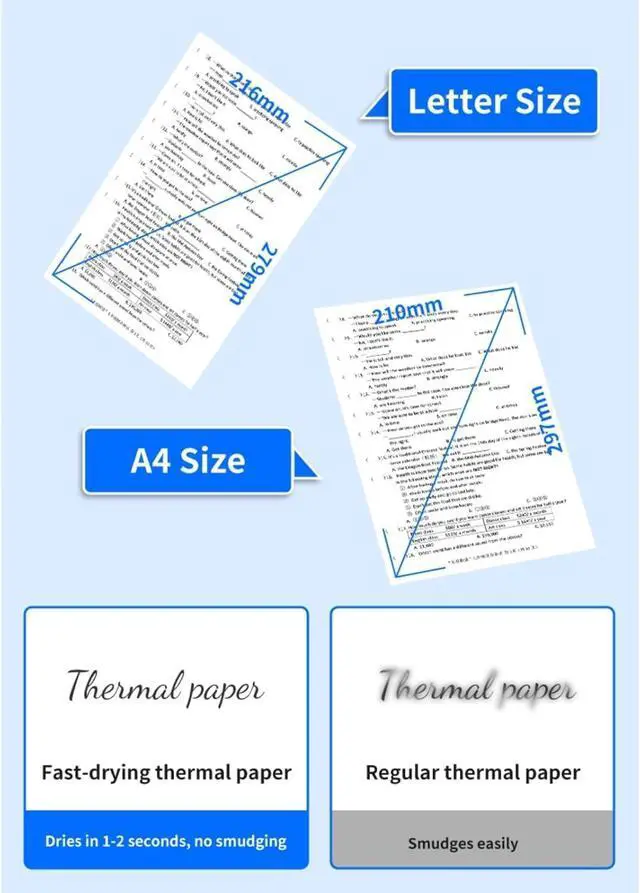
- SUPPORT MULTIPLE PAPER SIZE AND TYPES - This tattoo stencil printer is compatible with thermal papers with width range from 2 to 8.5 inches(US Letter/A4/B5/A5), it supports both roll labels and fold labels, its also compatible w
+
+
Overview
Specs
Reviews

Any questions? Our AI mode will help you find out quickly.
Try me now
PORTABLE THERMAL PRINTER - This compact wireless printer slips effortlessly into your daily routine. Take it from coffee shop meetings to road trips, classroom notes to client presentations. Ink-free thermal technology delivers clear and fast prints without messy cartridges. Compact & lightweight design and long battery life makes it a perfect portable printers wireless for travel, home,office,school
WIDE COMPATIBILITY - Portable printer can easily connect to iOS & Android devices via Bluetooth or connect to Mac& Windows computer and laptop via USB connection. Supports Android, iOS, Windows 10/11, Chrome OS, and mac OS. The app supports multiple file formats, including PDF, Word, Excel, PPT, TXT, and JPG. Note:WiFi connection is not supported on all devices
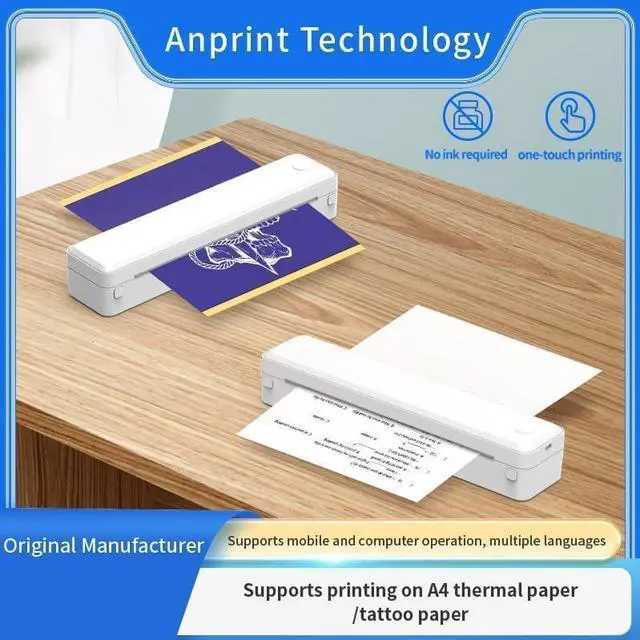
SUPPORT MULTIPLE PAPER SIZE AND TYPES - This tattoo stencil printer is compatible with thermal papers with width range from 2 to 8.5 inches(US Letter/A4/B5/A5), it supports both roll labels and fold labels, its also compatible with tattoo transfer paper, meeting different needs in office documents, image printing, exams, tattooing and DIY projects. Note: not support regular copy paper. Only Print in Black and White
HIGH QUALITY INKLESS PRINTER - Advanced thermal direct technology is adopted. No ink, no toner, all you need is the thermal labels. To simplify the installation, save your time and cost. Equipped with reliable print head and built-in battery to get clear printing with 203DPI high resolution and 160 sheets of 8.5'' x 11'' thermal papers per charge
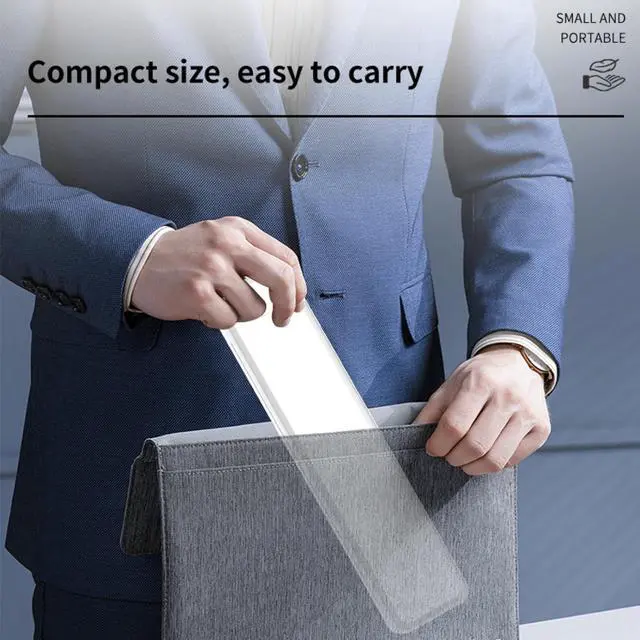
EASY TO SETUP AND OPERATE - Package includes a thermal printer, 1 roll labels, user manual and a type-c cord for fast charging and USB connection to PC. Compact size of 11x2.5x2 inch and light weight of 1.3 pounds, easy to put the mobile printer in a backpack or briefcase and carry it anywhere.
HOW TO PRINT ON PHONE: (1) Download SharpFox App from Google Play(Android) or App Store(iOS). (2) Opening Bluetooth oh phone. (3) Connect to print with Bluetooth. 4) Select File and Print.
HOW TO PRINT ON PC: (1) Download driver from website (search U8 on help.flashlabel.com). (2) Switch on printer and connect it to computer with USB cable. (3) Install the driver and add printer U8 on computer (4)Open your document, choose printer U8 from the printer list to print.
WIDE COMPATIBILITY - Portable printer can easily connect to iOS & Android devices via Bluetooth or connect to Mac& Windows computer and laptop via USB connection. Supports Android, iOS, Windows 10/11, Chrome OS, and mac OS. The app supports multiple file formats, including PDF, Word, Excel, PPT, TXT, and JPG. Note:WiFi connection is not supported on all devices
SUPPORT MULTIPLE PAPER SIZE AND TYPES - This tattoo stencil printer is compatible with thermal papers with width range from 2 to 8.5 inches(US Letter/A4/B5/A5), it supports both roll labels and fold labels, its also compatible with tattoo transfer paper, meeting different needs in office documents, image printing, exams, tattooing and DIY projects. Note: not support regular copy paper. Only Print in Black and White
HIGH QUALITY INKLESS PRINTER - Advanced thermal direct technology is adopted. No ink, no toner, all you need is the thermal labels. To simplify the installation, save your time and cost. Equipped with reliable print head and built-in battery to get clear printing with 203DPI high resolution and 160 sheets of 8.5'' x 11'' thermal papers per charge
EASY TO SETUP AND OPERATE - Package includes a thermal printer, 1 roll labels, user manual and a type-c cord for fast charging and USB connection to PC. Compact size of 11x2.5x2 inch and light weight of 1.3 pounds, easy to put the mobile printer in a backpack or briefcase and carry it anywhere.
HOW TO PRINT ON PHONE: (1) Download SharpFox App from Google Play(Android) or App Store(iOS). (2) Opening Bluetooth oh phone. (3) Connect to print with Bluetooth. 4) Select File and Print.
HOW TO PRINT ON PC: (1) Download driver from website (search U8 on help.flashlabel.com). (2) Switch on printer and connect it to computer with USB cable. (3) Install the driver and add printer U8 on computer (4)Open your document, choose printer U8 from the printer list to print.
Warranty & Returns
Warranty, Returns, And Additional Information
Warranty
- Please contact the Seller directly for warranty information. Warranty information may also be found on the Manufacturer's website.
- CONTACT
Return Policies
- Return for refund within: 30 days
- Return for replacement within: 30 days
- This item is covered by Chinathru Trading Co., Limited Return Policy
Manufacturer Contact Info
- For a directory of all our manufacturers, please click below.
- Manufacturers Directory
LOADING...