

Your Browsing History
- Free 30-day Returns
$108.99

Meet Your Seller

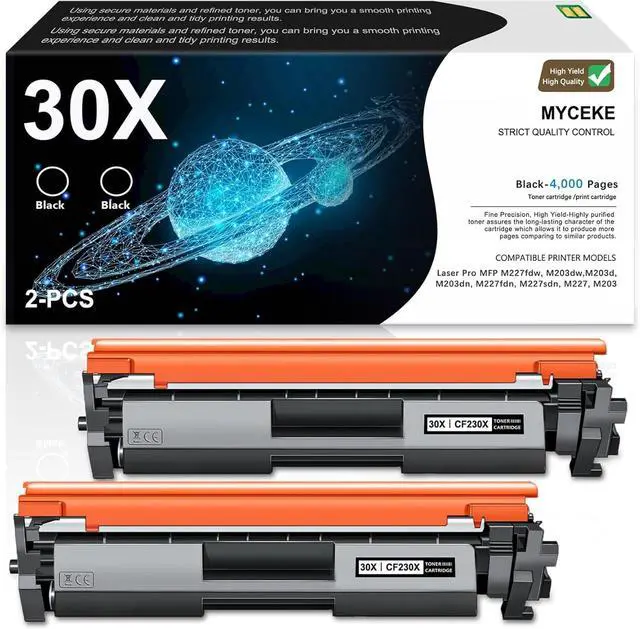
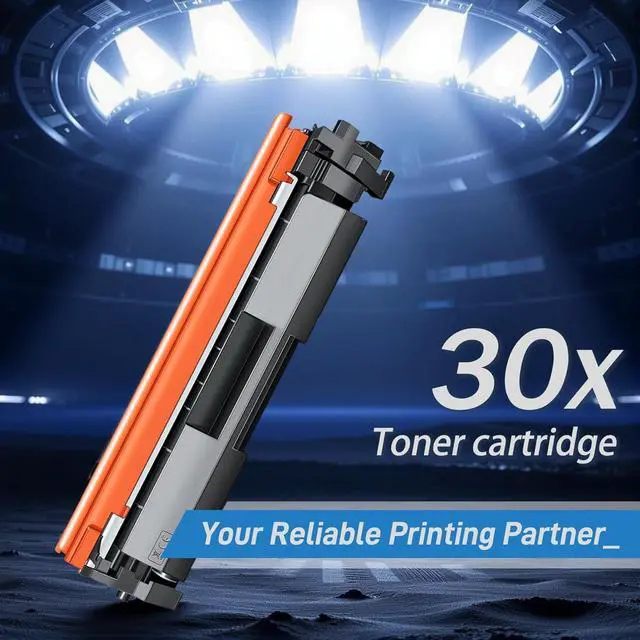



30X Black Toner Cartridge Replacement for HP 30X Toner for Laser Pro MFP M227fdw M203dw M227fdn M203dn M227sdn M203d M227 M203 Series Printer (2 Pack, CF230X)
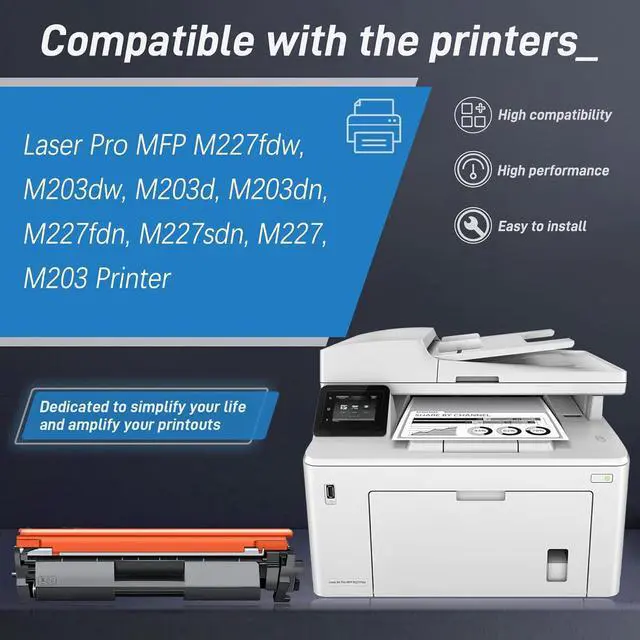
- Compatible Printers for 30X Toner Cartridge:Pro MFP M227fdw M203dw M227fdn M203dn M227sdn M203d M227 M203 Series Printer
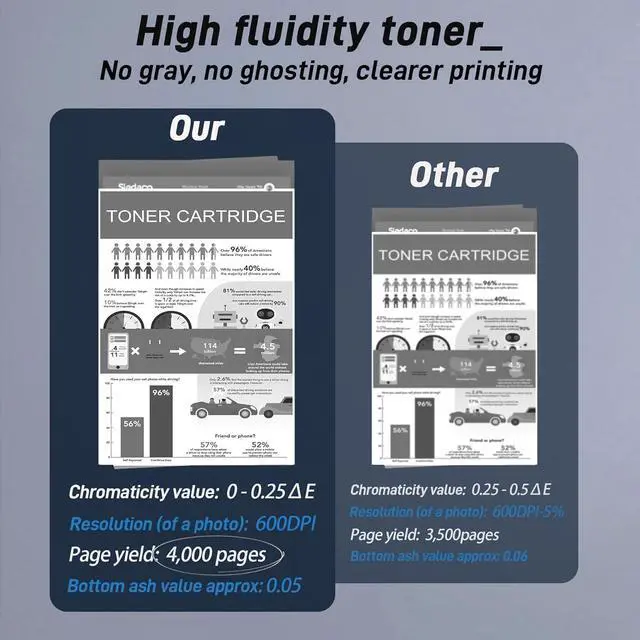
- 30X Toner Cartridge High Yield: 4,000 pages per black Toner Cartridge at 5% coverage of A4 Letter
- 30X Toner Cartridge Compatibility: Works perfectly with printers to produce crisp images and high-gloss prints, and is strictly managed to ensure stability
- 30X Toner Cartridge Performance: Tested in industry quality control processes to give you a crisp, smooth printing experience for long run times and high quality print performance
- After receiving the goods, if you have any questions about the product, please ask us at the first time, we will certainly give you a satisfactory answer, thank you for your support and trust!
+
+
Overview
Specs
Reviews

Any questions? Our AI mode will help you find out quickly.
Try me now
Is the quality of compatible toner cartridges reliable?
Our toner cartridges are made of high-quality materials and have undergone precise production and comprehensive testing to ensure clear and stable printing effects. We provide a quality commitment, please feel free to purchase.
What should I do if my printer doesn't recognize a new toner cartridge?
We suggest that you restart your printer. Please turn off the printer power, wait for about 30 seconds to 1 minute, and then turn it back on. This operation usually helps the printer reload and correctly recognize newly installed toner cartridges.
Is the quality of compatible toner cartridges reliable?
What should I do if my printer doesn't recognize a new toner cartridge?
Our toner cartridges are made of high-quality materials and have undergone precise production and comprehensive testing to ensure clear and stable printing effects. We provide a quality commitment, please feel free to purchase.
What should I do if my printer doesn't recognize a new toner cartridge?
We suggest that you restart your printer. Please turn off the printer power, wait for about 30 seconds to 1 minute, and then turn it back on. This operation usually helps the printer reload and correctly recognize newly installed toner cartridges.
Is the quality of compatible toner cartridges reliable?
What should I do if my printer doesn't recognize a new toner cartridge?
Warranty & Returns
Warranty, Returns, And Additional Information
Warranty
- Please contact the Seller directly for warranty information. Warranty information may also be found on the Manufacturer's website.
- CONTACT
Return Policies
- Return for refund within: 30 days
- Return for replacement within: 30 days
- This item is covered by Chinathru Trading Co., Limited Return Policy
Manufacturer Contact Info
- For a directory of all our manufacturers, please click below.
- Manufacturers Directory
LOADING...