

Your Browsing History
- Free 30-day Returns
$148.99

Meet Your Seller

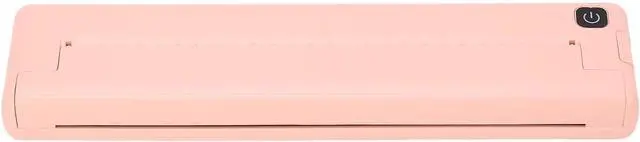
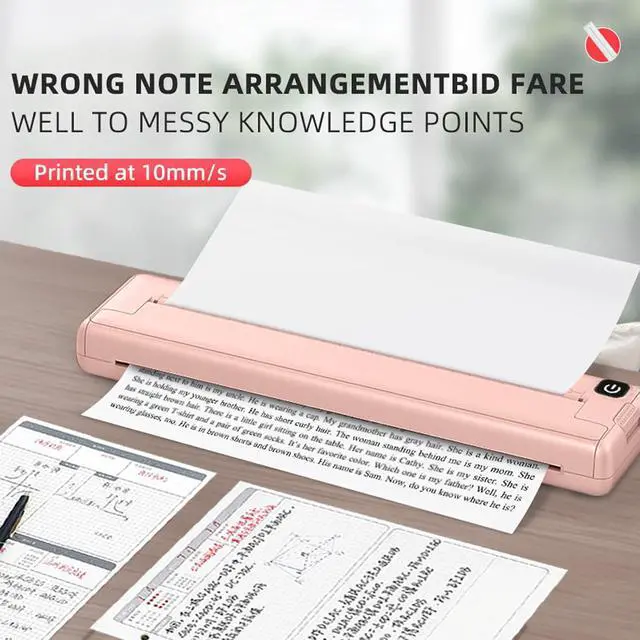
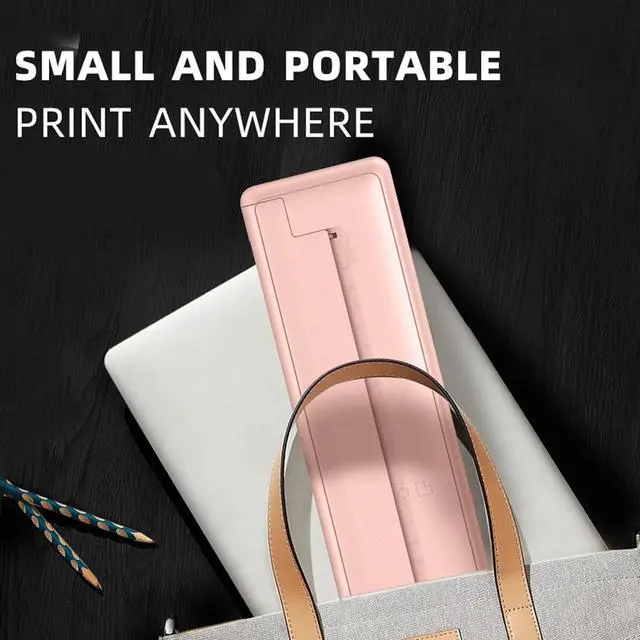


Walfront Mini Printer Portable Printer Bluetooth Inkless Thermal Printing Machine Battery Powered 90 Sheets Capacity A4 Paper for iOS for Android
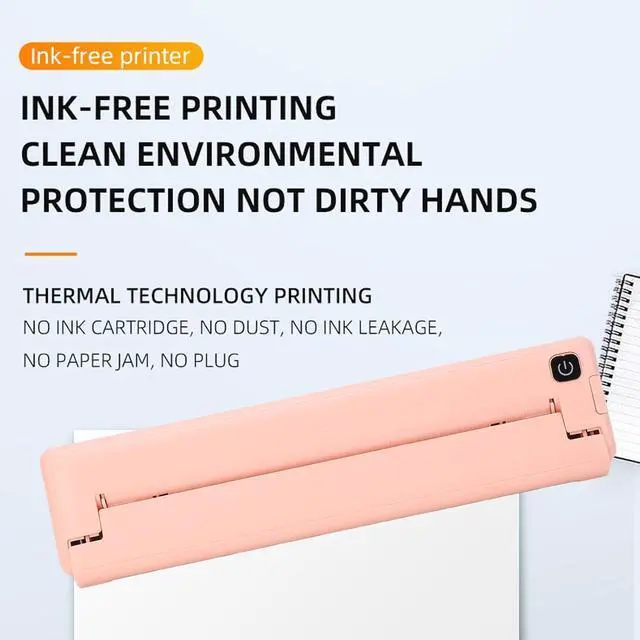
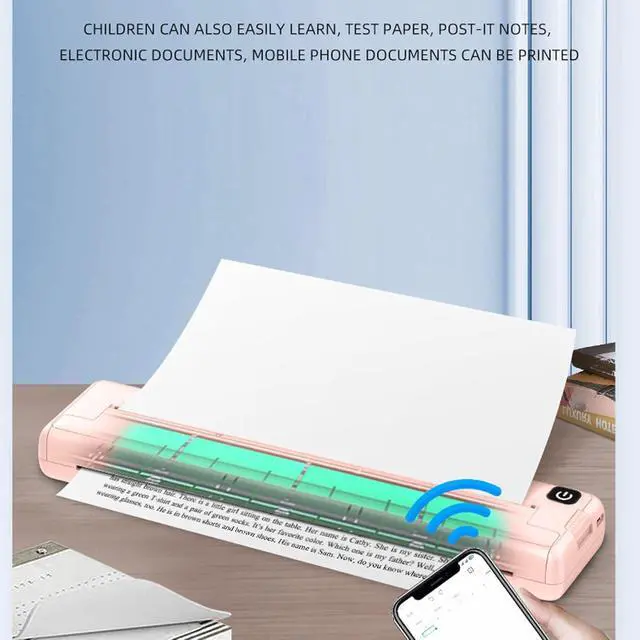
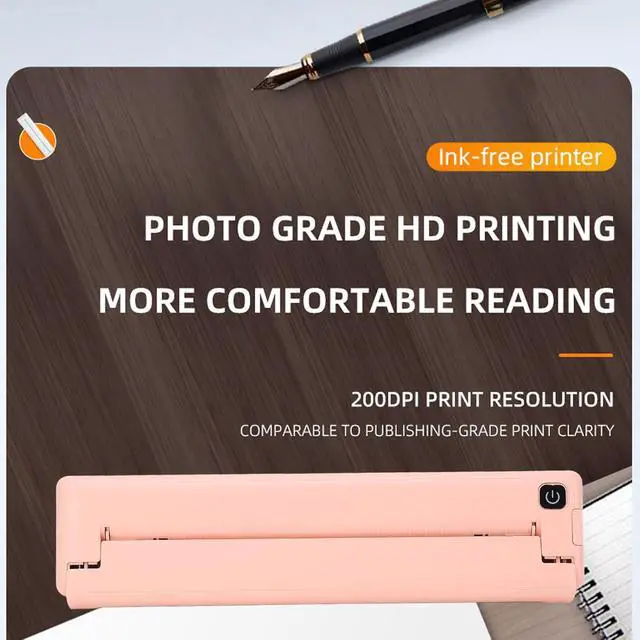
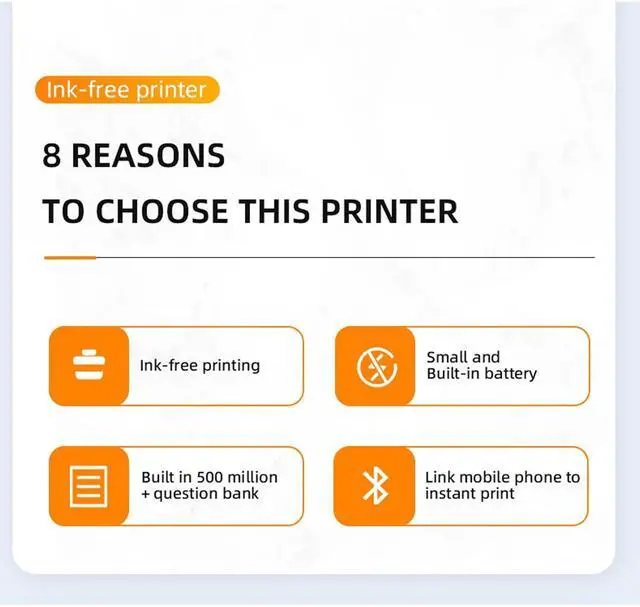
- INKLESS PRINTING: This portable Bluetooth printer supports inkless thermal printing without the need for any carbon, ribbon, or ink, ensuring clean and tidy printing effect.
- APPLICABLE PAPER: This portable thermal printer is suitable for A4 paper printing, suitable for 210mm218mm wide thermal paper (not included), and has a wide range of applications.
- APP CONNECTION: This inkless thermal printer supports small paper strips and long printing. Simply load the thermal paper and connect to the APP to operate it.
- GOOD COMPATIBILITY: This portable A4 printer is suitable for iOS and for Android phones (with Bluetooth connection), and supports continuous printing of 90 sheets A4 thermal paper.
- BATTERY POWERED: Built in 1000mAh rechargeable lithium battery, fully charged in about 1.5 hours, automatic shutdown after 30 minutes of no operation, standby time up to 30 days.
+
+
Overview
Reviews

Any questions? Our AI mode will help you find out quickly.
Try me now
Specification:
Item Type: Inkless Thermal Printer
Connection: Bluetooth 4.0 or above
Support App System: For iOS, for Android
Printing Resolution: 200dpi
Battery Capacity: 1 x 1000mAh Rechargeable Lithium Battery (built in)
Auto Power Off: 30 Minutes
Charging Time: About 1.5H
Continuous Printing: About 90 Sheets A4 Thermal Paper
Printing Speed: 10mm/s
Applicable Paper Width: Thermal Paper (not included)
Charging Interface: Type C
Size: Approx. 265 x 58 x 30mm / 10.4 x 2.3 x 1.2in
How to Use:
1. Install the APP. For Android and for iOS users, you can also search for iprint in the application store to download the APP.
2. Once the connected app device is open, enable the Bluetooth function on your phone and open the app. Click the Select Device button at the top to enter the My Devices page. Click on the Bluetooth name starting with GT08 to connect to the internal Bluetooth. If the Bluetooth does not appear after entering, click the refresh button and try again.
Package List:
1 x Thermal Printer
1 x USB Cable
1 x User Manual
Notice:
If the device Bluetooth is not found, you can perform the following operations to search again:
1. Restart the printer and ensure that the printer is not connected to any other device.
2. Ensure that the Bluetooth of the mobile phone is enabled.
3. Please enable GPS (location information) in the phone Settings, and find the APP in the application, Permission management to enable location permission. Please enter my device list in the APP and click on the device to connect.
The printer is only suitable for thermal paper and cannot be used for ordinary paper printing.
Item Type: Inkless Thermal Printer
Connection: Bluetooth 4.0 or above
Support App System: For iOS, for Android
Printing Resolution: 200dpi
Battery Capacity: 1 x 1000mAh Rechargeable Lithium Battery (built in)
Auto Power Off: 30 Minutes
Charging Time: About 1.5H
Continuous Printing: About 90 Sheets A4 Thermal Paper
Printing Speed: 10mm/s
Applicable Paper Width: Thermal Paper (not included)
Charging Interface: Type C
Size: Approx. 265 x 58 x 30mm / 10.4 x 2.3 x 1.2in
How to Use:
1. Install the APP. For Android and for iOS users, you can also search for iprint in the application store to download the APP.
2. Once the connected app device is open, enable the Bluetooth function on your phone and open the app. Click the Select Device button at the top to enter the My Devices page. Click on the Bluetooth name starting with GT08 to connect to the internal Bluetooth. If the Bluetooth does not appear after entering, click the refresh button and try again.
Package List:
1 x Thermal Printer
1 x USB Cable
1 x User Manual
Notice:
If the device Bluetooth is not found, you can perform the following operations to search again:
1. Restart the printer and ensure that the printer is not connected to any other device.
2. Ensure that the Bluetooth of the mobile phone is enabled.
3. Please enable GPS (location information) in the phone Settings, and find the APP in the application, Permission management to enable location permission. Please enter my device list in the APP and click on the device to connect.
The printer is only suitable for thermal paper and cannot be used for ordinary paper printing.
Warranty & Returns
Warranty, Returns, And Additional Information
Warranty
- Please contact the Seller directly for warranty information. Warranty information may also be found on the Manufacturer's website.
- CONTACT
Return Policies
- Return for refund within: 30 days
- Return for replacement within: 30 days
- This item is covered by Chinathru Trading Co., Limited Return Policy
Manufacturer Contact Info
- For a directory of all our manufacturers, please click below.
- Manufacturers Directory
LOADING...