

Your Browsing History

Meet Your Seller


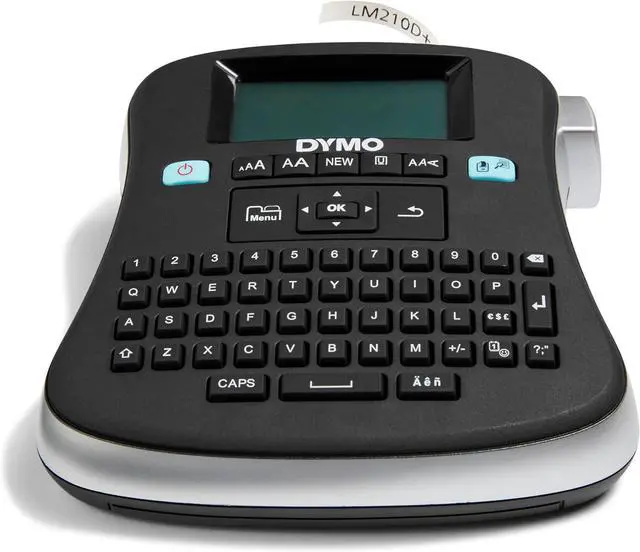
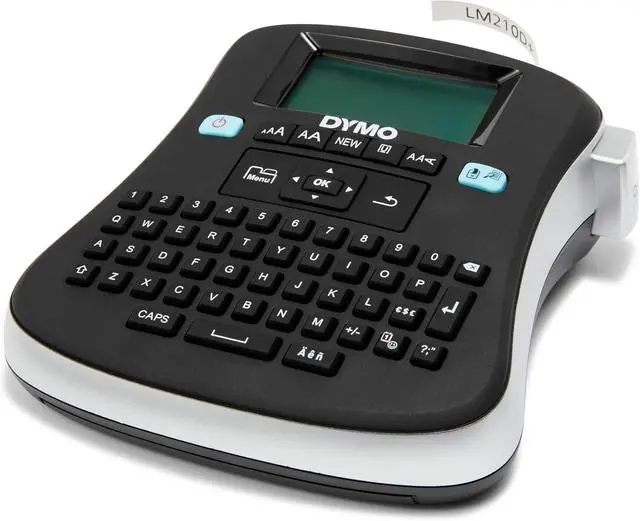
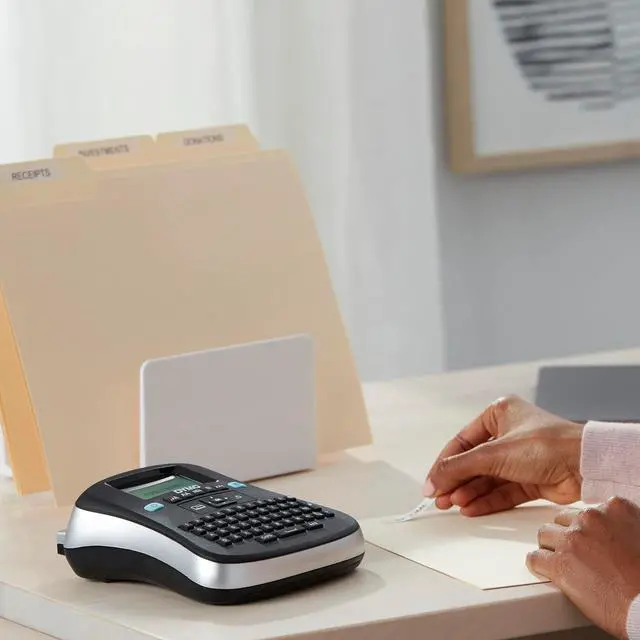


DYMO Desktop Label Maker
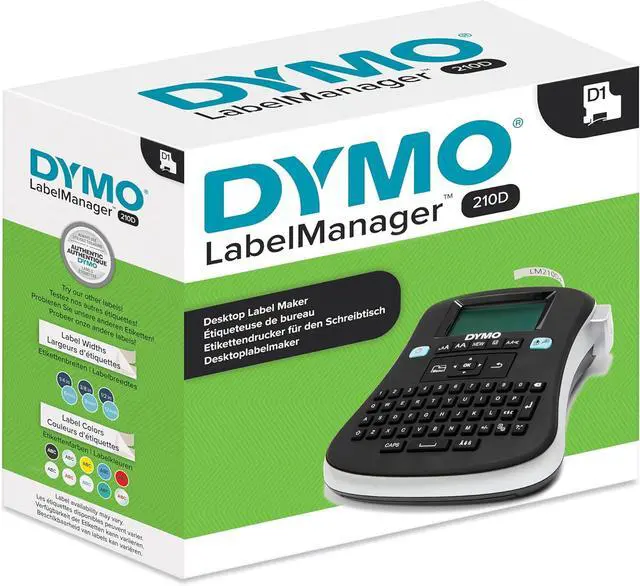
- LabelManager 210D All-Purpose Portable Label Maker, Easy-to-Use, One-Touch Smart Keys, QWERTY Keyboard, Large Display, For Home & Office Organization
- ALL-PURPOSE LABEL MAKER: Easy to use at home or in the office
- FAST, EASY TYPING: QWERTY keyboard with one-touch formatting keys for quick edits and professional labels every time
- MULTIPLE COPIES: Print up to 10 copies at a time
- CUSTOM LABEL OPTIONS: Choose from 20+ ways to format text and 200+ symbols and clip art allows for personalization
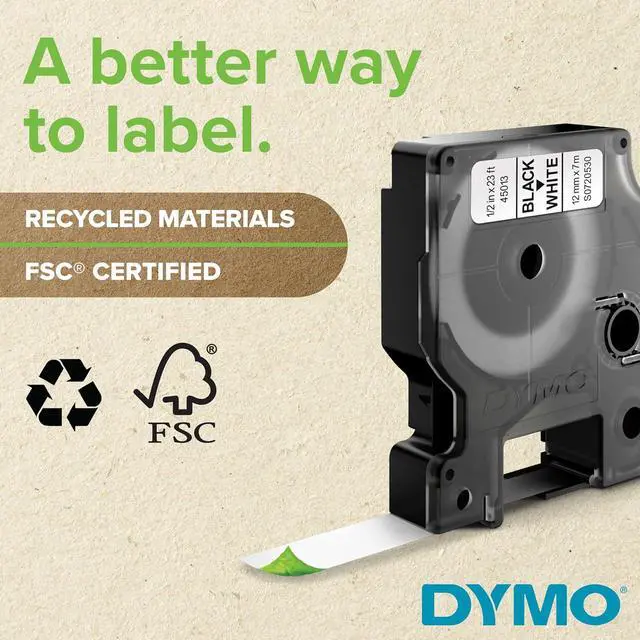
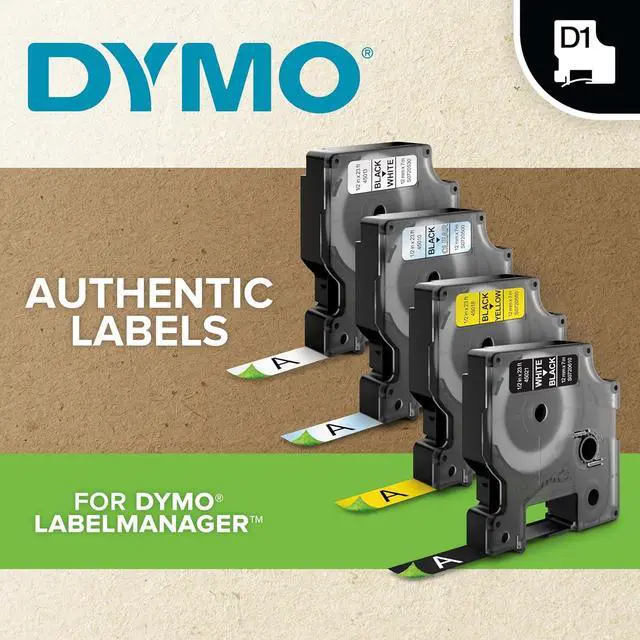
- USE WITH AUTHENTIC DYMO LABELS: For best performance, use authentic DYMO D1 label tapes in 1/4", 3/8", and 1/2" (6 mm, 9 mm, 12 mm) widths available in a variety of colors
+
+
Overview
Specs
Reviews

Any questions? Our AI mode will help you find out quickly.
Try me now
Product Description With a large screen, quick-access buttons and simple navigation, the LabelManager 210D Desktop Label Maker is versatile and easy to use. 20+ ways to format text and 200+ symbols and clip art images to create custom labels suited for almost any home or office labeling job. This label maker lets you print up to ten copies of the same label and prevent repeated work with a nine-label memory and save text feature. Labeling is made easy from start to print with the LabelManager 210D.
From the Manufacturer LabelManager 210D offers large semi-graphical display that shows exactly how your label will print. Use label maker to print professional quality labels on 1/4", 3/8" and 1/2" easy-peel split-back DYMO D1 tape. Thermal transfer printing requires no ribbons, toners or cartridges. Print one or two lines per label on 3/8" or 1/2" D1 labels and print up to 10 copies of a label. Customize labels and add emphasis by using one of six font sizes, one of seven styles, and one of eight different boxes or underline. Label maker also offers quick-access buttons to punctuation and currency symbols, Qwerty keyboard and auto-off power saver. Customize labels and add emphasis by using one of six font sizes, one of seven styles, and one of eight different boxes or underline. Label maker includes one 1/2" black-on-white starter label cassette and runs on six AA batteries or AC adapter (both not included).
Product Description From the Manufacturer
From the Manufacturer LabelManager 210D offers large semi-graphical display that shows exactly how your label will print. Use label maker to print professional quality labels on 1/4", 3/8" and 1/2" easy-peel split-back DYMO D1 tape. Thermal transfer printing requires no ribbons, toners or cartridges. Print one or two lines per label on 3/8" or 1/2" D1 labels and print up to 10 copies of a label. Customize labels and add emphasis by using one of six font sizes, one of seven styles, and one of eight different boxes or underline. Label maker also offers quick-access buttons to punctuation and currency symbols, Qwerty keyboard and auto-off power saver. Customize labels and add emphasis by using one of six font sizes, one of seven styles, and one of eight different boxes or underline. Label maker includes one 1/2" black-on-white starter label cassette and runs on six AA batteries or AC adapter (both not included).
Product Description From the Manufacturer
Warranty & Returns
Warranty, Returns, And Additional Information
Warranty
- Please contact the Seller directly for warranty information. Warranty information may also be found on the Manufacturer's website.
- CONTACT
Return Policies
- Return for refund within: 30 days
- Return for replacement within: 30 days
- This item is covered by LionTech Direct Return Policy
Manufacturer Contact Info
- For a directory of all our manufacturers, please click below.
- Manufacturers Directory
LOADING...