

Your Browsing History
- Free 30-day Returns
$72.99

Meet Your Seller

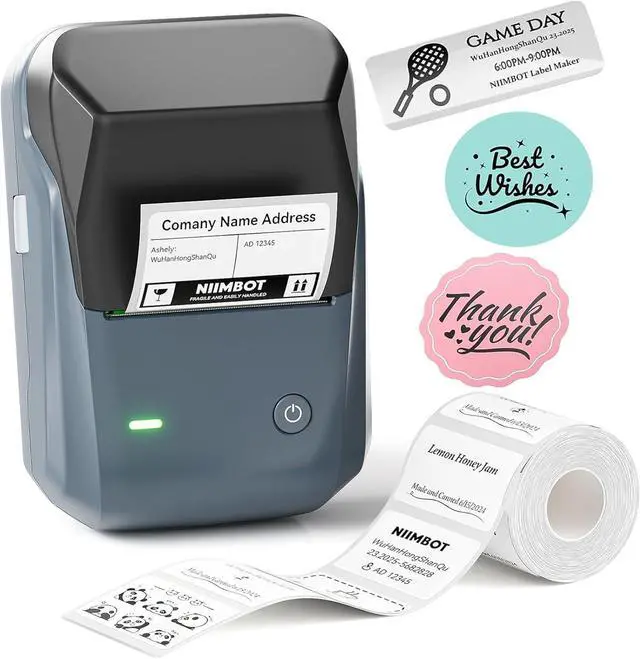
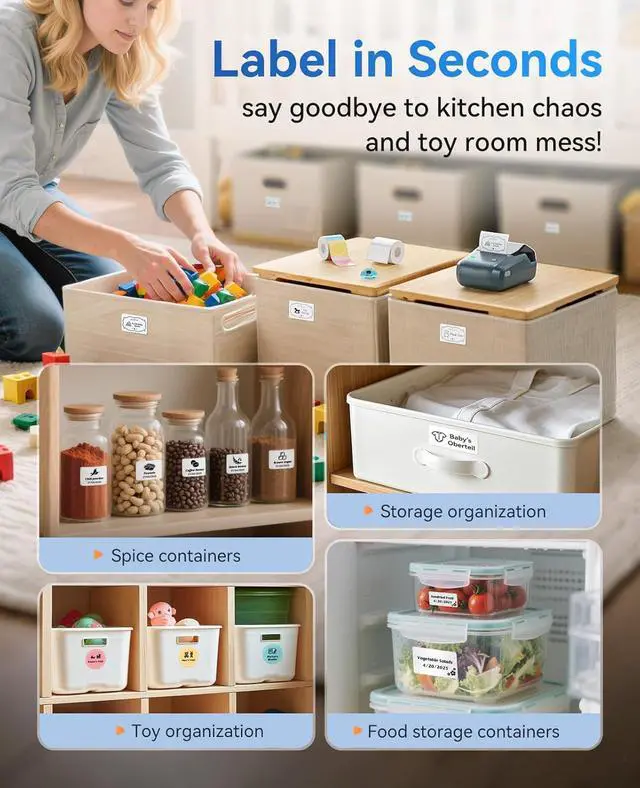
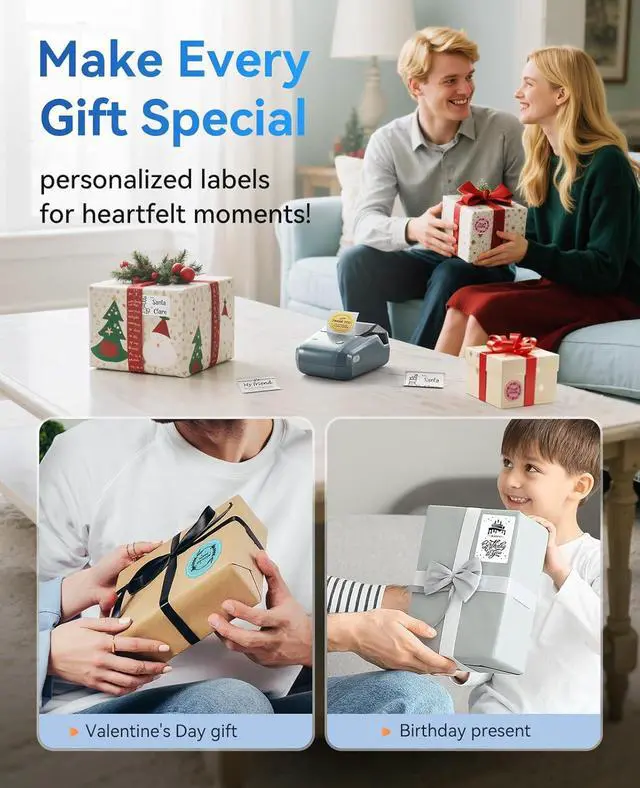
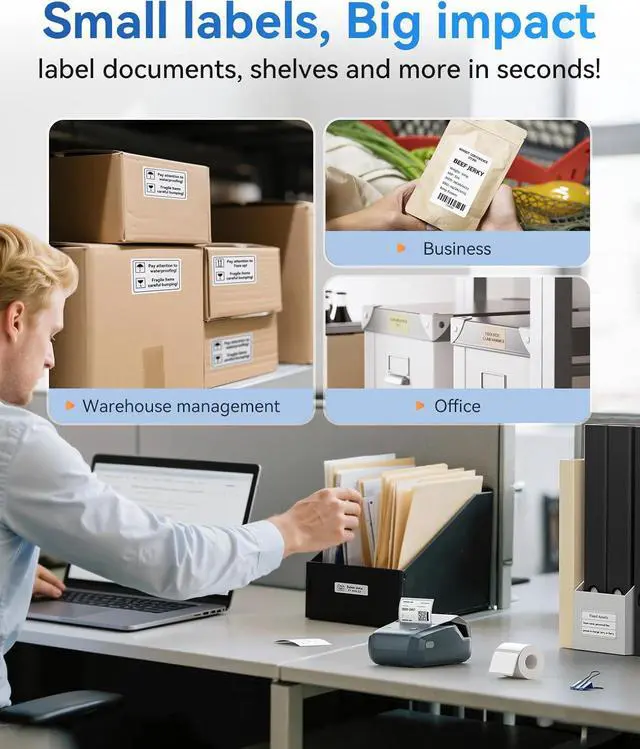


NIIMBOT B1 Label Maker Machine, Thermal Label Printer Easy to Use for Office, Home, Business, Came with 1 Roll White Label(Blue)
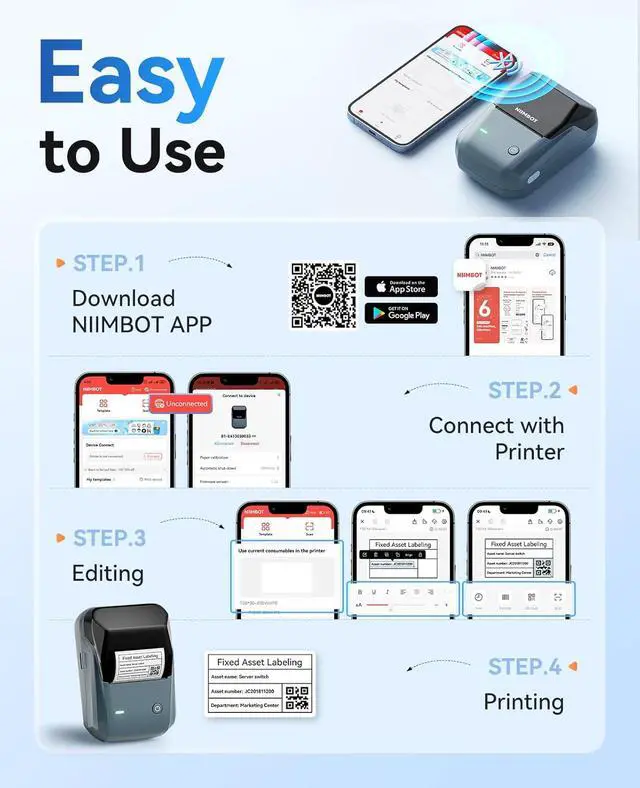
- Easy Bluetooth Connectivity & User-FriendlyThe NIIMBOT B1 Bluetooth label printer works seamlessly with both iOS and Android devices. Simply: Download the "NIIMBOT" APPSelect "B1" as your printer modelConnect via Bluetooth in seconds. For PC use: Connect via USB cable (driver available on Niimbot's official website)
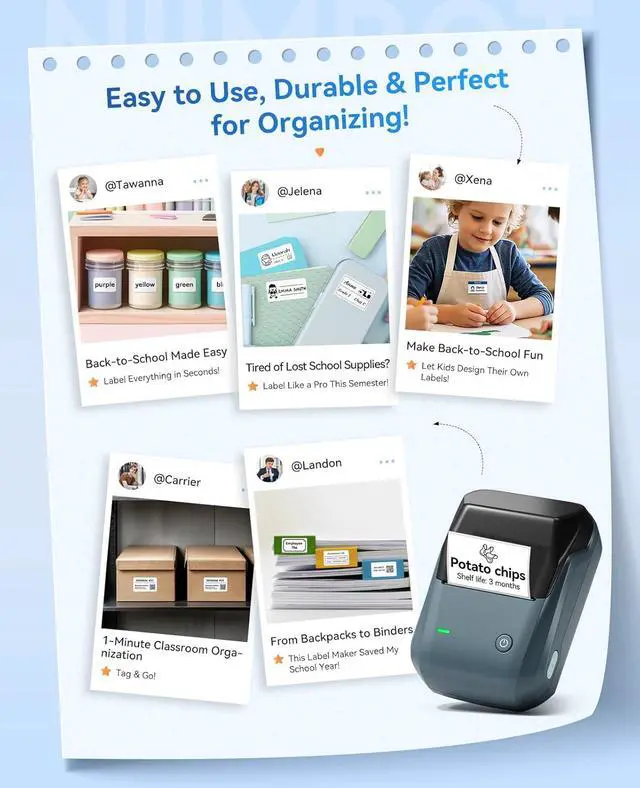
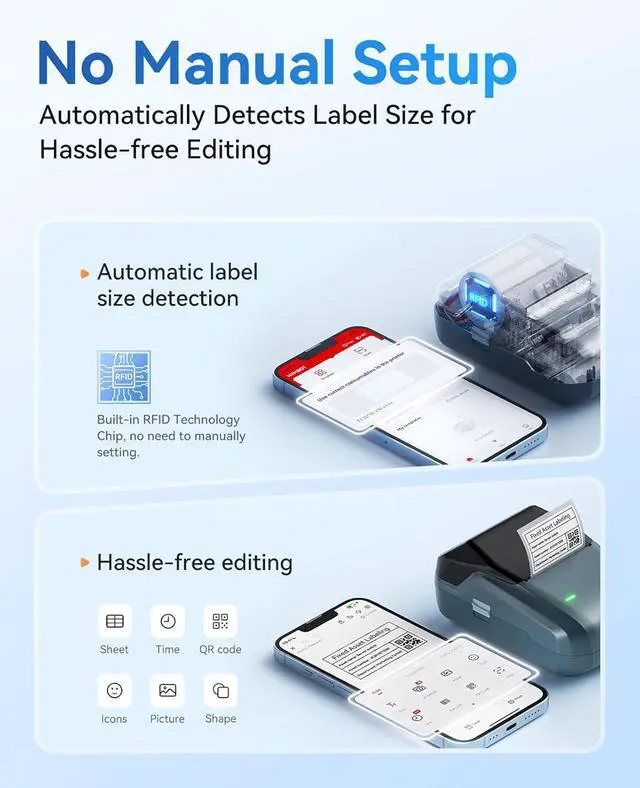
- Smart Label Printer AppThe app auto-detects label size, eliminating manual setup. Effortless with 30+ stylish fonts and multilingual support. Add flair with 100+ borders and 1500+ symbols for standout labels.Easily customize text size, style, and formatting for the perfect look. Save templates for one-tap reprinting! Quick, high-quality printing makes organizing home, office, or business supplies a breeze
- Inkless Label Maker No Ink, No Mess! Print Smart, Save More!Thermal printing technology just load and print!Smart Built-in rechargeable battery with auto-shutoff after 15 minutes of inactivity saves energy.Perfect for precision tasks like marking medicine bottl
+
+
Overview
Specs
Reviews

Any questions? Our AI mode will help you find out quickly.
Try me now
What system does B1 label maker support?
This label maker compatible with both Phone (iOS & Android) and Computer (Windows7&10)
How to set up B1 label printe on computer via USB cable
1. Before installation, power on printer and connect it to computer via USB cable.
2. Visit "niimbot.com" Install the "NIIMBOT" application, then open the desktop version APP
3.There is a detailed video on the product details page, please watch it.
Notice: What can you do if the printing is not clear?
1. Connect B1 through Bluethooth on APP "Labelnize".
2. Click on "Me- "My device"-"Firmware version" -and update to 3.02 immediately.
3. The printer emits a "beep" sound, indicating that the firmware upgrade is successful.
Can I use other brands' labels with this machine?
Our printing system utilizes patented label detection technology that only recognizes authentic NIIMBOT labels. Third-party labels lack the required RFID, for optimal performance, always use genuine NIIMBOT labels (sold separately)
NIIMBOT B1 Label Maker Machine with Tape for Your Small Business How to set up B1 label maker to connect Bluetooth?
What system does B1 label maker support?
How to set up B1 label printe on computer via USB cable
Notice: What can you do if the printing is not clear?
Can I use other brands' labels with this machine?
This label maker compatible with both Phone (iOS & Android) and Computer (Windows7&10)
How to set up B1 label printe on computer via USB cable
1. Before installation, power on printer and connect it to computer via USB cable.
2. Visit "niimbot.com" Install the "NIIMBOT" application, then open the desktop version APP
3.There is a detailed video on the product details page, please watch it.
Notice: What can you do if the printing is not clear?
1. Connect B1 through Bluethooth on APP "Labelnize".
2. Click on "Me- "My device"-"Firmware version" -and update to 3.02 immediately.
3. The printer emits a "beep" sound, indicating that the firmware upgrade is successful.
Can I use other brands' labels with this machine?
Our printing system utilizes patented label detection technology that only recognizes authentic NIIMBOT labels. Third-party labels lack the required RFID, for optimal performance, always use genuine NIIMBOT labels (sold separately)
NIIMBOT B1 Label Maker Machine with Tape for Your Small Business How to set up B1 label maker to connect Bluetooth?
What system does B1 label maker support?
How to set up B1 label printe on computer via USB cable
Notice: What can you do if the printing is not clear?
Can I use other brands' labels with this machine?
Warranty & Returns
Warranty, Returns, And Additional Information
Warranty
- Please contact the Seller directly for warranty information. Warranty information may also be found on the Manufacturer's website.
- CONTACT
Return Policies
- Return for refund within: 30 days
- Return for replacement within: 30 days
- This item is covered by Chinathru Trading Co., Limited Return Policy
Manufacturer Contact Info
- For a directory of all our manufacturers, please click below.
- Manufacturers Directory
LOADING...