• $233.99
  • Free 30-day Returns
  • Shipped by LionTech Direct

    Price alert
    Shop it at NeweggBusiness.

    Meet Your Seller

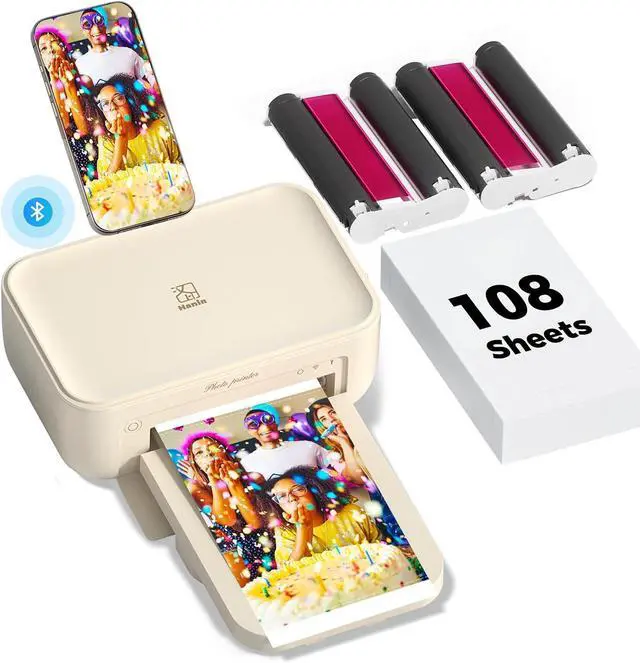
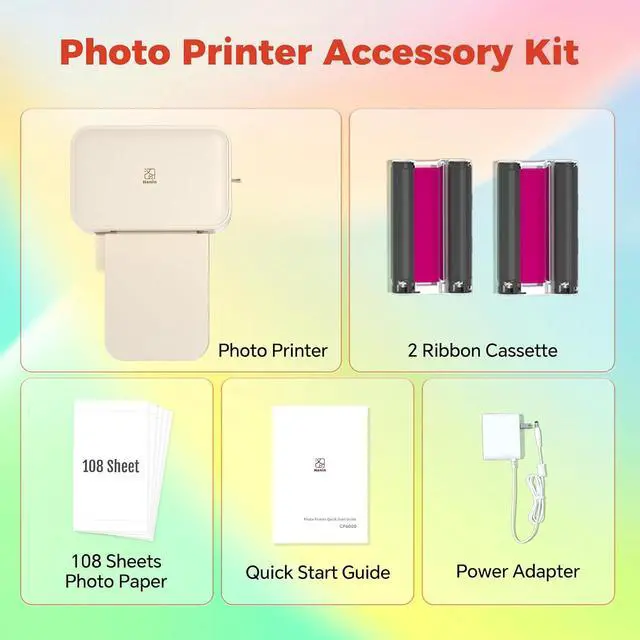
    iDPRT 4×6 Photo Printer, Bundle 108 Sheets Photo Paper & 2 Ribbon Cassette, Photo Printer for iPhone & Android, Beige

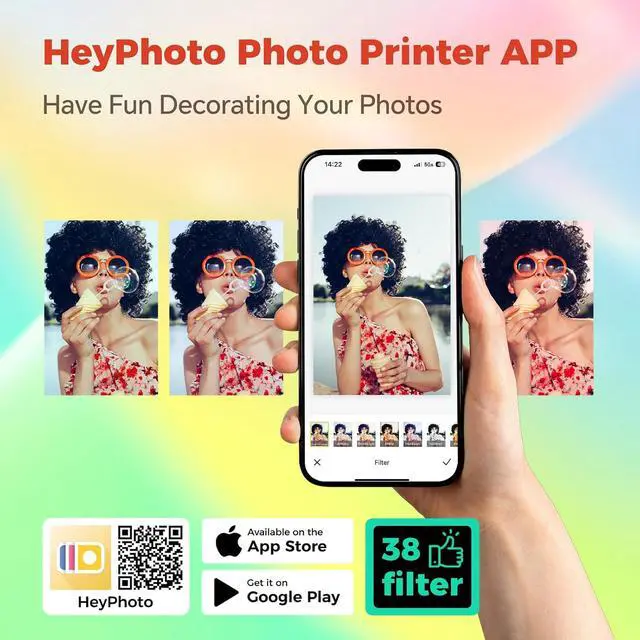
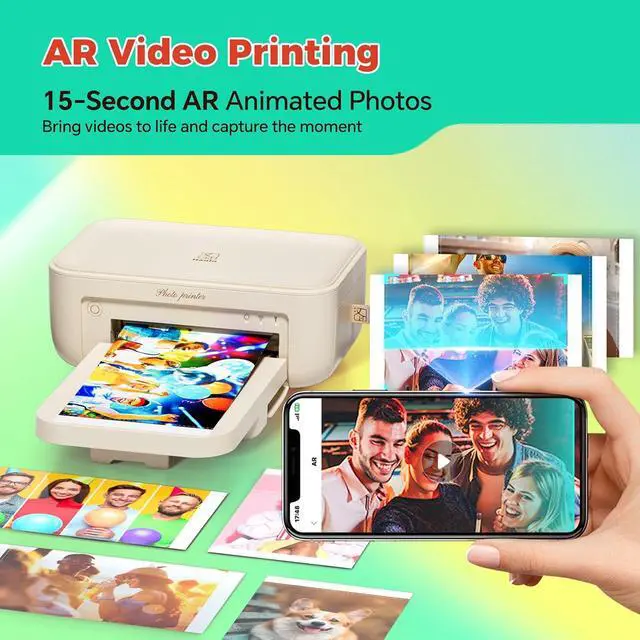
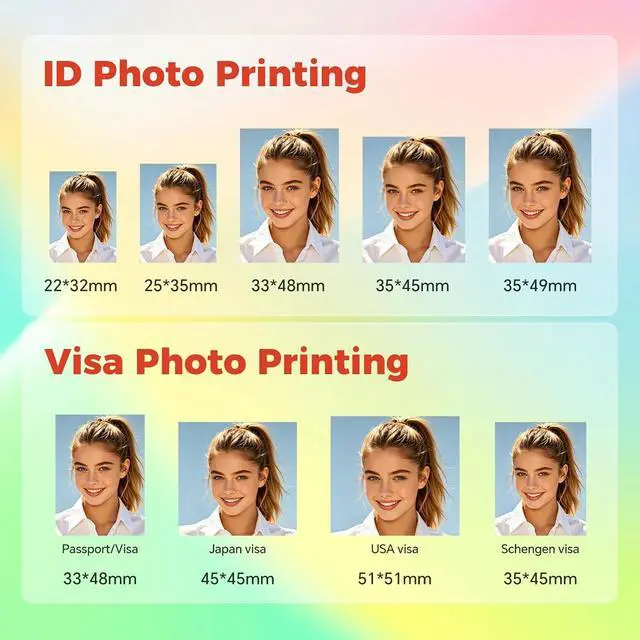
    • Photo Printer for iPhone & Android, 300DPI High Clear Photos, with AR Video & ID Photo Editor APP, Portable, for Gifts
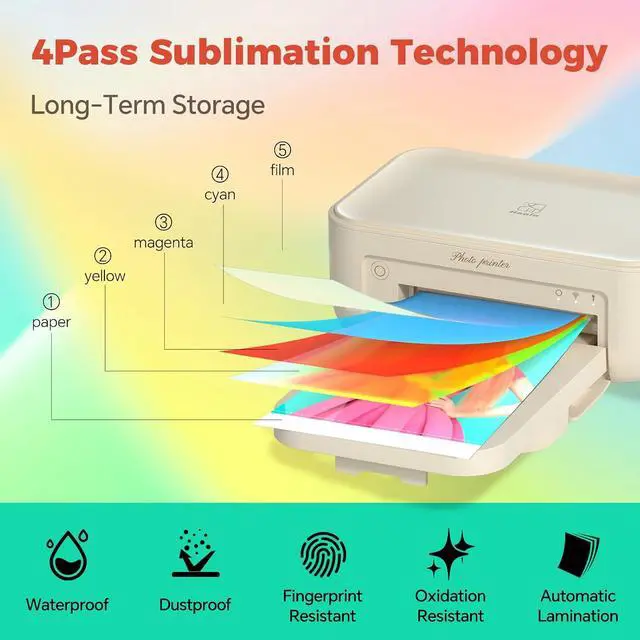
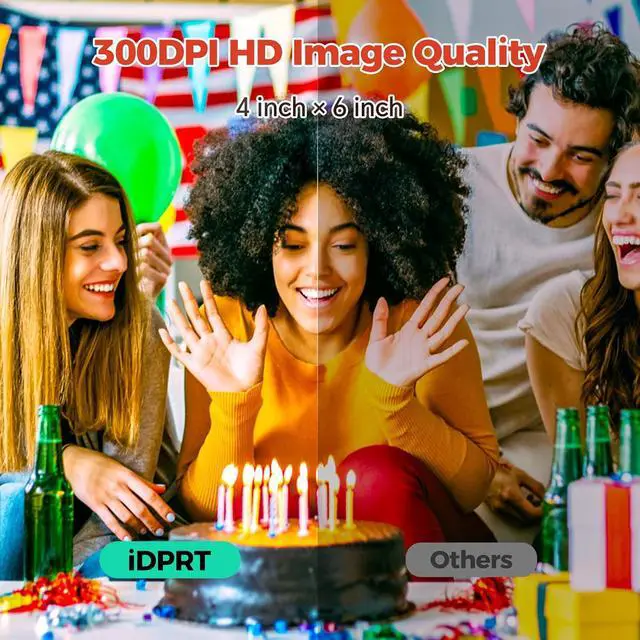
    • [4×6 photo printer high-definition printing]This small photo printer adopts thermal sublimation technology, no need for ink, 300dpi resolution to achieve a smooth transition of color, high color reproduction. Each photo will be automatically covered with a transparent film after printing, can do dustproof, waterproof, oil-proof, fingerprint-proof, photo prints can be preserved for a long time without fading, so that your photos are perfectly presented
    • [Portable photo printer for iphone]This phone picture printer adopts one-piece consumable bin design for easy portability. This portable photo printer body size is only 200×130×87mm, weighs about 1kg, and can be held with one hand.This portable photo printer supports WiFi connection print photos, no need to warm up, smooth connection, smooth printing process and no paper jams
    • [Meet batch printing needs]This small p
    +
    +
    Overview
    Specs
    Reviews
    avatar

    Any questions? Our AI mode will help you find out quickly.


    1Filters2Collage3ID Photo1Instructions2Details

    Why can't I connect to the printer?
    Please confirm that the printer is powered on and turned on.
    Check if Bluetooth is enabled on your phone.
    Keep the distance between your phone and the printer within 5 meters to ensure a stable connection.

    What should I do if the printer device cannot be found during connection?
    Restart the printer
    Ensure both location services and Bluetooth are enabled on your phone
    Verify that the HeyPhoto app has permission for location and Bluetooth access in your phone's settings

    How should I handle the situation where only the first few photos uploaded during the initial print are displayed?
    This issue occurs because you haven't granted full photo permissions. Simply go back to your phone settings, locate the HeyPhoto app's photo permissions, and change it to Allow All.

    Why does it display a paper loading prompt when there is still paper in the paper tray?
    This is caused by paper warping. You can straighten it by bending both sides upward before loading it into the printer.

    CP4100 Photo Printer Why can't I connect to the printer?
    What should I do if the printer device cannot be found during connection?
    How should I handle the situation where only the first few photos uploaded during the initial print are displayed?
    Why does it display a paper loading prompt when there is still paper in the paper tray?

    Warranty & Returns

    Warranty, Returns, And Additional Information

    Warranty

    • Please contact the Seller directly for warranty information. Warranty information may also be found on the Manufacturer's website.
    • CONTACT

    Return Policies

    Manufacturer Contact Info

    LOADING...