

Your Browsing History
- Free 30-day Returns
$317.99

Meet Your Seller


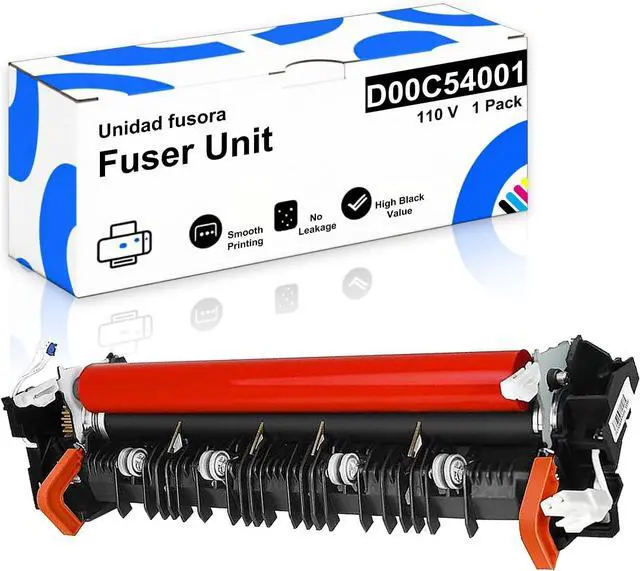



LR2241001 D00C54001 D01CEC001 120v Compatible Fuser Unit for Brother HL-L8260CDW HL-L8360CDW HL-L9310CDW MFC-L8610CDW MFC-L8895CDW MFC-L8900CDW MFC-L8905CDW MFC-L9570CDW 1 Pack
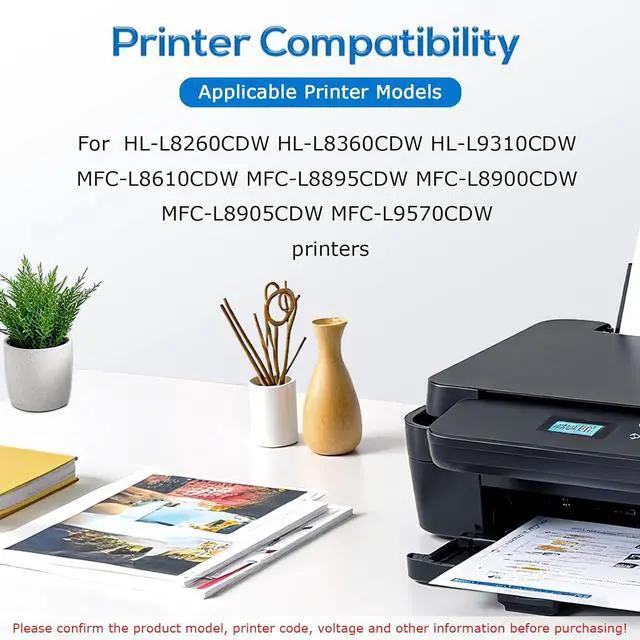
- Precision Fit for Printers: Engineered to exact OEM specifications, ensuring seamless compatibility with HL-L8260CDW, HL-L8360CDW, HL-L9310CDW, MFC-L8610CDW, MFC-L8895CDW, MFC-L8900CDW, MFC-L8905CDW, and MFC-L9570CDW printers. [Always verify your printer model before purchasing.]
- Extended Service Life: Rated for High pages (at 5% A4 coverage), reducing replacement frequency in high-volume environments
- High-Efficiency Thermal Performance: Rapid warm-up and stable temperature control for consistent, wrinkle-free printing
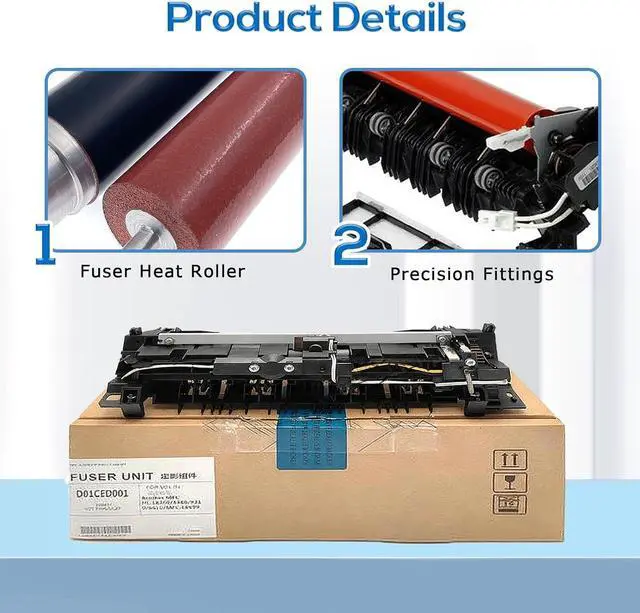
- Durable Pressure Roller Design: Reinforced silicone layer stand up to wear and deformation, even under heavy use Precision-molded anti-jam claws prevent paper wrapping
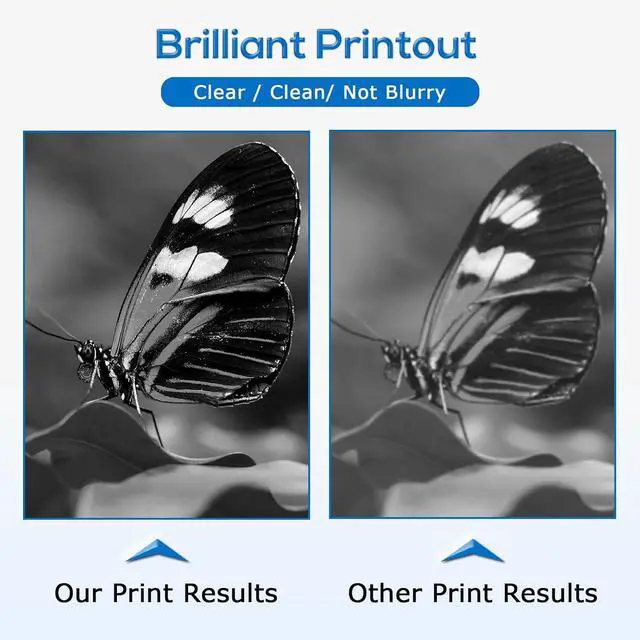
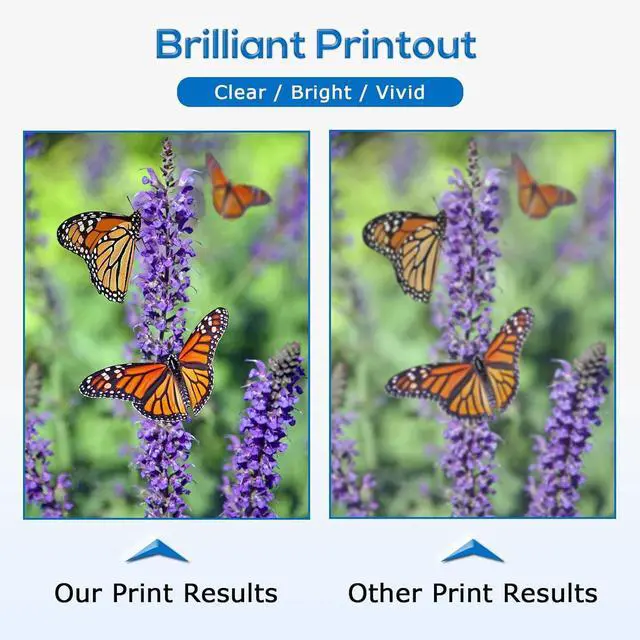
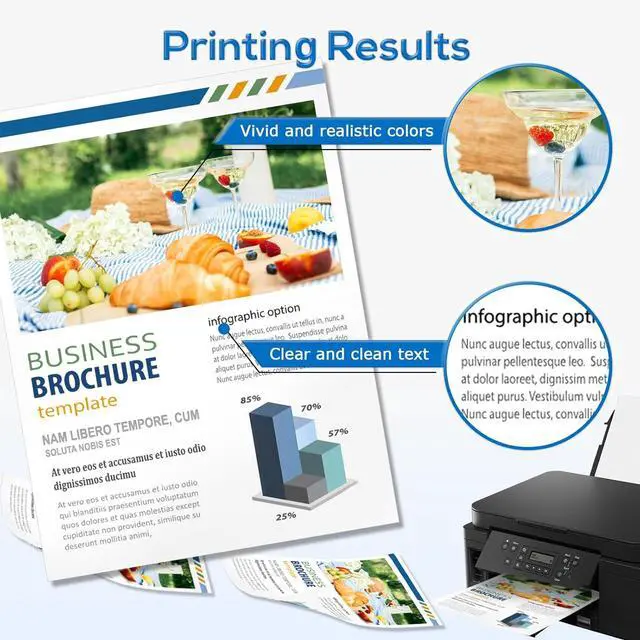
- Professional Print Quality: No toner smudging, ghosting, or uneven adhesionensuring crisp text and vibrant graphics
+
+
Overview
Specs
Reviews

Any questions? Our AI mode will help you find out quickly.
Try me now
Key Features
Plug-and-Play Replacement Matches OEM dimensions and electrical interfaces for seamless installation
Fast Recovery Time Ready to print within seconds after power-on
Multi-Environment Use Perfect for office documents, medical records, and commercial printing
Compatibility
Fits Models: HL-L8260CDW, HL-L8360CDW, HL-L9310CDW, MFC-L8610CDW, MFC-L8895CDW, MFC-L8900CDW, MFC-L8905CDW, MFC-L9570CDW
Refer to your printers manual to confirm the exact model compatibility
Installation Guide
Allow the printer to cool down for 30 minutes before replacement
Open the rear access panel and disconnect the power cable
Release the fuser retention lever and carefully slide out the old unit vertically
Remove the protective pads from the new fuser and align it properly
Insert the new fuser until it clicks into place Secure the lever Close the panel Run a test print
Maintenance Tips
Proactive Replacement: Recommended when you notice:
Faded prints; Paper curling; Unusual odors
Storage: Keep in a dry, dust-free environment to extend the lifespan
Plug-and-Play Replacement Matches OEM dimensions and electrical interfaces for seamless installation
Fast Recovery Time Ready to print within seconds after power-on
Multi-Environment Use Perfect for office documents, medical records, and commercial printing
Compatibility
Fits Models: HL-L8260CDW, HL-L8360CDW, HL-L9310CDW, MFC-L8610CDW, MFC-L8895CDW, MFC-L8900CDW, MFC-L8905CDW, MFC-L9570CDW
Refer to your printers manual to confirm the exact model compatibility
Installation Guide
Allow the printer to cool down for 30 minutes before replacement
Open the rear access panel and disconnect the power cable
Release the fuser retention lever and carefully slide out the old unit vertically
Remove the protective pads from the new fuser and align it properly
Insert the new fuser until it clicks into place Secure the lever Close the panel Run a test print
Maintenance Tips
Proactive Replacement: Recommended when you notice:
Faded prints; Paper curling; Unusual odors
Storage: Keep in a dry, dust-free environment to extend the lifespan
Warranty & Returns
Warranty, Returns, And Additional Information
Warranty
- Please contact the Seller directly for warranty information. Warranty information may also be found on the Manufacturer's website.
- CONTACT
Return Policies
- Return for refund within: 30 days
- Return for replacement within: 45 days
- This item is covered by Ali Wangwang E-commerce Limited Return Policy
Manufacturer Contact Info
- For a directory of all our manufacturers, please click below.
- Manufacturers Directory
LOADING...