

Your Browsing History
- Free 30-day Returns
$227.99

Meet Your Seller

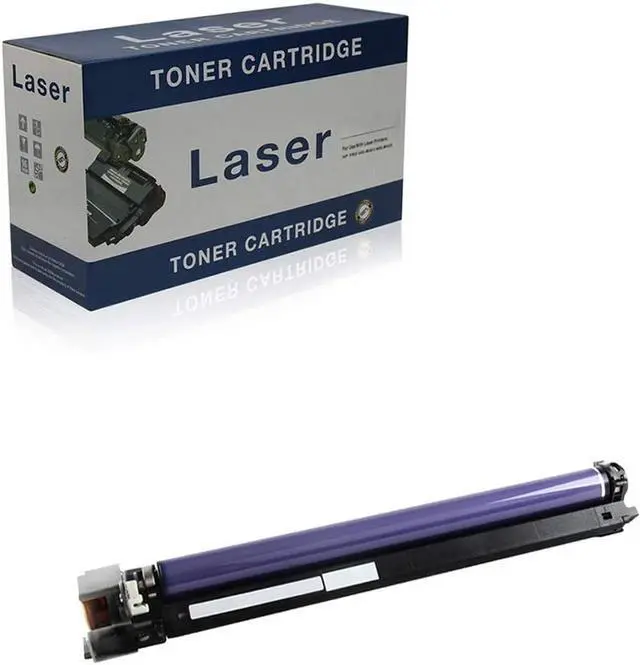



Compatible Drum Unit Replacement for Xerox C4475 CT350806 CT350851 for Use with Xerox DocuCentre-IV C2270 C3370 C4470 C5570 C3373 C3375 C5575 C6675 C7775 Printer,Black
- Toner Cartridge Model:Compatible for Xerox C4475 Drum Unit, Replacement Drum Unit OEM Model: C4475 CT350806 CT350851 CT350804 CT350850.
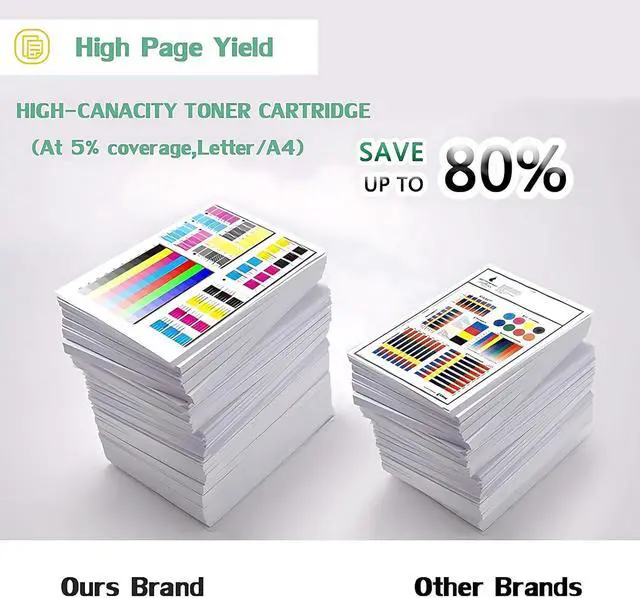
- High Page Yield:High Capacity :100000 Pages in Black,100000 Pages in Color(At 5% Coverage on A4 papers).
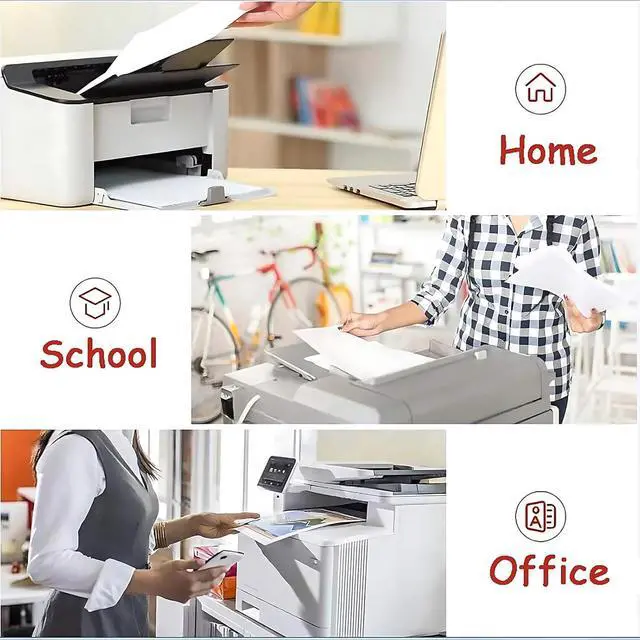
- Compatible Printers Series: Compatible for Xerox DocuCentre-IV C2270 C3370 C4470 C5570 ,DocuCentre-V C2275 C3373 C3375 C4475,ApeosPort-IV C2270 C3370 C4470 C5570,ApeosPort-V C3373 C3375 C4475 C5575 C6675 C7775 Series.
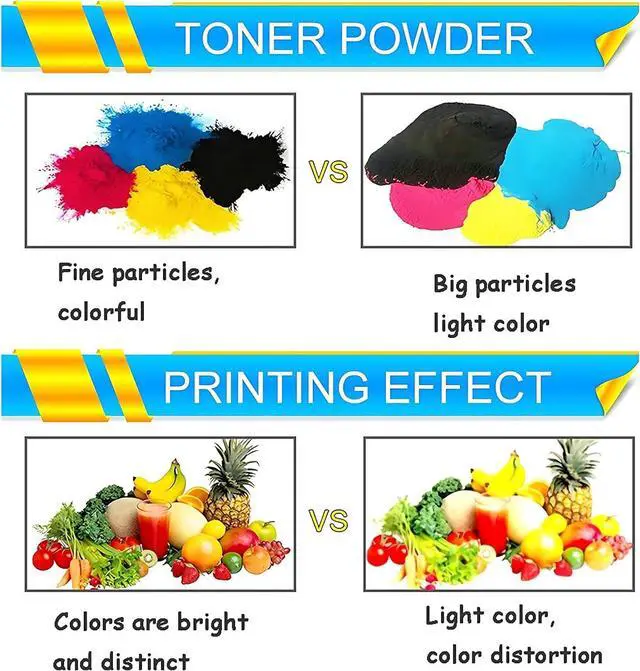
- Professionally Manufacture:We only provide products manufactured with ISO9001, STMC, ISO14001 International Standards & Comply ,We Compatible supplies provide High-quality raw materials to ensure printing effect, and strict management ensure the stable quality.
- After-Sales Services:Before Purchase, Please check You Original Printer Model and Original Toner Cartridge& Drum Unit Model Number & code ,Make sure that the toner cartridge model matches your device, If you have any questions and help, please feel free to conta
+
+
Overview
Specs
Reviews

Any questions? Our AI mode will help you find out quickly.
Try me now
Product Description:
Product Model: PLC-C4475
Product Type:Drum Unit
Applicable Equipment: Laser Printer
Applicable Brand Model:
Compatible for DocuCentre-IV C2270 C3370 C4470 C5570 Series
Compatible for DocuCentre-V C2275 C3373 C3375 C4475 Series
Compatible for ApeosPort-IV C2270 C3370 C4470 C5570 Series
Compatible for ApeosPort-V C3373 C3375 C4475 C5575 C6675 C7775 Series
Number of Pages Printed: High Capacity :100000 Pages in Black,100000 Pages in Color(at 5% coverage on A4 papers)
Corresponding to the Original Model: C4475 CT350806 CT350851 CT350804 CT350850
Color: Black, Cyan, Yellow, Magenta
INSTRUCTIONS FOR USE:
If a message "Not Toners Cartridges" on the printer comes through during installation, please confirm with "Next", then you can print correctly.
If the Toner Cartridges are not recognized by the printer, please clean the chips with soft cloth and insert the cartridges again.
If you have questions about the Products or Services, please inform us,we will feedback to you as soon as possible and your satisfaction is guaranteed.
Product Model: PLC-C4475
Product Type:Drum Unit
Applicable Equipment: Laser Printer
Applicable Brand Model:
Compatible for DocuCentre-IV C2270 C3370 C4470 C5570 Series
Compatible for DocuCentre-V C2275 C3373 C3375 C4475 Series
Compatible for ApeosPort-IV C2270 C3370 C4470 C5570 Series
Compatible for ApeosPort-V C3373 C3375 C4475 C5575 C6675 C7775 Series
Number of Pages Printed: High Capacity :100000 Pages in Black,100000 Pages in Color(at 5% coverage on A4 papers)
Corresponding to the Original Model: C4475 CT350806 CT350851 CT350804 CT350850
Color: Black, Cyan, Yellow, Magenta
INSTRUCTIONS FOR USE:
If a message "Not Toners Cartridges" on the printer comes through during installation, please confirm with "Next", then you can print correctly.
If the Toner Cartridges are not recognized by the printer, please clean the chips with soft cloth and insert the cartridges again.
If you have questions about the Products or Services, please inform us,we will feedback to you as soon as possible and your satisfaction is guaranteed.
Warranty & Returns
Warranty, Returns, And Additional Information
Warranty
- Please contact the Seller directly for warranty information. Warranty information may also be found on the Manufacturer's website.
- CONTACT
Return Policies
- Return for refund within: 30 days
- Return for replacement within: 45 days
- This item is covered by Ali Wangwang E-commerce Limited Return Policy
Manufacturer Contact Info
- For a directory of all our manufacturers, please click below.
- Manufacturers Directory
LOADING...