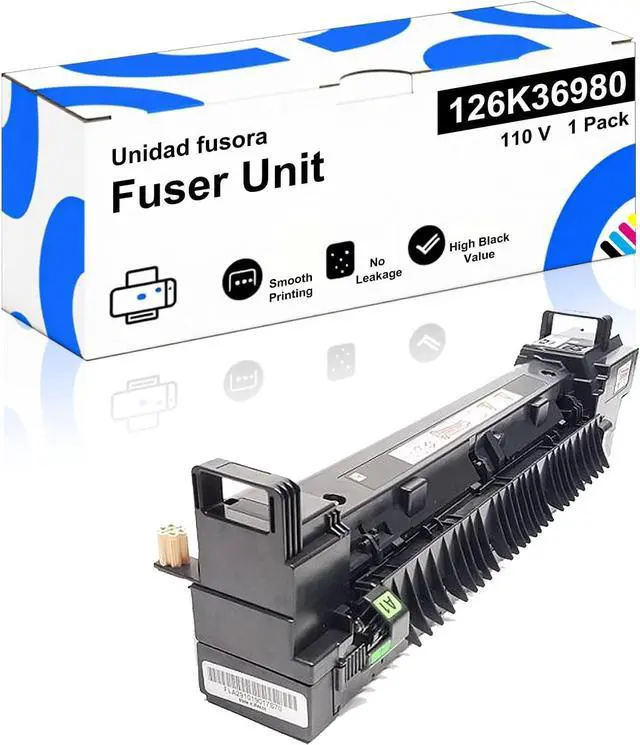
Key Features
Plug-and-Play Replacement Matches OEM dimensions and electrical interfaces for seamless installation
Fast Recovery Time Ready to print within seconds after power-on
Multi-Environment Use Perfect for office documents, medical records, and commercial printing
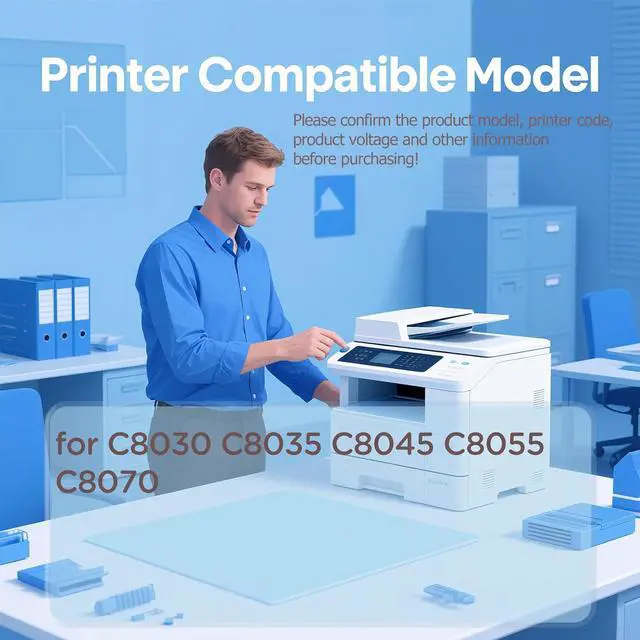
Compatibility
Fits Models: C8030, C8035, C8045, C8055, C8070
Refer to your printers manual to confirm the exact model compatibility
Installation Guide
Allow the printer to cool down for 30 minutes before replacing the unit
Open the rear access panel and disconnect the power cable
Release the fuser retention lever and carefully slide out the old unit vertically
Remove the protective pads from the new fuser and ensure its properly aligned
Insert the new fuser until it clicks into place Secure the lever Close the panel Run a test print
Maintenance Tips
Proactive Replacement: Recommended when you notice:
Faded prints; Paper curling; Unusual odors
Storage: Store in a dry, dust-free environment to maximize the lifespan of the fuser





 here!
here!