

Your Browsing History
- Free 30-day Returns
$425.99

Meet Your Seller

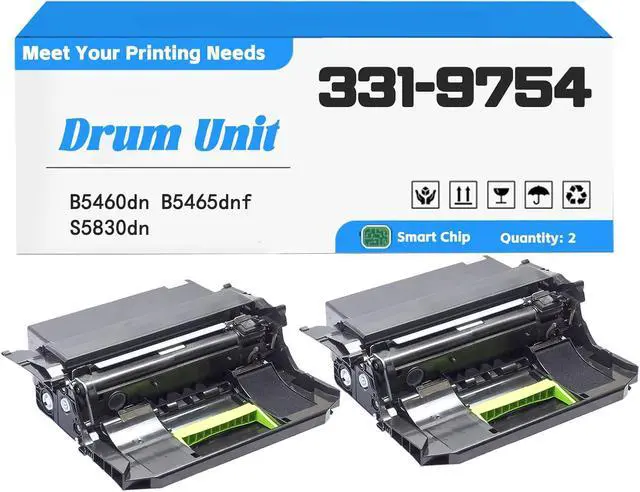





B5460 Compatible for Dell 331-9754 9PN5P 65G6T Drum Unit (with Chip) Replacement, Work with B5460dn B5465dnf S5830dn Printer (100,000 Pages) 2Pcs
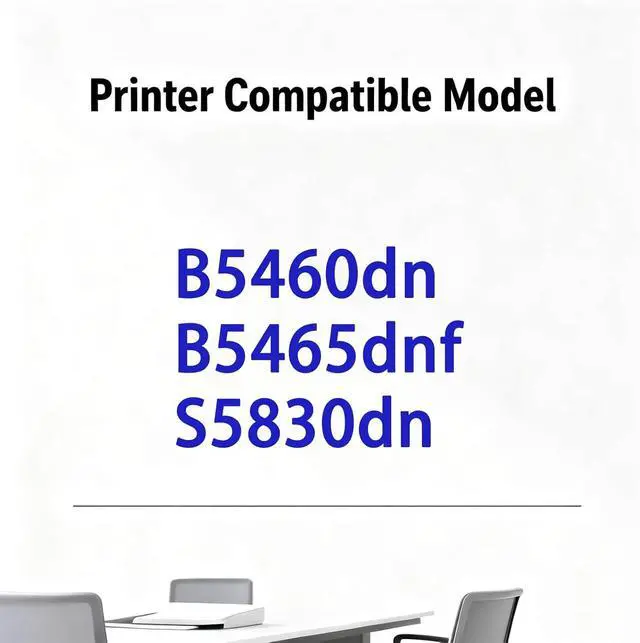
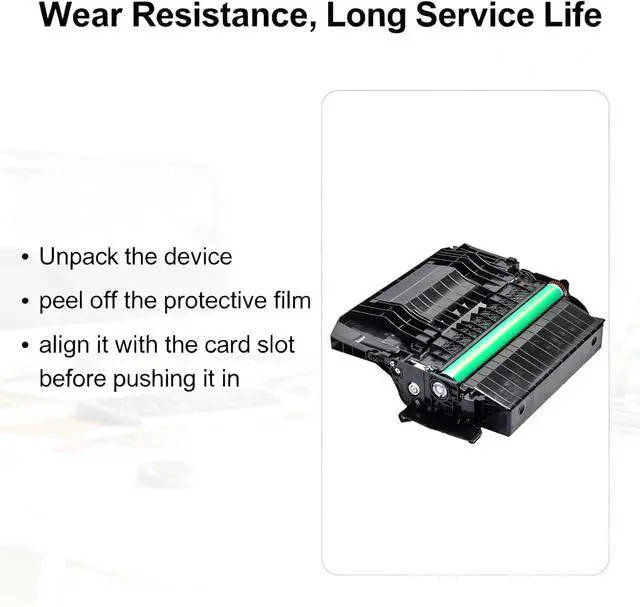
- Compatible for Dell B5460dn B5465dnf S5830dn Printer, requiring no debugging and ready for direct installation and use
- Black Imaging Unit Page Yield (100,000 Pages)
- High-Capacity filling design ensures sufficient printing pages, reducing daily work expenses
- High-definition printing delivers crisp, non-smudged text and high image reproduction, meeting both office and home needs
- If you are unsure which toner cartridge your printer requires, please first check the label on your old toner cartridge
+
+
Overview
Specs
Reviews

Any questions? Our AI mode will help you find out quickly.
Try me now
Frequently Asked Questions about Toner Cartridge Installation
Q1: How can I directly check the toner cartridge model and serial number?
A1: The most direct way is to check the label on the toner cartridge casing. There's usually a label on the casing containing information such as the model number, production date, and manufacturer. The serial number may also be on the label.
Q2: If the toner cartridge casing label is damaged or lost, what other ways are there to check the model number and serial number?
A2: You can check the toner cartridge packaging box. The packaging box usually has the toner cartridge model number and related serial number printed on it. Alternatively, you can check the printer's instruction manual.
Q3: What should I do if the printer displays "Toner cartridge not detected" after installing the toner cartridge?
A3: First, power off and restart the printer to rule out a temporary recognition problem. Then check if the toner cartridge is fully inserted (you should hear a "click" sound). Finally, confirm that the toner cartridge model matches the printer model to avoid recognition failure due to model incompatibility.
Q1: How can I directly check the toner cartridge model and serial number?
A1: The most direct way is to check the label on the toner cartridge casing. There's usually a label on the casing containing information such as the model number, production date, and manufacturer. The serial number may also be on the label.
Q2: If the toner cartridge casing label is damaged or lost, what other ways are there to check the model number and serial number?
A2: You can check the toner cartridge packaging box. The packaging box usually has the toner cartridge model number and related serial number printed on it. Alternatively, you can check the printer's instruction manual.
Q3: What should I do if the printer displays "Toner cartridge not detected" after installing the toner cartridge?
A3: First, power off and restart the printer to rule out a temporary recognition problem. Then check if the toner cartridge is fully inserted (you should hear a "click" sound). Finally, confirm that the toner cartridge model matches the printer model to avoid recognition failure due to model incompatibility.
Warranty & Returns
Warranty, Returns, And Additional Information
Warranty
- Please contact the Seller directly for warranty information. Warranty information may also be found on the Manufacturer's website.
- CONTACT
Return Policies
- Return for refund within: 30 days
- Return for replacement within: 45 days
- This item is covered by Ali Wangwang E-commerce Limited Return Policy
Manufacturer Contact Info
- For a directory of all our manufacturers, please click below.
- Manufacturers Directory
LOADING...