

Your Browsing History

Meet Your Seller


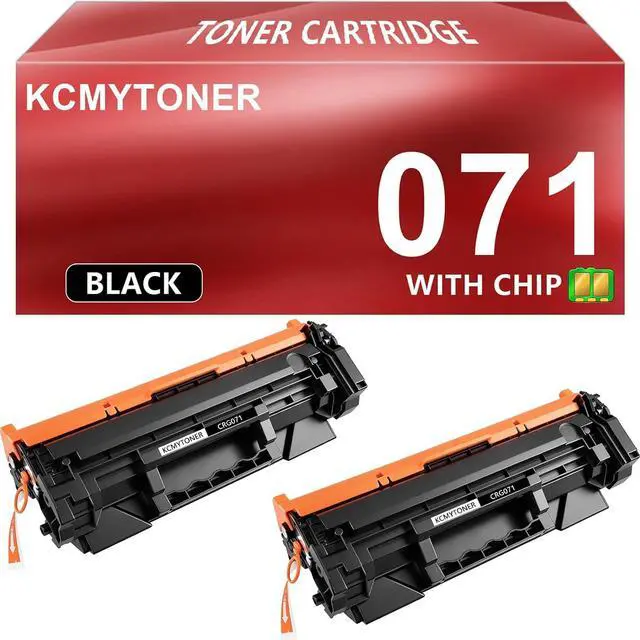
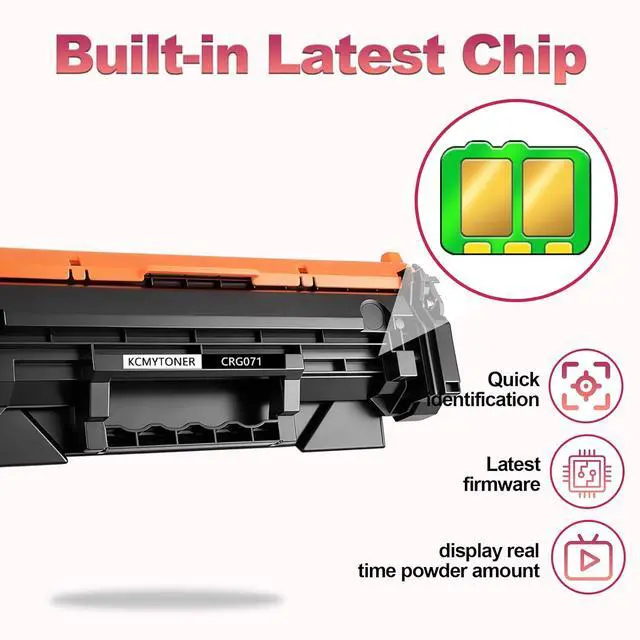



071 Compatible Toner Cartridge Replacement for Canon 071 Black Cartridge use for ImageCLASS LBP122dw LBP120 Mf272dw Mf275dw Series Printers(1200 Pages,with Chip)
- Cartridge Name2PK KCMYTONER Compatible Toner Cartridge Replacement for Canon 071 CRG071 Cartridge With Chip
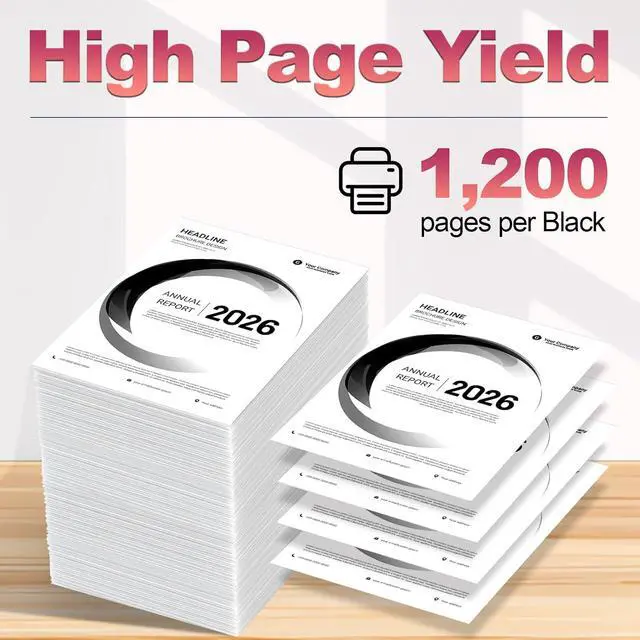
- page capacity Excellent page capacity,Prints up to 1200 pages at 5% page coverage.Durable toner cartridges with colorfast paper
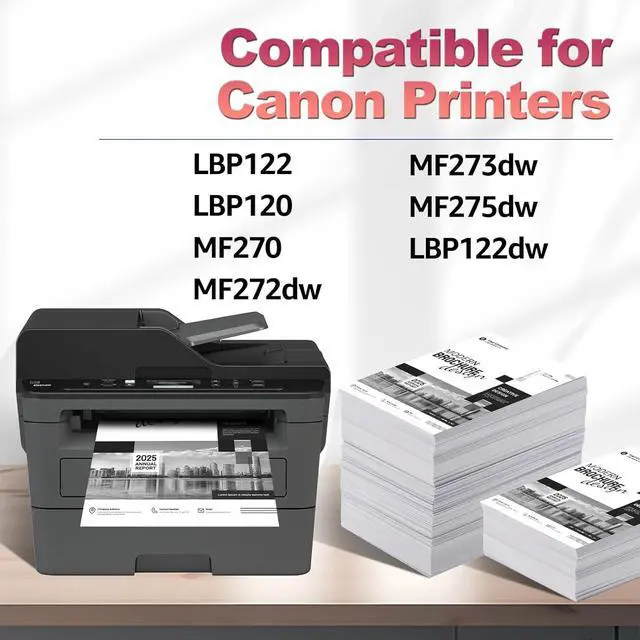
- Compatible Printer ModelImageCLASS LBP122dw LBP122 LBP120 MF270 Mf272dw Mf273dw Mf275dw Series Printer
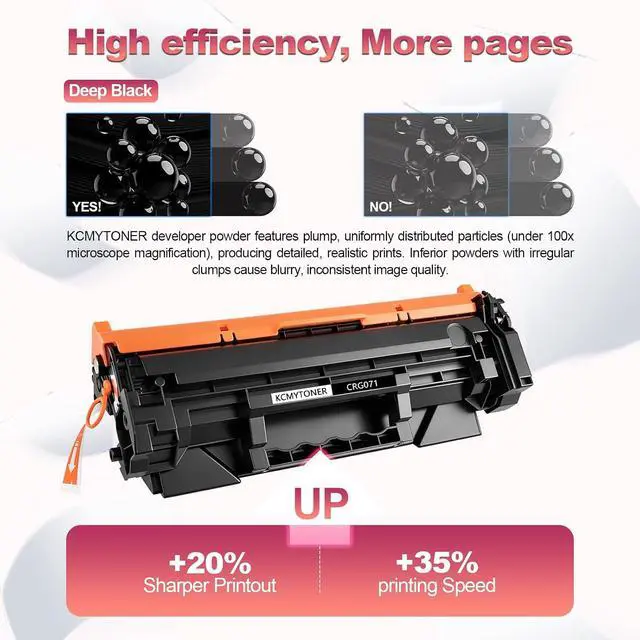
- Advanced TonerThe toner is delicate and smooth, evenly distributed within the cartridge for precise dispensing every time you print,so that print quality is consistently high
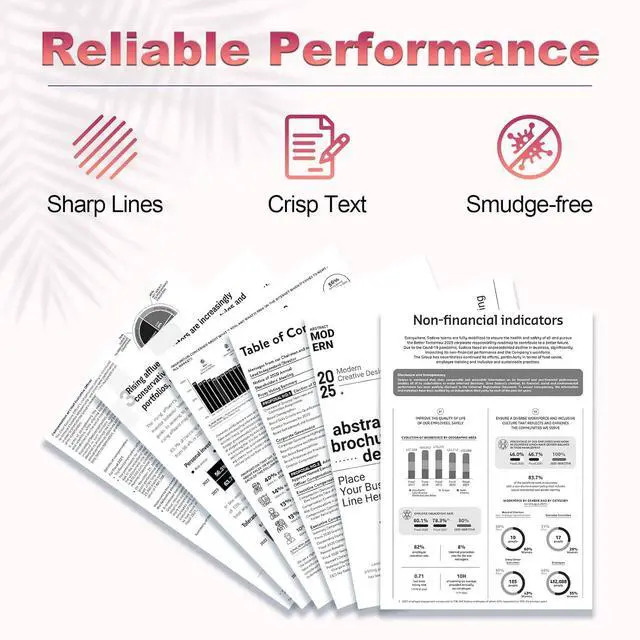
- Outstanding performance Prints are sharp and crisp, with brilliant black color. Both complex charts and detailed photographs are clearly reproduced.
+
+
Overview
Specs
Reviews

Any questions? Our AI mode will help you find out quickly.
Try me now
KCMYTONER Toner Cartridges deliver Reliable and Outstanding printing performance
Item Name: KCMYTONER Compatible Toner Cartridge Replacement for Canon 071 CRG071 Black Cartridge With Chip.
Color: Black
Compatible for Canon Printer List:
ImageCLASS LBP122dw LBP122 LBP120 MF270 Mf272dw Mf273dw Mf275dw Printers
Please double check that your printer model is on the compatible list.
Page Yield: 1,200 pages (at 5% coverage Letter A4).
Installation Instruction
Step-1 Open the front cover and take out the used toner cartridge.
Step-2 Take out the new toner cartridge from package.
Step-3 Shake the toner cartridge horizontally from left to right to distribute the toner evenly.
Step-4 Remove all sealing parts completely from the toner cartridge.
Step-5 Put the toner cartridge with the arrow pointing into the printer and slide the cartridge into the printer.
Step-6 Then close the top cover and start printing.
Item Name: KCMYTONER Compatible Toner Cartridge Replacement for Canon 071 CRG071 Black Cartridge With Chip.
Color: Black
Compatible for Canon Printer List:
ImageCLASS LBP122dw LBP122 LBP120 MF270 Mf272dw Mf273dw Mf275dw Printers
Please double check that your printer model is on the compatible list.
Page Yield: 1,200 pages (at 5% coverage Letter A4).
Installation Instruction
Step-1 Open the front cover and take out the used toner cartridge.
Step-2 Take out the new toner cartridge from package.
Step-3 Shake the toner cartridge horizontally from left to right to distribute the toner evenly.
Step-4 Remove all sealing parts completely from the toner cartridge.
Step-5 Put the toner cartridge with the arrow pointing into the printer and slide the cartridge into the printer.
Step-6 Then close the top cover and start printing.
Warranty & Returns
Warranty, Returns, And Additional Information
Warranty
- Please contact the Seller directly for warranty information. Warranty information may also be found on the Manufacturer's website.
- CONTACT
Return Policies
- Return for refund within: 30 days
- Return for replacement within: 30 days
- This item is covered by LionTech Direct Return Policy
Manufacturer Contact Info
- For a directory of all our manufacturers, please click below.
- Manufacturers Directory
LOADING...