

Your Browsing History

Meet Your Seller


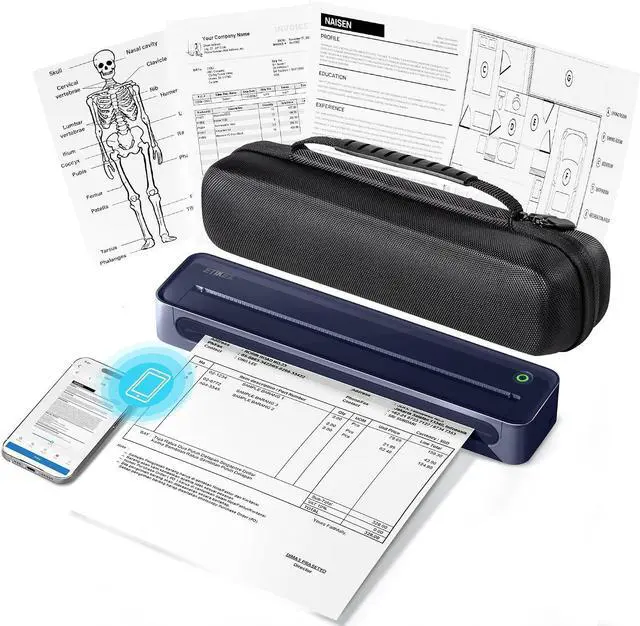
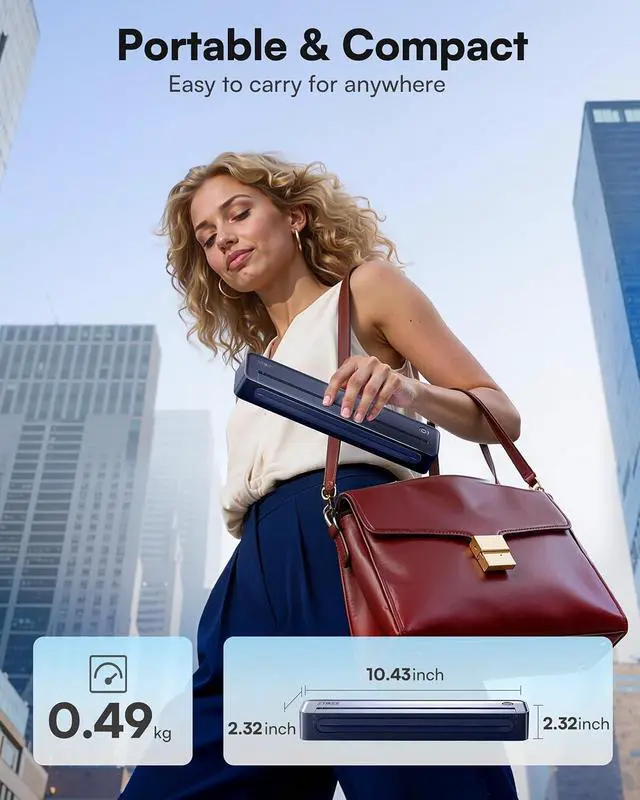
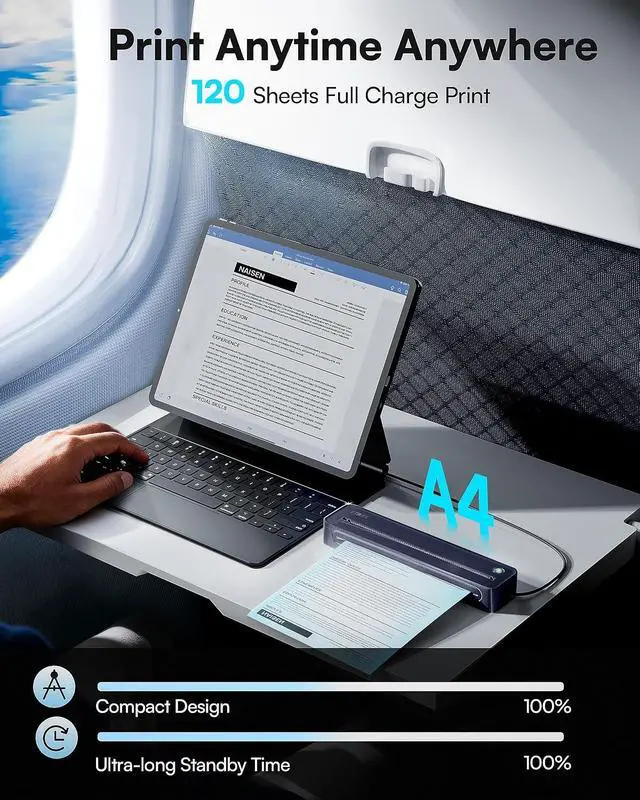
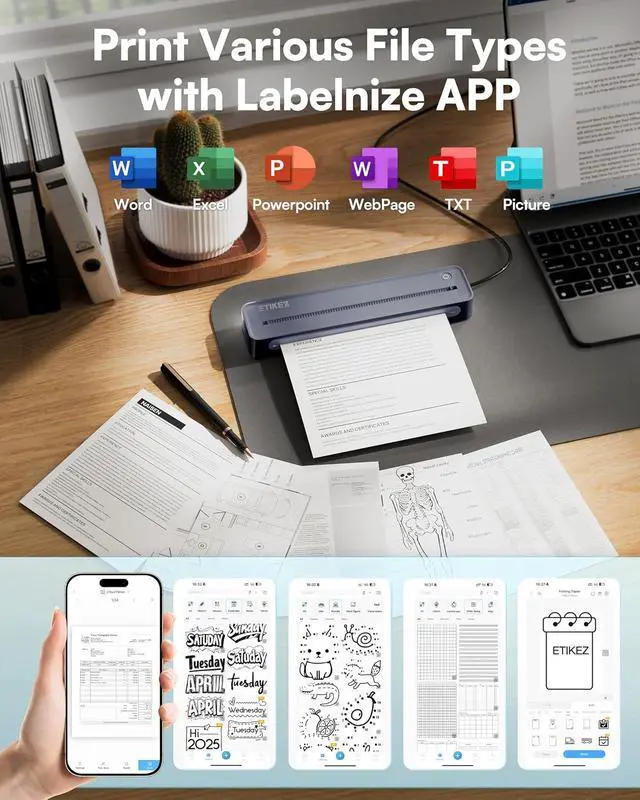
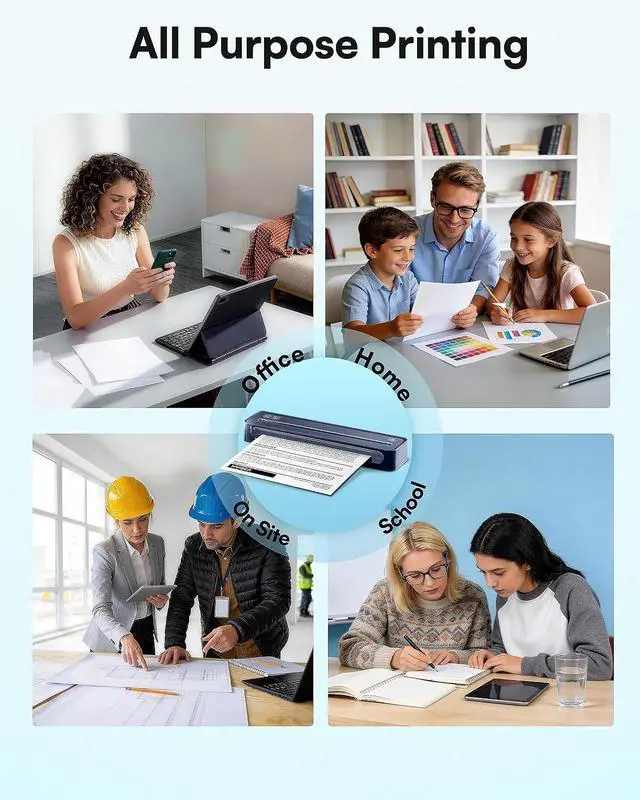


D90E Inkless Portable Printer for Travel, Supports 8.5 x 11 Inch Thermal Paper Wireless Thermal Printer Bluetooth, with Travel Case & 10 Sheets for Students, Office, School, Deep Blue
- Portable Wireless Printer - The ETIKEZ D90E is an inkless printer and portable printer that uses thermal technology. This thermal printer is a wireless printer and a versatile impresora portátil. As one of the best portable printers wireless for travel, this portable printer includes a travel case, 10 thermal sheets, and a charging cable. The thermal printer requires no ink, delivering cost-effective prints. Note: This portable printer only prints black and white images
- Bluetooth & USB Connectivity Note - Connect this portable printer to iPhones or Android via Bluetooth. This wireless printer also works with PC over USB. As a thermal printer, it requires the Labelnize app for mobile printing; for PC, install drivers from Labelnize.com or the USB drive. This small portable printeris not compatible with Chromebooks. A reliable portable printer wireless for travel device and inkless printer that saves costs
- Thermal Paper & Size Setting Reminder - This thermal printer uses only thermal
+
+
Overview
Specs
Reviews

Any questions? Our AI mode will help you find out quickly.
Try me now
1Multiple Format2Multiple System3Bluetooth Connetcion4USB Connection5Install Thermal Paper
Warm Tips:
1.ETIKEZ D90E Portable Printer only prints black and white images.
2.Connect the Bluetooth via the "Labelnize" App, not on the phone system.
3.Only A4 size thermal paper can be printed and only thermal paper.
How to print on different paper size?
Only A4 size thermal paper and black and white images can be printed.
How to use a mobile phone to connect Bluetooth
1. Download the App "Labelnize" from the Apple Store/Google Play.
2. Connecting to Bluetooth through the "Labelnize" APP.
Note: Please DO NOT connect the portable printer directly via Bluetooth for all devices.
How to install drivers on Windows or MAC?
1. Please visit " Labelnize.com" or download form the attached U-disk to obtain the driver.
2. Please DO NOT connect the portable printer directly via Bluetooth for all devices.
Note: Computers need to download the driver and print via USB cord.
Why can't I install the computer driver?
If the computer prompts that this driver is not an official legal software, please turn off the firewall and other protection software before install.
I have installed the driver, but why am I still unable to print from my computer?
The thermal printer needs to be powered on and connected to the computer via the USB cable before installing the driver. Uninstall, then reinstall the printer driver.
D90E Portable Printer How to print on different paper size?
How to use a mobile phone to connect Bluetooth
How to install drivers on Windows or MAC?
Why can't I install the computer driver?
I have installed the driver, but why am I still unable to print from my computer?
Warm Tips:
1.ETIKEZ D90E Portable Printer only prints black and white images.
2.Connect the Bluetooth via the "Labelnize" App, not on the phone system.
3.Only A4 size thermal paper can be printed and only thermal paper.
How to print on different paper size?
Only A4 size thermal paper and black and white images can be printed.
How to use a mobile phone to connect Bluetooth
1. Download the App "Labelnize" from the Apple Store/Google Play.
2. Connecting to Bluetooth through the "Labelnize" APP.
Note: Please DO NOT connect the portable printer directly via Bluetooth for all devices.
How to install drivers on Windows or MAC?
1. Please visit " Labelnize.com" or download form the attached U-disk to obtain the driver.
2. Please DO NOT connect the portable printer directly via Bluetooth for all devices.
Note: Computers need to download the driver and print via USB cord.
Why can't I install the computer driver?
If the computer prompts that this driver is not an official legal software, please turn off the firewall and other protection software before install.
I have installed the driver, but why am I still unable to print from my computer?
The thermal printer needs to be powered on and connected to the computer via the USB cable before installing the driver. Uninstall, then reinstall the printer driver.
D90E Portable Printer How to print on different paper size?
How to use a mobile phone to connect Bluetooth
How to install drivers on Windows or MAC?
Why can't I install the computer driver?
I have installed the driver, but why am I still unable to print from my computer?
Warranty & Returns
Warranty, Returns, And Additional Information
Warranty
- Please contact the Seller directly for warranty information. Warranty information may also be found on the Manufacturer's website.
- CONTACT
Return Policies
- Return for refund within: 30 days
- Return for replacement within: 30 days
- This item is covered by LionTech Direct Return Policy
Manufacturer Contact Info
- For a directory of all our manufacturers, please click below.
- Manufacturers Directory
LOADING...