

Your Browsing History

Meet Your Seller


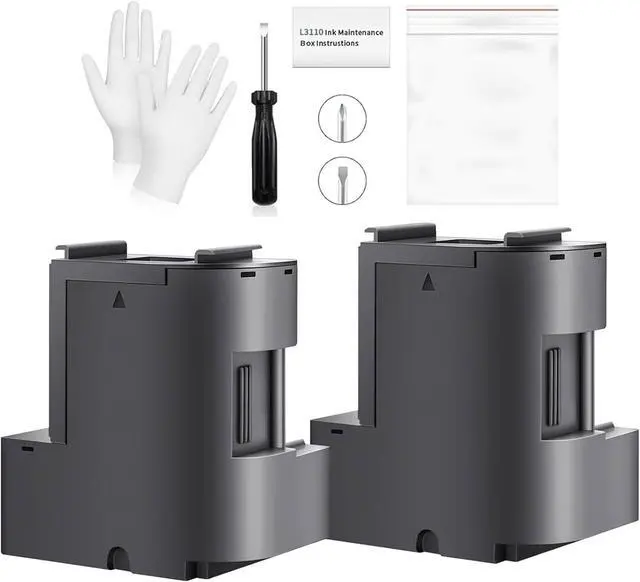
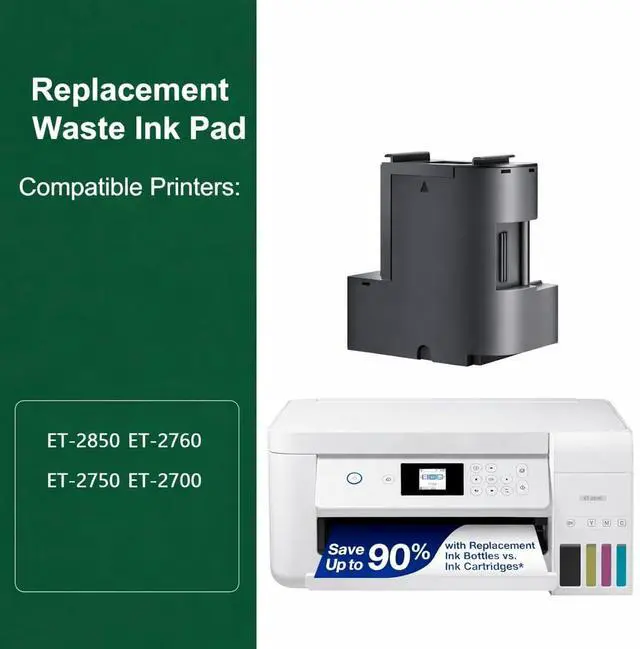


2 Packs Waste Ink Pad Replacement with Reset Software Replacement for ET-2850 ET-2760 ET-2750 ET-2700 ET2850 ET2760 2850 Printer, Maintenance Box with Zeroing Software
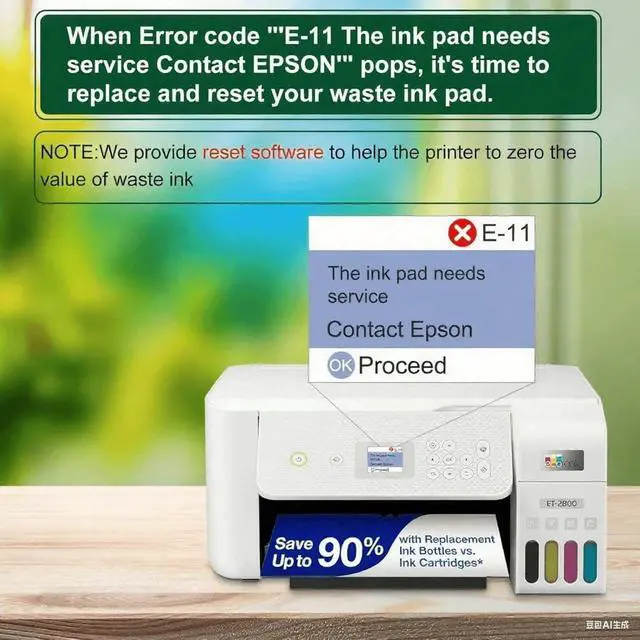
- Solve Printer Error Code: maintenance box waste ink container with absorber pads sponge to solve the eco tank printer error code: Waste Ink Pad End Of Service.
- Note: The Uycbhink waste ink pad includes built-in reset softwareno extra purchase needed. Before resetting, make sure your printer is connected via USB. The waste ink pad reset works only on WINDOWS computers and isnt compatible with MAC or other systems.
- Compatible Printers: Waste ink pad compatible for eco tank ET-2850 ET-2760 ET-2750 ET-2700 ET2850 ET2760 ET2750 ET2700 2850 2760 2750 2700 printers etc. For more unlisted printer model, contact our service to check if it fits.
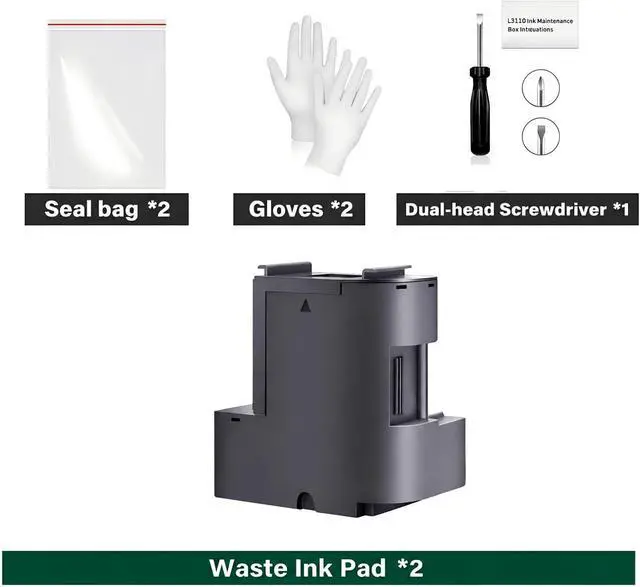
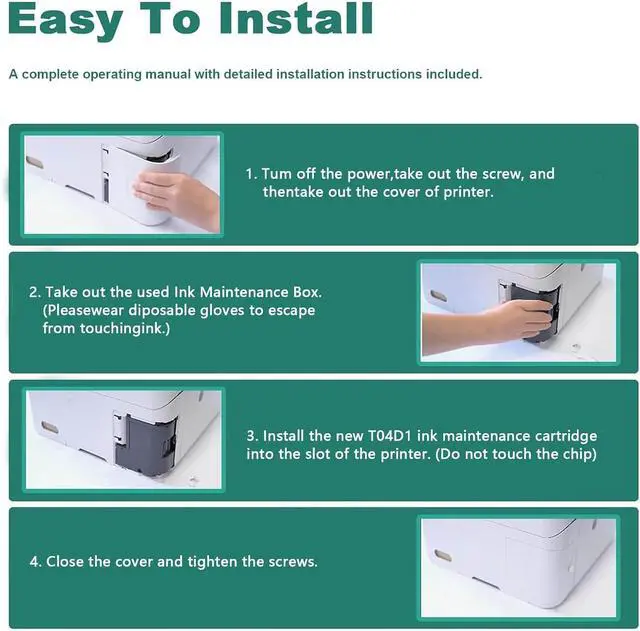
- What's in the Box: Replacement Waste ink pad (Ink Pad Sponge Included) * 1, screwdriver * 1, Seal bag * 1, instruction sheet * 1, disposable gloves * 2, Everything you need to replace the maintenance box is in the box, easy to do.
- Rapid Service Guarantee: We're here to help! Get fast, personalized assistance within 12 hours for key issues: confirm
+
+
Overview
Reviews

Any questions? Our AI mode will help you find out quickly.
Try me now
Waste Ink Pad Replacement with Reset Software Compatible Replacement for Eco tank ET-2850 ET-2760 ET-2750 ET-2700 ET2850 ET2760 ET2750 ET2700 2850 Printer, Maintenance Box with Reset Software
Warranty & Returns
Warranty, Returns, And Additional Information
Warranty
- Please contact the Seller directly for warranty information. Warranty information may also be found on the Manufacturer's website.
- CONTACT
Return Policies
- Return for refund within: 30 days
- Return for replacement within: 30 days
- This item is covered by LionTech Direct Return Policy
Manufacturer Contact Info
- For a directory of all our manufacturers, please click below.
- Manufacturers Directory
LOADING...