

Your Browsing History

Meet Your Seller


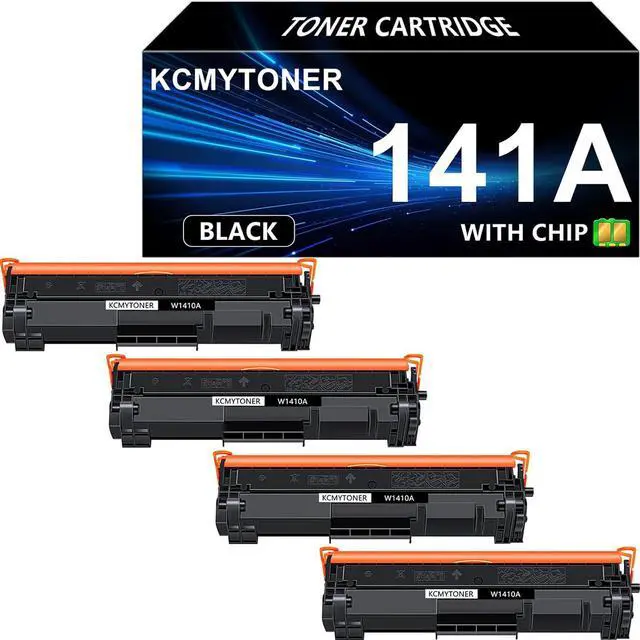
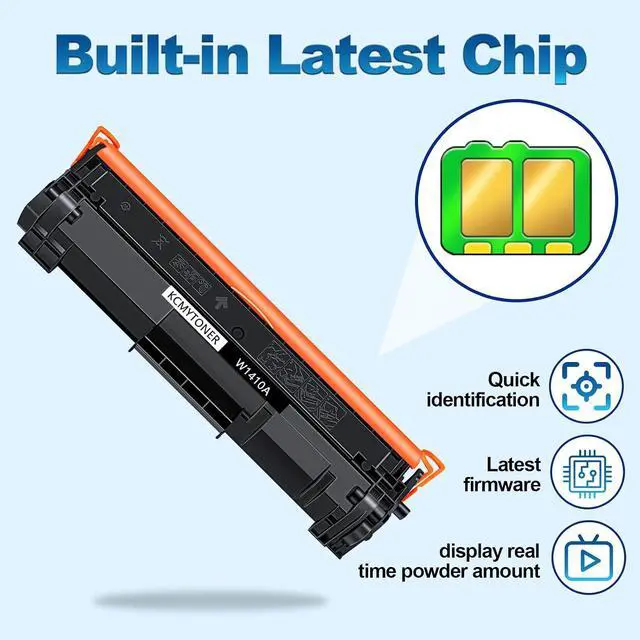
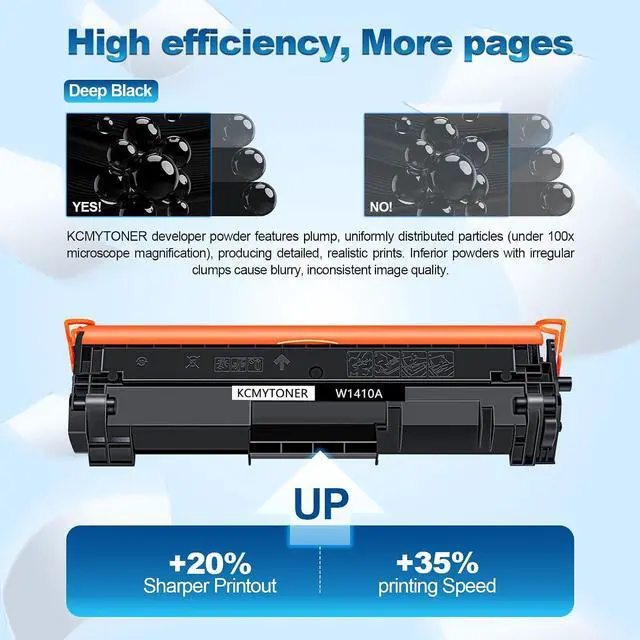
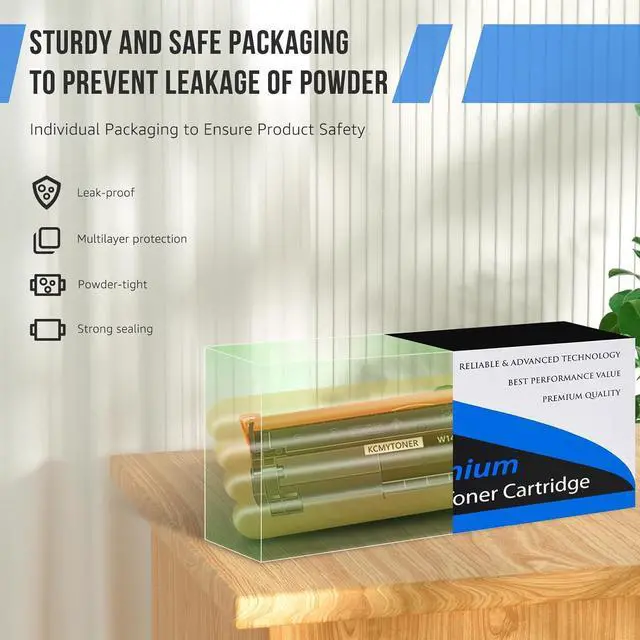


W1410a Compatible for HP 141A Toner Cartridge Black for LaserJet Pro M110w MFP M140w M139w(4 Pack)
- Packing Contents: 4 Pack 141A W1410A Black Toner Cartridge Replacement compatible for HP 141A.
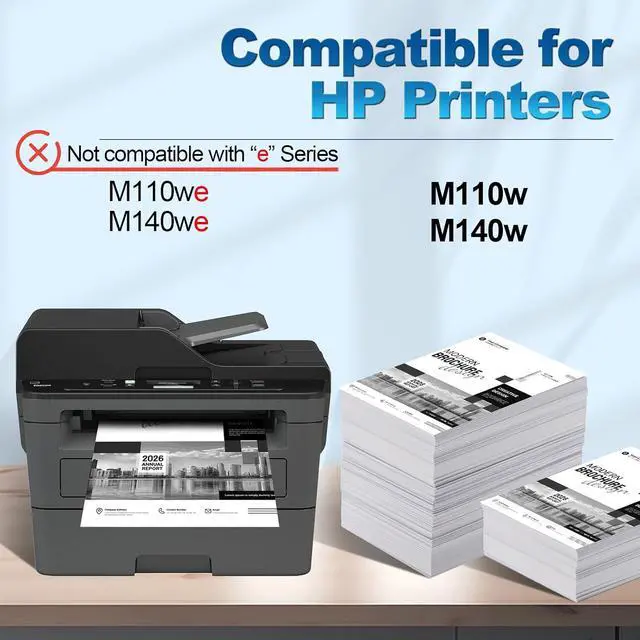
- Compatible for HP Printers: LaserJet MFP M140w M139w M110w.
- Compatible for HP Printers: LaserJet MFP M140w M139w M110w.
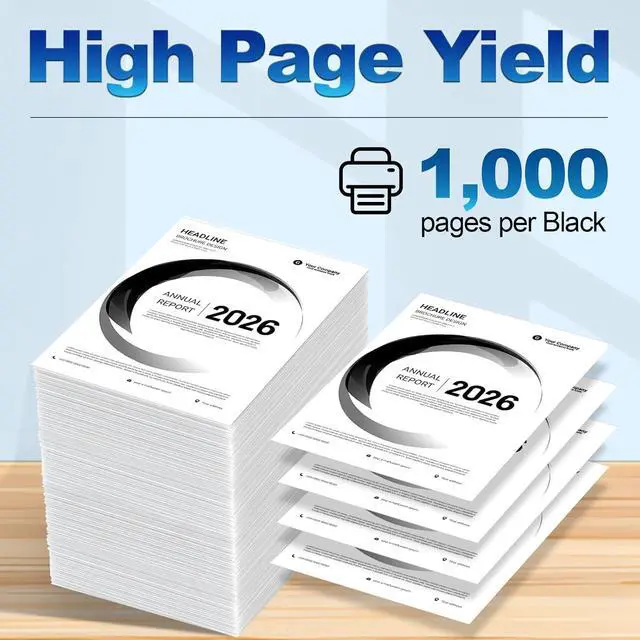
- Page Yield: 1000 Pages per cartridge (at 5% coverage/A4 Paper).
- Provide sharp text, bold blacks, crisp graphics. Long lasting and resists fading..
+
+
Overview
Reviews

Any questions? Our AI mode will help you find out quickly.
Try me now
KCMYTONER Toner Cartridges deliver Reliable and Outstanding printing performance
Item: 2 Pack KCMYTONER Compatible Toner Cartridge Replacement for HP 141A W1410A Black Toner Cartridge
Page Yield: 1,000 pages per toner cartridge (at 5% coverage/A4 Paper)
Color of Printout: Black
This item is compatible for HP printers:
Compatible for LaserJet MFP M140w M139w M110w
Usage Instructions:
1. Open the front cover and take out the used toner cartridges.
2. Take out the new toner cartridge. Shake the toner cartridge horizontally from left to right to distribute the toner evenly.
3. Remove all sealing parts completely from the toner cartridge.
4. Put the toner cartridge with the arrow pointing into the printer and slide the cartridge into the printer.
5. Then close the top cover.
Some Advice:
1. Please switch off the power when you take off or install the toner.
2. Please make sure the printer is working properly before install the toner.
3. Please don't touch the OPC by hand and avoid the OPC was scrapped.
4. As our product is COMPATIBLE toner cartridge, the structure may be a little different from the original. Please kindly note that it will not affect printing and printer. Our cartridges are perfectly compatible with your printer.
Item: 2 Pack KCMYTONER Compatible Toner Cartridge Replacement for HP 141A W1410A Black Toner Cartridge
Page Yield: 1,000 pages per toner cartridge (at 5% coverage/A4 Paper)
Color of Printout: Black
This item is compatible for HP printers:
Compatible for LaserJet MFP M140w M139w M110w
Usage Instructions:
1. Open the front cover and take out the used toner cartridges.
2. Take out the new toner cartridge. Shake the toner cartridge horizontally from left to right to distribute the toner evenly.
3. Remove all sealing parts completely from the toner cartridge.
4. Put the toner cartridge with the arrow pointing into the printer and slide the cartridge into the printer.
5. Then close the top cover.
Some Advice:
1. Please switch off the power when you take off or install the toner.
2. Please make sure the printer is working properly before install the toner.
3. Please don't touch the OPC by hand and avoid the OPC was scrapped.
4. As our product is COMPATIBLE toner cartridge, the structure may be a little different from the original. Please kindly note that it will not affect printing and printer. Our cartridges are perfectly compatible with your printer.
Warranty & Returns
Warranty, Returns, And Additional Information
Warranty
- Please contact the Seller directly for warranty information. Warranty information may also be found on the Manufacturer's website.
- CONTACT
Return Policies
- Return for refund within: 30 days
- Return for replacement within: 30 days
- This item is covered by LionTech Direct Return Policy
Manufacturer Contact Info
- For a directory of all our manufacturers, please click below.
- Manufacturers Directory
LOADING...