

Your Browsing History

Meet Your Seller




LC406XL LC406 Ink Cartridges Compatible for Brother LC406XL
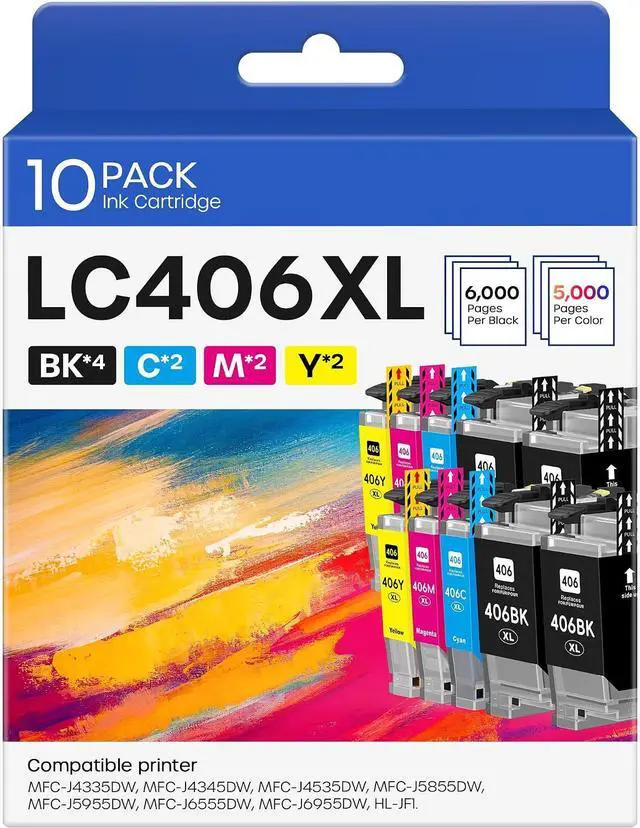
- LC 406XL LC 406 Ink for MFC-J4335DW MFC-J5855DW MFC-J4535DW MFC-J4345DW MFC-J5955DW Printer (10 Pack, 4 BK, 2 C, 2 M, 2 Y)
- Package Content: 4 x LC406XL Black, 2 x Cyan LC406XL, 2 x Magenta LC406XL, 2 x Yellow LC406XL, 1 x User Guide (Total 10 Pack)
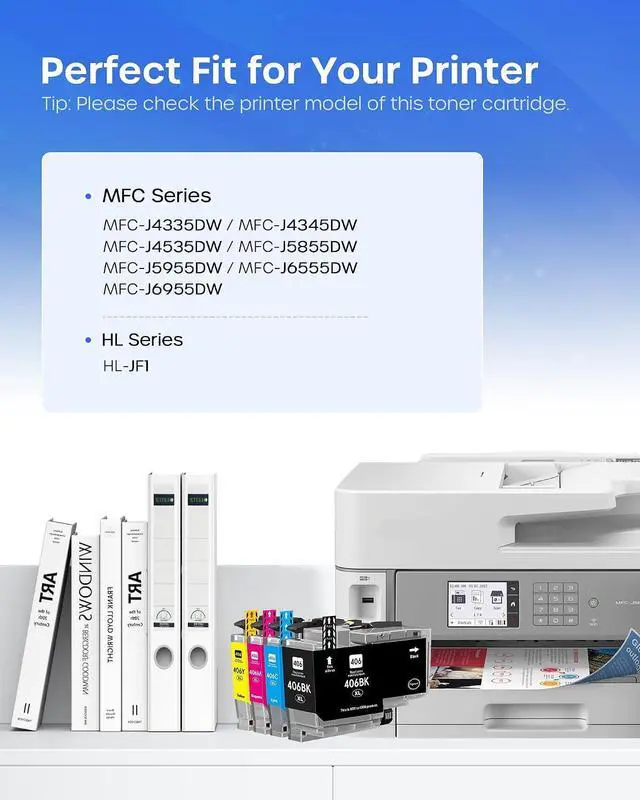
- Compatible Printers: Compatible with MFC-J4335DW, MFC-J5855DW, MFC-J6555DW, MFC-J4535DW, MFC-J6955DW, MFC-J4345DW, MFC-J5955DW, HL-JF1, MFC-J4335DW XL, MFC-J4345DW XL, MFC-J4535DW XL Printers
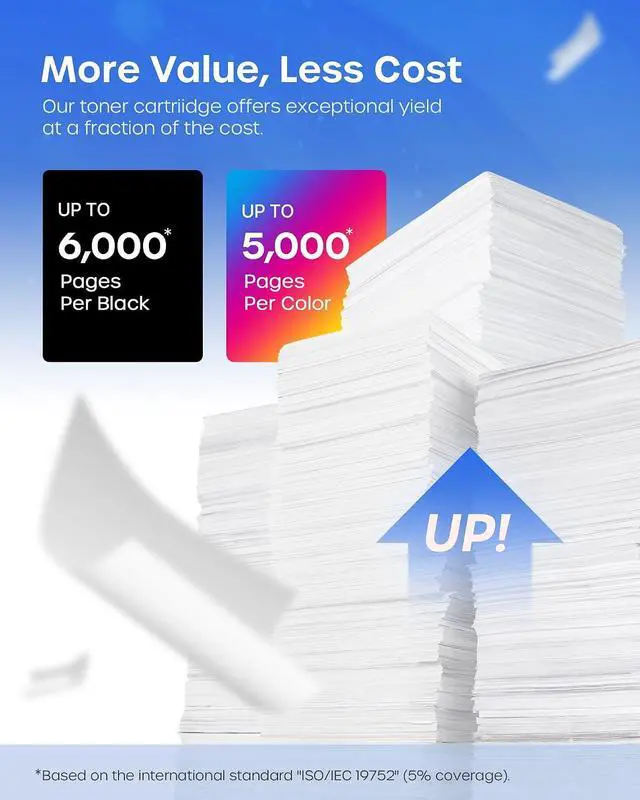
- High Page Yield: Up to 6000 pages per LC406 XL Black Ink Cartridge, up to 5000 pages per LC406 XL color Ink Cartridge (5% coverage at A4 paper)
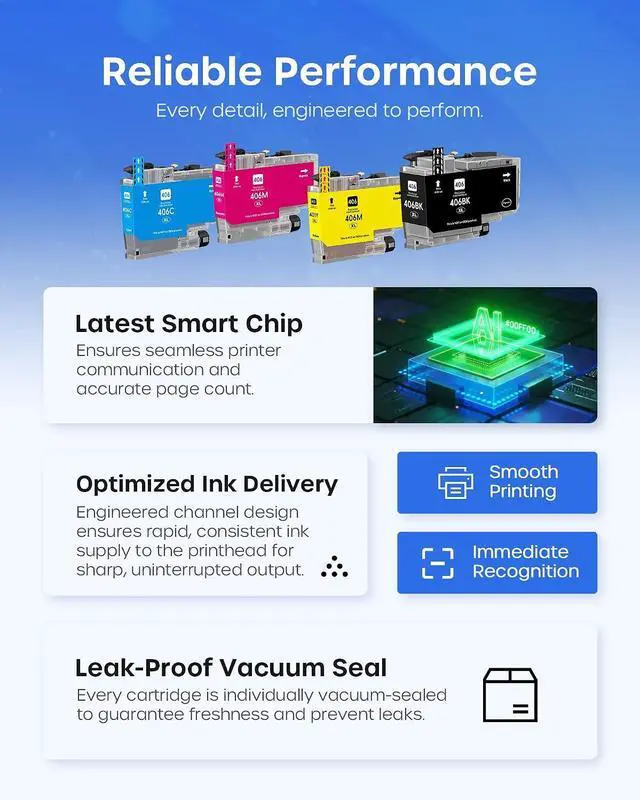
- Reliable Performance: LC406XL ink cartridges are strictly tested industry quality control processes to delivers crisp text and graphics
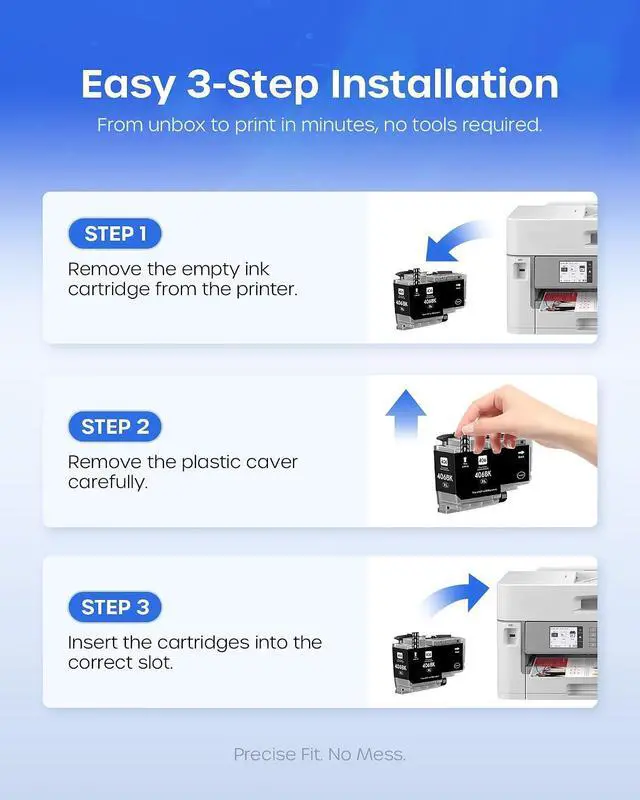
- Installation Tips: If prompted for this Printer error "cartridge not recognized", "The printer does not have enough ink" Please reinstall the cartridge to turn it off and on once until it is recognized. When the printer prompts "non-original", please click OK or Next to
+
+
Overview
Reviews

Any questions? Our AI mode will help you find out quickly.
Try me now
Package Content: 4 x LC406XL Black, 2 x Cyan LC406XL, 2 x Magenta LC406XL, 2 x Yellow LC406XL, 1 x User Guide (Total 10 Pack)
Compatible Printers: Compatible with MFC-J4335DW, MFC-J5855DW, MFC-J6555DW, MFC-J4535DW, MFC-J6955DW, MFC-J4345DW, MFC-J5955DW, HL-JF1, MFC-J4335DW XL, MFC-J4345DW XL, MFC-J4535DW XL Printers
High Page Yield: Up to 6000 pages per LC406 XL Black Ink Cartridge, up to 5000 pages per LC406 XL color Ink Cartridge (5% coverage at A4 paper)
Reliable Performance: LC406XL ink cartridges are strictly tested industry quality control processes to delivers crisp text and graphics
Installation Tips: If prompted for this Printer error "cartridge not recognized", "The printer does not have enough ink" Please reinstall the cartridge to turn it off and on once until it is recognized. When the printer prompts "non-original", please click OK or Next to continue. Don't remove or touch the CHIP
Compatible Printers: Compatible with MFC-J4335DW, MFC-J5855DW, MFC-J6555DW, MFC-J4535DW, MFC-J6955DW, MFC-J4345DW, MFC-J5955DW, HL-JF1, MFC-J4335DW XL, MFC-J4345DW XL, MFC-J4535DW XL Printers
High Page Yield: Up to 6000 pages per LC406 XL Black Ink Cartridge, up to 5000 pages per LC406 XL color Ink Cartridge (5% coverage at A4 paper)
Reliable Performance: LC406XL ink cartridges are strictly tested industry quality control processes to delivers crisp text and graphics
Installation Tips: If prompted for this Printer error "cartridge not recognized", "The printer does not have enough ink" Please reinstall the cartridge to turn it off and on once until it is recognized. When the printer prompts "non-original", please click OK or Next to continue. Don't remove or touch the CHIP
Warranty & Returns
Warranty, Returns, And Additional Information
Warranty
- Please contact the Seller directly for warranty information. Warranty information may also be found on the Manufacturer's website.
- CONTACT
Return Policies
- Return for refund within: 30 days
- Return for replacement within: 30 days
- This item is covered by LionTech Direct Return Policy
Manufacturer Contact Info
- For a directory of all our manufacturers, please click below.
- Manufacturers Directory
LOADING...