

Your Browsing History

Meet Your Seller




Portable Thermal Printer for Laptop, Inkless Bluetooth Printer Support 8.5" X 11" Letter & A4, with Phone Travel for Home Use Car Office School
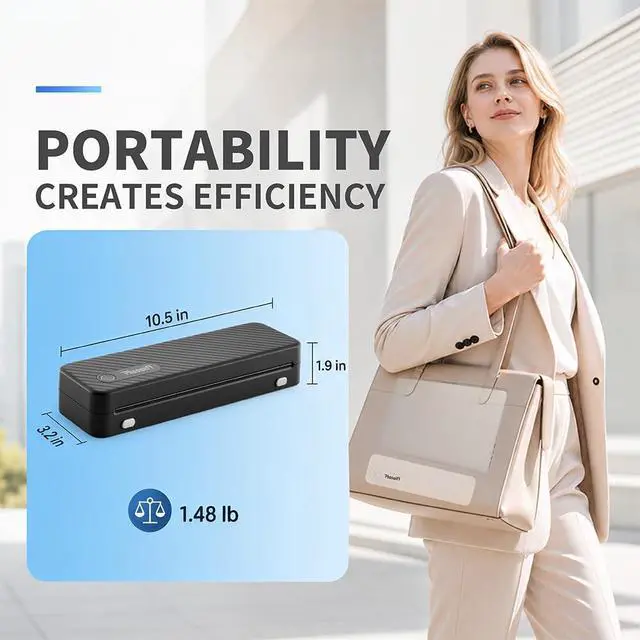
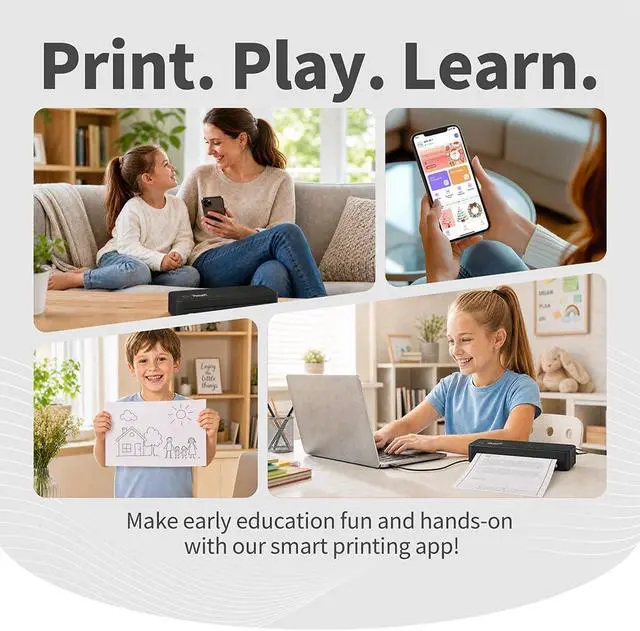
- Whether you're traveling, at work, or at school, the portable thermal printer is your ideal partner, offering you a life of convenience and freedom wherever you go.
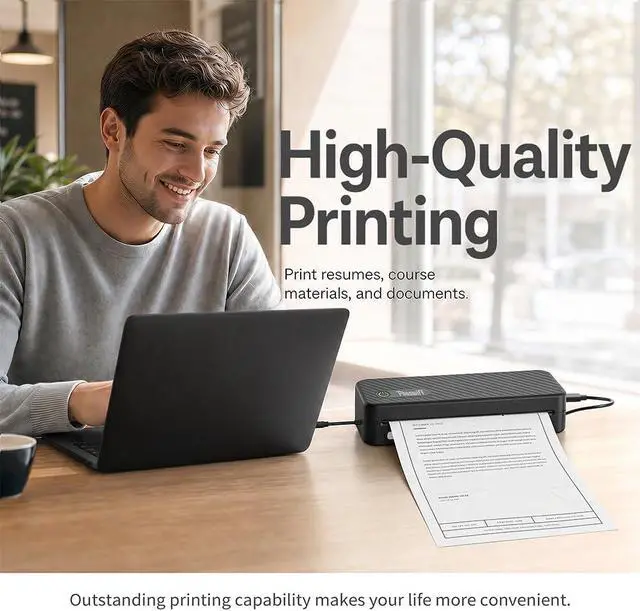
- Thanks to the latest thermal print head, it ensures sharp and clear prints for various applications, from taking notes to printing important documents.
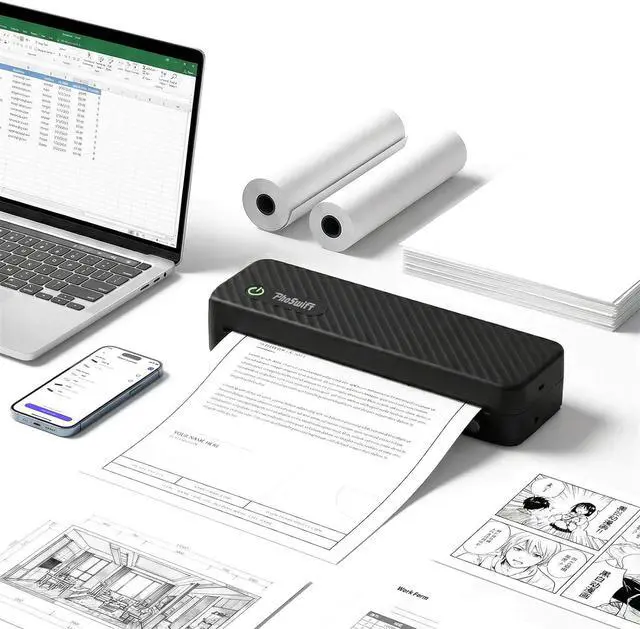
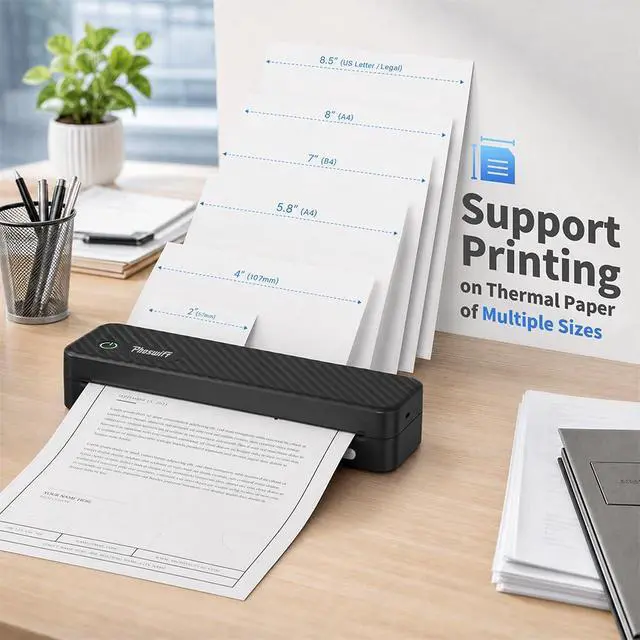
- Versatile Thermal Paper Support: The PhoSwift Inkless portable thermal printer is compatible with five paper sizes (US Letter, A4, 4.33'', 3.14'', 2.08'') and three paper types (roll, folded, and standard thermal paper), meeting the diverse needs of users for note-taking, exams, documents, and DIY projects.
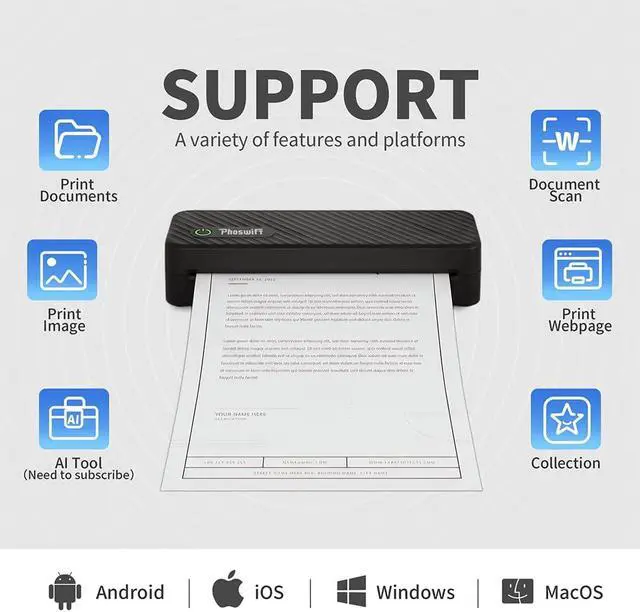
- Wide Device Compatibility: The mobile portable printer can easily connect via Bluetooth to smartphones or via USB to PCs. It is compatible with Android, iOS, Windows 10/11, and macOS, making it accessible to a wide range of users. (Note: MacBook only compatible with USB connection.)
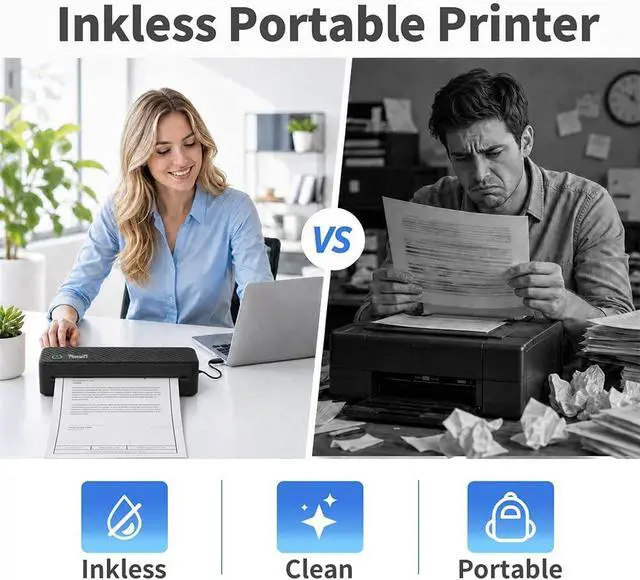
- Inkless printer: This portable thermal printer uses thermal technologyno ink, toner,
+
+
Overview
Reviews

Any questions? Our AI mode will help you find out quickly.
Try me now
1Inkless Printing2Support Multiple Width3Document Printing4Multiple Functions Printer green light is blinking.
First, press and hold the power button of the printer to turn it on. Then, connect your laptop or mobile phone (via the PhoSwift APP) USB or Bluetooth. After pairing with A42, you can start printing.
How does Bluetooth connect to the printer?
Press and hold the power button until a green light flashes. Download the corresponding driver (PhoSwift website) for the laptop or PhoSwift APP for the mobile phone, connect to the A42 printer can printing.MacBook only support USB connection.
Unable to detect the thermal paper.
-Please install the paper correctly. (Pull the paper out 1-2 cm from the tear-off line.)
-Please check the front and back of the paper for misalignment. (The side withthe black line should be facing up after running your fingernail across the paper.)
Printer green light is blinking.
How does Bluetooth connect to the printer?
Unable to detect the thermal paper.
First, press and hold the power button of the printer to turn it on. Then, connect your laptop or mobile phone (via the PhoSwift APP) USB or Bluetooth. After pairing with A42, you can start printing.
How does Bluetooth connect to the printer?
Press and hold the power button until a green light flashes. Download the corresponding driver (PhoSwift website) for the laptop or PhoSwift APP for the mobile phone, connect to the A42 printer can printing.MacBook only support USB connection.
Unable to detect the thermal paper.
-Please install the paper correctly. (Pull the paper out 1-2 cm from the tear-off line.)
-Please check the front and back of the paper for misalignment. (The side withthe black line should be facing up after running your fingernail across the paper.)
Printer green light is blinking.
How does Bluetooth connect to the printer?
Unable to detect the thermal paper.
Warranty & Returns
Warranty, Returns, And Additional Information
Warranty
- Please contact the Seller directly for warranty information. Warranty information may also be found on the Manufacturer's website.
- CONTACT
Return Policies
- Return for refund within: 30 days
- Return for replacement within: 30 days
- This item is covered by LionTech Direct Return Policy
Manufacturer Contact Info
- For a directory of all our manufacturers, please click below.
- Manufacturers Directory
LOADING...