

Your Browsing History

Meet Your Seller


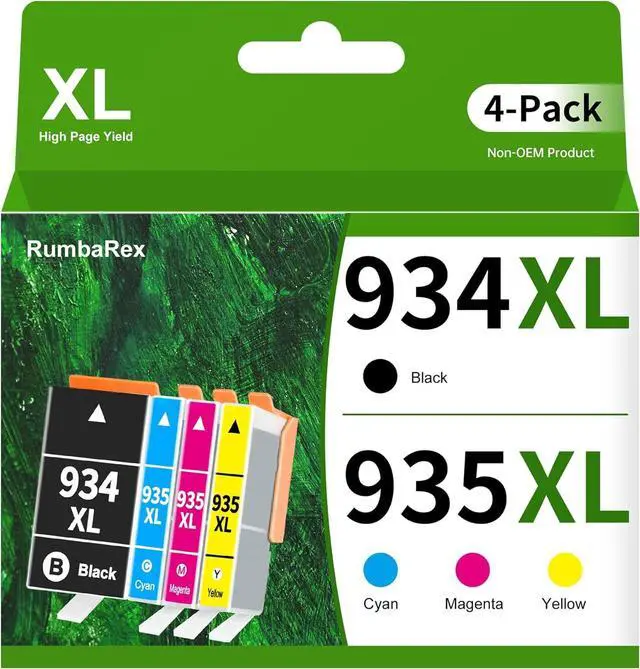



934 935 Ink Cartridges Combo Pack Replacement for HP 934XL 935XL 934 935 XL
- High-Yield Ink Cartridges for Officejet Pro 6230 6830 6835 Officejet 6800 6812 6815 6820 Printer Ink 4-Pack (BK/C/M/Y)
- The Package Contains: 934 935 XL Ink Cartridges 4-Pack (1x 934XL Black, 1x 935XL Cyan, 1x 935XL Magenta, 1x 935XL Yellow)
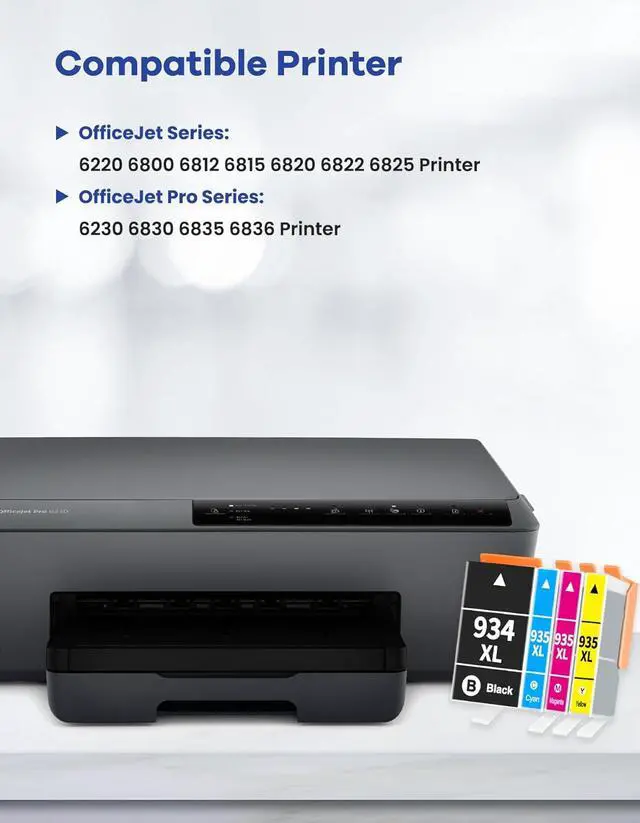
- Compatible with HP OfficeJet 6220 6800 6812 6815 6820 6822 6825 OfficeJet Pro 6230 6830 6835 6836 Printer
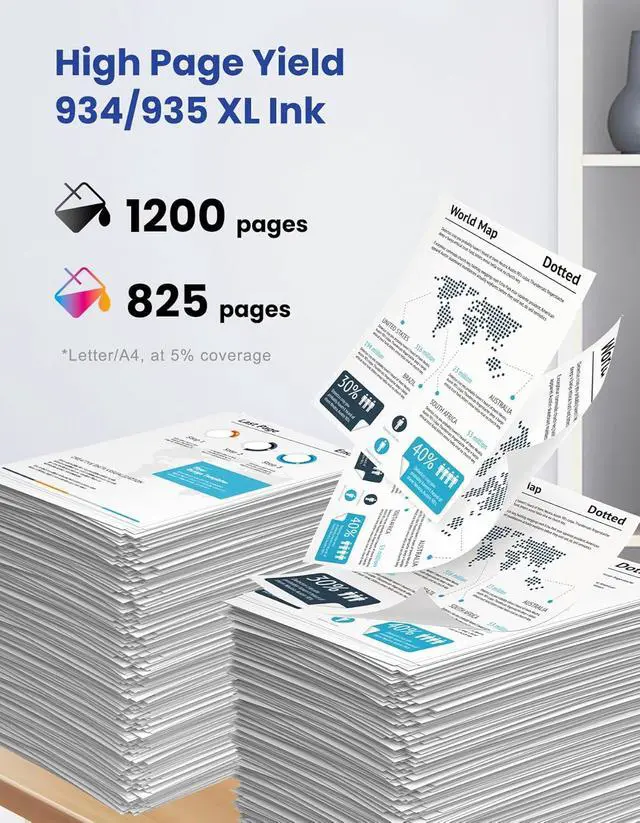
- Exceptional Page Yield: 1,200 Pages per 934 XL Black Ink Cartridges; 825 Pages per 935 XL Cyan, Magenta, Yellow Ink Cartridges, at 5% coverage at A4 paper
- Easy Installation and Use: Our 934 935 XL ink cartridges are designed for easy installation and use, so you can spend less time troubleshooting and more time printing. Simply pop them in, and you're ready to go
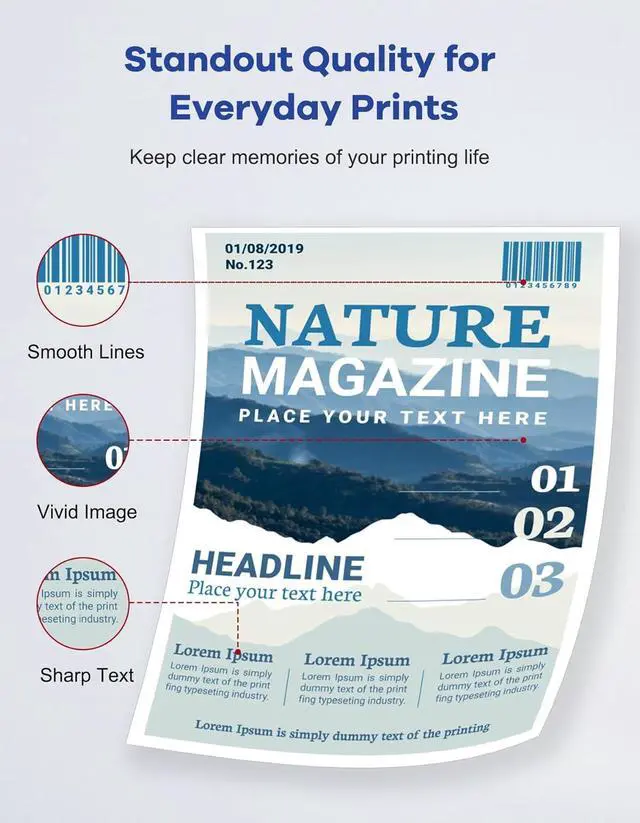
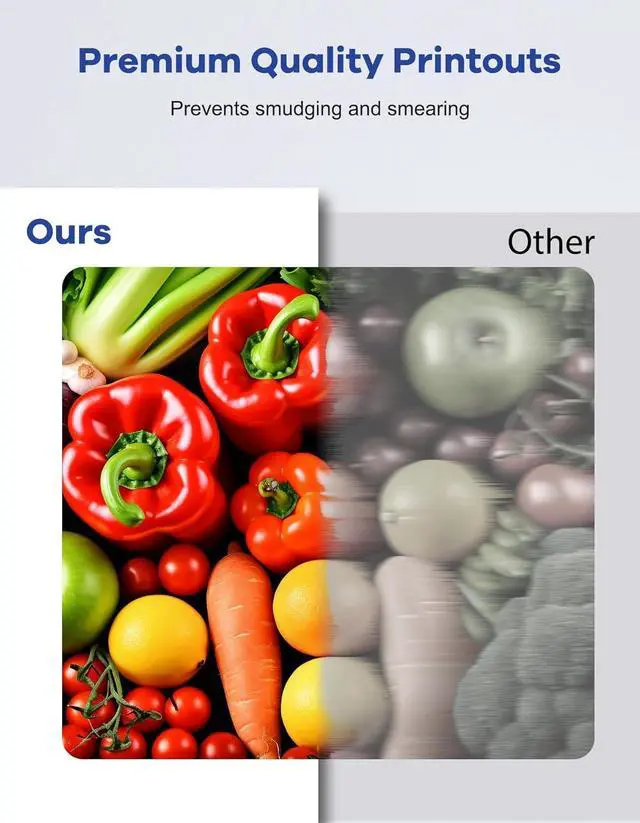
- Reliable Quality Assurance: Rest easy knowing our 934XL 935XL ink cartridges are ISO-9001 and ISO-14001 certified for stable, Premium-quality printouts every time. Whether it's documents, presentations, or photos, you can trust our cartridges to deliver consistent results
- Dedicat
+
+
Overview
Reviews

Any questions? Our AI mode will help you find out quickly.
Try me now
1Home2Bank3School4Office How to fix a "Non-HP Ink" error message?
Press "Proceed", "Continue", or "OK" to clear a "Non-Original Ink" error message, and resume the printing process.
How to fix an "Ink Cartridge not recognized" or "Missing or damaged ink" error?
Gently wipe the contacts on the cartridge and carriage with a dry lint-free cloth to remove built-up dirt or residue. Replace the cartridge, turn on the printer, and resume printing.
How to fix an "Ink out / Empty / Low ink" error?
Remove and reinstall the indicated cartridge until it clicks firmly into place. If all the cartridges are correctly installed, press 'OK' or 'Continue' to clear the message and resume printing.
How to resolve print quality issues?
The most common cause of poor print quality is a clogged printhead. To fix it, run the printhead cleaning cycle 2-5 times. Go to your printer settings: Setup Printer Maintenance (Tools) Clean Printhead to start.
How to prevent the most common cartridge errors?
Printer error messages with compatible cartridges are often caused by firmware updates, which may block compatible cartridges. To avoid this, turn off automatic printer updates for smooth operation.
How to fix a "Non-HP Ink" error message?
How to fix an "Ink Cartridge not recognized" or "Missing or damaged ink" error?
How to fix an "Ink out / Empty / Low ink" error?
How to resolve print quality issues?
How to prevent the most common cartridge errors?
Warranty & Returns
Warranty, Returns, And Additional Information
Warranty
- Please contact the Seller directly for warranty information. Warranty information may also be found on the Manufacturer's website.
- CONTACT
Return Policies
- Return for refund within: 30 days
- Return for replacement within: 30 days
- This item is covered by LionTech Direct Return Policy
Manufacturer Contact Info
- For a directory of all our manufacturers, please click below.
- Manufacturers Directory
LOADING...