

Your Browsing History

Meet Your Seller


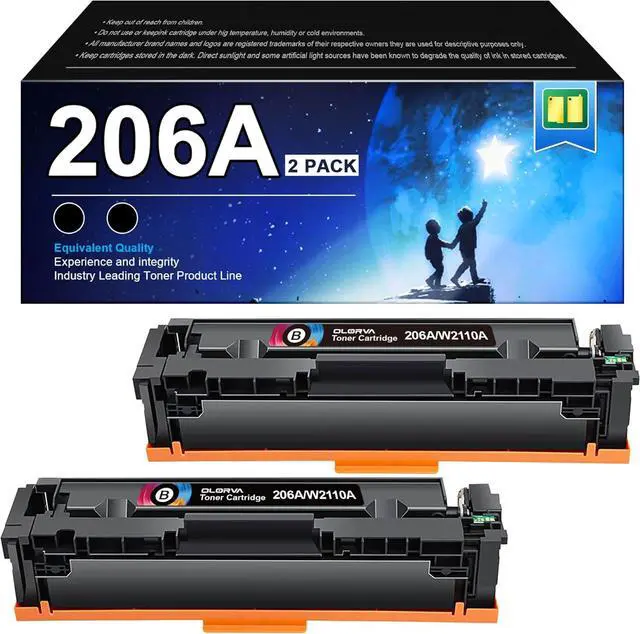




206A Compatible Replacement HP 206A Black Toner Cartridge 2 Pack M283fdw
- Replacement for HP 206A 206X Compatible with HP Color LaserJet Pro MFP M283fdw M283cdw, M255dw, MFP M283 M255 Series W2110A
- 1. WITH CHIP: Replacement for HP 206A already WITH CHIP, OLORVA could help you get away from the difficult problem---transfer the OEM chip to replacement for hp 206a or replacement for hp 206x.
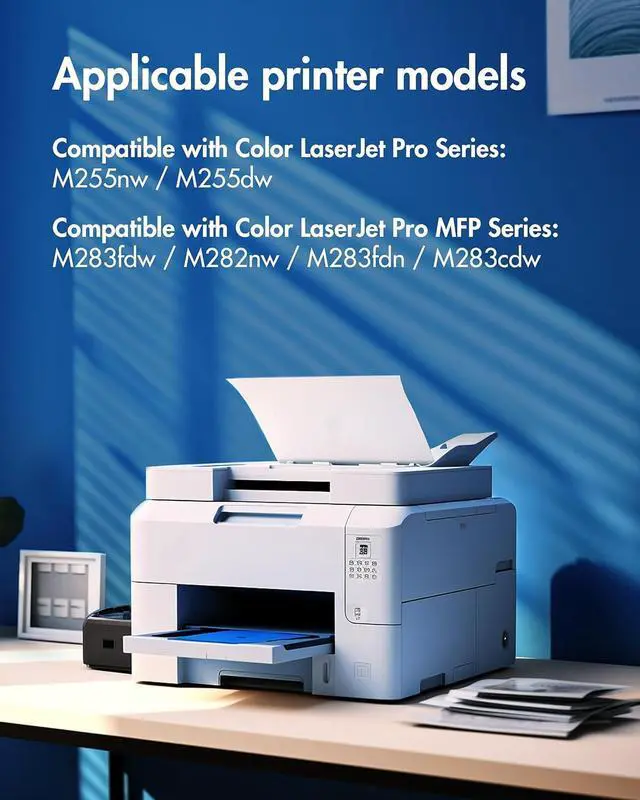
- 2. Printer Compatibility: Compatible with HP Color Pro MFP M283fdw MFP M283cdw M283fdn, Color Pro MFP M282nw,Compatible with HP Color Laserj Pro MFP M255dw, M255nw.
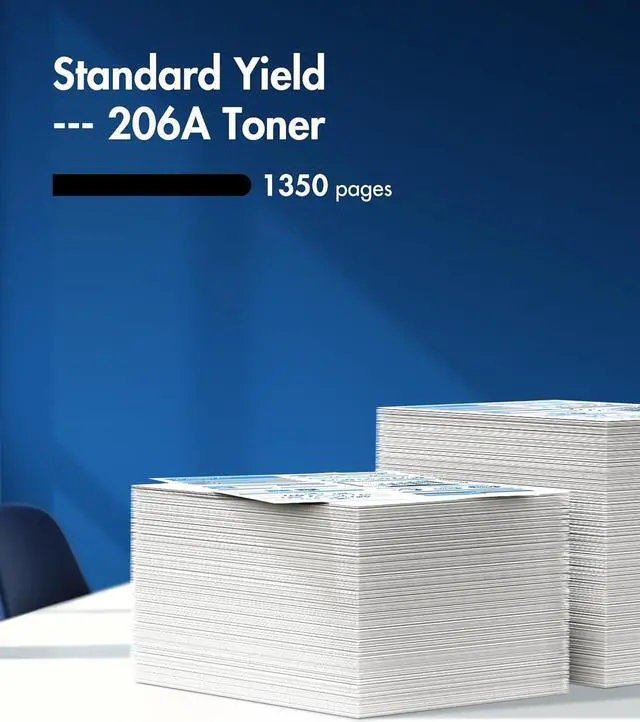
- 3. Standard Page Yield: Up to 1,350 pages of toner replacement for hp 206a black toner cartridge. (Letter/A4, at 5% coverage)
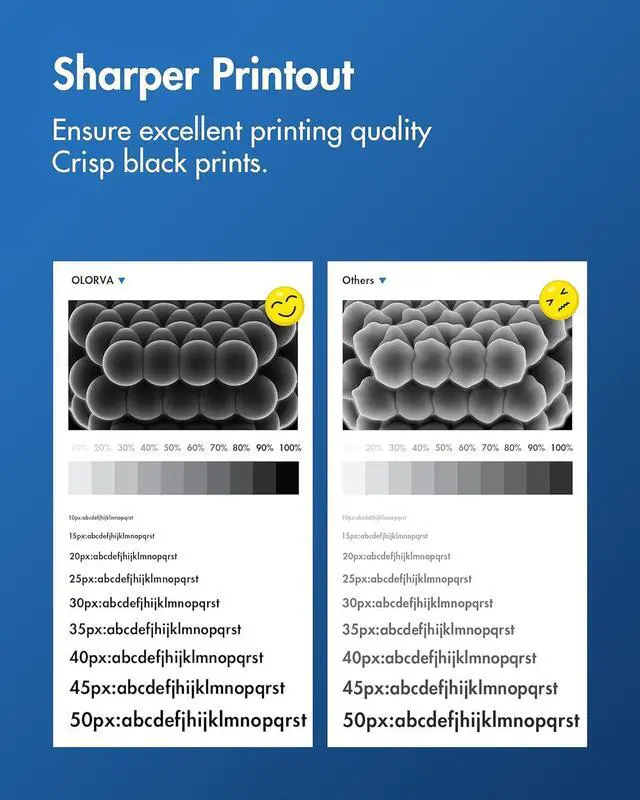
- 4. Excellent Performance: Replacement for 206a toner cartridges hp set Count on high-quality, reliable printing and save time by avoiding common printing problem
- 5. What's in the box: 206a black toner | 2 New 206A Black Toner Cartridge W2110A
+
+
Overview
Reviews

Any questions? Our AI mode will help you find out quickly.
Try me now
1Solution for Warning2Solution for Warning3Advantages4Transparency Protection
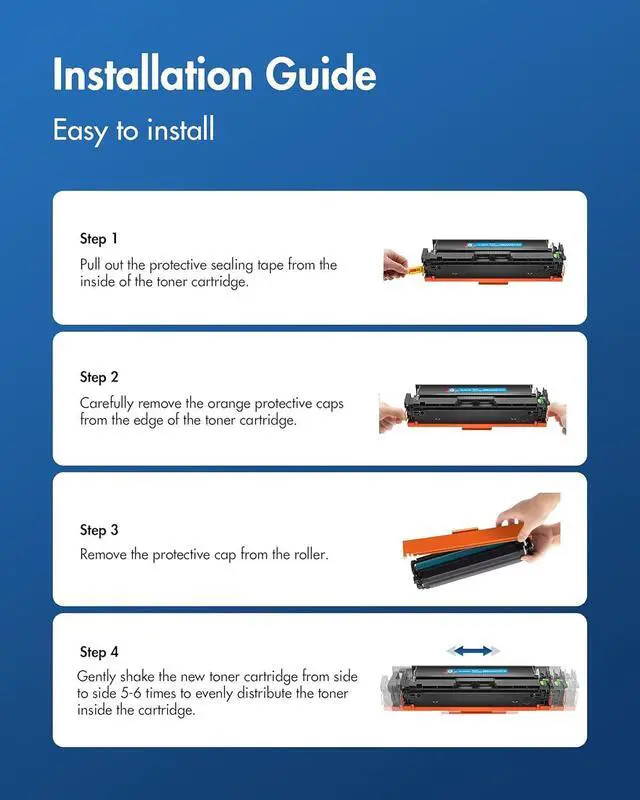
1. PuII out the protective sealing tape from the inside of the toner cartridge.
2. Carefully remove the orange protective caps from the edge & the toner cartridge.
3. Remove the protective cap from the roller.
4. Gently shake the new toner cartridge from side to side 5-6 times to evenly distribute the toner inside the cartridge.
The video showcases the product in use.The video guides you through product setup.The video compares multiple products.The video shows the product being unpacked. Toner Cartridges 210A Installation Steps For 206A/206X Toner aplus content video
1. PuII out the protective sealing tape from the inside of the toner cartridge.
2. Carefully remove the orange protective caps from the edge & the toner cartridge.
3. Remove the protective cap from the roller.
4. Gently shake the new toner cartridge from side to side 5-6 times to evenly distribute the toner inside the cartridge.
The video showcases the product in use.The video guides you through product setup.The video compares multiple products.The video shows the product being unpacked. Toner Cartridges 210A Installation Steps For 206A/206X Toner aplus content video
Warranty & Returns
Warranty, Returns, And Additional Information
Warranty
- Please contact the Seller directly for warranty information. Warranty information may also be found on the Manufacturer's website.
- CONTACT
Return Policies
- Return for refund within: 30 days
- Return for replacement within: 30 days
- This item is covered by LionTech Direct Return Policy
Manufacturer Contact Info
- For a directory of all our manufacturers, please click below.
- Manufacturers Directory
LOADING...