

Your Browsing History

Meet Your Seller


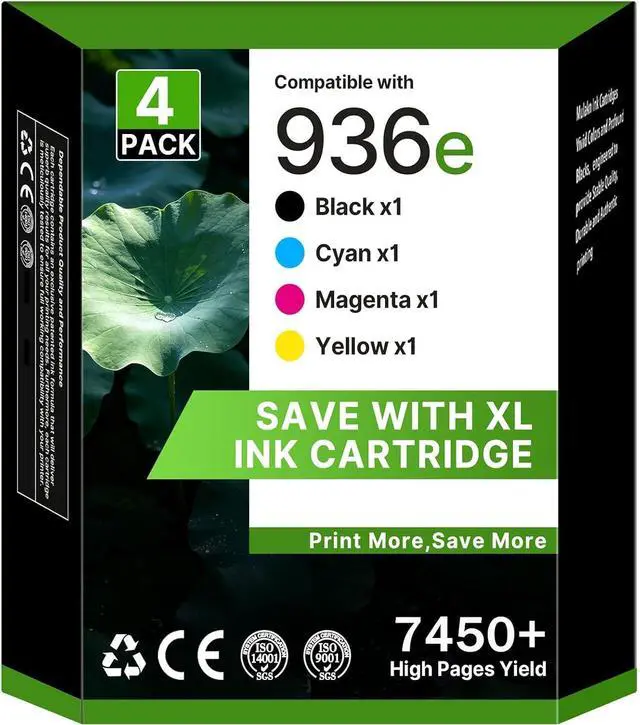
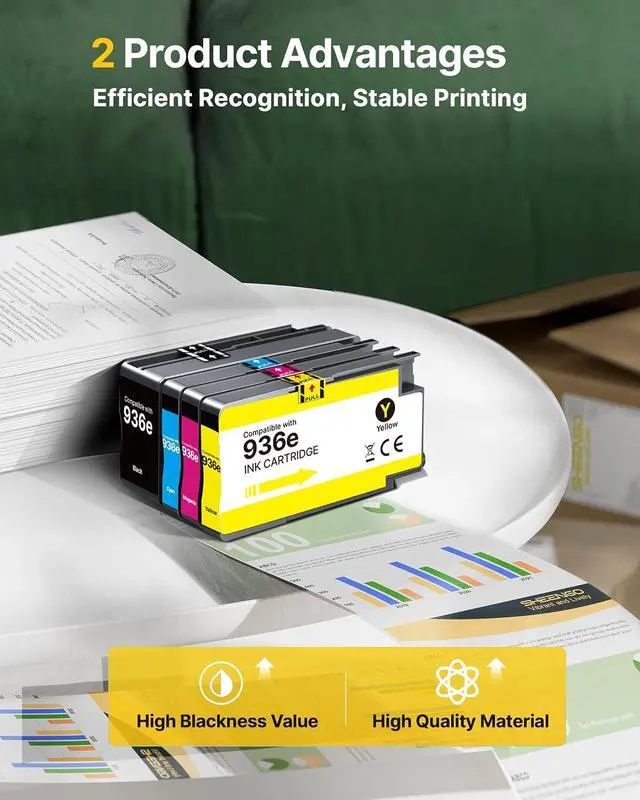



936 936E 936XL Ink Cartridges For 9125e Printer Black Cyan Magenta Yellow
- for Ink 936 936E 936XL for OfficeJet Pro 9125e 9120e 9730e 9130 9135e 9122e 9128e 9110b 9120b 4 Pack with Chip
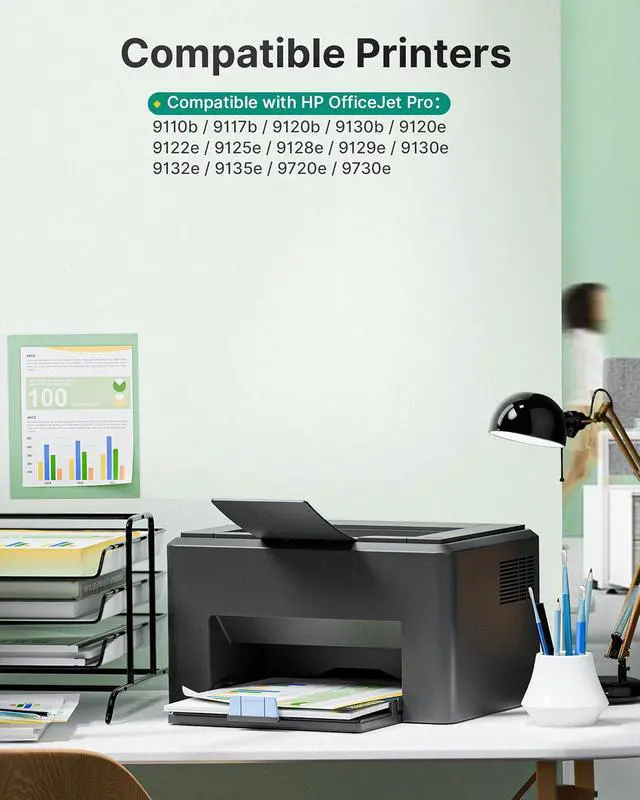
- Compatible Printers:936xl 936e 936 ink cartridges combo pack compatible with OfficeJet Pro 9120 9122 9123 9130 9132 9133 9720 9730 9110b 9117b 9120b 9130b 9120r Printers
- Compatible printers: for 936 ink also work for *e series: OfficeJet Pro 9120e 9122e 9125e 9128e 9129e 9130e 9132e 9135e 9720e 9730e Printers
- Package Content: 936E Ink Cartridges Combo Pack 4 Pack: 1 * black 936e 936XL ink , 1 * cyan 936e 936XL ink, 1 * magenta 936e 936XL ink, 1 * yellow 936e 936XL ink
- Great Quality: These 936 ink cartridges for printers are made in an ISO 9001 and ISO 14001 certified facility, we provide 24 months warranty and 100% satisfaction guarantee and free replacement of defective ink cartridges! If you have any issues, please contact us, we offer 24 Hour Online customer service
+
+
Overview
Reviews

Any questions? Our AI mode will help you find out quickly.
Try me now
Why should you avoid updating your printers firmware?
Printer firmware updates are software upgrades for your devices system, with one common purpose: blocking non-original ink. We recommend refraining from such updates to ensure your printing runs smoothly, a key point for all compatible brands.
Why is it important to clean the printhead before you start printing?
When ink dries, it can clog the printhead, resulting in poor print quality like streaks or fading. To maintain bright, clear prints and protect your printer investment, a quick cleaning is a simple, effective step we recommend!
How can I contact the Customer Care Team if l need assistance?
Post-purchase, contact Customer Care through buyer-seller messages. Were available 24/7even on holidaysand will reply within 3 minutes. Dont hesitate to reach out for help!
What should I do if the 30-day return period is over?
Should 30 days have elapsed, please reach out to our Customer Care through buyer-seller messages, and we will provide prompt assistance.
Why should you avoid updating your printers firmware?
Why is it important to clean the printhead before you start printing?
How can I contact the Customer Care Team if l need assistance?
What should I do if the 30-day return period is over?
Printer firmware updates are software upgrades for your devices system, with one common purpose: blocking non-original ink. We recommend refraining from such updates to ensure your printing runs smoothly, a key point for all compatible brands.
Why is it important to clean the printhead before you start printing?
When ink dries, it can clog the printhead, resulting in poor print quality like streaks or fading. To maintain bright, clear prints and protect your printer investment, a quick cleaning is a simple, effective step we recommend!
How can I contact the Customer Care Team if l need assistance?
Post-purchase, contact Customer Care through buyer-seller messages. Were available 24/7even on holidaysand will reply within 3 minutes. Dont hesitate to reach out for help!
What should I do if the 30-day return period is over?
Should 30 days have elapsed, please reach out to our Customer Care through buyer-seller messages, and we will provide prompt assistance.
Why should you avoid updating your printers firmware?
Why is it important to clean the printhead before you start printing?
How can I contact the Customer Care Team if l need assistance?
What should I do if the 30-day return period is over?
Warranty & Returns
Warranty, Returns, And Additional Information
Warranty
- Please contact the Seller directly for warranty information. Warranty information may also be found on the Manufacturer's website.
- CONTACT
Return Policies
- Return for refund within: 30 days
- Return for replacement within: 30 days
- This item is covered by LionTech Direct Return Policy
Manufacturer Contact Info
- For a directory of all our manufacturers, please click below.
- Manufacturers Directory
LOADING...