

Your Browsing History

Meet Your Seller


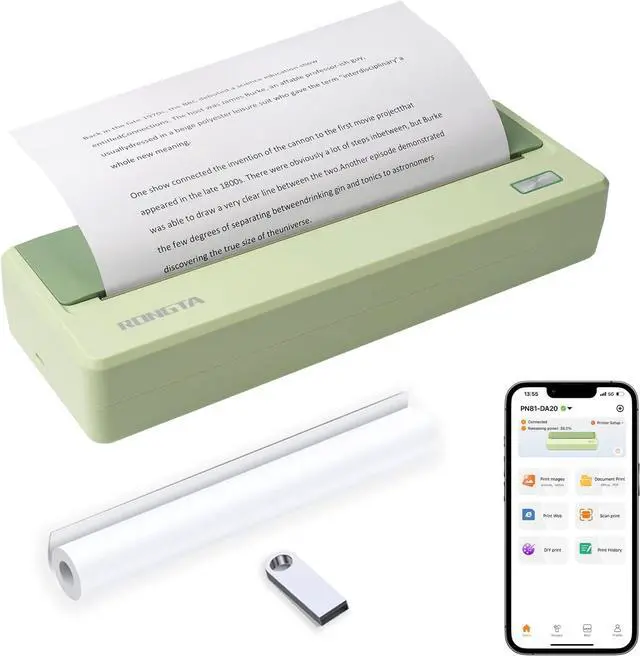
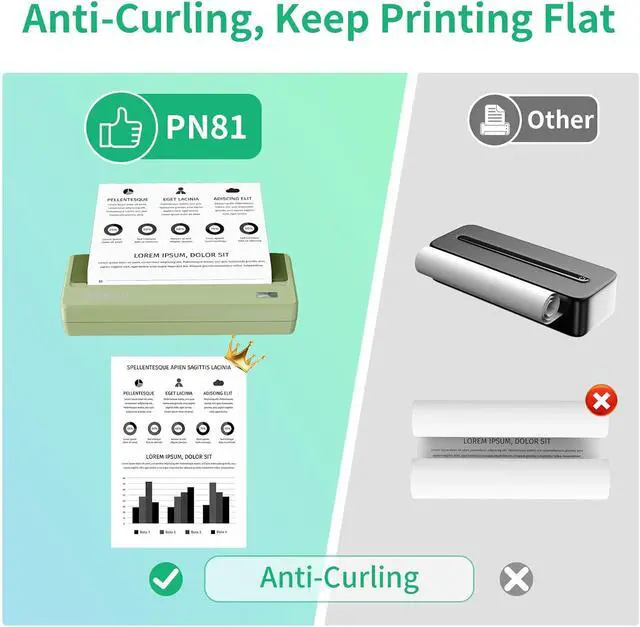
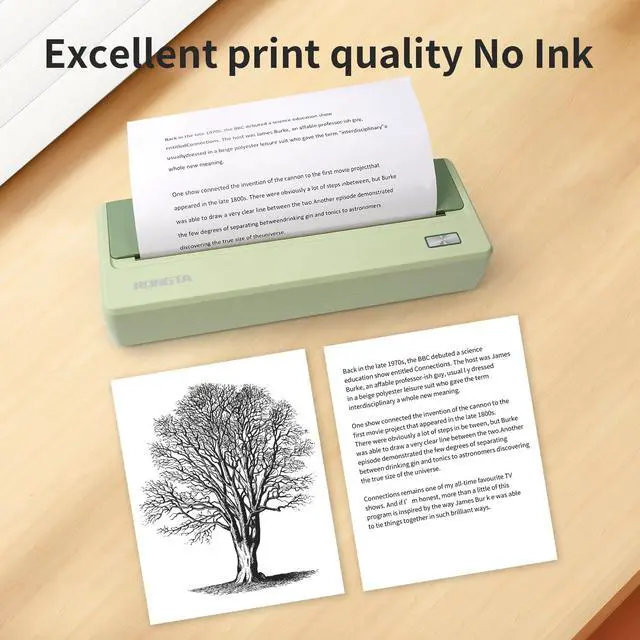


Rongta Portable Printer Wireless for Travel, 300DPI Thermal Inkless Bluetooth Mobile Printer, Support 8.5" X 11" US Letter, Compatible with Android iOS Phone & Laptops (Green)
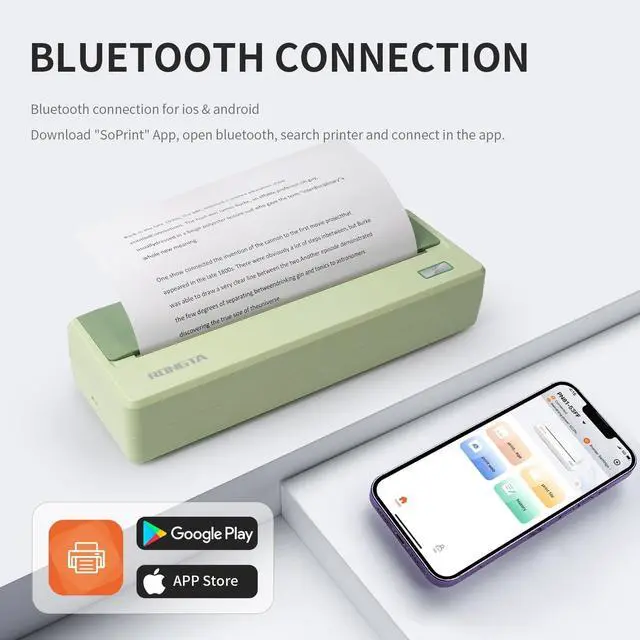
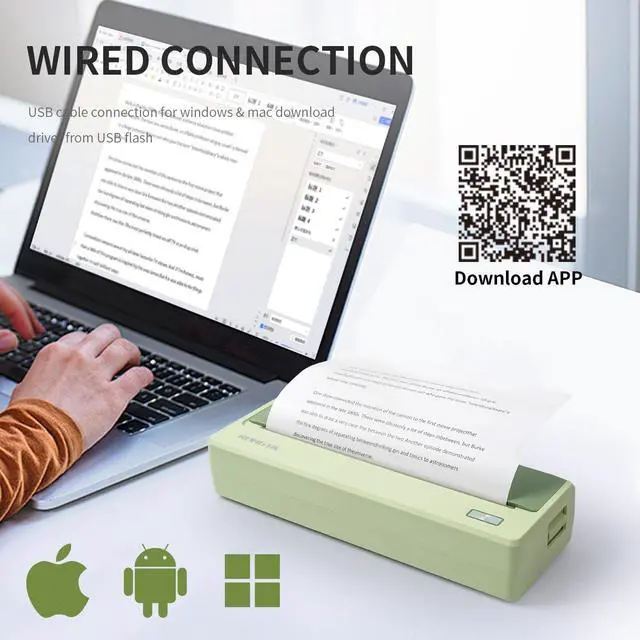
- Reminder: Please download the APP RONGTA in advance when using a smartphone to print, android phone download from google play, iphone download from appstore. Laptops and PCs need install the driver first (USB disk include the driver), contact us if you have any question about the use
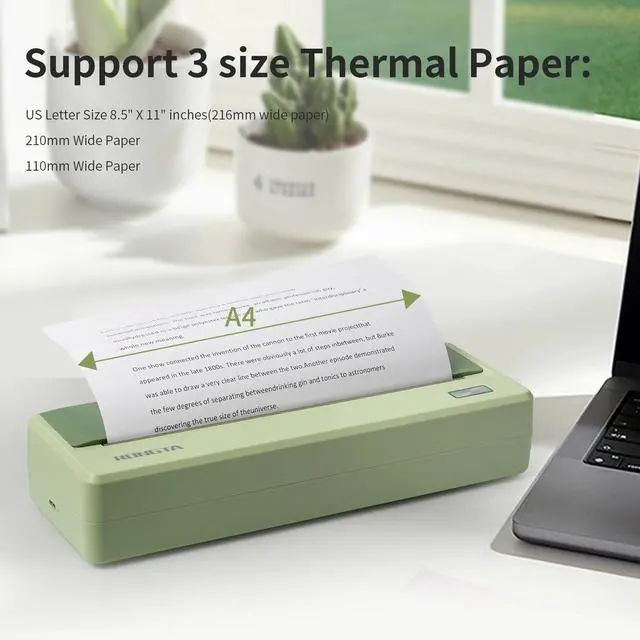
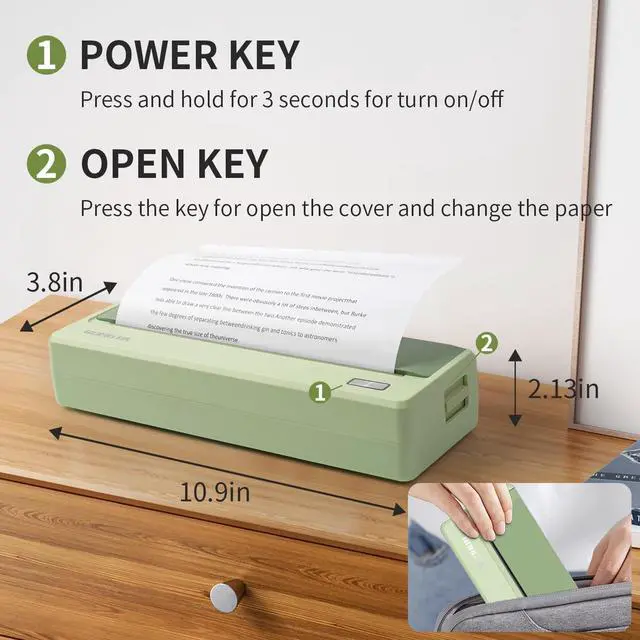
- Multiple sizes: Can support multiple sizes, including US Letter&Legal, A4, (width 216/210/110) thermal paper. Mini and portable design, it only 946 g, 277*96.5*54.3mm, can put in your bag easily, it allows you print at anytime and anywhere
- Thermal Inkless Printing: No longer need ink cartridges, Print recipes, forms, letters, assignments, study materials, and travel documents. Please notice this printer use thermal printing paper, include one roll of thermal paper in the printer
- 300DPI resolution print clearly. Can print in your car, during business trips, or any outdoor occations. Print contracts, office documents, inventory lists, or other materials. 2600mah battery for long time use
- Bluetooth
+
+
Overview
Specs
Reviews

Any questions? Our AI mode will help you find out quickly.
Try me now
Note: Please click the "+" on the top right corner of the App homepage to search and connect to the printer. You can set print density and paper size, crop, zoom in or out, etc in the SoPrint app.
Can I charge it when it is off?
Yes! Plug in the Type-C by USB charging cable, and the machine will wake up and charge automatically.
How do I download the APP?
You can find the QR code in the package box, scanning QR code to download SoPrint APP. Or searching SoPrint in APP Store or Google Play to download the APP.
What about the offset of the printed content?
Turn on the machine and recenter the roll.
The printer does not run paper?
Restart the machine and print again (may be caused by program loss), or check whether the print head and the roller are adhesive.
Why is the red light still on when the paper roll is loaded?
Put in the paper roll to pull out a piece to reach the roller position and then close. If the roller position is still not good, please clean the paper sensor.
ConnectionBluetooth + USB type-cResolution300dpiPaper width110/210/216mmPaper diameter30mm (Max)CommandESC/POSDriverXP/Win7/Win8/Win10/Win11/MacOS/OPOSSDKAndroid/IOS/WindowsProduct size277*96.5*54.3mmProduct weight946g Can I charge it when it is off?
How do I download the APP?
What about the offset of the printed content?
The printer does not run paper?
Why is the red light still on when the paper roll is loaded?
Can I charge it when it is off?
Yes! Plug in the Type-C by USB charging cable, and the machine will wake up and charge automatically.
How do I download the APP?
You can find the QR code in the package box, scanning QR code to download SoPrint APP. Or searching SoPrint in APP Store or Google Play to download the APP.
What about the offset of the printed content?
Turn on the machine and recenter the roll.
The printer does not run paper?
Restart the machine and print again (may be caused by program loss), or check whether the print head and the roller are adhesive.
Why is the red light still on when the paper roll is loaded?
Put in the paper roll to pull out a piece to reach the roller position and then close. If the roller position is still not good, please clean the paper sensor.
ConnectionBluetooth + USB type-cResolution300dpiPaper width110/210/216mmPaper diameter30mm (Max)CommandESC/POSDriverXP/Win7/Win8/Win10/Win11/MacOS/OPOSSDKAndroid/IOS/WindowsProduct size277*96.5*54.3mmProduct weight946g Can I charge it when it is off?
How do I download the APP?
What about the offset of the printed content?
The printer does not run paper?
Why is the red light still on when the paper roll is loaded?
Warranty & Returns
Warranty, Returns, And Additional Information
Warranty
- Please contact the Seller directly for warranty information. Warranty information may also be found on the Manufacturer's website.
- CONTACT
Return Policies
- Return for refund within: 30 days
- Return for replacement within: 30 days
- This item is covered by LionTech Direct Return Policy
Manufacturer Contact Info
- For a directory of all our manufacturers, please click below.
- Manufacturers Directory
LOADING...